
फॉन्ट गैलरी
विभिन्न फ़ॉन्ट परिवारों और उनके विकल्पों के दिखाने के लिए एक ऐप। Flutter का उपयोग करके विकसित किया गया।

- स्टार
- 82
- फ़ोर्क
- 8
- अंतिम पुश (UTC)
- 29 जुल॰ 2025
- प्रोजेक्ट स्थिति
- सक्रिय
मूल README
यह अंग्रेज़ी मूल स्नैपशॉट है। नवीनतम सामग्री GitHub पर देखें।
📜🖼️ Font Gallery
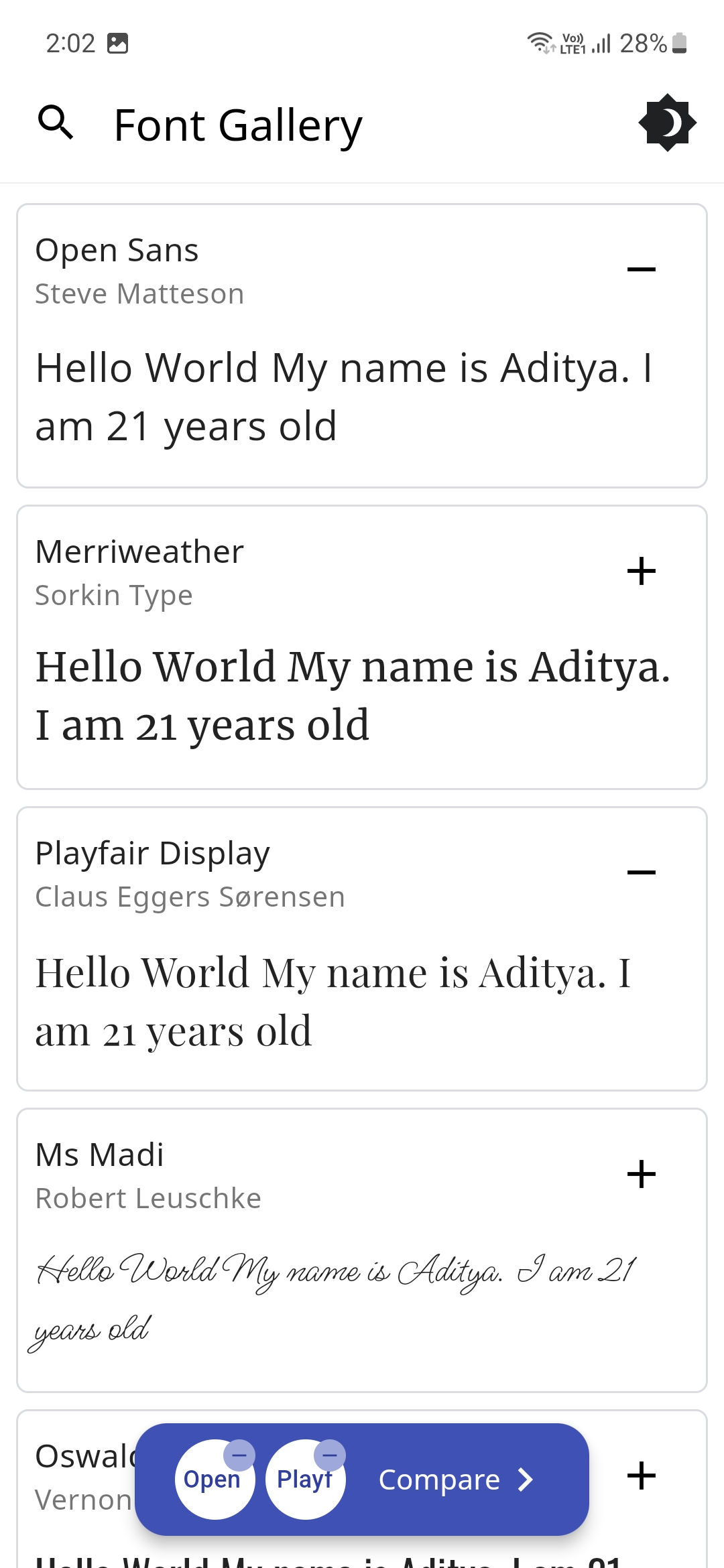
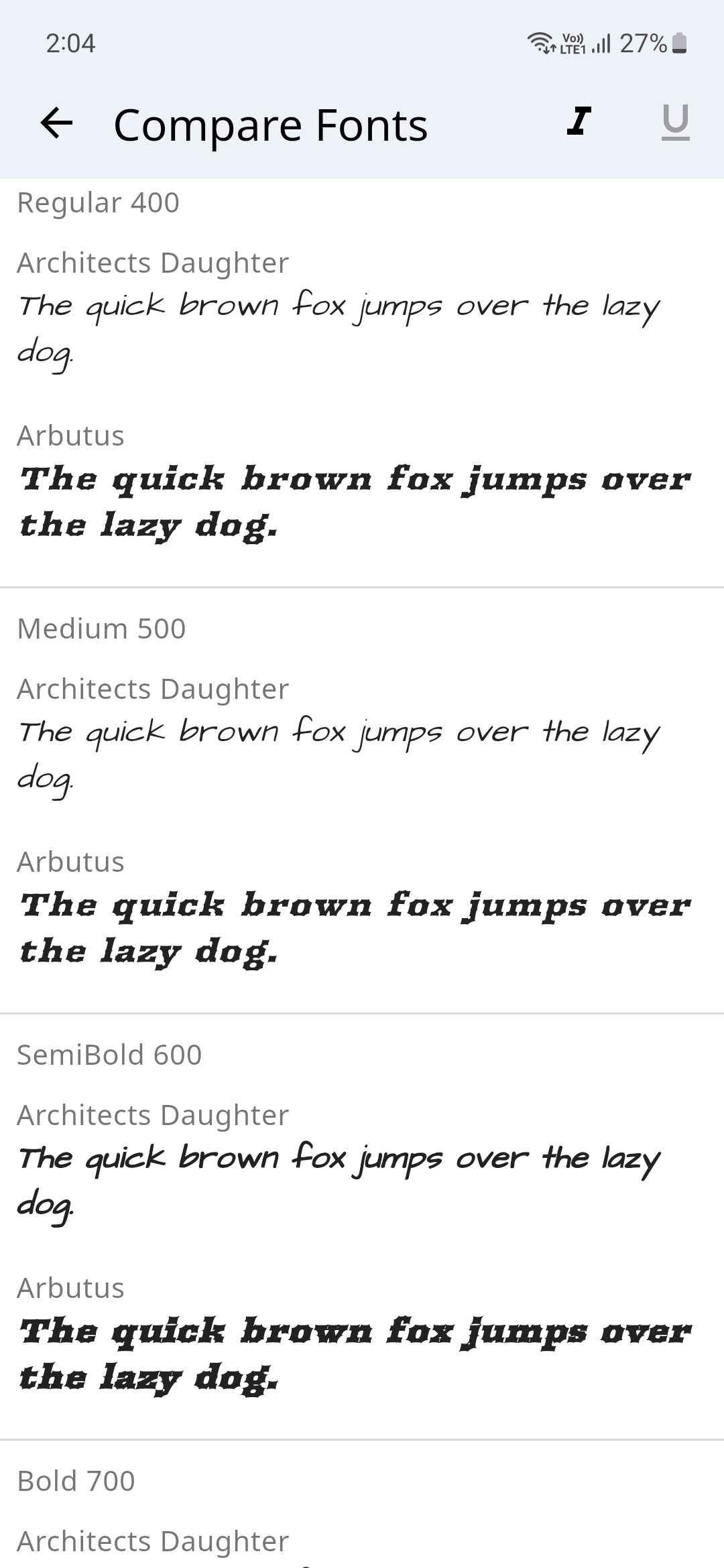
Font Gallery app showcases how different Font Families with their different variations (Style, Weight and Size) look. You could switch between light and dark modes and also compare different font families.
There's a handy search feature to easily search for your favorite fonts and the text to compare the font's could also be changed to a custom user set text.
The Fonts are sourced from Google Fonts and even the Font Author information is displayed.
Please star⭐ the repo if you like what you see😊.
💻 Installation and Usage
| Platform | Installation Links |
|---|---|
| Android |



|
| Linux |

|
| Windows |

|
| Web App |

|
✨ Features
- [x] Display Different Fonts
- [x] Search for Fonts using their name
- [x] Dark/Light Theme Modes
- [x] Input Text to preview how it would look with the selected Font
- [x] Change Font Size
- [x] Display all the Font Weights
- [x] Option to Display a different Font style
- [x] Display Font Author Information
- [x] Compare Fonts
- [ ] Change Font Colors
- [ ] Generate an Image for the font
- [ ] Multi-Language Support
📸 Screenshots
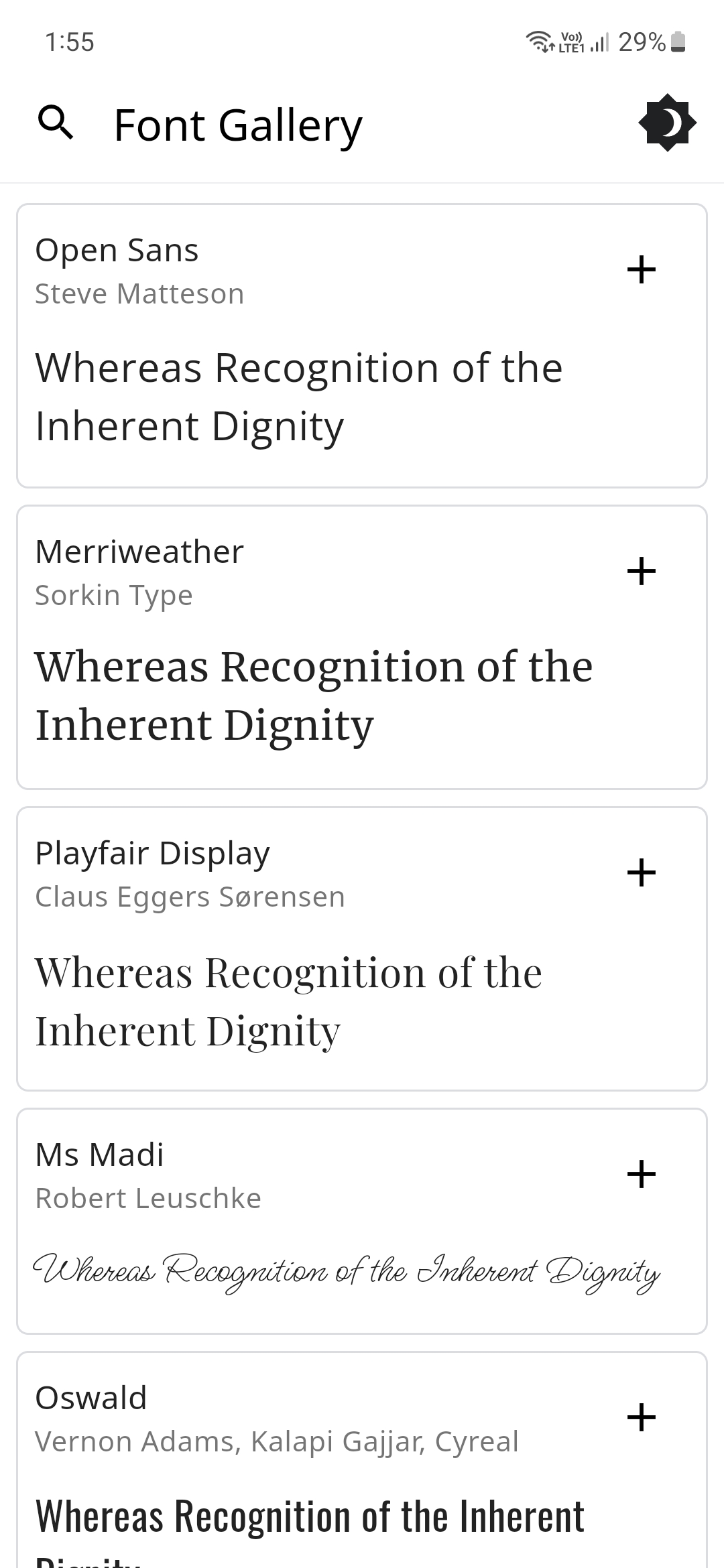
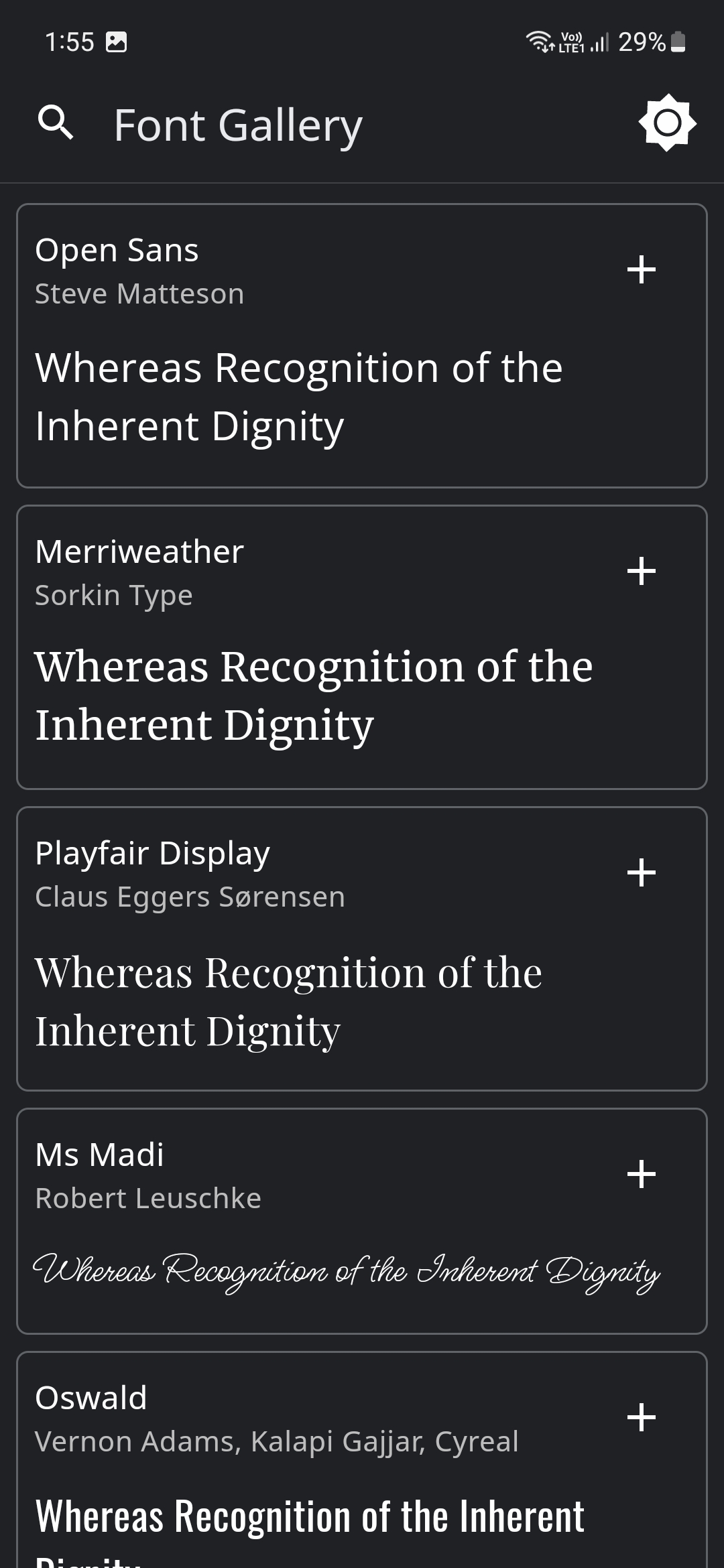
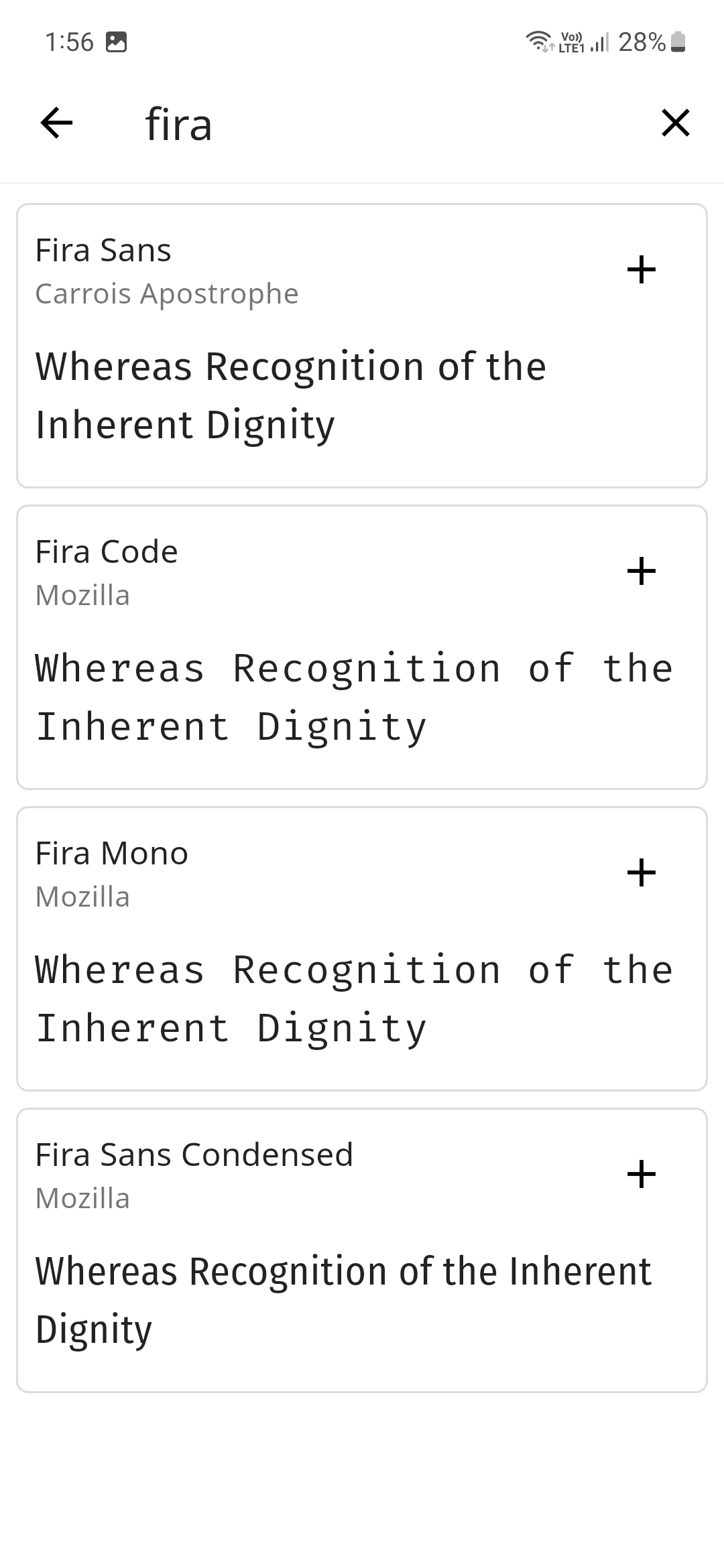
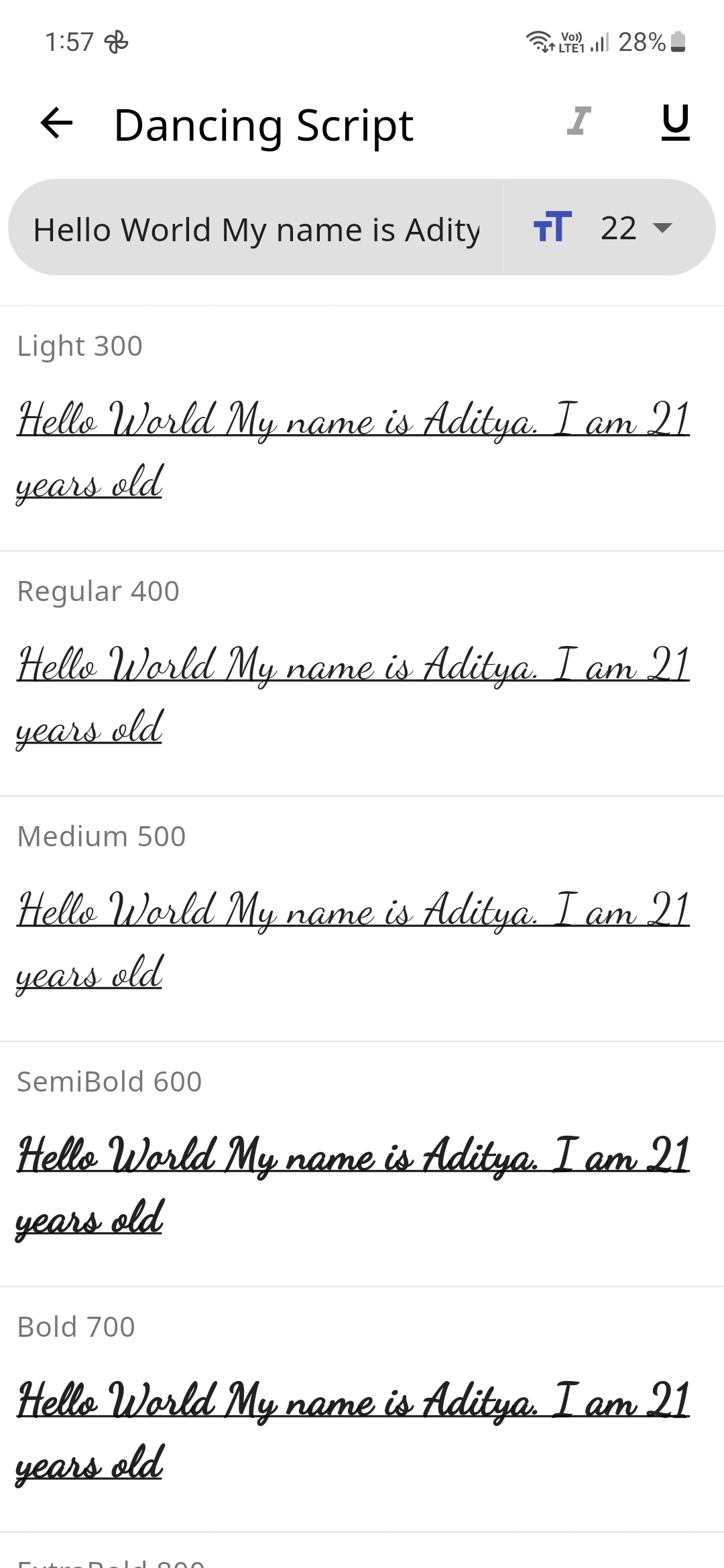
🔌 Plugins
| Name | Usage |
|---|---|
| shared_preferences | To store theme mode preference |
| flutter_lints | For linting |
| lottie | For Theme Switch Animation |
| google_fonts | For downloading the different fonts |
| flutter_riverpod | For managing the state |
🤓 Author
🔖 LICENSE
Copyright (c) 2023 Aditya R MIT LICENSE
🙏 Attributions

Aditya ↗
श्रेणियाँ
उपयोग की गई निर्भरताएँ
निर्भरता सूची 7 आइटम
- flutter
{"sdk":"flutter"} - flutter_riverpod
^2.6.1 - google_fonts
^6.2.1 - lottie
^3.3.1 - shared_preferences
^2.5.3 - flutter_lintsडेवलपमेंट
^5.0.0 - flutter_testडेवलपमेंट
{"sdk":"flutter"}
ऐप श्रेणियाँ
अपने प्रोजेक्ट के लिए रिपॉज़िटरी कैसे चुनें?
उपयोग के अनुसार छाँटें, गतिविधि की तुलना करें और अपनाने से पहले मूल प्रोजेक्ट की आवश्यकताएँ जाँचें।
- नाम, लेखक या विवरण से खोजें और तकनीकी विषय से परिणाम सीमित करें।
- स्टार, फ़ोर्क और हाल के पुश की तुलना करें। स्टार रुचि दर्शाते हैं, गुणवत्ता की गारंटी नहीं।
- उपयोग से पहले GitHub पर README, लाइसेंस और Issues जाँचें।
स्रोत और रखरखाव
“A repository is the most basic element of GitHub.”
GitHub Docs — About repositories ↗