


 v1.2.2
from_to_time_picker
एक सरल अवधि समय सीमा चयनकर्ता जो उपयोगकर्ता को दिन के शुरुआती समय और अंतिम समय को 24 घंटे और 12 घंटे प्रारूप में चुनने की अनुमति देता है
61लाइक 6130-दिन डाउनलोड140Pub अंक
AndroidiOSWebmacOSWindowsLinux
समय सीमा चयनकर्ता पैकेज

यह अंग्रेज़ी मूल स्नैपशॉट है। नवीनतम सामग्री GitHub पर देखें।


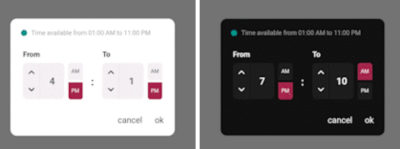
Simple interactive time range picker that enables users to pick a specific duration of the day by selecting start time and end time and defining whether it was AM or PM then it returns the duration chosen in 24H format.
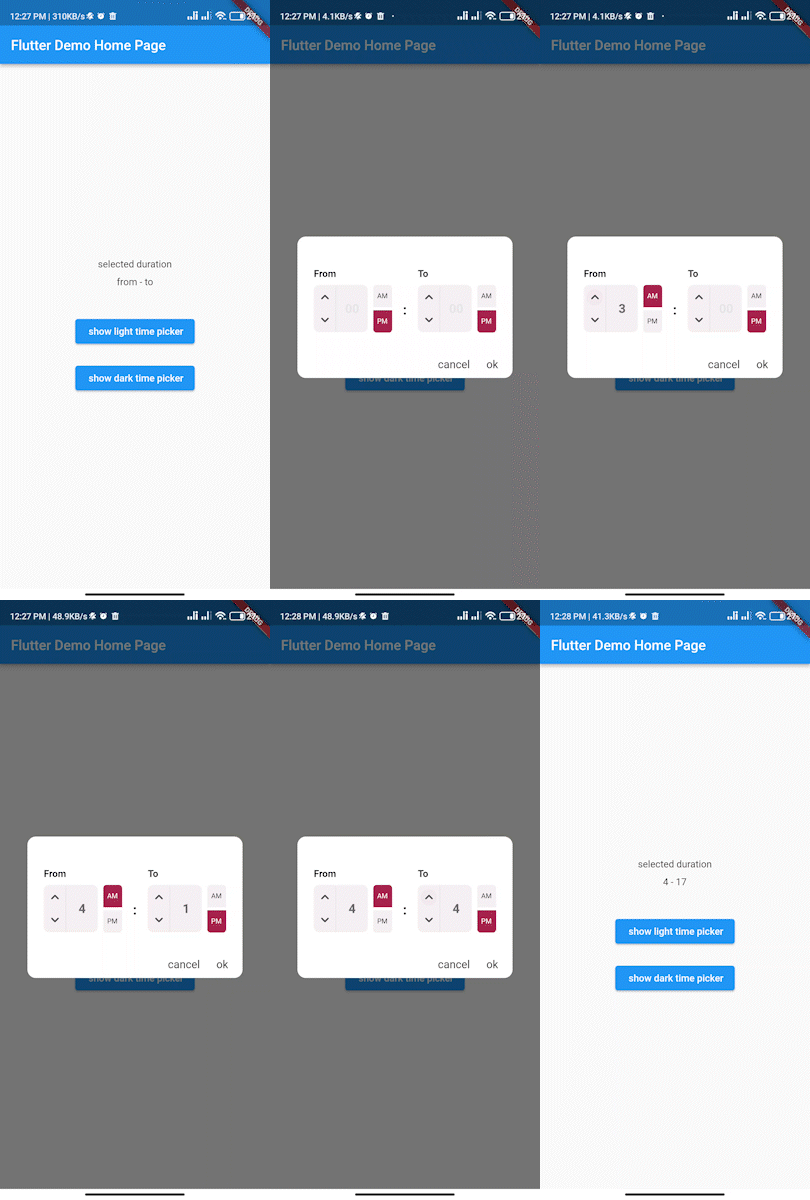
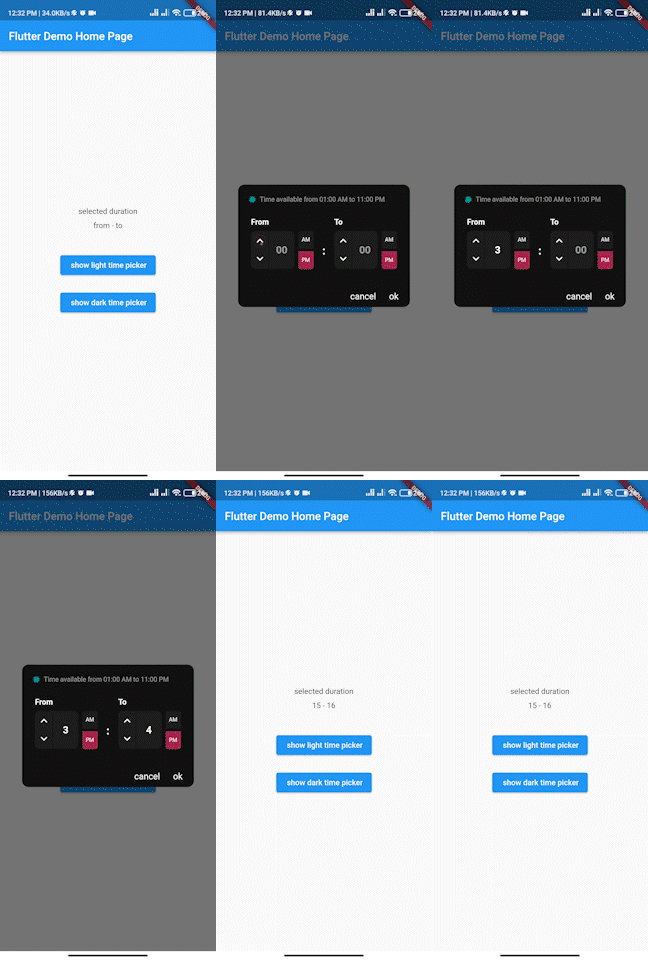
In the pubspec.yaml of your flutter project, add the following dependency:
dependencies:
...
from_to_time_picker: ^1.2.2
In your library add the following import:
import 'package:from_to_time_picker/from_to_time_picker.dart';
default mode
showDialog(
        context: context,
        builder: (_) => FromToTimePicker(
              onTab: (from, to) {
                print('from $from to $to');
              },
            ));
customized mode
showDialog(
      context: context,
      builder: (_) => FromToTimePicker(
        onTab: (from, to) {
          print('from $from to $to');
        },
        dialogBackgroundColor: Color(0xFF121212),
        fromHeadlineColor: Colors.white,
        toHeadlineColor: Colors.white,
        upIconColor: Colors.white,
        downIconColor: Colors.white,
        timeBoxColor: Color(0xFF1E1E1E),
        timeHintColor: Colors.grey,
        timeTextColor: Colors.white,
        dividerColor: Color(0xFF121212),
        doneTextColor: Colors.white,
        dismissTextColor: Colors.white,
        defaultDayNightColor: Color(0xFF1E1E1E),
        defaultDayNightTextColor: Colors.white,
        colonColor: Colors.white,
        showHeaderBullet: true,
        headerText: 'Time available from 01:00 AM to 11:00 PM',
      ),
    );
We accept the following contribution:
निर्भरता सूची 3 आइटम
{"sdk":"flutter"}^0.19.0{"sdk":"flutter"}उपयोग के अनुसार छाँटें, गतिविधि की तुलना करें और अपनाने से पहले मूल प्रोजेक्ट की आवश्यकताएँ जाँचें।
“A repository is the most basic element of GitHub.”
GitHub Docs — About repositories ↗