

v0.0.2
side_sheet_material3
इस Flutter पैकेज में एक मैटेरियल डिज़ाइन 3 मोडल साइड शीट विजेट प्रदान करता है।
32लाइक 16730-दिन डाउनलोड140Pub अंक
AndroidiOSWebmacOSWindowsLinux
इस Flutter पैकेज में एक मैटेरियल डिज़ाइन 3 मोडल साइड शीट विजेट प्रदान करता है।

यह अंग्रेज़ी मूल स्नैपशॉट है। नवीनतम सामग्री GitHub पर देखें।
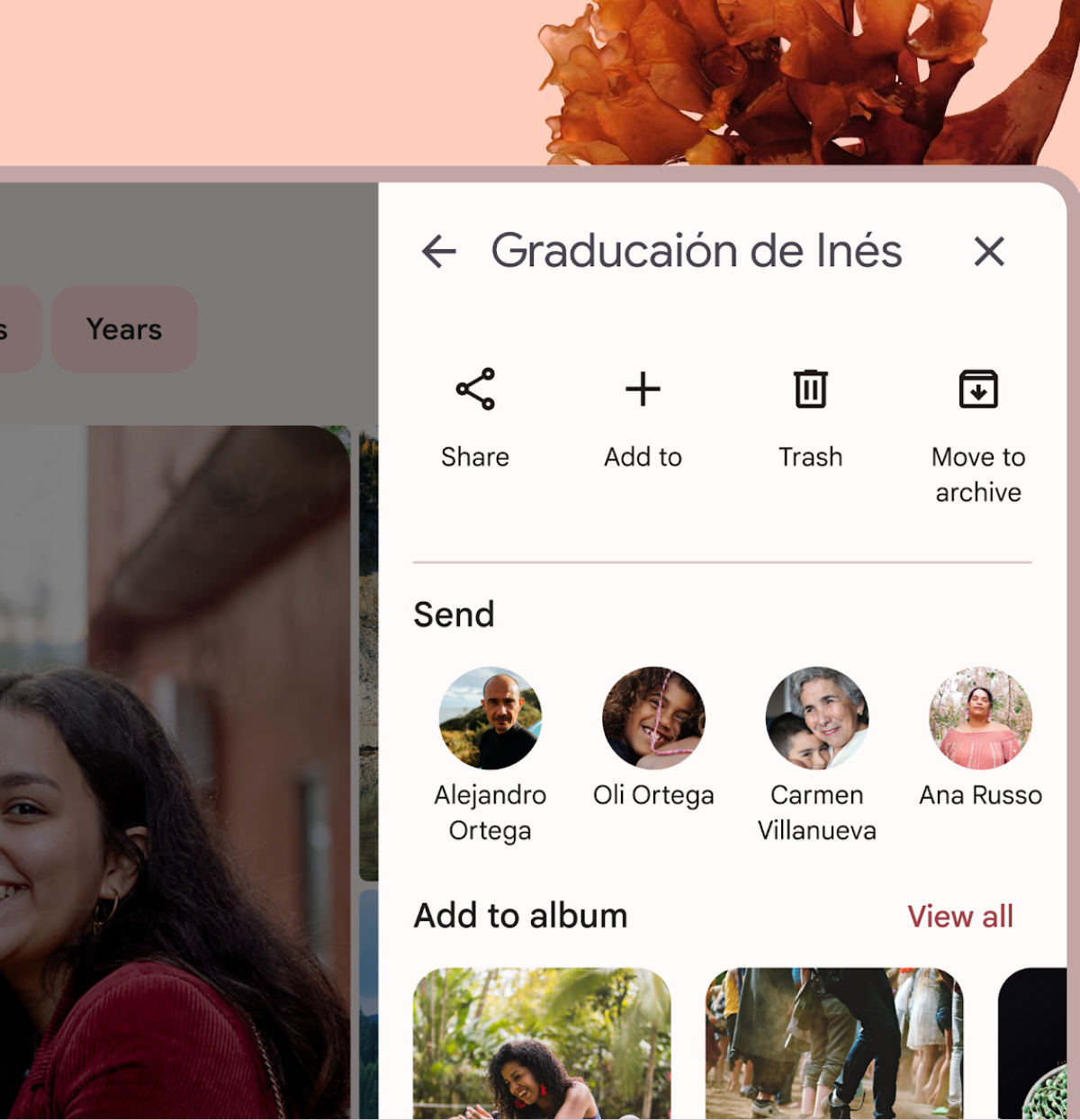
A Flutter package that provides a Material Design 3 side sheet as a general dialog.
Please check out the official documentation for more information on Material Design side sheet
To use this package, add side_sheet_material3 as a dependency in your pubspec.yaml file.
dependencies:
  side_sheet_material3: ^0.0.1
await showModalSideSheet(
  context: context,
  header: 'Edit Profile',
  body: ProfileEditForm(), // Put your content widget here
  addBackIconButton: true,
  addActions: true,
  addDivider: true,
  confirmActionTitle: 'Save',
  cancelActionTitle: 'Cancel',
  confirmActionOnPressed: () {
    // Do something
  },

  // If null, Navigator.pop(context) will used
  cancelActionOnPressed: () {
    // Do something
  },
);
Please check out the full example for more information on how to use this package.

उपयोग के अनुसार छाँटें, गतिविधि की तुलना करें और अपनाने से पहले मूल प्रोजेक्ट की आवश्यकताएँ जाँचें।
“A repository is the most basic element of GitHub.”
GitHub Docs — About repositories ↗