

v0.1.15
flutter_mobile_vision_2
(+Non NULL)Google Mobile Vision के लिए Flutter कार्यान्वयन। बारकोड स्कैन करें, पाठ का पहचान करें और चेहरे का पता लगाएं।
50लाइक 5230-दिन डाउनलोड140Pub अंक
AndroidiOS
harrowmykel/flutter_mobile_vision_2 open-source repository details.

यह अंग्रेज़ी मूल स्नैपशॉट है। नवीनतम सामग्री GitHub पर देखें।
https://pub.dartlang.org/packages/flutter_mobile_vision_2
This is a simple non-null migration for https://github.com/edufolly/flutter_mobile_vision Thanks to Edufolly

Flutter implementation for Google Mobile Vision.
Based on Google Mobile Vision.
Android Samples -=- iOS Samples
Liked? :star: Star the repo to support the project!
If you are migrating from edufolly's package, please note the following changes.
[1]
import 'package:fluttermobilevision/fluttermobilevision.dart';
has been changed to
import 'package:flutter_mobile_vision_2/flutter_mobile_vision_2.dart';
so update your imports.
[2]
io.github.edufolly.fluttermobilevision
has been changed to
ng.com.piccmaq.flutter.flutter_mobile_vision_2
so update your AndroidManifest.xml
[x] Android
[ ] iOS
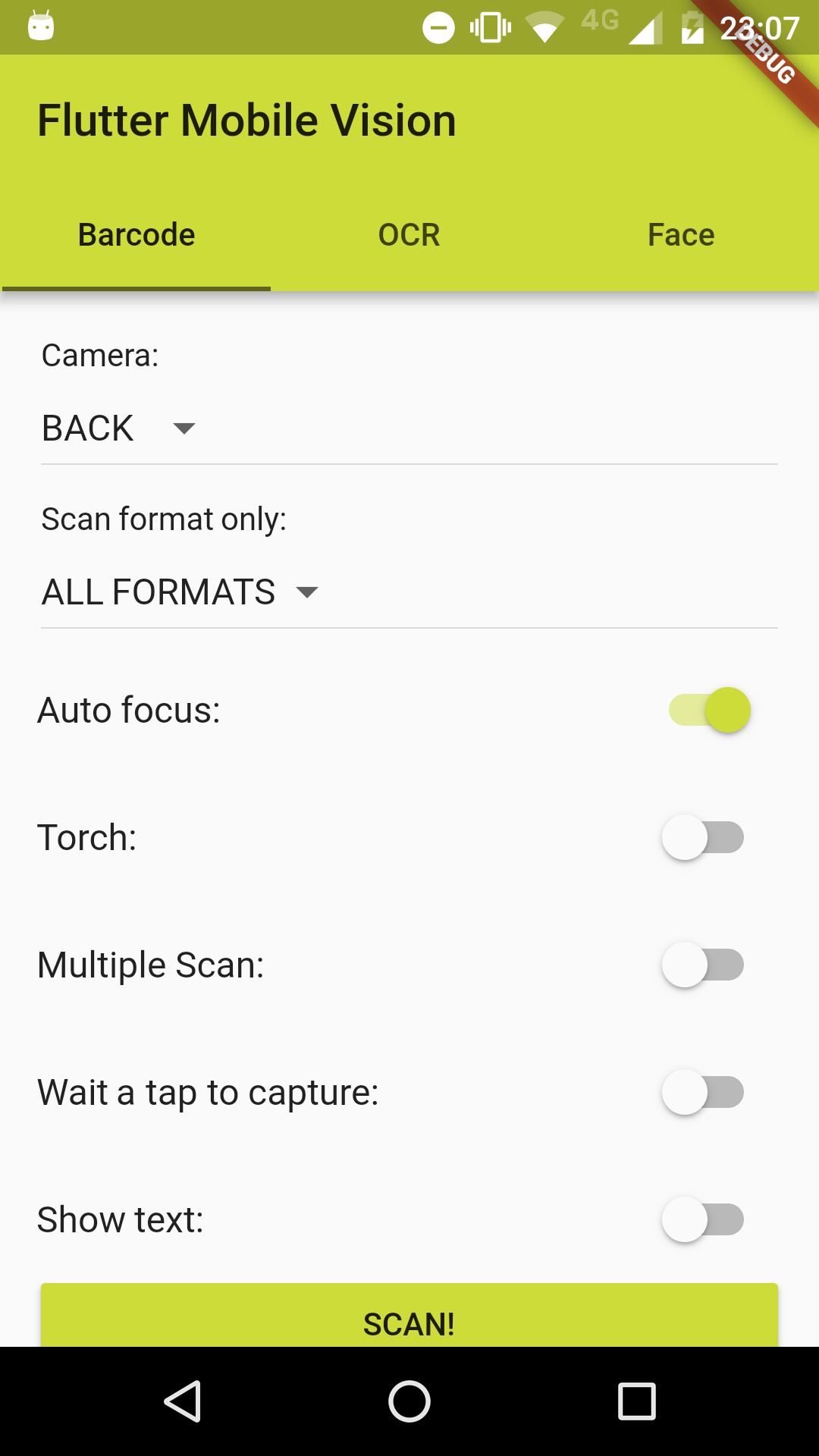
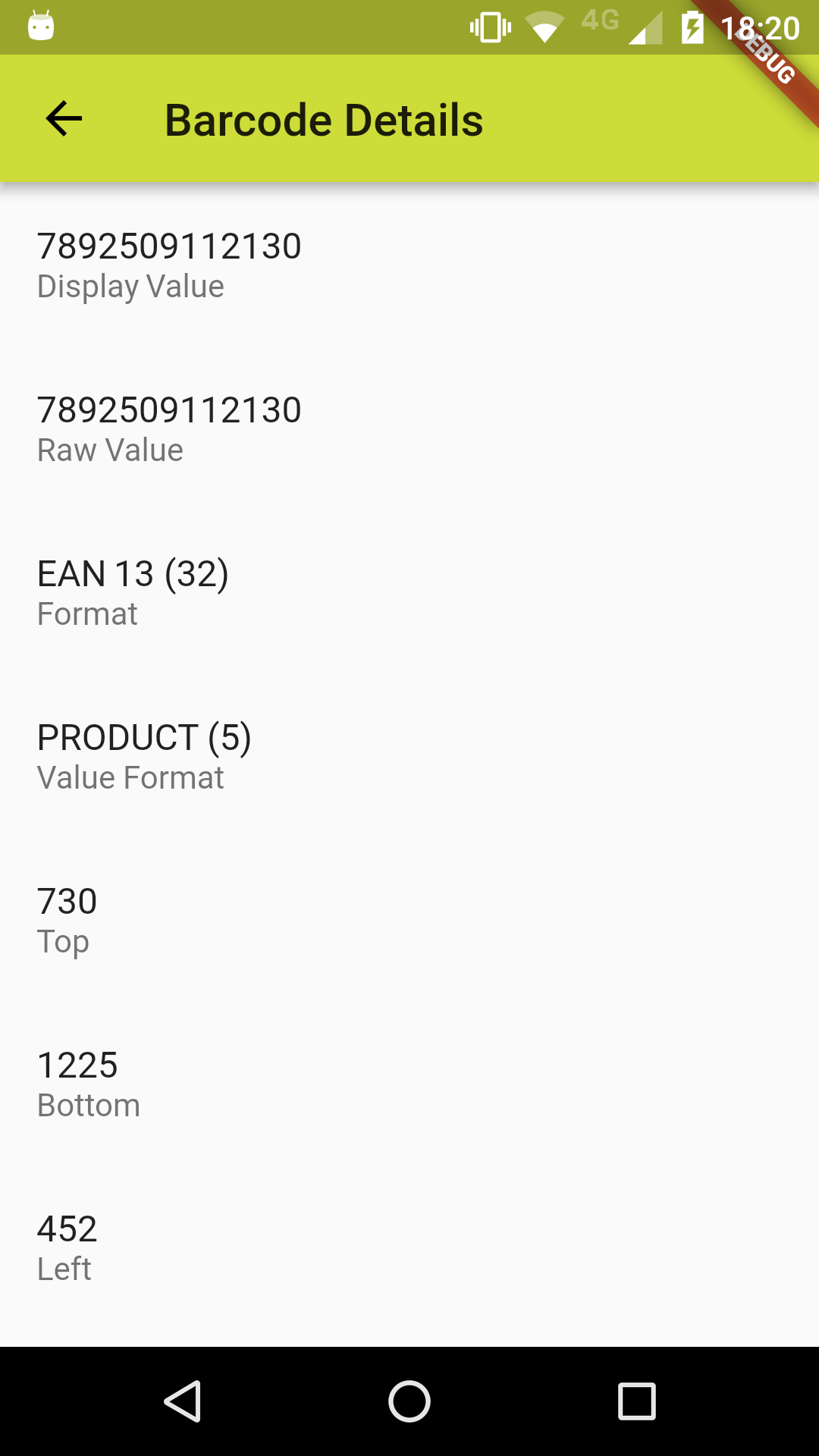
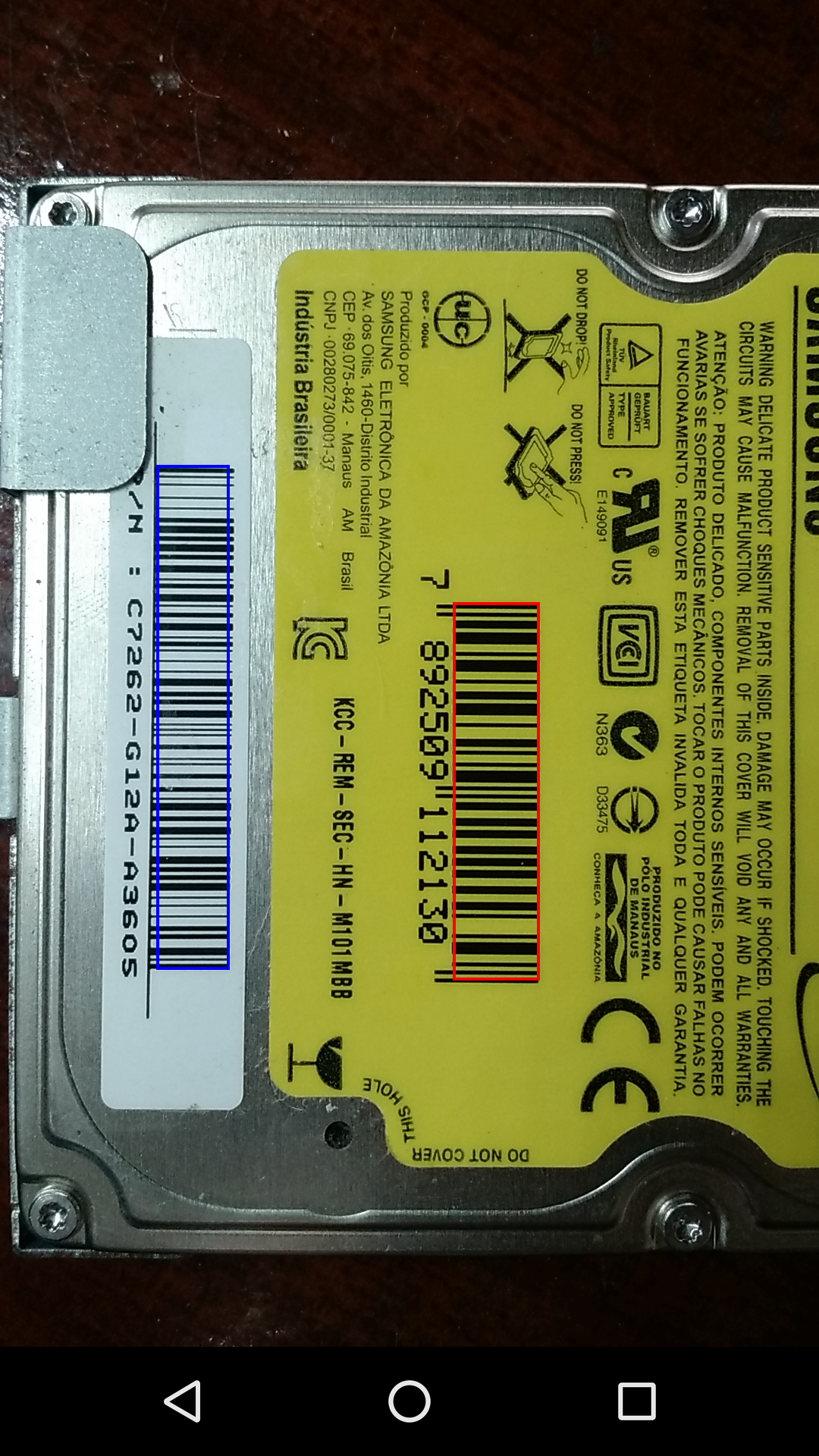
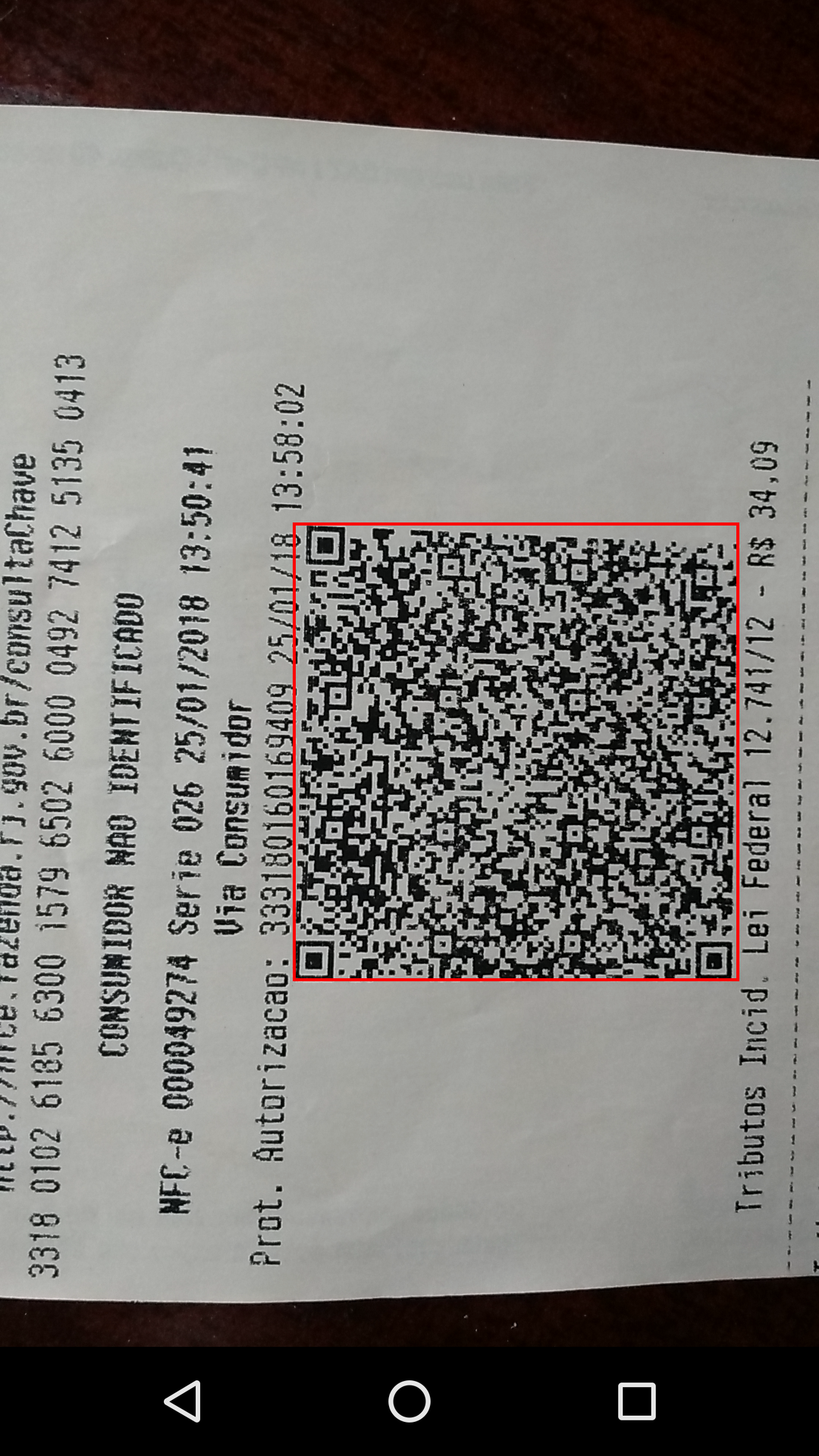
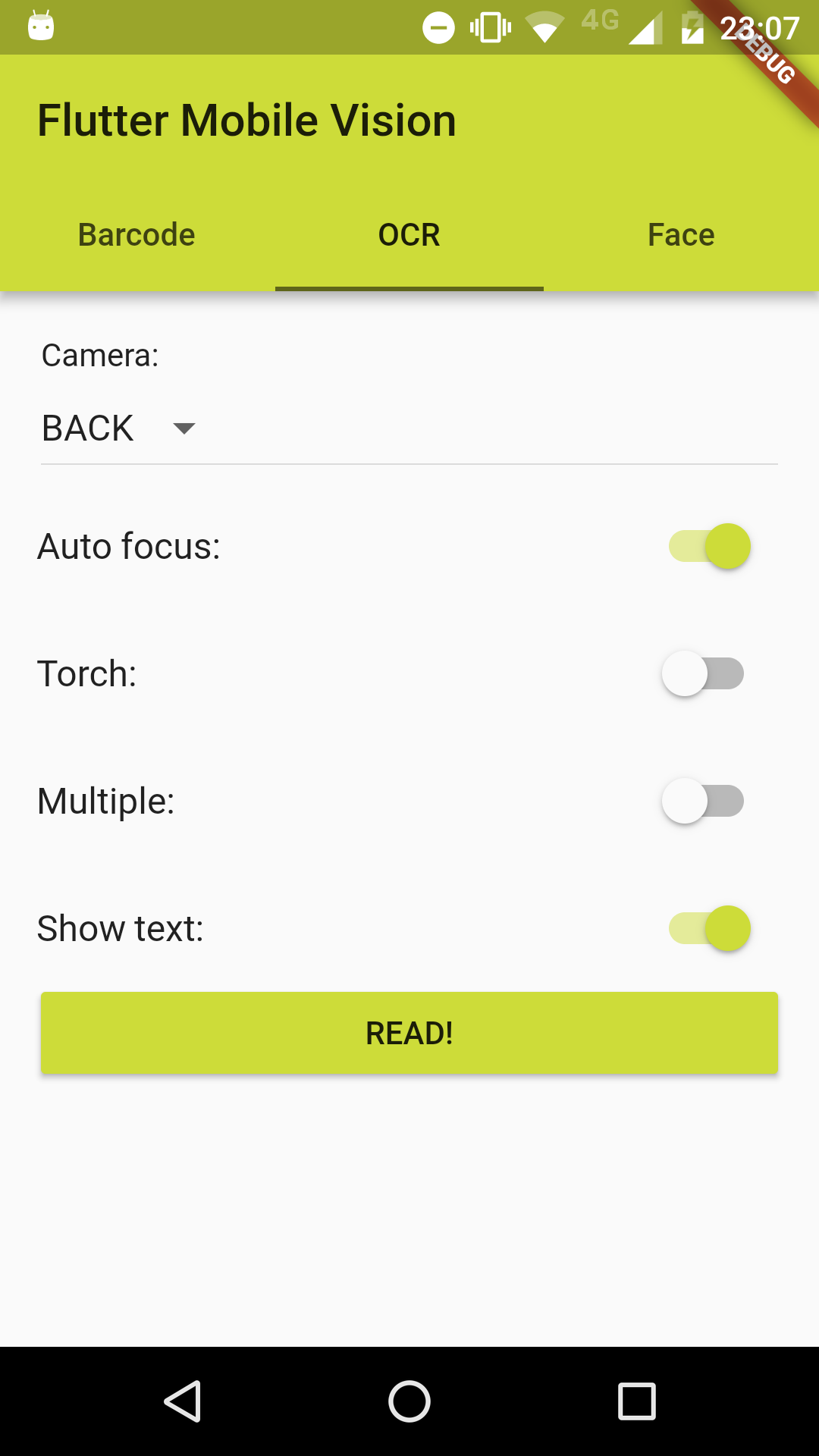

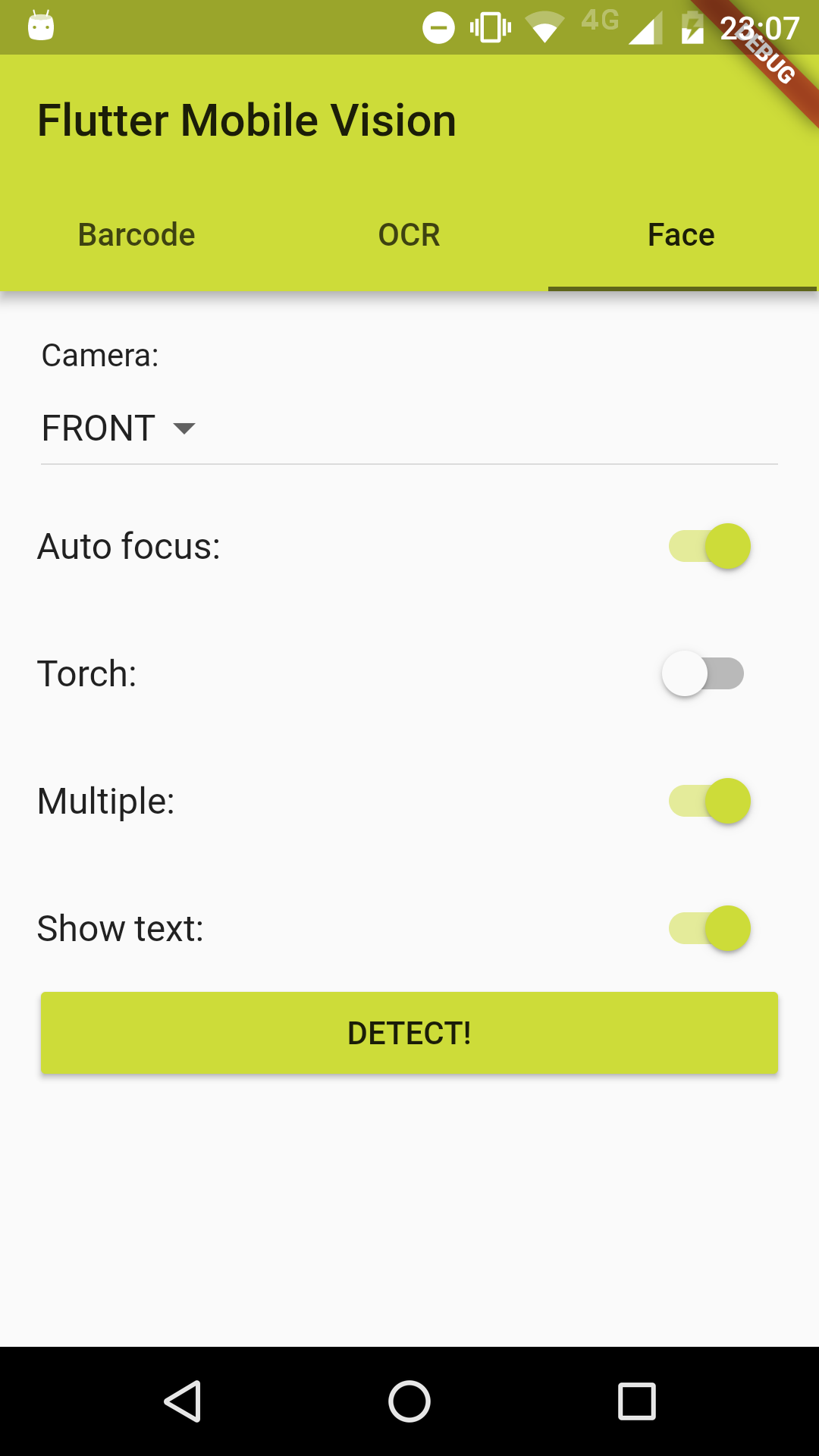

To use this plugin :
pubspec.yaml file: dependencies:
flutter:
sdk: flutter
flutter_mobile_vision_2: ^0.1.9
@override
void initState() {
  super.initState();
  FlutterMobileVision.start().then((x) => setState(() {}));
}
or for a better implementation:
@override
void initState() {
  super.initState();
  FlutterMobileVision.start().then((previewSizes) => setState(() {
    _previewBarcode = previewSizes[_cameraBarcode].first;
    _previewOcr = previewSizes[_cameraOcr].first;
    _previewFace = previewSizes[_cameraFace].first;
  }));
}
//...
List<Barcode> barcodes = [];
try {
  barcodes = await FlutterMobileVision.scan(
    flash: _torchBarcode,
    autoFocus: _autoFocusBarcode,
    formats: _onlyFormatBarcode,
    multiple: _multipleBarcode,
    waitTap: _waitTapBarcode,
    //OPTIONAL: close camera after tap, even if there are no detection.
    //Camera would usually stay on, until there is a valid detection
    forceCloseCameraOnTap: true,
    //OPTIONAL: path to save image to. leave empty if you do not want to save the image
    imagePath: '', //'path/to/file.jpg'
    showText: _showTextBarcode,
    preview: _previewBarcode,
    camera: _cameraBarcode,
    fps: 15.0,
  );
} on Exception {
  barcodes.add(new Barcode('Failed to get barcode.'));
}
//...
For Android, you must do the following before you can use the plugin:
Add the camera permission to your AndroidManifest.xml
<uses-feature android:name="android.hardware.camera" />
<uses-permission android:name="android.permission.CAMERA" />
Add the Barcode activity to your AndroidManifest.xml (after other activity nodes)
<activity android:name="ng.com.piccmaq.flutter.flutter_mobile_vision_2.barcode.BarcodeCaptureActivity" />
If you can help, the community thanks. Your fork is needed. :wink:
//...
List<OcrText> texts = [];
try {
  texts = await FlutterMobileVision.read(
    flash: _torchOcr,
    autoFocus: _autoFocusOcr,
    multiple: _multipleOcr,
    showText: _showTextOcr,
    previewSize: _previewOcr,
    preview: _previewOcr,
    camera: _cameraOcr,
    fps: 2.0,
  );
} on Exception {
  texts.add(new OcrText('Failed to recognize text.'));
}
//...
For Android, you must do the following before you can use the plugin:
Add the camera permission to your AndroidManifest.xml
<uses-feature android:name="android.hardware.camera" />
<uses-permission android:name="android.permission.CAMERA" />
Add the OCR activity to your AndroidManifest.xml (after other activity nodes)
<activity android:name="ng.com.piccmaq.flutter.flutter_mobile_vision_2.ocr.OcrCaptureActivity" />
If you can help, the community thanks. Your fork is needed. :wink:
//...
List<Face> faces = [];
try {
  faces = await FlutterMobileVision.face(
    flash: _torchFace,
    autoFocus: _autoFocusFace,
    multiple: _multipleFace,
    showText: _showTextFace,
    preview: _previewFace,
    camera: _cameraFace,
    fps: 15.0,
  );
} on Exception {
  faces.add(new Face(-1));
}
//...
For Android, you must do the following before you can use the plugin:
Add the camera permission to your AndroidManifest.xml
<uses-feature android:name="android.hardware.camera" />
<uses-permission android:name="android.permission.CAMERA" />
Add the Face Detection activity to your AndroidManifest.xml (after other activity nodes)
<activity android:name="ng.com.piccmaq.flutter.flutter_mobile_vision_2.face.FaceCaptureActivity" />
If you can help, the community thanks. Your fork is needed. :wink:
निर्भरता सूची 2 आइटम
{"sdk":"flutter"}{"sdk":"flutter"}उपयोग के अनुसार छाँटें, गतिविधि की तुलना करें और अपनाने से पहले मूल प्रोजेक्ट की आवश्यकताएँ जाँचें।
“A repository is the most basic element of GitHub.”
GitHub Docs — About repositories ↗