

 v0.0.2
draw_on_path
एक फ्लटर पैकेज जिसका उपयोग दी गई मार्ग के साथ टेक्स्ट या पैटर्न बनाने के लिए किया जाता है।
46लाइक 1.9 हज़ार30-दिन डाउनलोड160Pub अंक
AndroidiOSWebmacOSWindowsLinux
एक फ्लटर पैकेज जिसका उपयोग दी गई मार्ग के साथ टेक्स्ट या पैटर्न बनाने के लिए किया जाता है।

यह अंग्रेज़ी मूल स्नैपशॉट है। नवीनतम सामग्री GitHub पर देखें।
A Flutter package that is used to draw text or patterm along the given path.
Demo Video: https://youtu.be/TZAKSanD73k
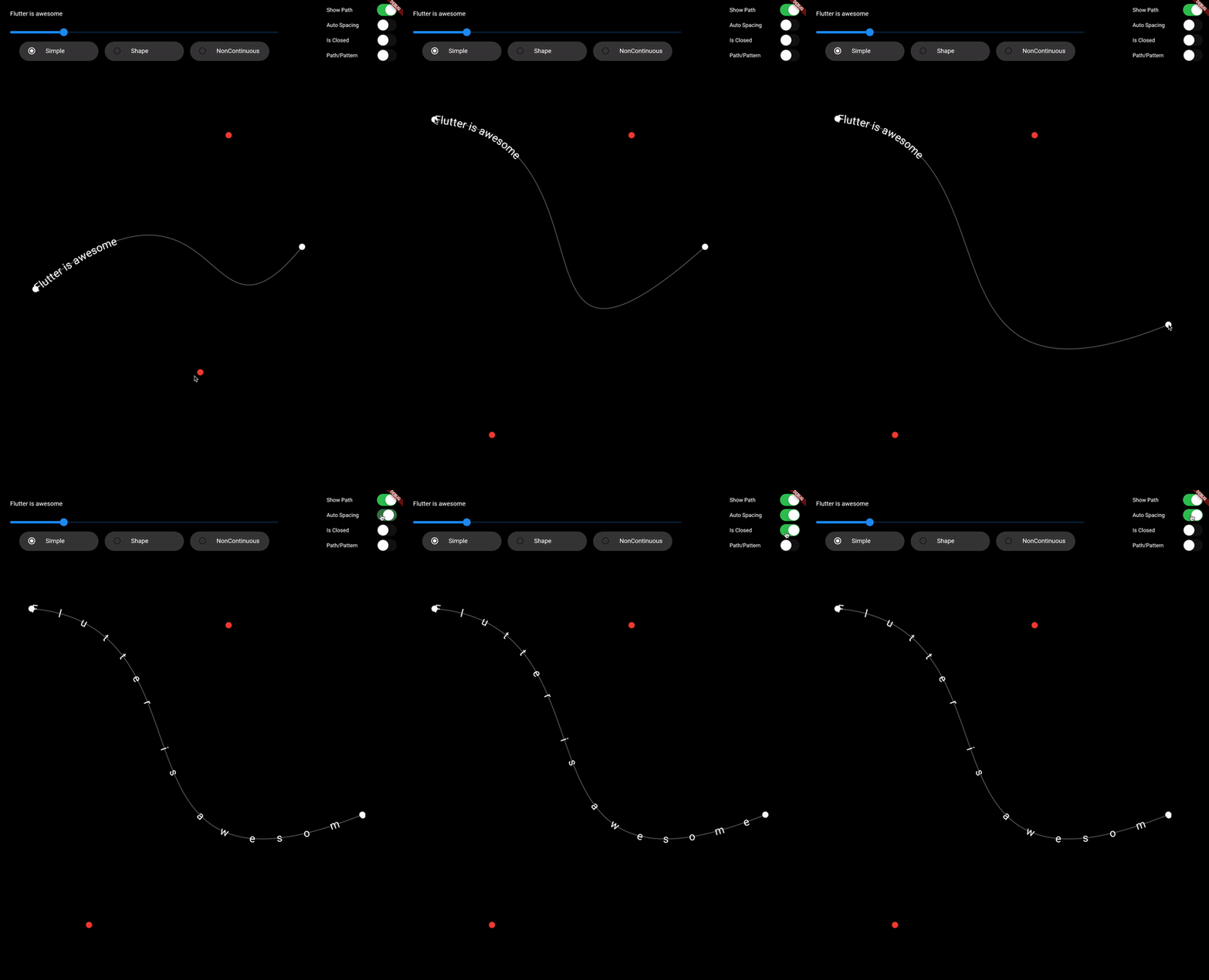
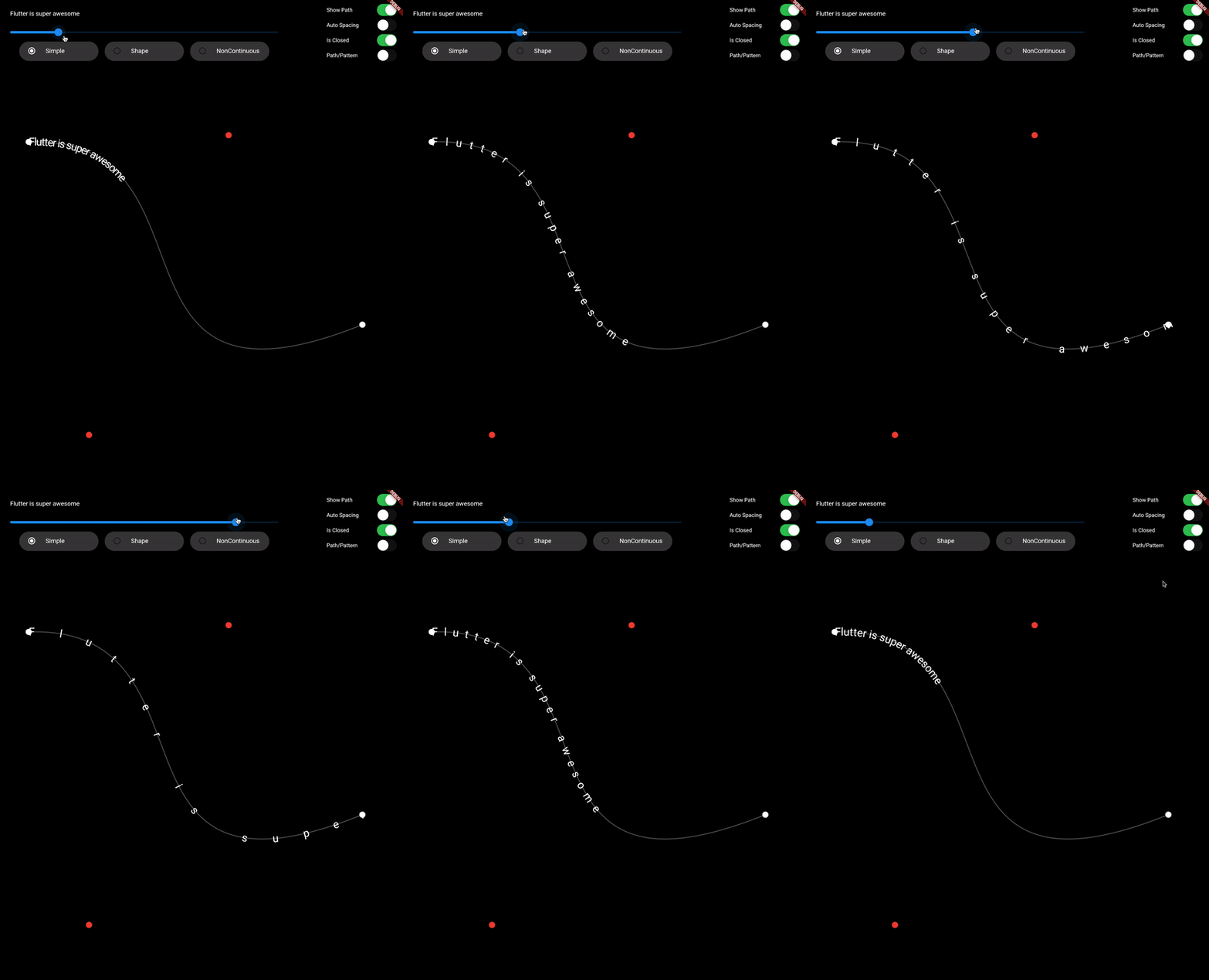
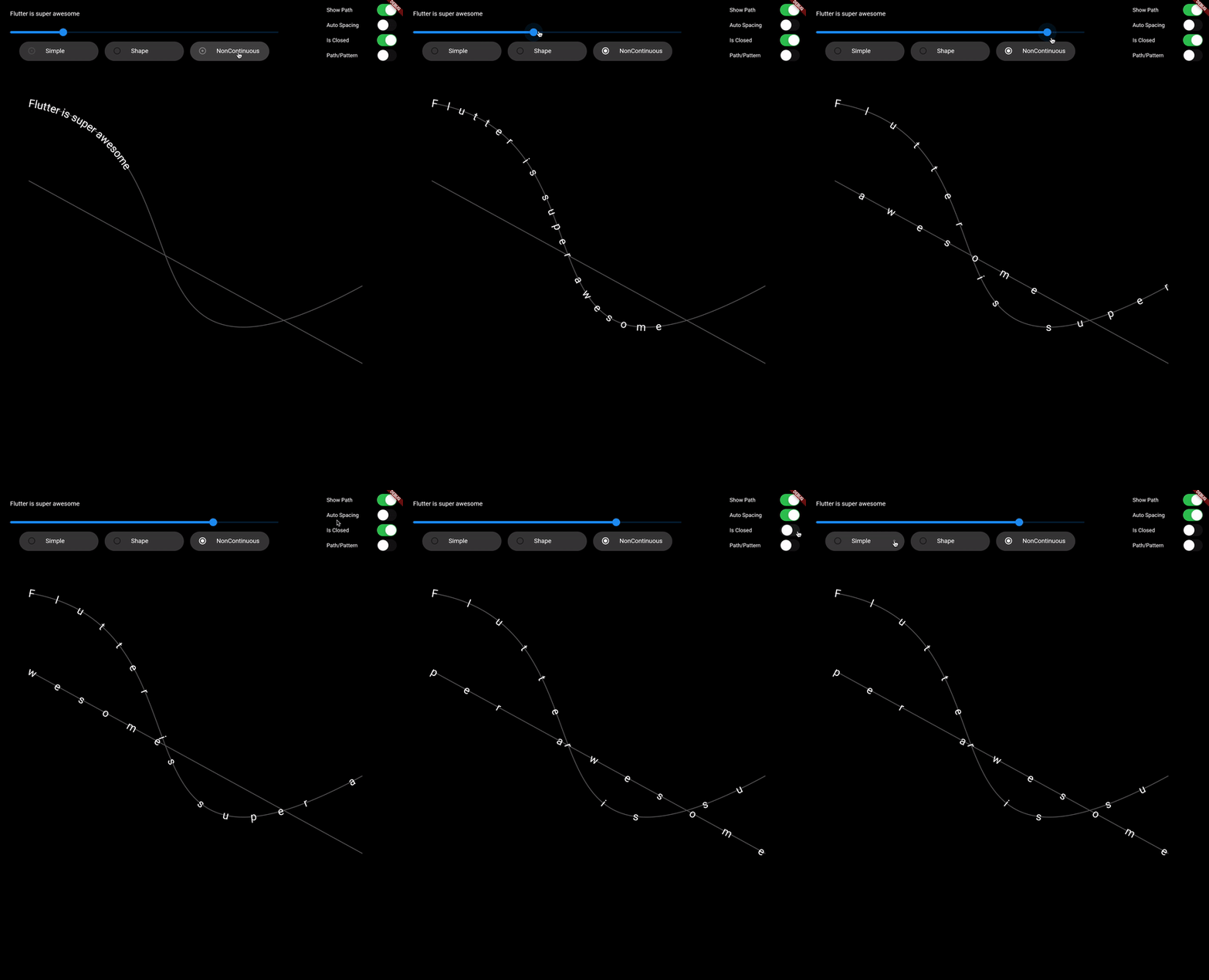
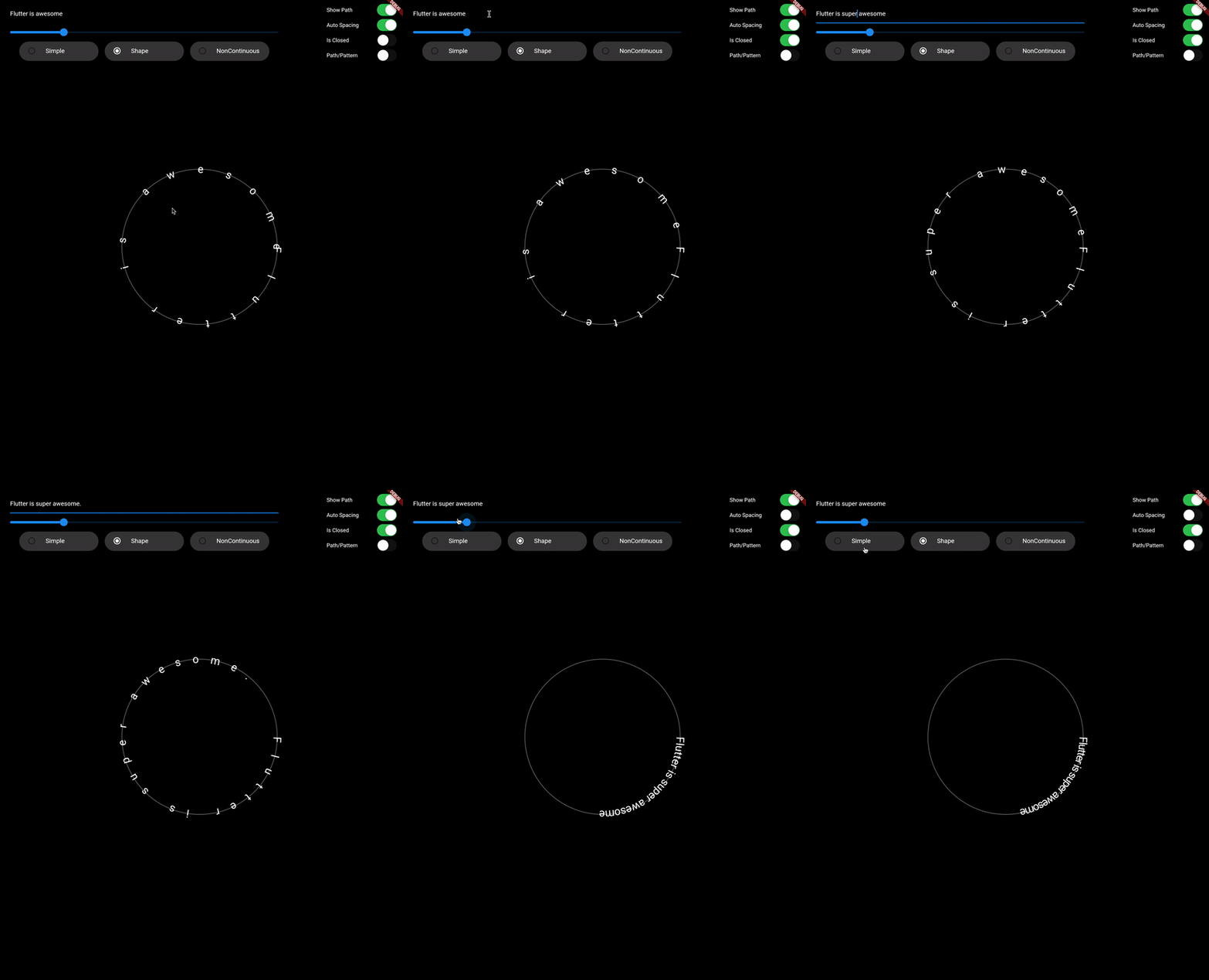
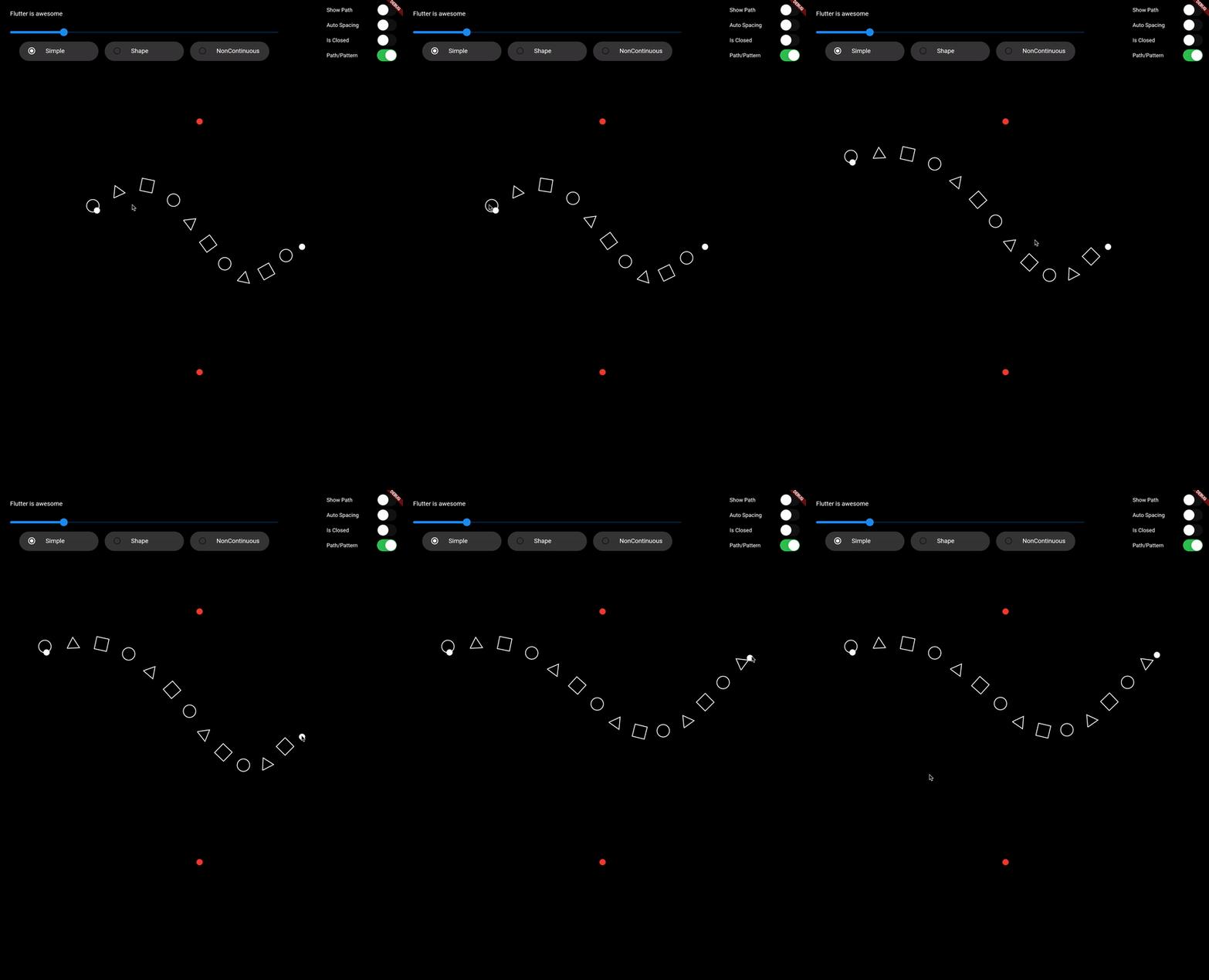
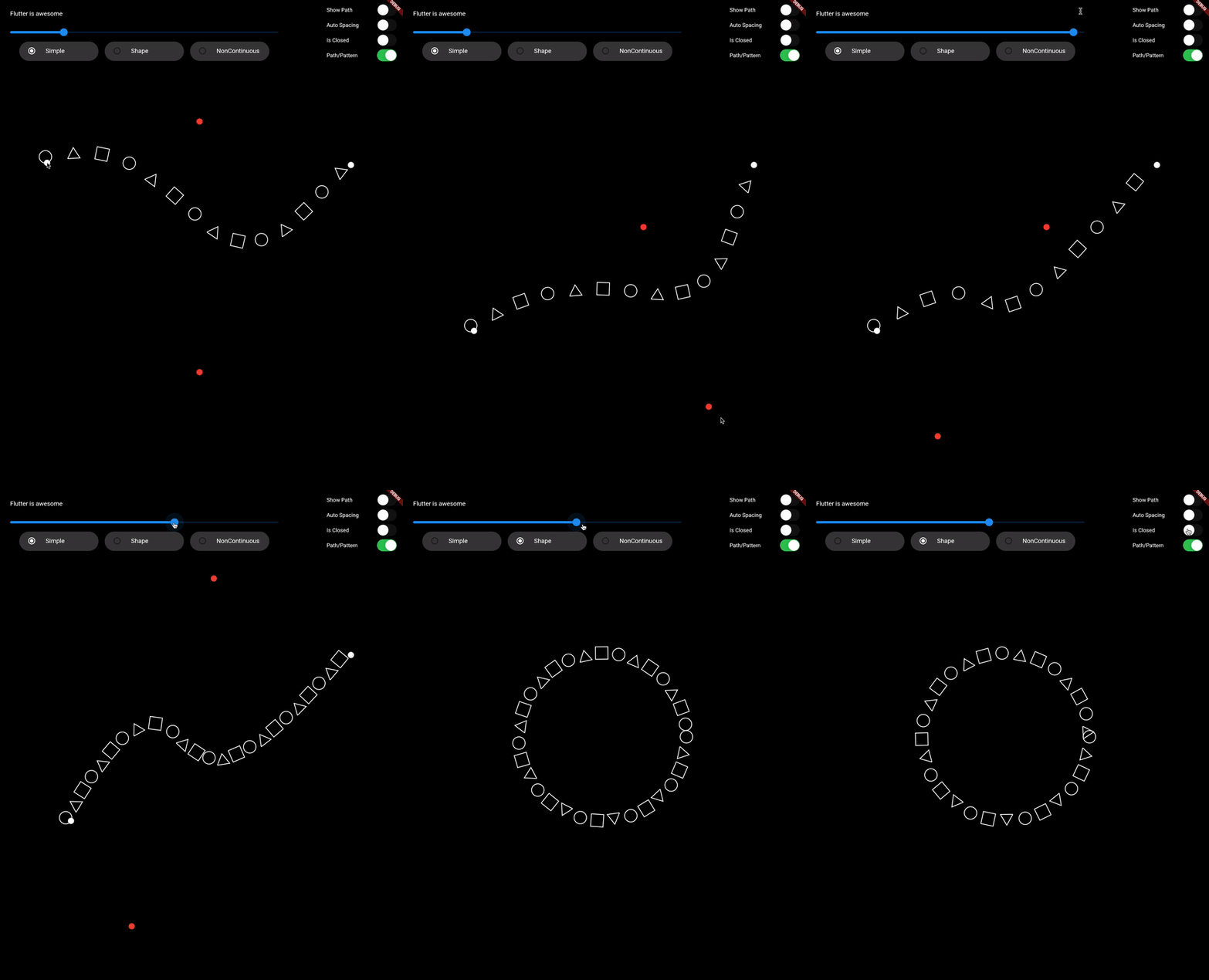
drawTextOnPath function is used to draw text along path.
canvas.drawTextOnPath(text, path);
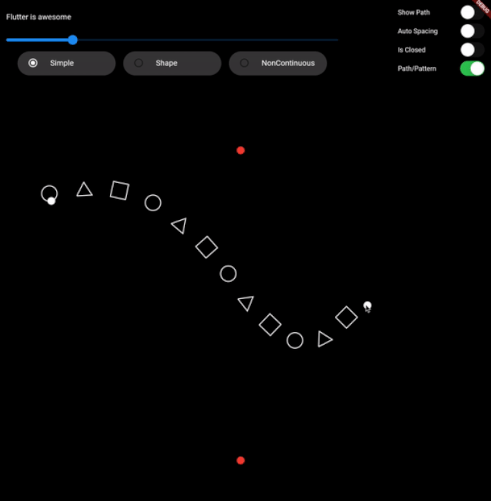
drawOnPath function is used to draw pattern along path. index can be used to draw different element at different position based on some logic. Use canvas to draw anything at position. The next position is calculated based on spacing provided.
spacing should be greater than 0. Ideally spacing is the sum of one element width and spacing between two elements (spacing between starting points of two consecutive elements)
canvas.drawOnPath(
    path,
    (int index, Canvas canvas, Offset position) {
      canvas.drawRect(
        Rect.fromCircle(center: position.translate(0, -16), radius: 16),
        Paint()
          ..color = Colors.white38
          ..strokeWidth = 2.0
          ..style = PaintingStyle.stroke,
      );
    },
    spacing: 70,
  );
text (for given textStyle) is larger than the path, then it will clip extra text.1. Fork it (<https://github.com/himanshugarg08/draw_on_path/fork>)
2. Create your feature branch (`git checkout -b feature/fooBar`)
3. Commit your changes (`git commit -am 'Add some fooBar'`)
4. Push to the branch (`git push origin feature/fooBar`)
5. Create a new Pull Request
निर्भरता सूची 3 आइटम
{"sdk":"flutter"}{"sdk":"flutter"}^2.0.0उपयोग के अनुसार छाँटें, गतिविधि की तुलना करें और अपनाने से पहले मूल प्रोजेक्ट की आवश्यकताएँ जाँचें।
“A repository is the most basic element of GitHub.”
GitHub Docs — About repositories ↗