
मेनू बार
आपके Flutter डेस्कटॉप एप्लिकेशन के लिए एक कस्टमाइज़ेबल एप्लिकेशन मेनू बार जिसमें सबमेनू होते हैं

- स्टार
- 16
- फ़ोर्क
- 6
- अंतिम पुश (UTC)
- 18 जून 2023
- प्रोजेक्ट स्थिति
- सक्रिय
मूल README
यह अंग्रेज़ी मूल स्नैपशॉट है। नवीनतम सामग्री GitHub पर देखें।






A customizable application menu bar with submenus for your Flutter Desktop apps.
The menu bar is rendered inside your Flutter app (i.e. not as a native menu bar like in macOS). Native menu bars (at least for macOS) are since lately supported by Flutter. In the future, a native option in this package could get added.
Table of Contents
Preview
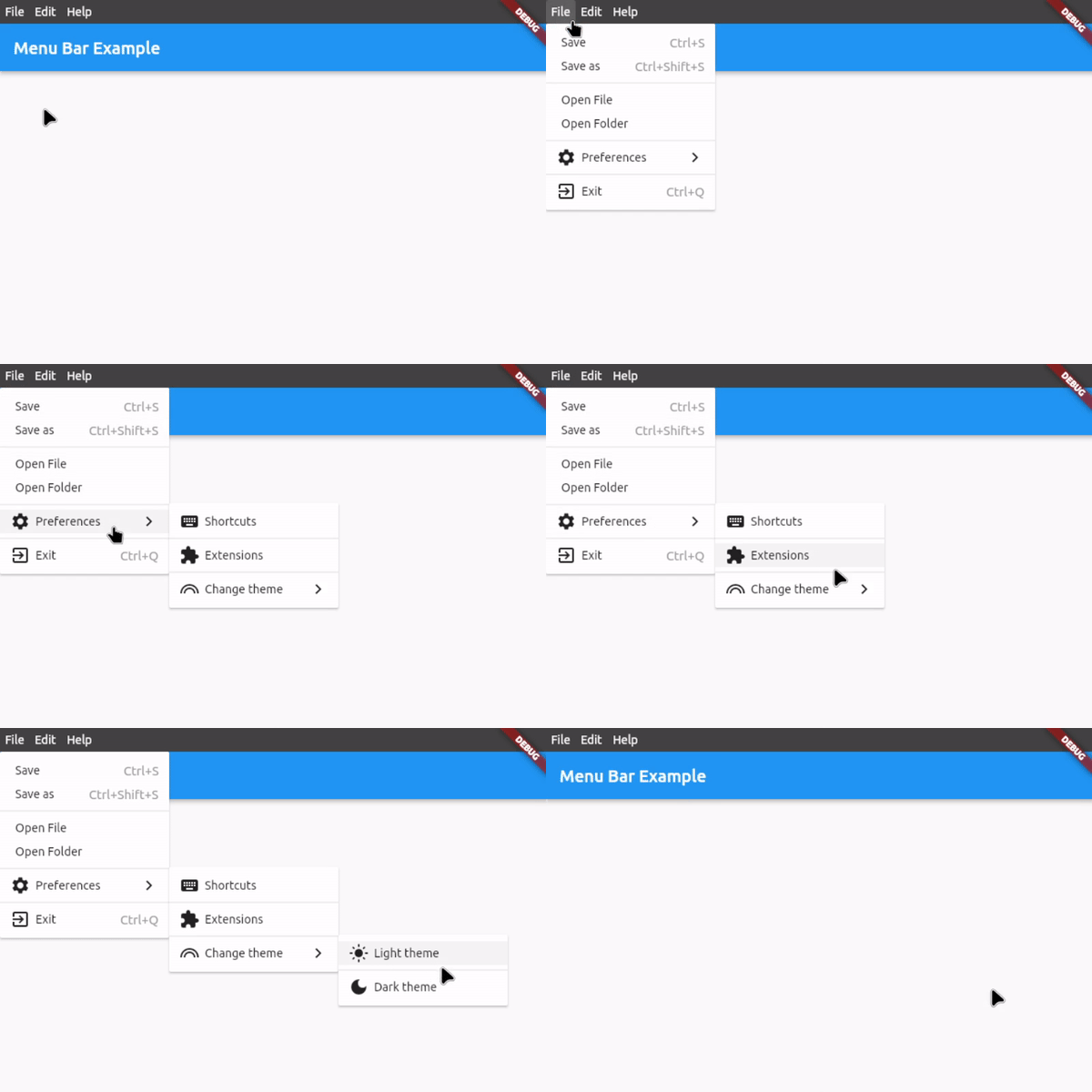
Features
- Application menu bar for Flutter Desktop
- Nested submenus support
- Dividers to structure submenus
- Icon in submenu buttons (optional)
- Keyboard shortcuts for button functions
- Shortcut text in submenu buttons (optional)
- Open menus and submenus on hover
- Fully customizable
- Easy to implement
- Rich widget documentation
Usage
First, download and import the package:
import 'package:menu_bar/menu_bar.dart';
1. Integrate the menu bar
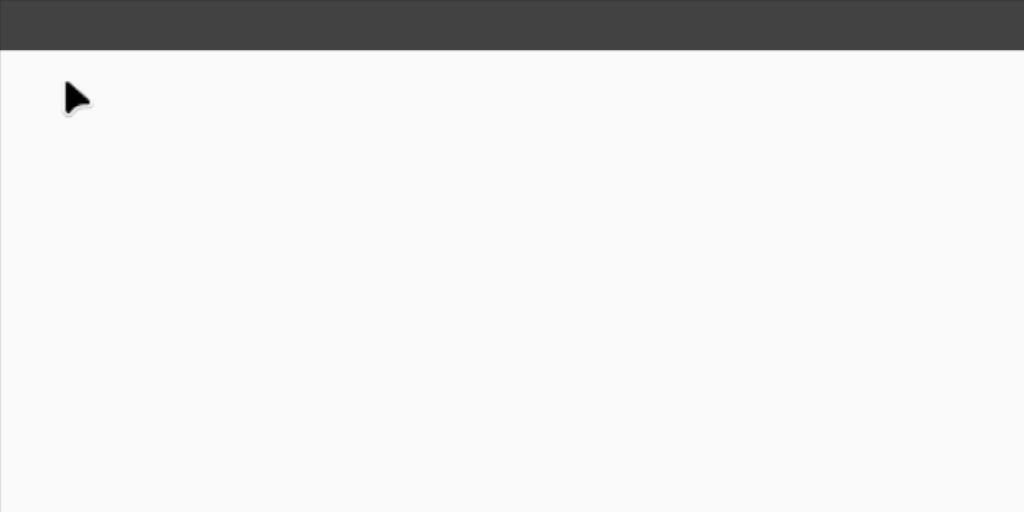
Wrap your application around the MenuBarWidget widget and add an empty list to barButtons so that you have assigned the 2 necessary fields. The child is your application under the menu bar:
MenuBarWidget(
    barButtons: [],
    child: Scaffold(...),
),
You should now see an empty menu bar above your application (see picture below). To add buttons with menus, proceed to step 2.
2. Create your menus
To add buttons with menus, use the following widget structure:
MenuBarWidget
    BarButton
        SubMenu
            MenuButton
            MenuButton
            ...
    BarButton
        SubMenu
            MenuButton
            MenuButton
            ...
In this example, we will add the following menu bar:
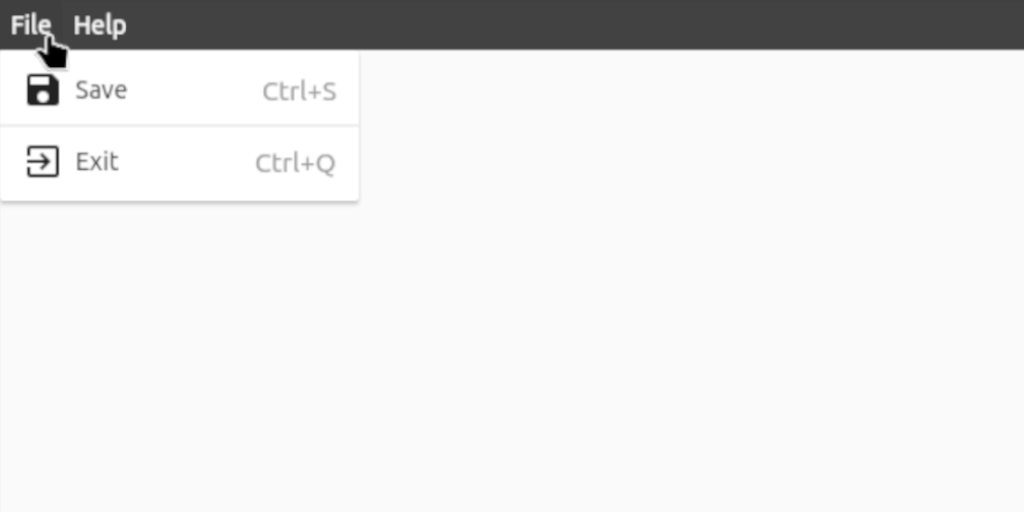
MenuBarWidget(
    // The buttons in this List are displayed as the buttons on the bar itself
    barButtons: [
        BarButton(
            text: const Text('File', style: TextStyle(color: Colors.white)),
            submenu: SubMenu(
                menuItems: [
                    MenuButton(
                        text: const Text('Save'),
                        onTap: () {},
                        icon: const Icon(Icons.save),
                        shortcutText: 'Ctrl+S',
                    ),
                    const MenuDivider(),
                    MenuButton(
                        text: const Text('Exit'),
                        onTap: () {},
                        icon: const Icon(Icons.exit_to_app),
                        shortcutText: 'Ctrl+Q',
                    ),
                ],
            ),
        ),
        BarButton(
            text: const Text('Help', style: TextStyle(color: Colors.white)),
            submenu: SubMenu(
                menuItems: [
                    MenuButton(
                      text: const Text('View License'),
                      onTap: () {},
                    ),
                    MenuButton(
                      text: const Text('About'),
                      onTap: () {},
                      icon: const Icon(Icons.info),
                    ),
                ],
            ),
        ),
    ],

    // Set the child, i.e. the application under the menu bar
    child: Scaffold(...),
),
3. Customize the menu bar
For customization options, see #Customization below or hover over the widgets for all the options in your preferred IDE when integrating the menu bar.
For a complete example, check out example.dart
Customization
Bar customization
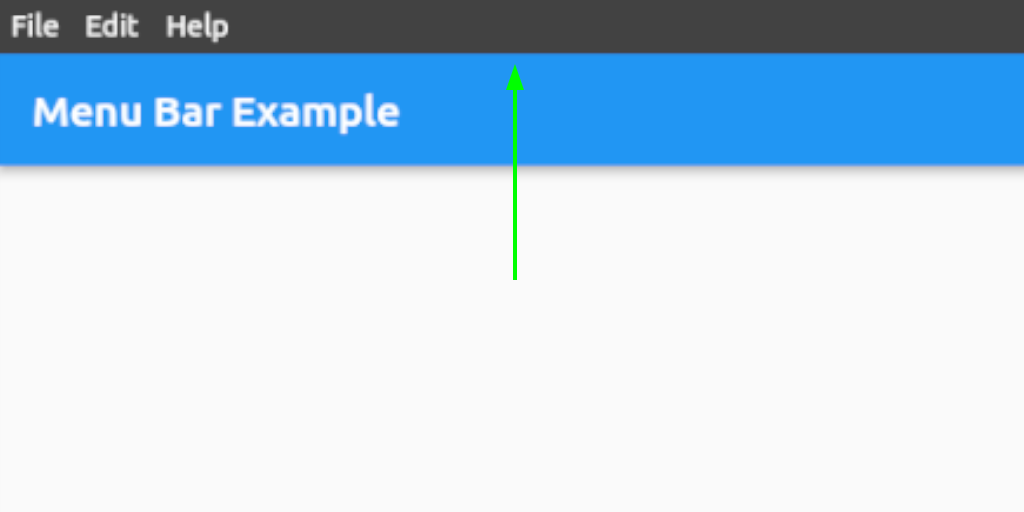
See class MenuStyle in https://api.flutter.dev/flutter/material/MenuStyle-class.html.
Bar button customization
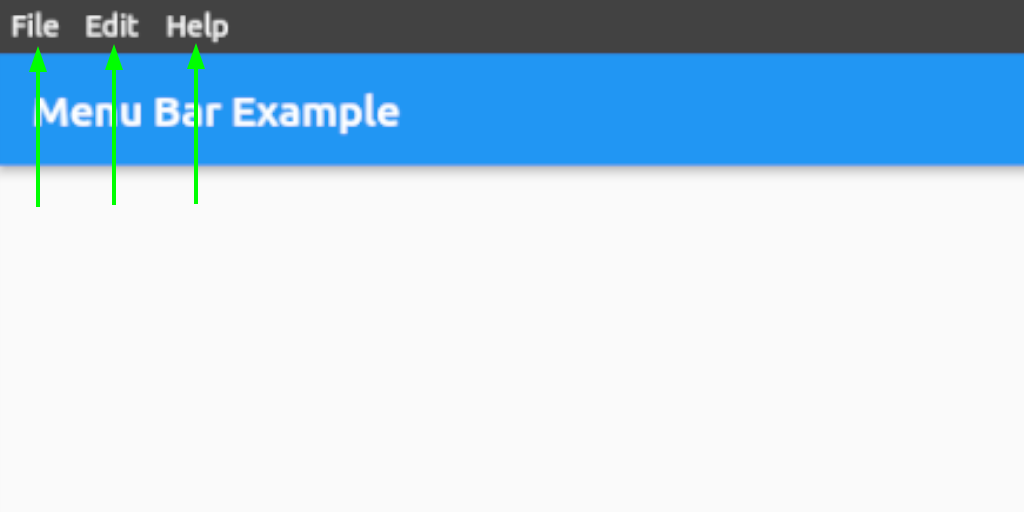
See class ButtonStyle in https://api.flutter.dev/flutter/material/ButtonStyle-class.html.
Menu and submenu customization
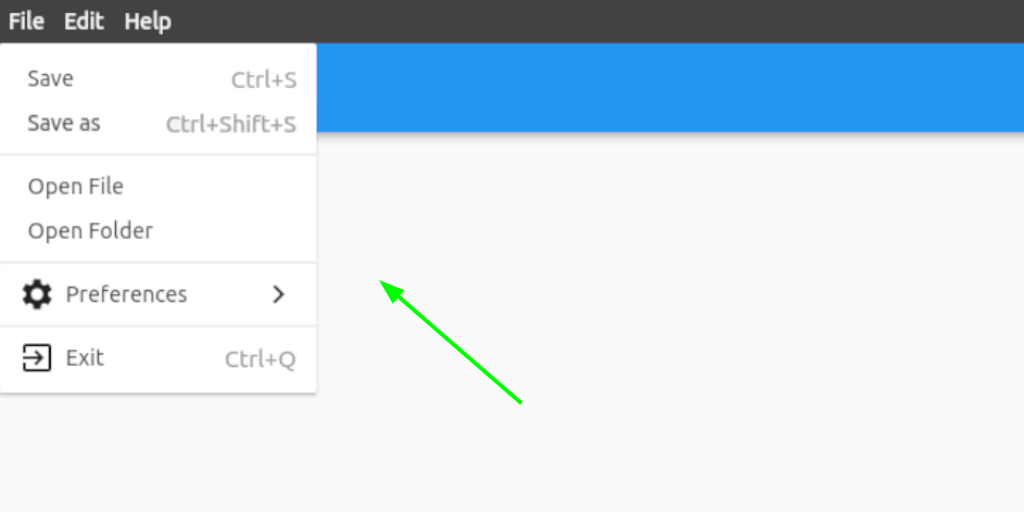
See class MenuStyle in https://api.flutter.dev/flutter/material/MenuStyle-class.html.
Menu and submenu buttons customization
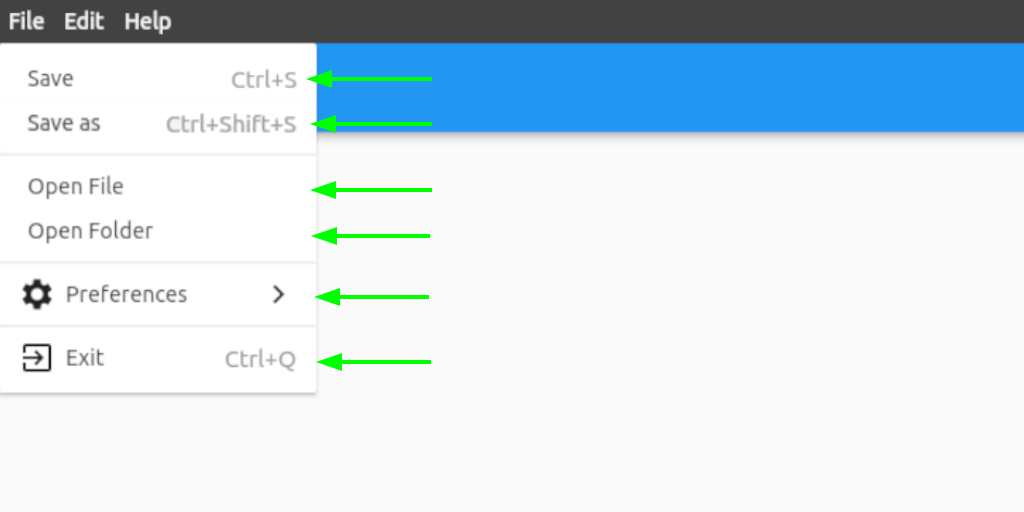
See class ButtonStyle in https://api.flutter.dev/flutter/material/ButtonStyle-class.html.
Contact
If you want to report a bug, request a feature or improve something, feel free to file an issue in the GitHub repository.

iakdis ↗
श्रेणियाँ
उपयोग की गई निर्भरताएँ
अपने प्रोजेक्ट के लिए रिपॉज़िटरी कैसे चुनें?
उपयोग के अनुसार छाँटें, गतिविधि की तुलना करें और अपनाने से पहले मूल प्रोजेक्ट की आवश्यकताएँ जाँचें।
- नाम, लेखक या विवरण से खोजें और तकनीकी विषय से परिणाम सीमित करें।
- स्टार, फ़ोर्क और हाल के पुश की तुलना करें। स्टार रुचि दर्शाते हैं, गुणवत्ता की गारंटी नहीं।
- उपयोग से पहले GitHub पर README, लाइसेंस और Issues जाँचें।
स्रोत और रखरखाव
“A repository is the most basic element of GitHub.”
GitHub Docs — About repositories ↗
- iakdis/menu_bar · GitHub ↗
- GitHub Docs — Saving repositories with stars ↗
- डायरेक्टरी का रखरखाव Ducafecat ↗