

v1.0.2
vocsy_esys_flutter_share
अन्य एप्लिकेशन के साथ छवियों और पाठ को साझा करने के लिए एक Flutter प्लगइन।
21लाइक 2330-दिन डाउनलोड140Pub अंक
AndroidiOS
kaushikgodhani/vocsy_esys_flutter_share open-source repository details.

यह अंग्रेज़ी मूल स्नैपशॉट है। नवीनतम सामग्री GitHub पर देखें।
A Flutter plugin for sharing files & text with other applications.
If you are starting a new fresh app, you need to create the Flutter App
with flutter create -i swift (
see flutter/flutter#13422 (comment))
, otherwise, you will get this message:
=== BUILD TARGET flutter_inappbrowser OF PROJECT Pods WITH CONFIGURATION Debug ===
The "Swift Language Version" (SWIFT_VERSION) build setting must be set to a supported value for targets which use Swift. Supported values are: 3.0, 4.0, 4.2. This setting can be set in the build settings editor.
If you still have this problem, try to edit iOS Podfile like this (
see #15):
target 'Runner' do
  use_frameworks!  # required by simple_permission
  ...
end

post_install do |installer|
  installer.pods_project.targets.each do |target|
    target.build_configurations.each do |config|
      config.build_settings['SWIFT_VERSION'] = '4.0'  # required by simple_permission
      config.build_settings['ENABLE_BITCODE'] = 'NO'
    end
  end
end
Instead, if you have already a non-swift project, you can check this issue to solve the problem: Friction adding swift plugin to objective-c project .
| Name | Android | iOS |
|---|---|---|
| Share Text | ✅ | ✅ |
| Share Image with Text [Assets / Network] | ✅ | ✅ |
| Share Multiple Images [Assets / Network] | ✅ | ✅ |
| Share Multiple Images And CSV Files | ✅ | ✅ |
| Share CSV Files | ✅ | ✅ |
| Share Image From Url | ✅ | ✅ |
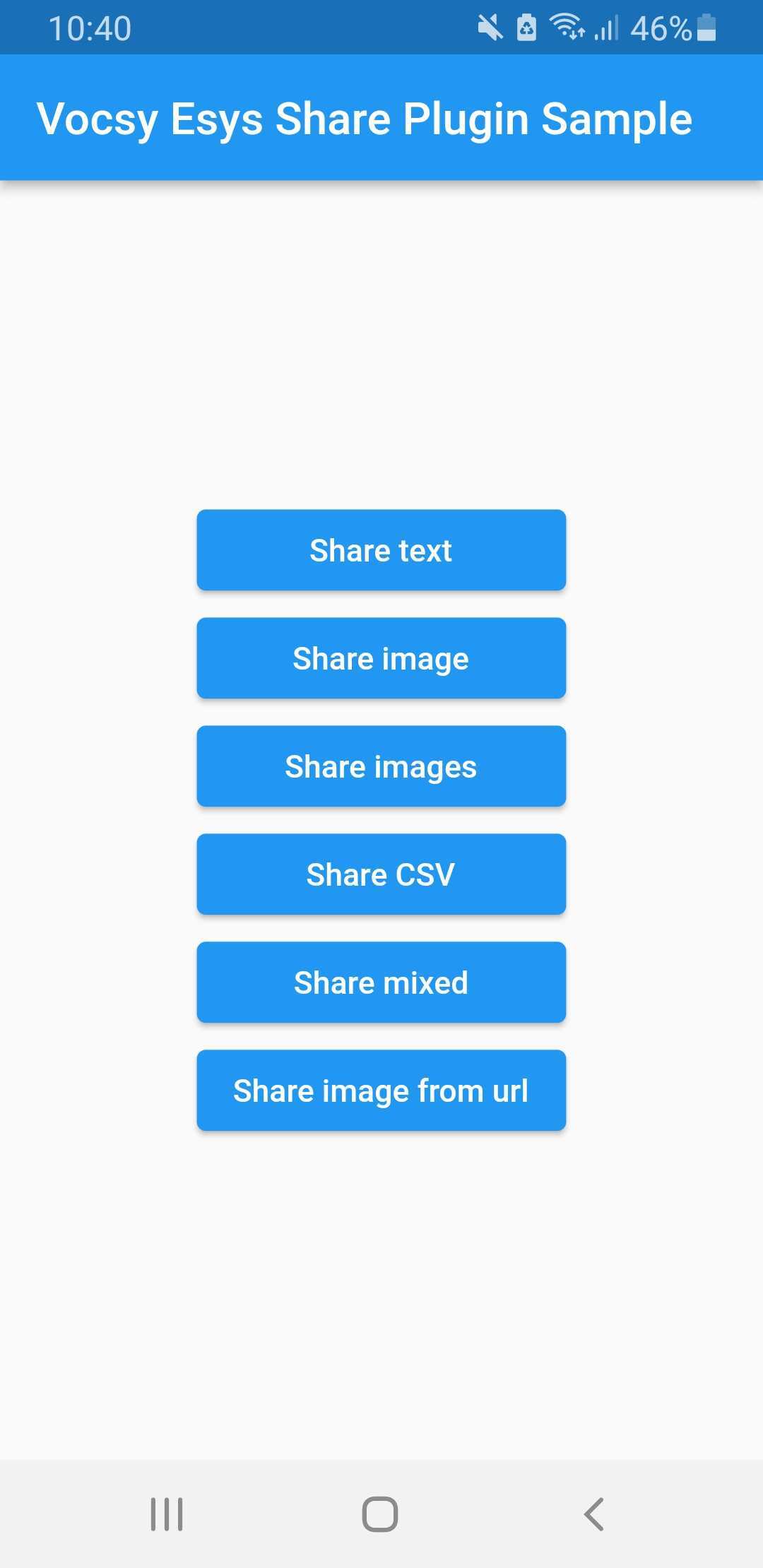
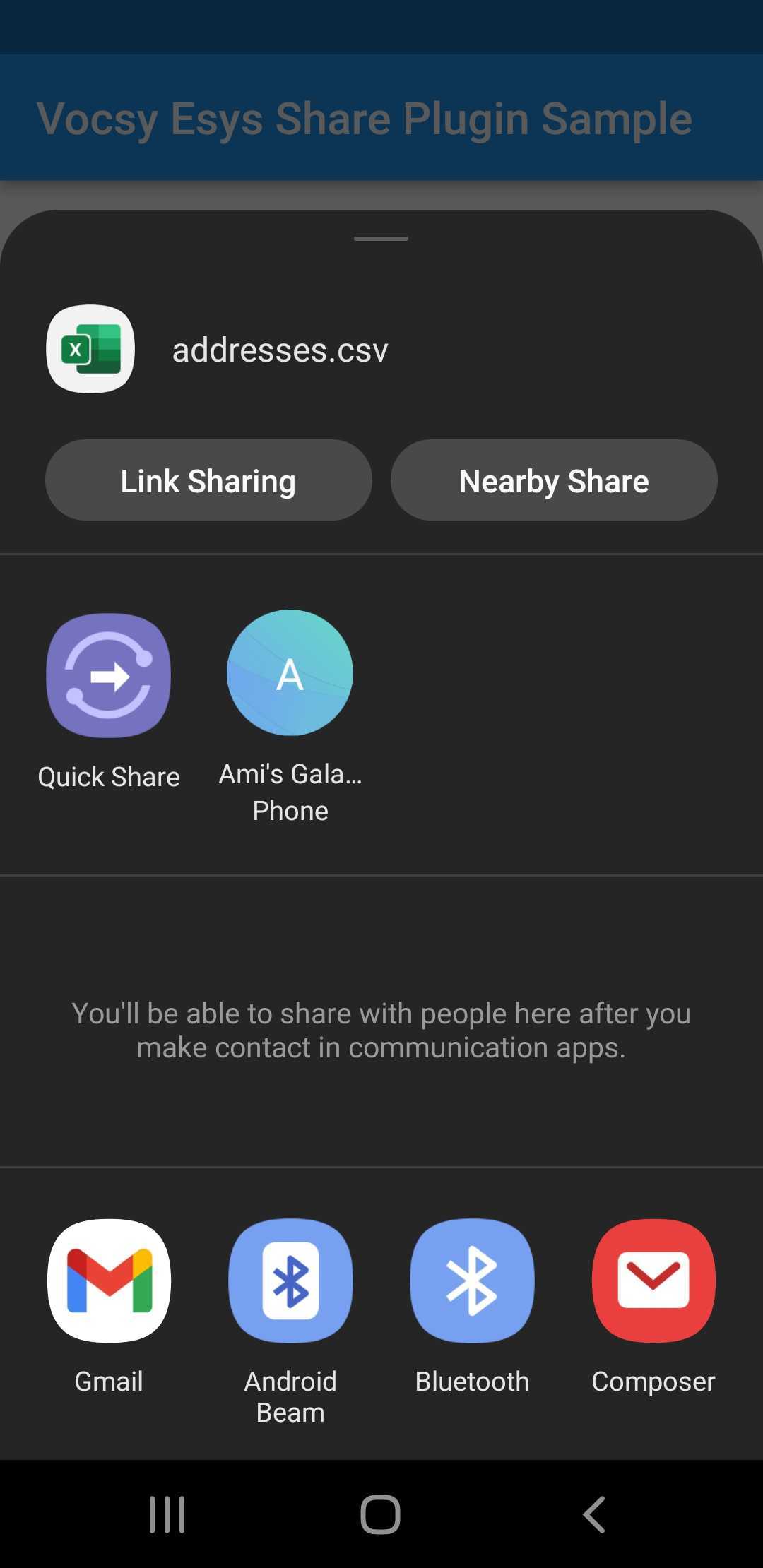
import 'package:vocsy_esys_flutter_share/vocsy_esys_flutter_share.dart';
VocsyShare.text('my text title', 'This is my text to share with other applications.', 'text/plain'
);
final ByteData bytes = await
rootBundle.load('assets/image1.png');
await VocsyShare.file('esys image','esys.png',bytes.buffer.asUint8List(),'image/png',
text: 'My optional text.');
final ByteData bytes1 = await
rootBundle.load('assets/image1.png');

final ByteData bytes2 = await
rootBundle.load('assets/image2.png');

final ByteData bytes3 = await
rootBundle.load('assets/addresses.csv');

await
VocsyShare.files('esys images',
{
'esys.png': bytes1.buffer.asUint8List(),
'bluedan.png': bytes2.buffer.asUint8List(),
'addresses.csv': bytes3.buffer.asUint8List(),
},
'*/*',
text: 'My optional text.');
var request = await
HttpClient().getUrl(Uri.parse('https://shop.esys.eu/media/image/6f/8f/af/amlog_transport-berwachung.jpg'));

var response = await
request.close();

Uint8List bytes = await

consolidateHttpClientResponseBytes(response);
await
VocsyShare.file('ESYS AMLOG','amlog.jpg',bytes, 'image/jpg');
Check out the example app in the Repository for further information.
निर्भरता सूची 2 आइटम
{"sdk":"flutter"}>=2.0.3 <3.0.0उपयोग के अनुसार छाँटें, गतिविधि की तुलना करें और अपनाने से पहले मूल प्रोजेक्ट की आवश्यकताएँ जाँचें।
“A repository is the most basic element of GitHub.”
GitHub Docs — About repositories ↗