

 v0.0.8
expandable_group
एक नया Flutter विजेट उपयोगकर्ता के लिए विस्तारित और संक्षिप्त सूची समर्थित करता है।
7लाइक 6930-दिन डाउनलोड70Pub अंक
प्लेटफ़ॉर्म डेटा नहीं
liemvo/expandable_group open-source repository details.

यह अंग्रेज़ी मूल स्नैपशॉट है। नवीनतम सामग्री GitHub पर देखें।
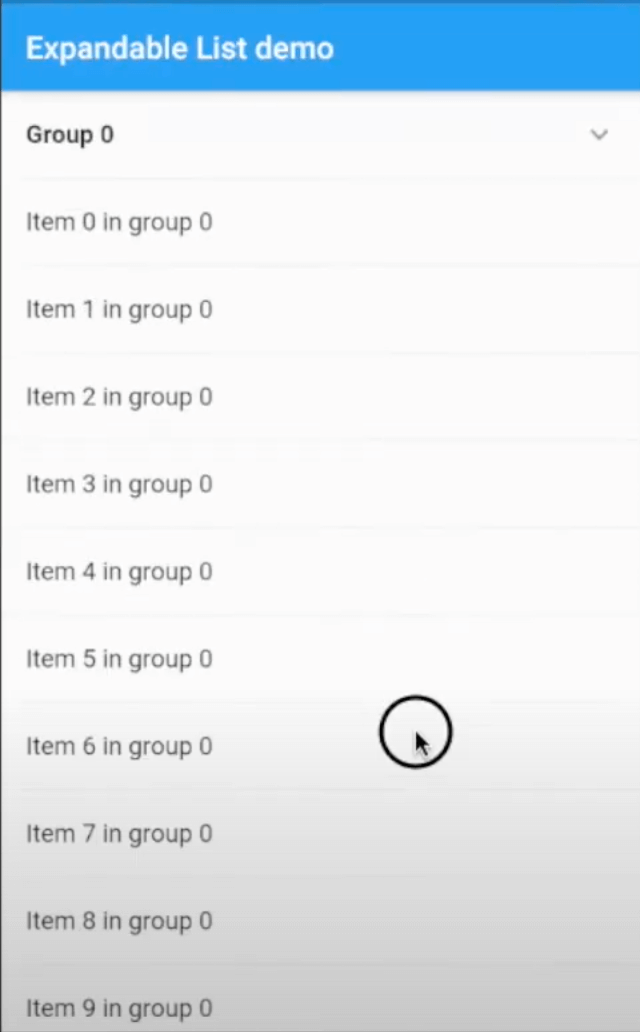
A new Flutter widget support expanded and collapsed group items in the list of Flutter application. It supports Android, iOS, Web and Desktop.
Build expandable group widget support expanded and collapsed group data.

pubspec.yaml and run pub getdependencies:
expandable_group: ^0.0.6
expandable_group_widget.dart to your file project where is going to use the ListExpandableWidget.import 'package:expandable_group/expandable_group_widget.dart';
ExpandableGroup has some properties as belowheader the header widget and will display in the listitems the list of ListTile will display for each groupisExpanded is a boolean to expand or collapse header. isExpanded == true is the header will be expanded and otherwise. The default value is false.expandedIcon and collapsedIcon are the widgets for expanded and collapsed state.headerEdgeInsets the EdgeInsets of header widgetheaderBackgroundColor can customise header background colorExpandableGroup(
isExpanded: index == 0,
header: _header('Group $index'),
items: _buildItems(context, group),
headerEdgeInsets: EdgeInsets.only(left: 16.0, right: 16.0)
)
Please file feature requests and bugs with GitHub issues tab
निर्भरता सूची 2 आइटम
{"sdk":"flutter"}{"sdk":"flutter"}उपयोग के अनुसार छाँटें, गतिविधि की तुलना करें और अपनाने से पहले मूल प्रोजेक्ट की आवश्यकताएँ जाँचें।
“A repository is the most basic element of GitHub.”
GitHub Docs — About repositories ↗