


 v1.1.0
store_locator
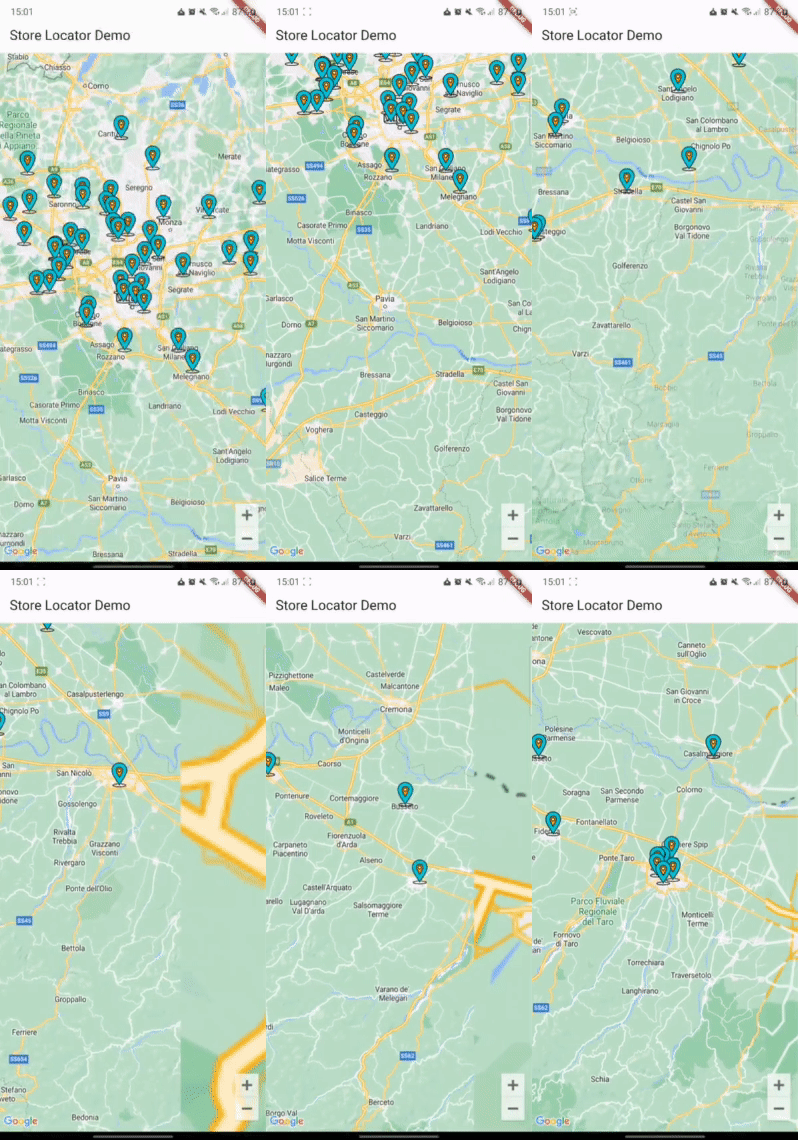
Flutter के लिए स्टोर लोकेटर। वर्तमान मानचित्र स्थिति के आधार पर मानचित्र पर स्टोर (या POI) दिखाएं।
3लाइक 8330-दिन डाउनलोड160Pub अंक
AndroidiOSWeb
एक फ्लटर प्लगइन जो iOS और Android के लिए है, जो हैवर्साइन या समान एल्गोरिदम का उपयोग करके API कॉल के आधार पर डायनामिक रूप से मानचित्र मार्कर दिखाता है।

यह अंग्रेज़ी मूल स्नैपशॉट है। नवीनतम सामग्री GitHub पर देखें।

A Flutter package for showing map markers dynamically based on API calls that use Haversine distance or a similar location query.
| Android | iOS | Web | |
|---|---|---|---|
| Support | SDK 24+ | 14.0+ | Any* |
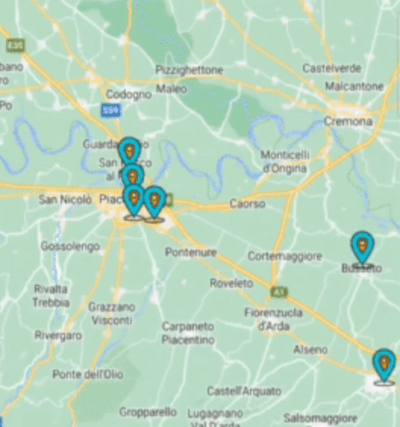
First, add store_locator as a dependency in your pubspec.yaml file.
You also need to implement google_maps_flutter properly, check their guide
You can import the package with:
import 'package:store_locator/store_locator.dart';
StoreLocator<Store>(
  mapConfiguration: const MapConfiguration(
    initialCameraPosition: CameraPosition(
      target: LatLng(45.464211, 9.191383),
      zoom: 10,
    ),
  ),
  positionCallback: (position) async {
    Response response = await Dio().get('stores', queryParameters: {
      "latitude": position.latitude,
      "longitude": position.longitude,
    });
    if (response.statusCode == 200 || response.statusCode == 201) {
      return storesFromJson(response.data);
    }
    return [];
  },
  markerBuilder: (store) {
    return Marker(
      markerId: MarkerId(store.id.toString()),
      position: LatLng(store.latitude, store.longitude),
      infoWindow: InfoWindow(
        title: store.name,
        snippet: store.city,
      ),
    );
  },
)
See the example directory for a complete sample app.
If this plugin was useful to you, helped you to deliver your app, saved you a lot of time, or you just want to support the project, I would be very grateful if you buy me a cup of coffee.

निर्भरता सूची 4 आइटम
{"sdk":"flutter"}^2.18.0{"sdk":"flutter"}^6.0.0उपयोग के अनुसार छाँटें, गतिविधि की तुलना करें और अपनाने से पहले मूल प्रोजेक्ट की आवश्यकताएँ जाँचें।
“A repository is the most basic element of GitHub.”
GitHub Docs — About repositories ↗