

 v1.1.11
line_chart
एक सरल फ्लटर पैकेज एक कस्टम लाइन चार्ट बनाने के लिए
29लाइक 7330-दिन डाउनलोड140Pub अंक
AndroidiOSWebmacOSWindowsLinux
एक सरल फ्लटर पैकेज एक कस्टम लाइन चार्ट बनाने के लिए

यह अंग्रेज़ी मूल स्नैपशॉट है। नवीनतम सामग्री GitHub पर देखें।

A simple flutter package to create a custom line chart
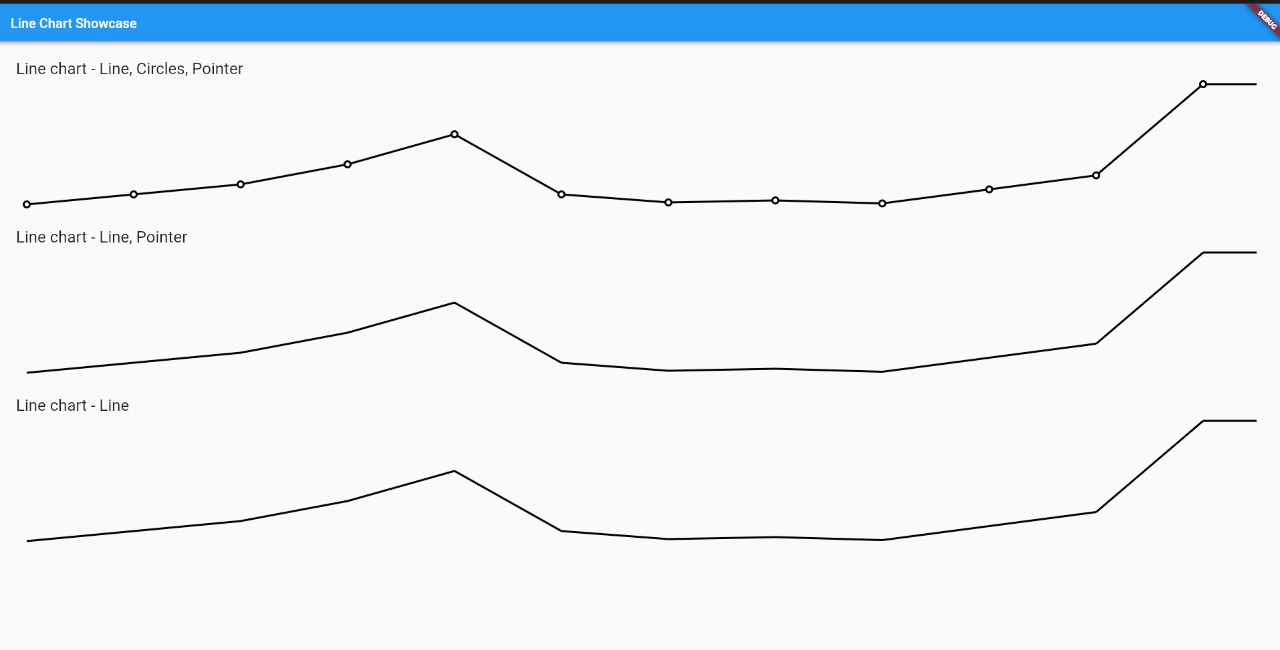
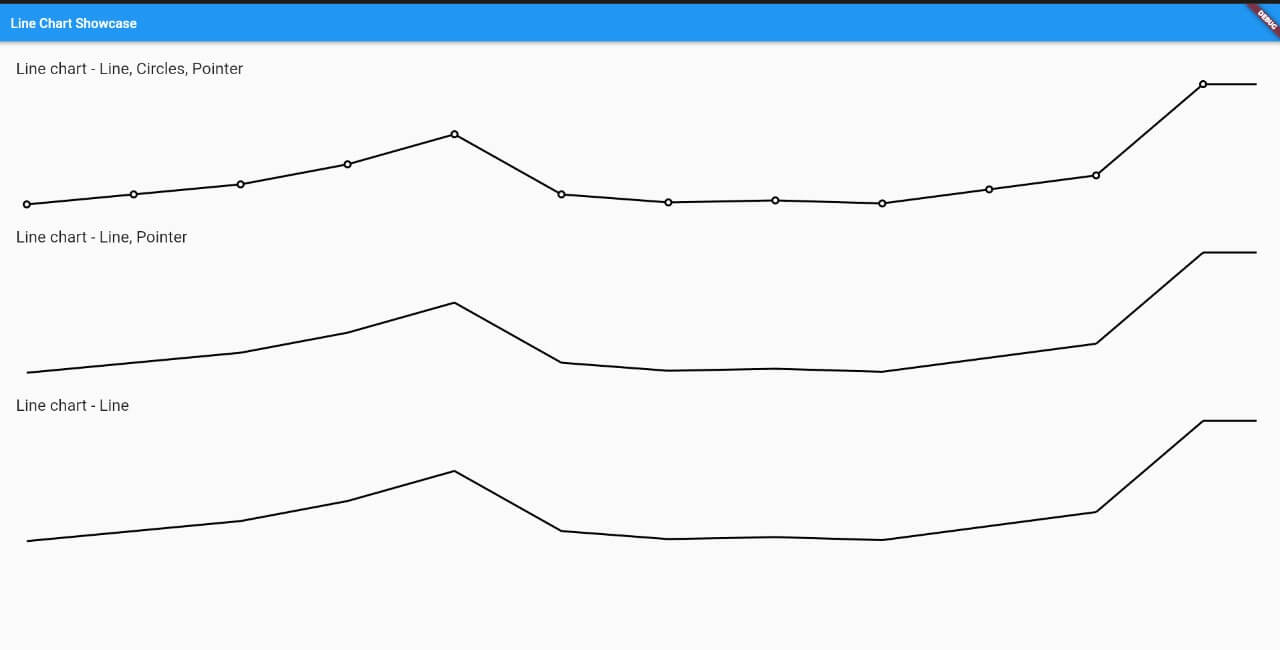
Add line_chart: ^1.0.9 in your pubspec.yaml dependencies. And import it:
import 'package:line_chart/charts/line-chart.widget.dart';
Simply create a LineChart widget and pass the required params:
LineChart(
  width: 300, // Width size of chart
  height: 180, // Height size of chart
  data: [], // The value to the chart
  linePaint: Paint()
      ..strokeWidth = 3
      ..style = PaintingStyle.stroke
      ..color = Colors.black, // Custom paint for the line
),
Here is the widget with all options for use.
LineChart(
  width: 300, // Width size of chart
  height: 180, // Height size of chart
  data: [], // The value to the chart
  linePaint: Paint()
      ..strokeWidth = 3
      ..style = PaintingStyle.stroke
      ..color = Colors.black, // Custom paint for the line
  circlePaint: Paint()..color = Colors.black, // Custom paint for the line
  showPointer: true, // When press or pan update the chart, create a pointer in approximated value (The default is true)
  showCircles: true, // Show the circle in every value of chart
  customDraw: (Canvas canvas, Size size) {}, // You can draw anything in your chart, this callback is called when is generating the chart
  circleRadiusValue: 6, // The radius value of circle
  linePointerDecoration: BoxDecoration(
    color: Colors.black,
  ) // Your line pointer decoration,
  pointerDecoration: BoxDecoration(
    shape: BoxShape.circle,
    color: Colors.black,
  ) // Your decoration of circle pointer,
  insideCirclePaint: Paint()..color = Colors.white // On your circle of the chart, have a second circle, which is inside and a slightly smaller size.
  onValuePointer: (MonthChartModel value) {
    print('onValuePointer');
  } // This callback is called when change the pointer,
  onDropPointer: () {
    print('onDropPointer');
  }, // This callback is called when it is on the pointer and removes your finger from the screen
),
For a more detail example please take a look at the example folder.
If something is missing, feel free to open a ticket or contribute!
निर्भरता सूची 3 आइटम
^1.0.6{"sdk":"flutter"}{"sdk":"flutter"}उपयोग के अनुसार छाँटें, गतिविधि की तुलना करें और अपनाने से पहले मूल प्रोजेक्ट की आवश्यकताएँ जाँचें।
“A repository is the most basic element of GitHub.”
GitHub Docs — About repositories ↗