

 v3.0.0
ios_color_picker
एक फ्लटर पैकेज जो हर फ्लटर प्लेटफॉर्म के लिए आईओएस-शैली का रंग चयनकर्ता यूआई प्रदान करता है, साथ ही आईओएस पर मूल आईओएस रंग चयनकर्ता भी।
10लाइक 16730-दिन डाउनलोड140Pub अंक
AndroidiOSWebmacOSWindowsLinux
एक नया Flutter पैकेज जो सभी प्लेटफॉर्म वेब, एंड्रॉइड, आईओएस के लिए मूल आईओएस रंग चयनकर्ता क्लोन यूआई प्रदान करता है, साथ ही आईओएस के लिए मूल आईओएस चयनकर्ता भी प्रदान करता है

यह अंग्रेज़ी मूल स्नैपशॉट है। नवीनतम सामग्री GitHub पर देखें।
A Flutter package that provides an iOS-style color picker UI for every Flutter platform, plus access to the native iOS color picker on iOS.
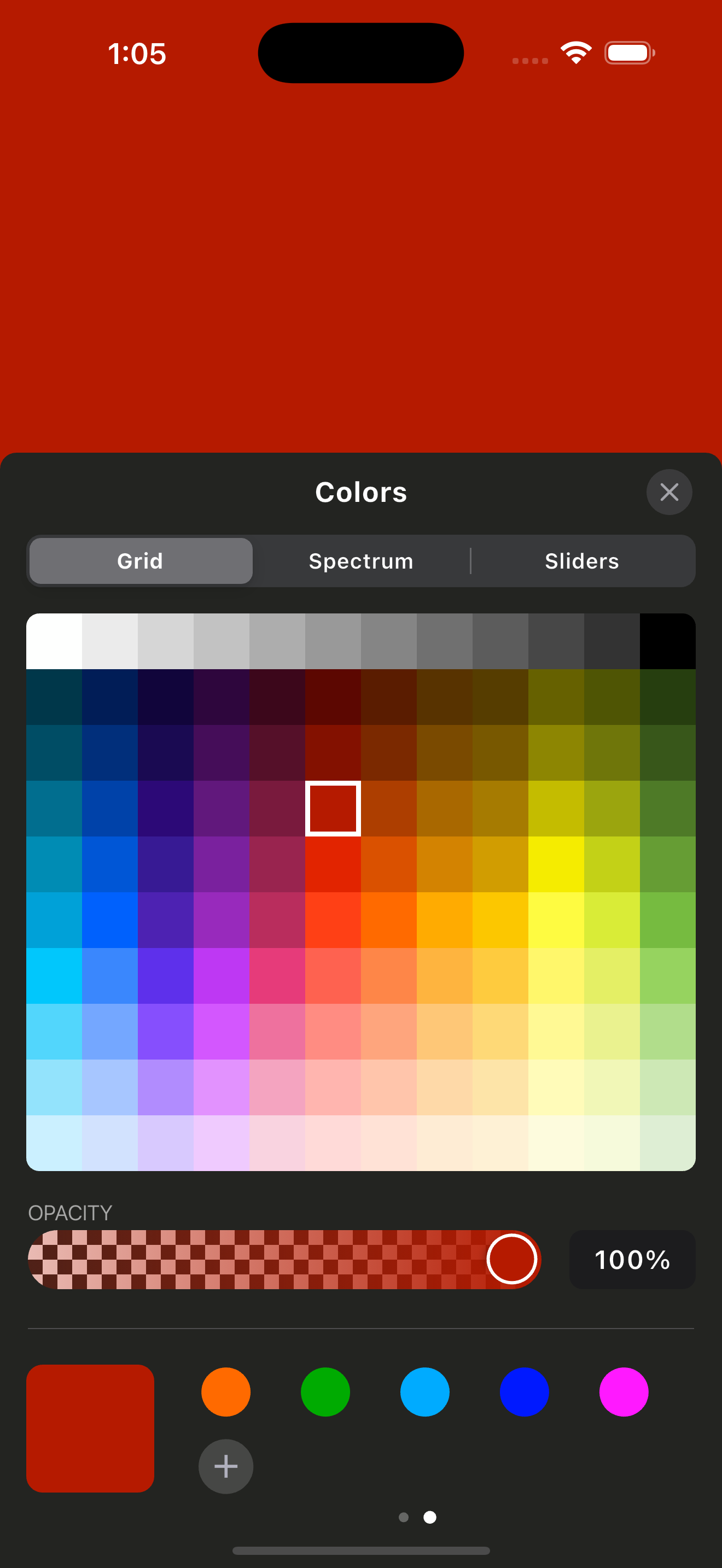

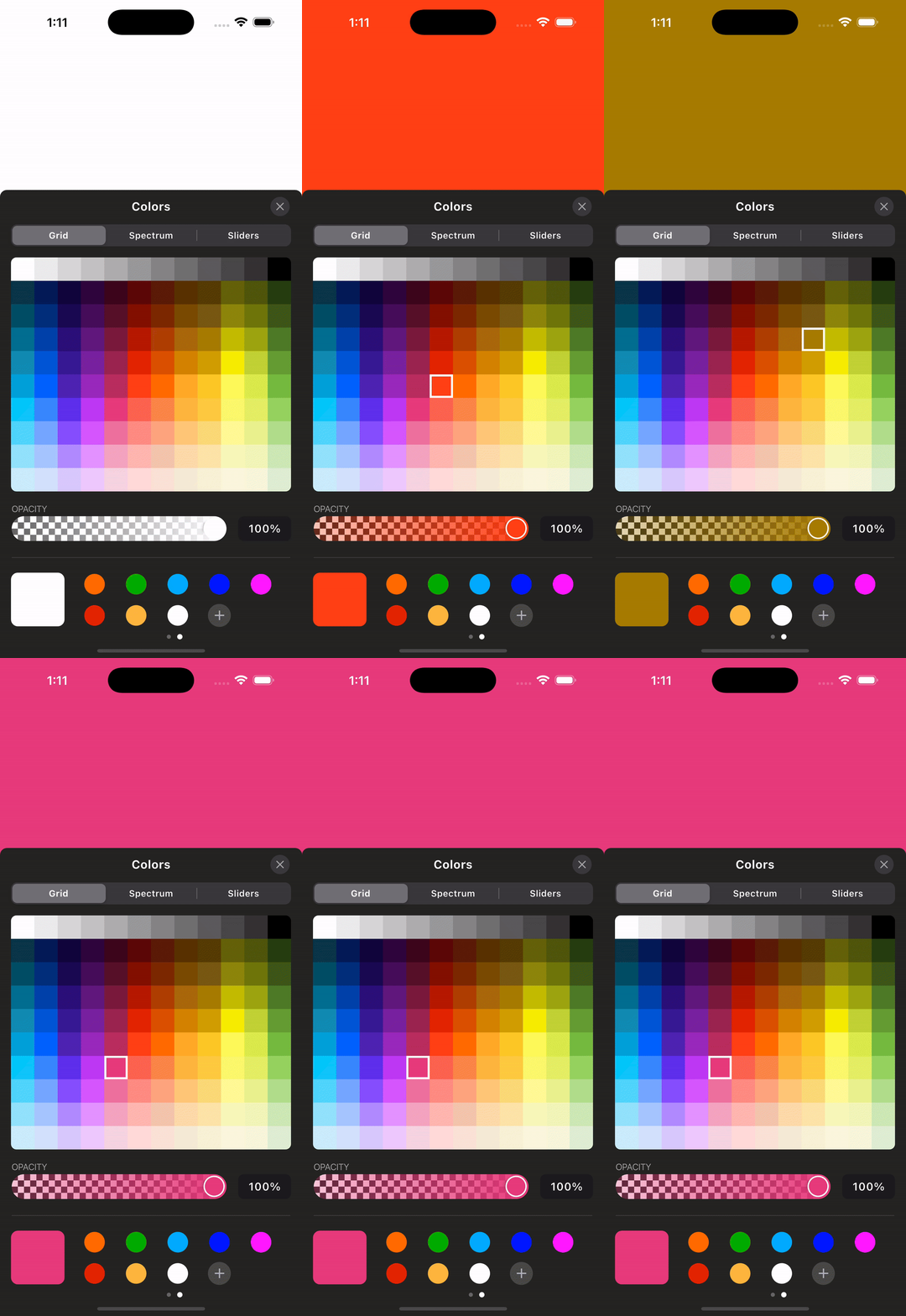
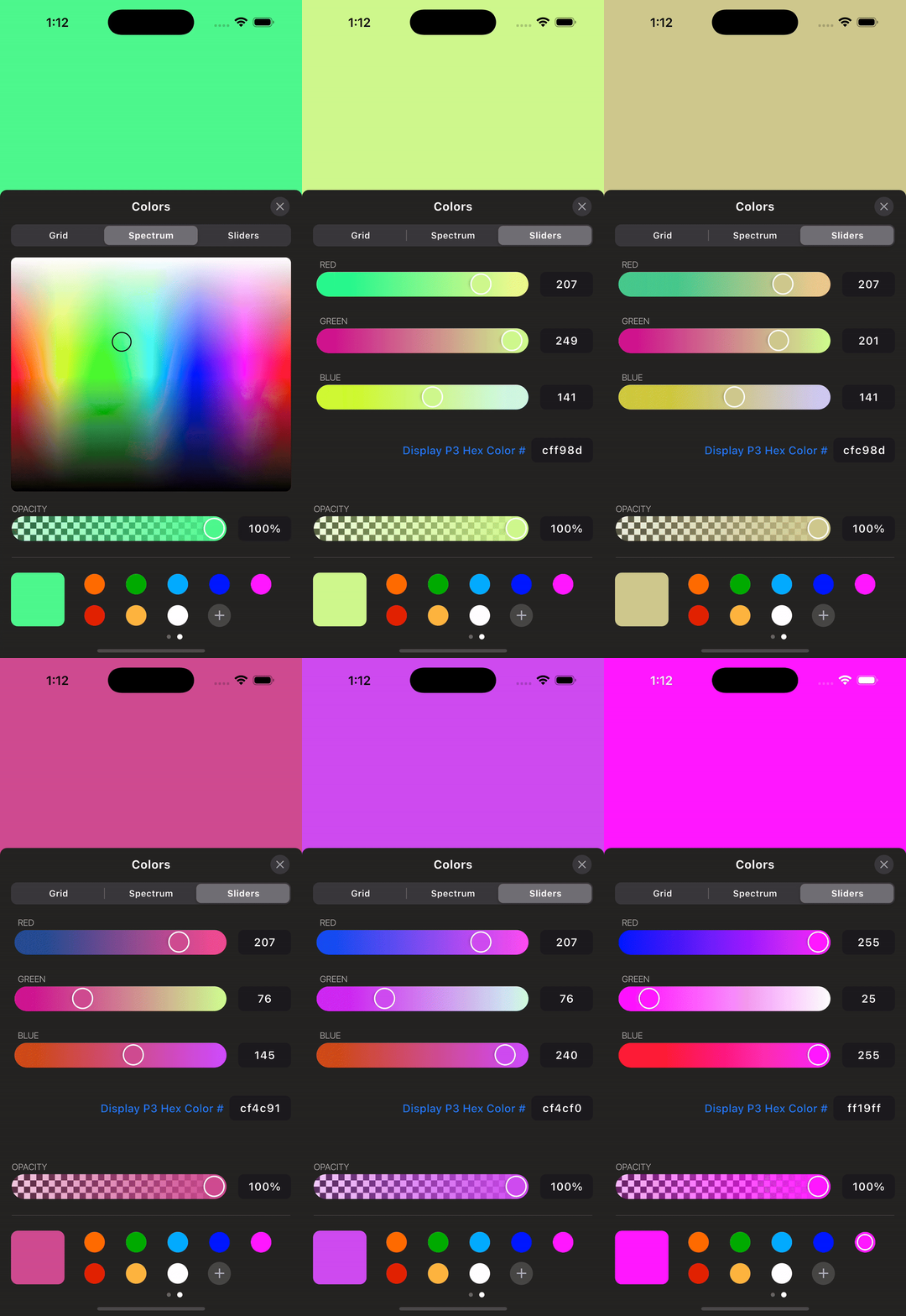
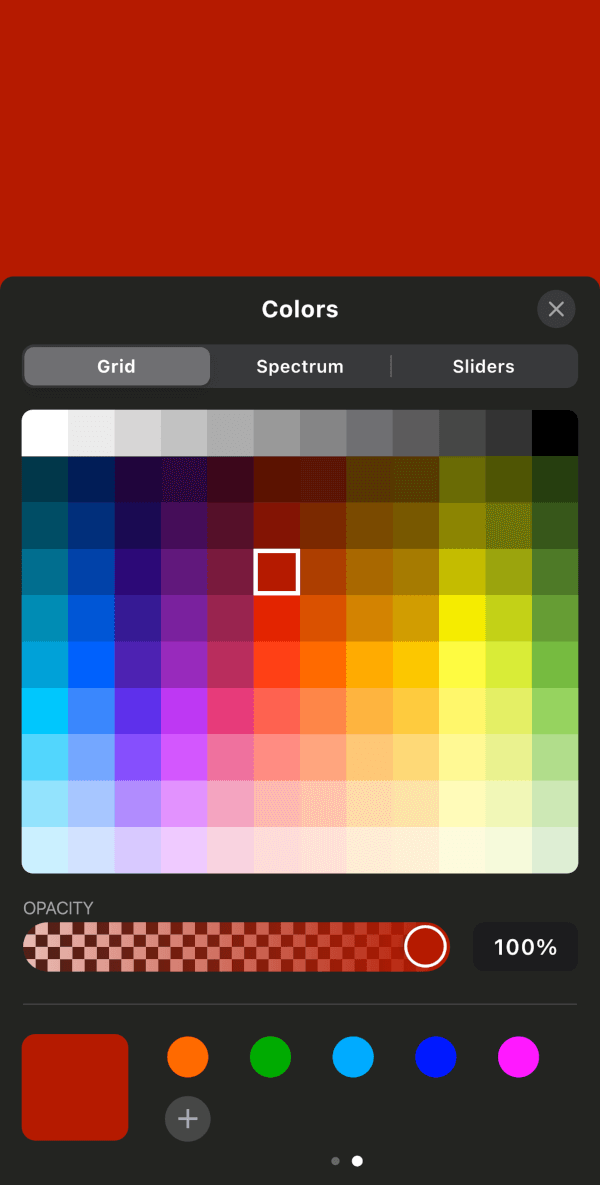
Add the package and create a controller. Dispose the controller from your
widget's dispose method because the native iOS picker streams color changes
through an event channel.
final iosColorPickerController = IOSColorPickerController();

/// Native iOS Color Picker
ElevatedButton(
  onPressed: () {
    iosColorPickerController.showNativeIosColorPicker(
      startingColor: backgroundColor,
      darkMode: true,
      onColorChanged: (color) {
        setState(() {
          backgroundColor = color;
        });
      },
    );
  },
  child: Text("Native iOS"),
),

/// Custom iOS Color Picker (for all platforms)
ElevatedButton(
  onPressed: () {
    iosColorPickerController.showIOSCustomColorPicker(
      startingColor: backgroundColor,
      onColorChanged: (color) {
        setState(() {
          backgroundColor = color;
        });
      },
      context: context,
    );
  },
  child: Text("Custom iOS for all"),
),
Dispose the controller:
final IOSColorPickerController iosColorPickerController =
    IOSColorPickerController();

@override
void dispose() {
  iosColorPickerController.dispose();
  super.dispose();
}
Run the app in the example/ folder to explore the plugin.
For more updates and inquiries, connect with me on LinkedIn:

निर्भरता सूची 9 आइटम
{"sdk":"flutter"}^2.5.5^2.0.1^2.1.1{"sdk":"flutter"}^1.1.1^2.1.8{"sdk":"flutter"}^6.0.0उपयोग के अनुसार छाँटें, गतिविधि की तुलना करें और अपनाने से पहले मूल प्रोजेक्ट की आवश्यकताएँ जाँचें।
“A repository is the most basic element of GitHub.”
GitHub Docs — About repositories ↗