

 v0.1.0
sms_user_consent
उपयोगकर्ता के फ़ोन नंबर (डुअल सिम के लिए समर्थित) और/या एसएमएस पढ़ने के लिए सहमति के अनुरोध, कोई अनुमति जोड़े बिना
85लाइक 9330-दिन डाउनलोड160Pub अंक
Android
Android के SMS उपयोगकर्ता सहमति API को लागू करने वाला Flutter प्लगइन

यह अंग्रेज़ी मूल स्नैपशॉट है। नवीनतम सामग्री GitHub पर देखें।
Request user's phone number (supports dual sim) and/or consent to read SMS without adding any permissions, using Android's SMS User Consent API
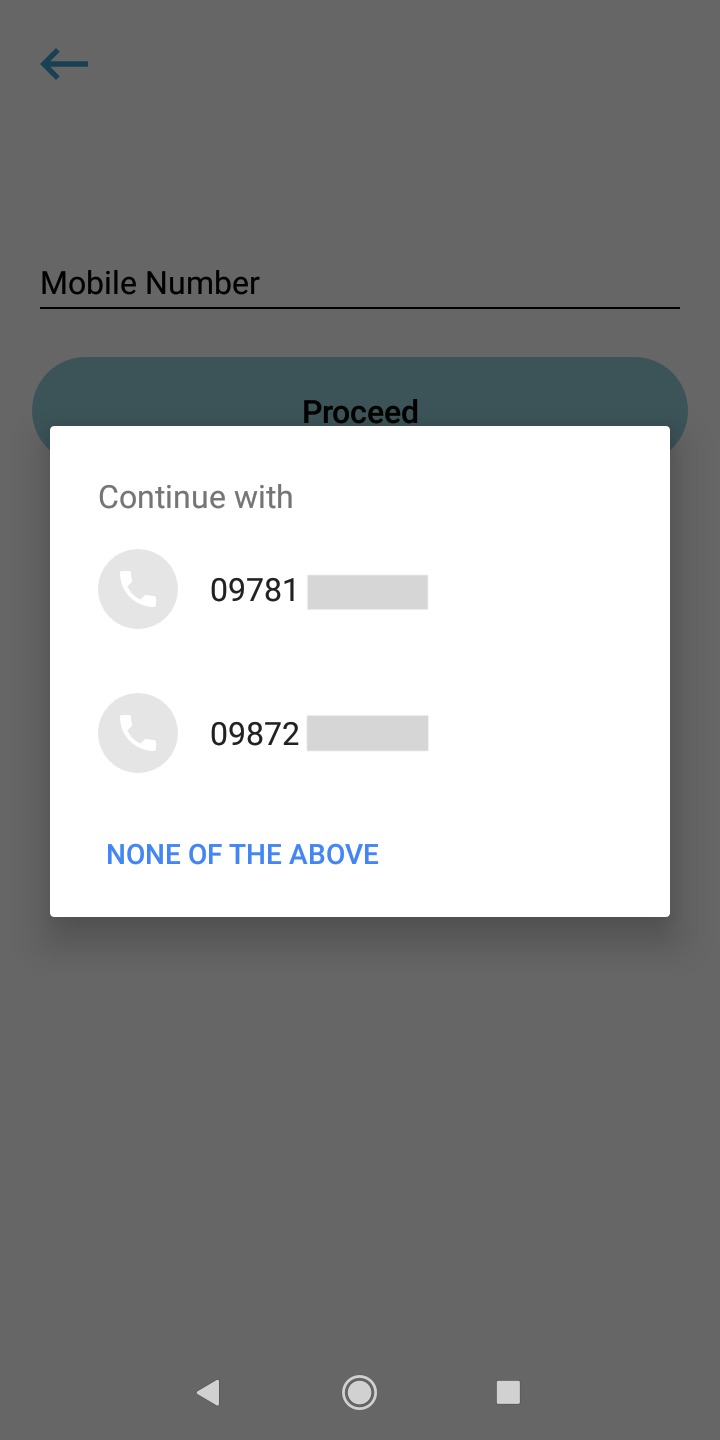
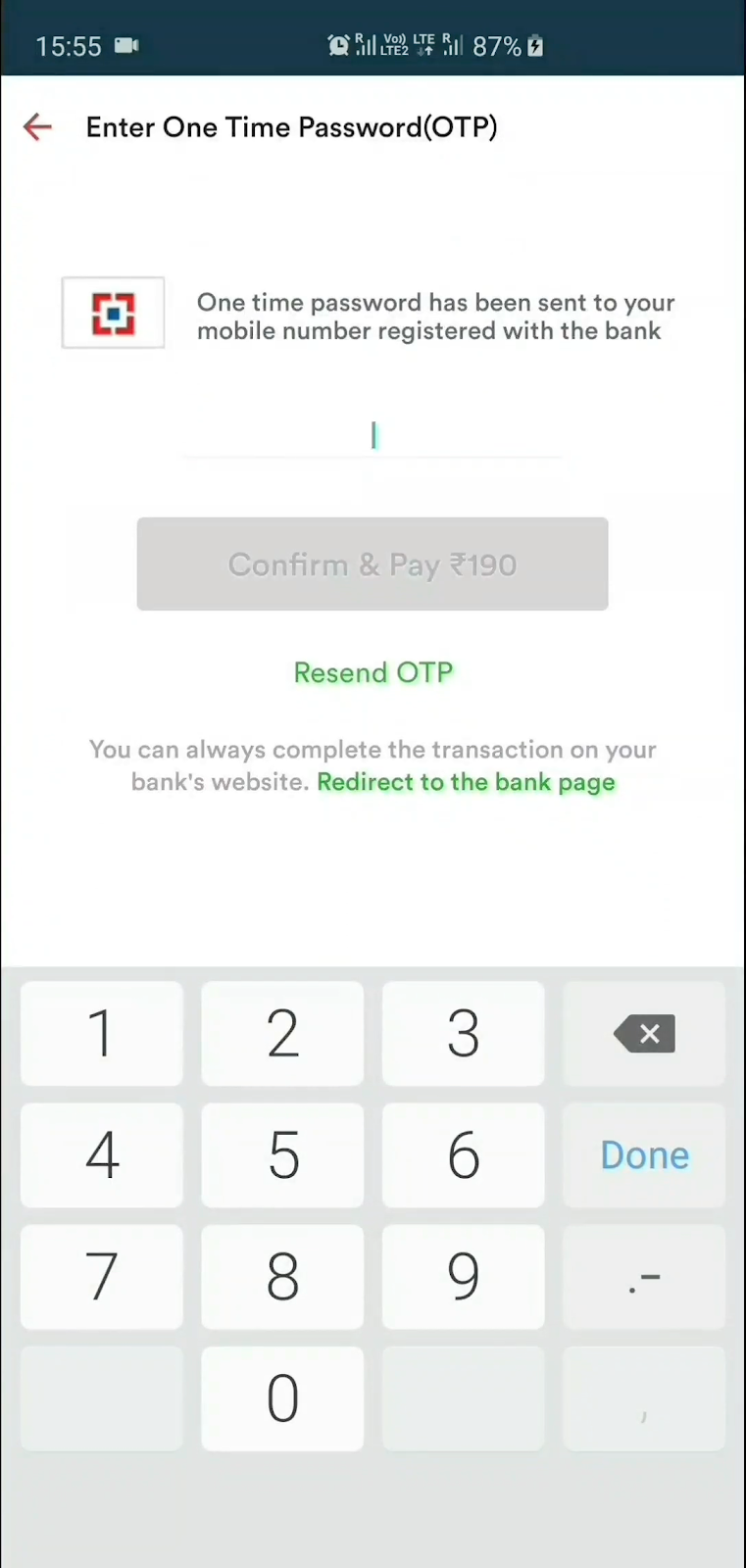
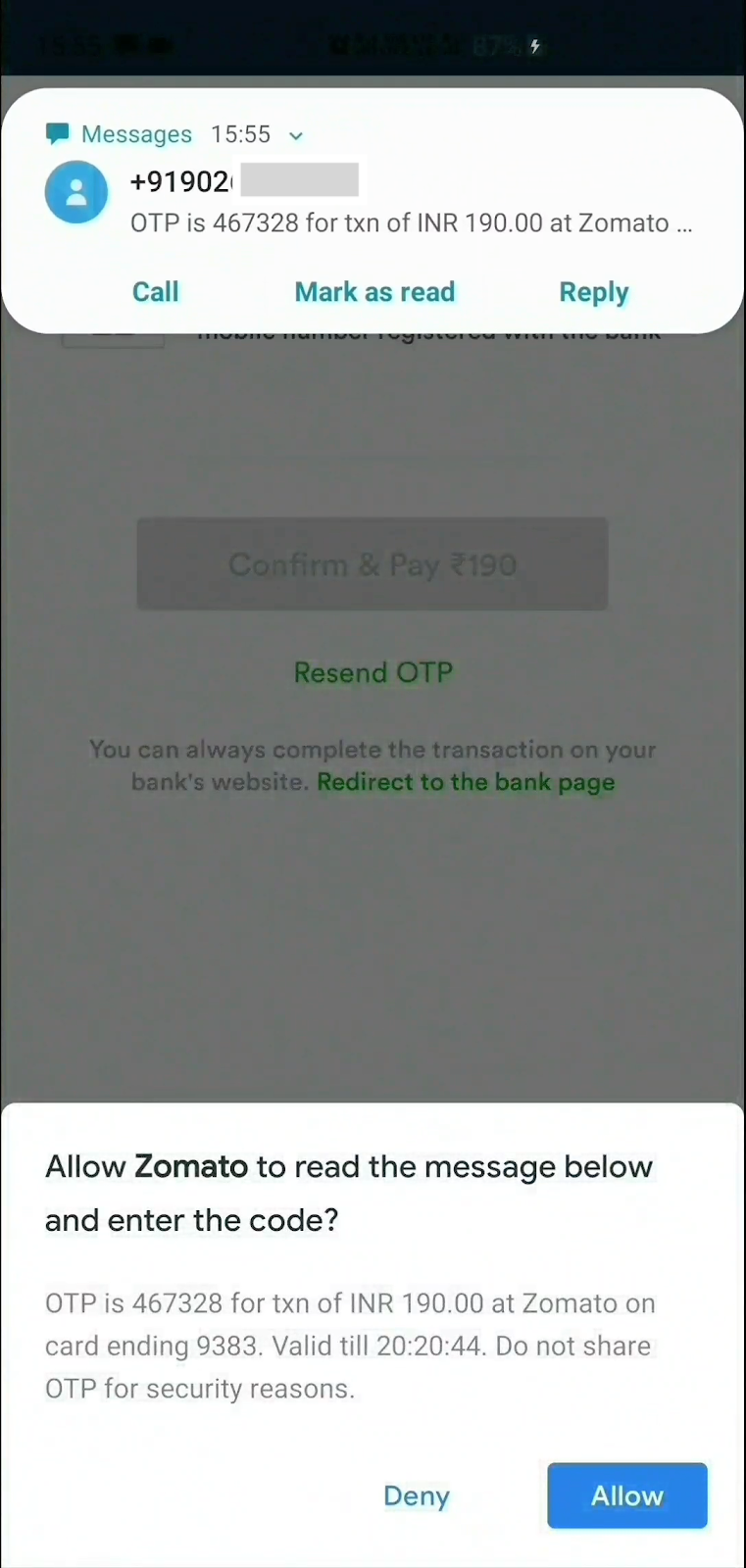
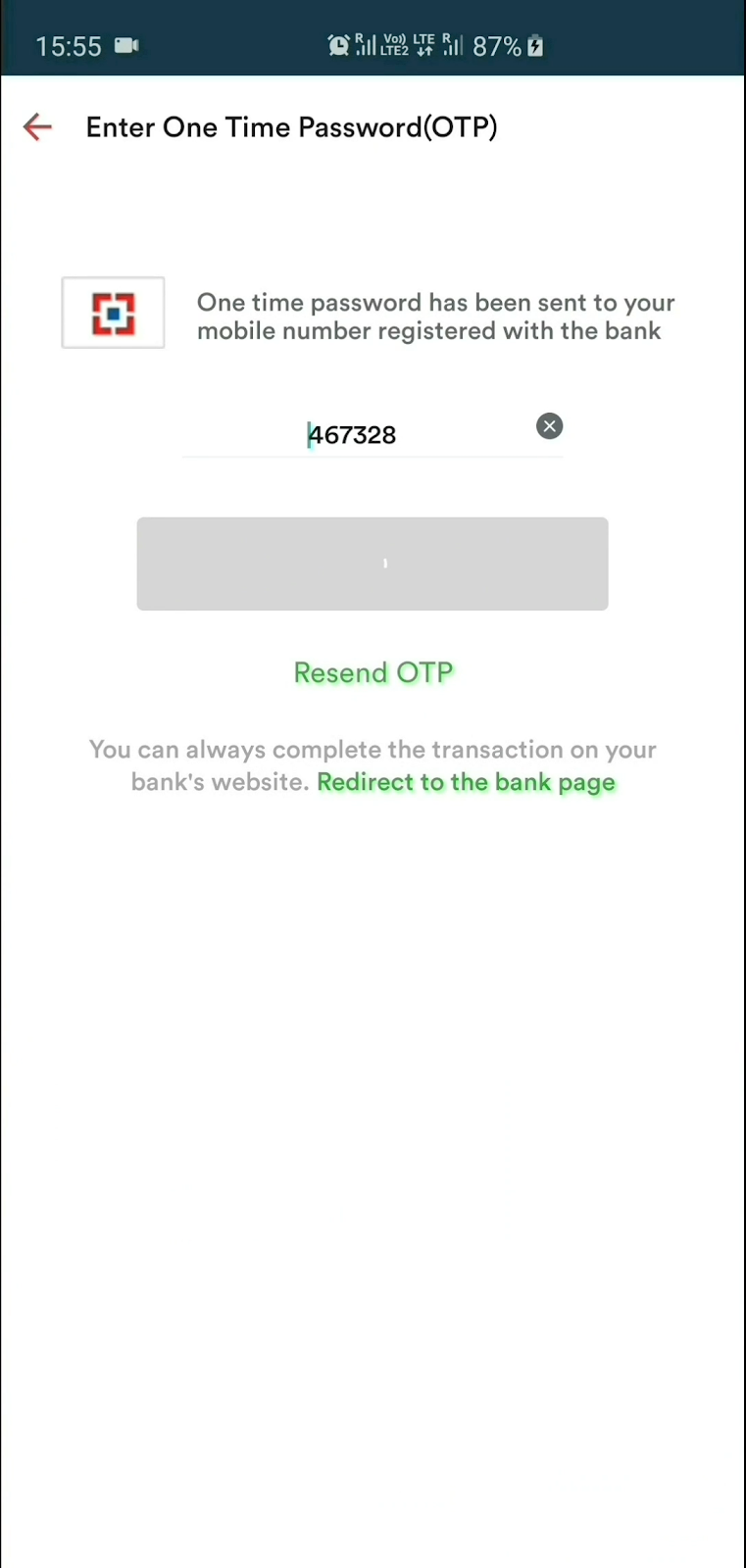
1] Create an instance, optionally supply phone number listener and sms listener
SmsUserConsent smsUserConsent = SmsUserConsent(
        // optionally, do something when user selects a number.
        // You can even add/update this listener later on by simply
        // calling smsUserConsent.updatePhoneNumberListener(updatedListener)
        phoneNumberListener: () {},

        // optionally, do something when user receives sms.
        // You can even add/update this listener later on by simply
        // calling smsUserConsent.updateSmsListener(updatedListener)
        smsListener: () {}
);
2a] OPTIONAL : Request user's phone number
smsUserConsent.requestPhoneNumber();
Once the user selects a phone number, it can be accessed as
smsUserConsent.selectedPhoneNumber;
2b] OPTIONAL : Request to receive SMS
smsUserConsent.requestSms();
or you can specify the phone number you wish to capture the SMS from
smsUserConsent.requestSms(senderPhoneNumber: sender_number);
Once the user receives a SMS and the user taps Allow, it can be accessed as
smsUserConsent.receivedSms;
3] Finally, dispose the instance
smsUserConsent.dispose();
As per the SMS User Consent API, message will be received by the plugin only if it meets these criteria:
MIT © 2020 Harsh P
निर्भरता सूची 2 आइटम
{"sdk":"flutter"}{"sdk":"flutter"}उपयोग के अनुसार छाँटें, गतिविधि की तुलना करें और अपनाने से पहले मूल प्रोजेक्ट की आवश्यकताएँ जाँचें।
“A repository is the most basic element of GitHub.”
GitHub Docs — About repositories ↗