

v1.0.1
spinner
एक सरल एनिमेटेड स्पिनर जो निर्धारित आकार के विजेट्स की एक गोलाकार सूची के माध्यम से चक्कर लगाता है
23लाइक 1530-दिन डाउनलोड40Pub अंक
प्लेटफ़ॉर्म डेटा नहीं
एक फ्लटर विजेट जो स्थिर आकार के कंटेनर के सेट के माध्यम से स्क्रॉलिंग को एनीमेट करता है।

यह अंग्रेज़ी मूल स्नैपशॉट है। नवीनतम सामग्री GitHub पर देखें।
This flutter package implements a simple Spinner animation that cycles through any number of fixed size child widgets. Useful for selecting a random word from a list and displaying it to a user.
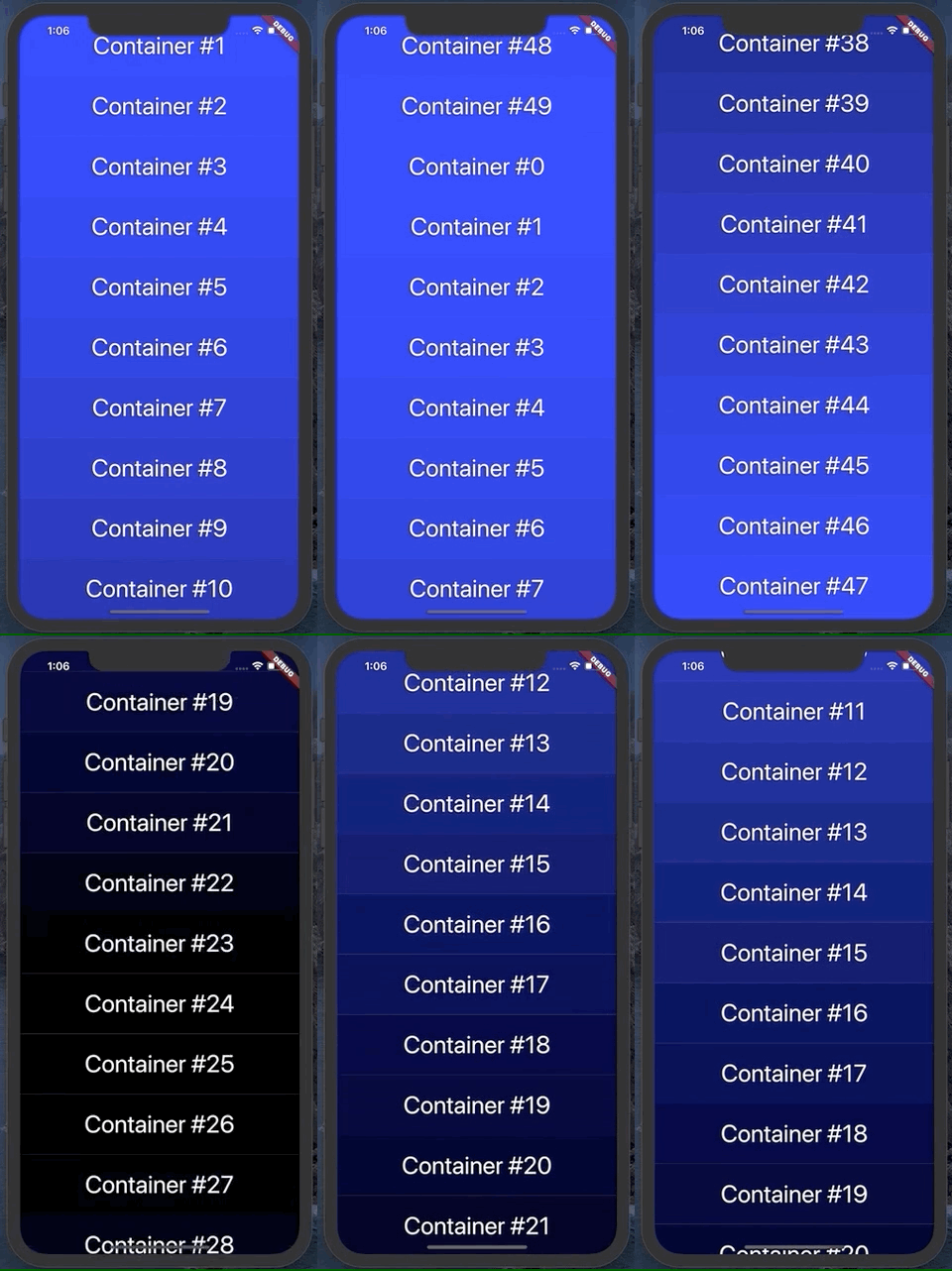
It can animate vertically, up or down:
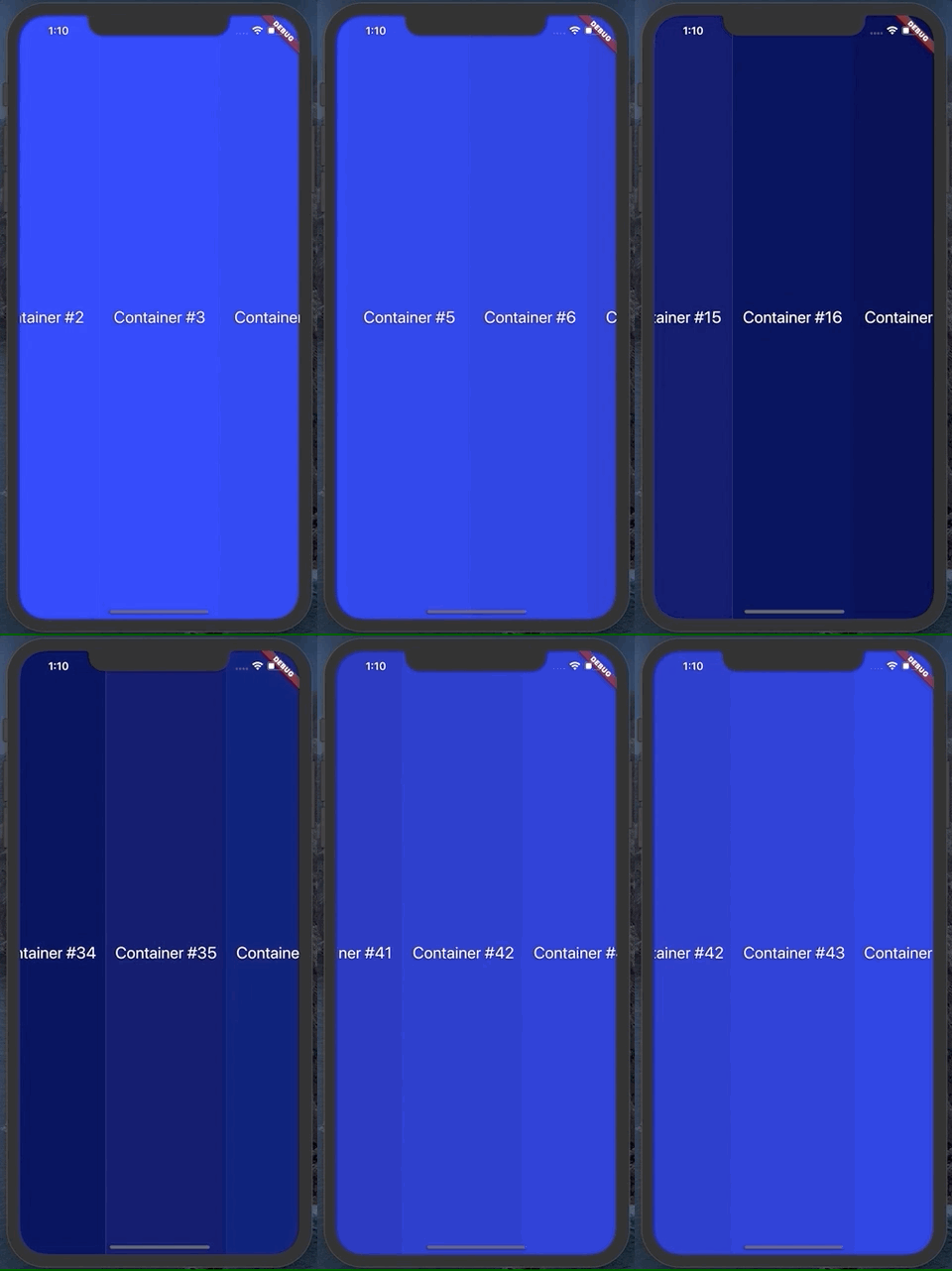
Or horizontally, left or right:
To use this plugin, add spinner as a dependency in your pubspec.yaml file.
See the example project in the repo for a quick demo
Spinner has several useful parameters. You can see them used in the example file
duration: change the duration of the animation
animationSpeed: change how fast the animation moves and what index the animation lands on
spinDirection: change the direction of animation
containerCount: number of containers that should appear on screen
containerSize: for vertical scroll, this is the width of each container produced by the builder function. For horizontal, this is the height
builder: a function that takes in an integer and returns a widget with height/width of containerSize
curve: the curve for the animation to follow. Defaults to easeInOutCubic
callback: a function called when the animation completes
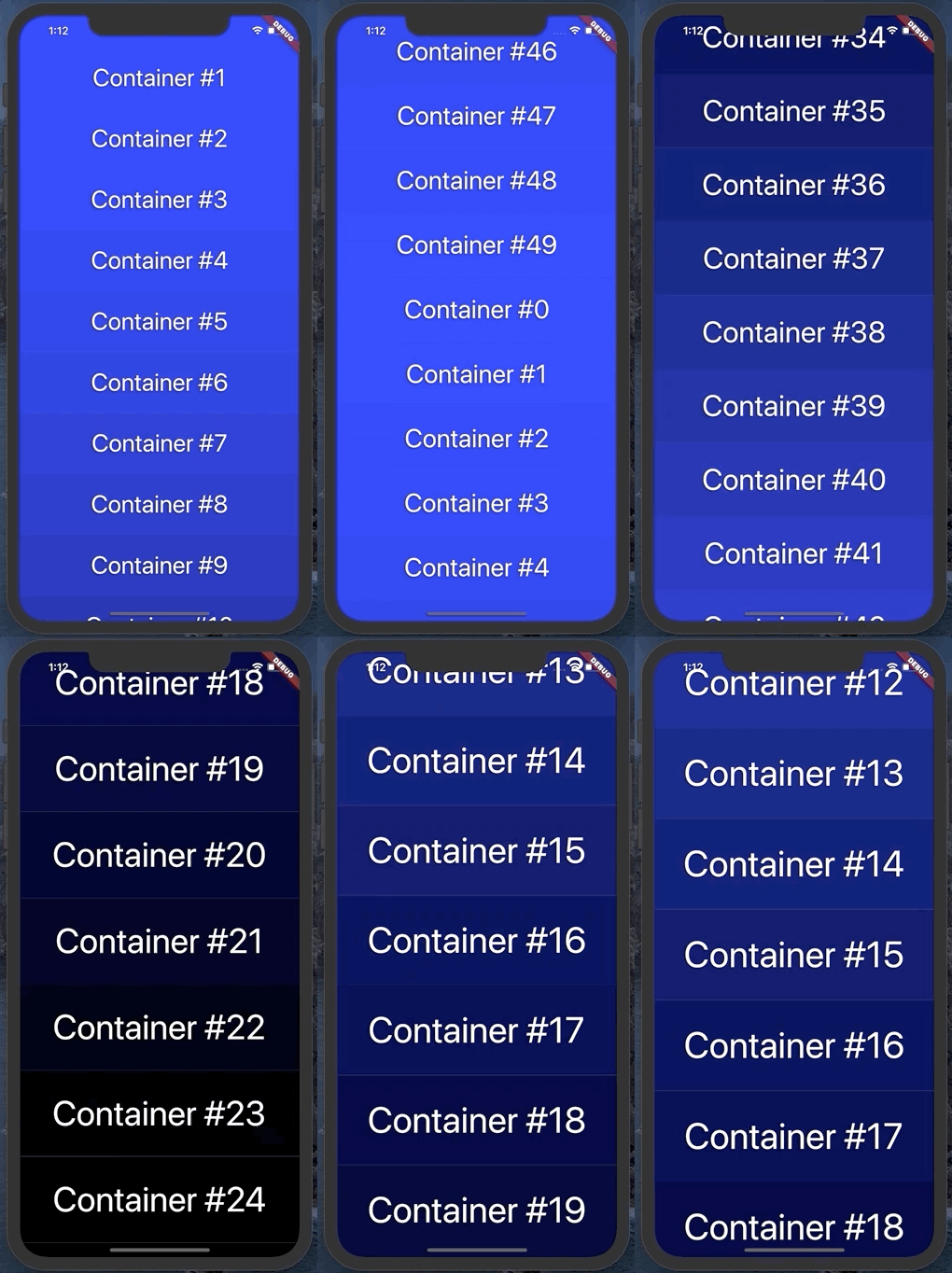
zoomFactor: optional zoom in by this amount during the animation. It looks something like this, with a zoom factor of 1.5:
निर्भरता सूची 2 आइटम
{"sdk":"flutter"}{"sdk":"flutter"}उपयोग के अनुसार छाँटें, गतिविधि की तुलना करें और अपनाने से पहले मूल प्रोजेक्ट की आवश्यकताएँ जाँचें।
“A repository is the most basic element of GitHub.”
GitHub Docs — About repositories ↗