

 v0.2.5+1
page_flip
एक फ्लटर पैकेज जो आपके ऐप में विजेट्स के साथ पेज फ्लिप प्रभाव जोड़ने में मदद करेगा।
180लाइक 9630-दिन डाउनलोड140Pub अंक
AndroidiOSWebmacOSWindowsLinux
एक फ्लटर पैकेज जो आपके ऐप में विजेट्स के साथ पेज फ्लिप प्रभाव जोड़ने में मदद करेगा।

यह अंग्रेज़ी मूल स्नैपशॉट है। नवीनतम सामग्री GitHub पर देखें।

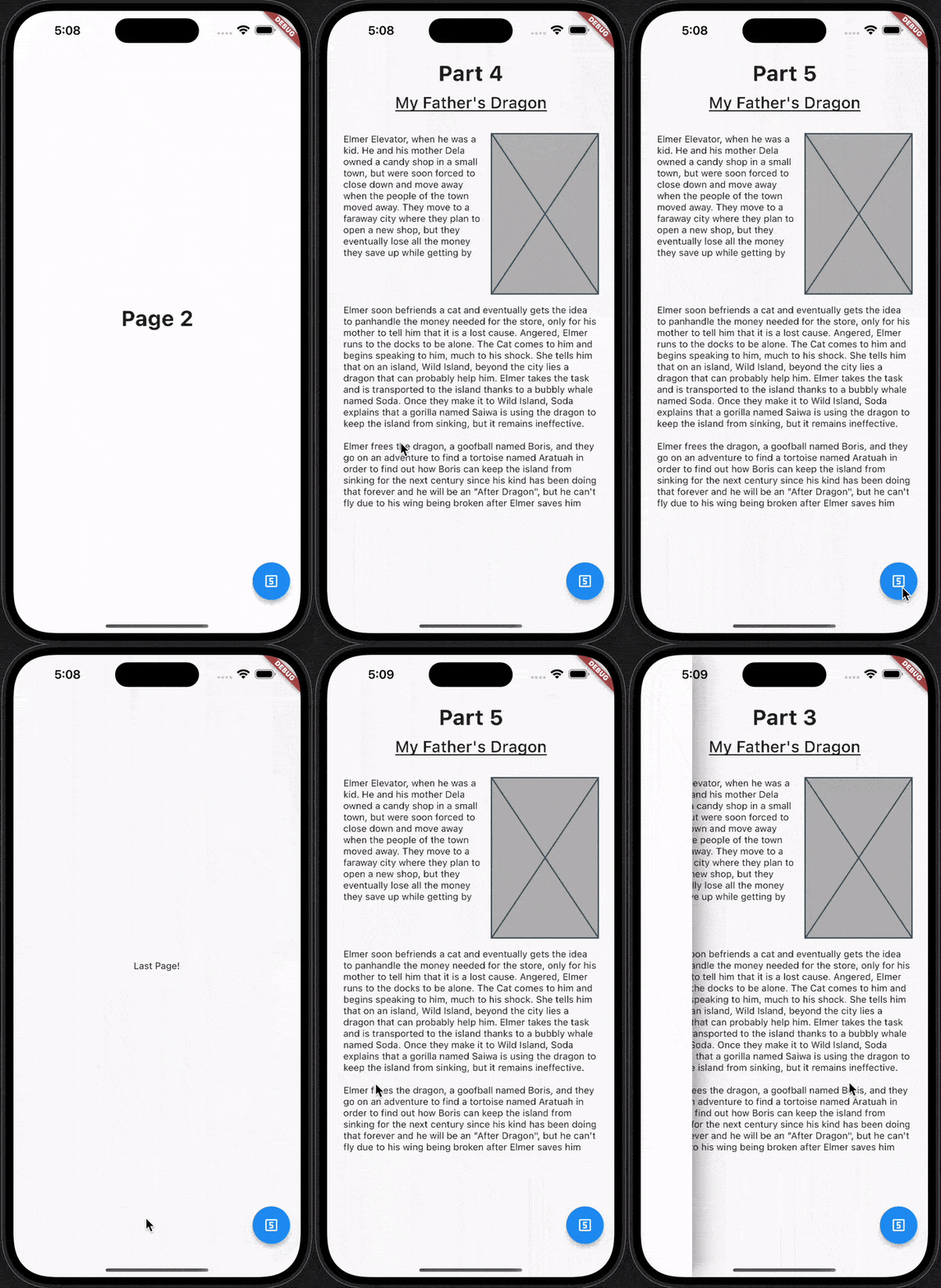
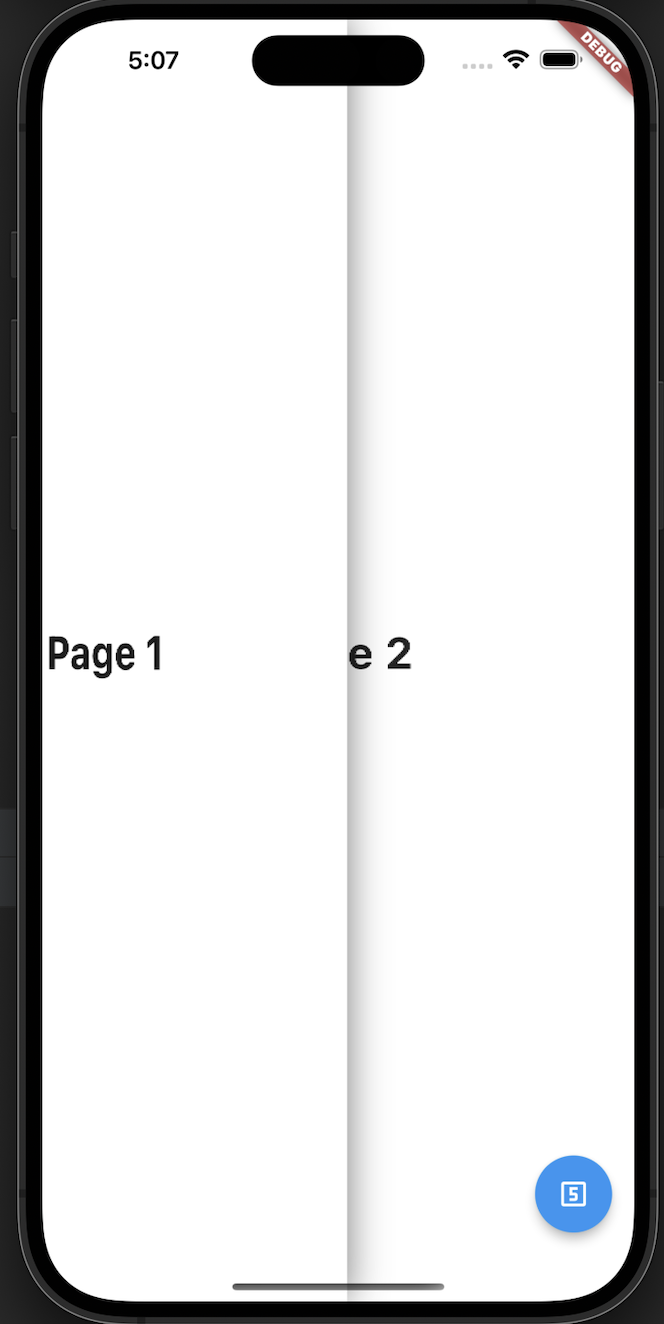
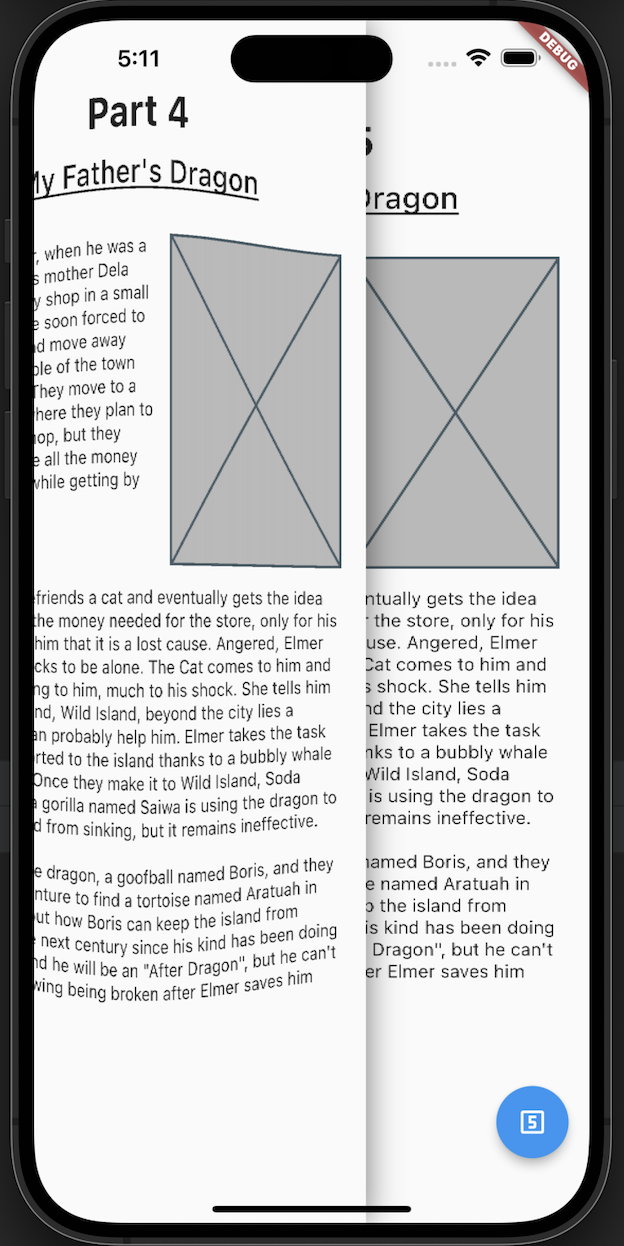
A flutter package which will help you to add page flip effect to widgets in your app.
Re-created by Techahead Software
dependencies:
  page_flip: <VERSION>
$ flutter pub get
Alternatively, your editor might support flutter packages get. Check the docs for your editor to learn more.
import 'package:page_flip/page_flip.dart';
  final _controller = GlobalKey<PageFlipWidgetState>();


    Scaffold(
      body: PageFlipWidget(
        key: _controller,
        backgroundColor: Colors.white,
        // isRightSwipe: true,
        lastPage: Container(color: Colors.white, child: const Center(child: Text('Last Page!'))),
        children: <Widget>[
          for (var i = 0; i < 10; i++) DemoPage(page: i),
        ],
      ),
      floatingActionButton: FloatingActionButton(
        child: const Icon(Icons.looks_5_outlined),
        onPressed: () {
          _controller.currentState?.goToPage(5);
        },
      ),
    );
refer to example/lib/main.dart

निर्भरता सूची 3 आइटम
{"sdk":"flutter"}{"sdk":"flutter"}^2.0.0उपयोग के अनुसार छाँटें, गतिविधि की तुलना करें और अपनाने से पहले मूल प्रोजेक्ट की आवश्यकताएँ जाँचें।
“A repository is the most basic element of GitHub.”
GitHub Docs — About repositories ↗