

v0.3.0
cloudpayments
एंड्रॉइड और आईओएस एप्लिकेशन में क्लाउडपेमेंट्स को एकीकृत करने के लिए फ्लटर प्लगइन।
27लाइक 5830-दिन डाउनलोड140Pub अंक
AndroidiOS
shushper/cloudpayments open-source repository details.

यह अंग्रेज़ी मूल स्नैपशॉट है। नवीनतम सामग्री GitHub पर देखें।
A Flutter plugin for integrating Cloudpaymanets in Android and iOS applications.
Disclaimer: It is not an official plugin. It uses SDK-Android on Android and SDK-IOS on iOS. Also this plugin doesn't send any requests to Cloudpayments API. In order to make purchases you have to implment some logic on your server.
Steps to make purchase:
See the official documentation:
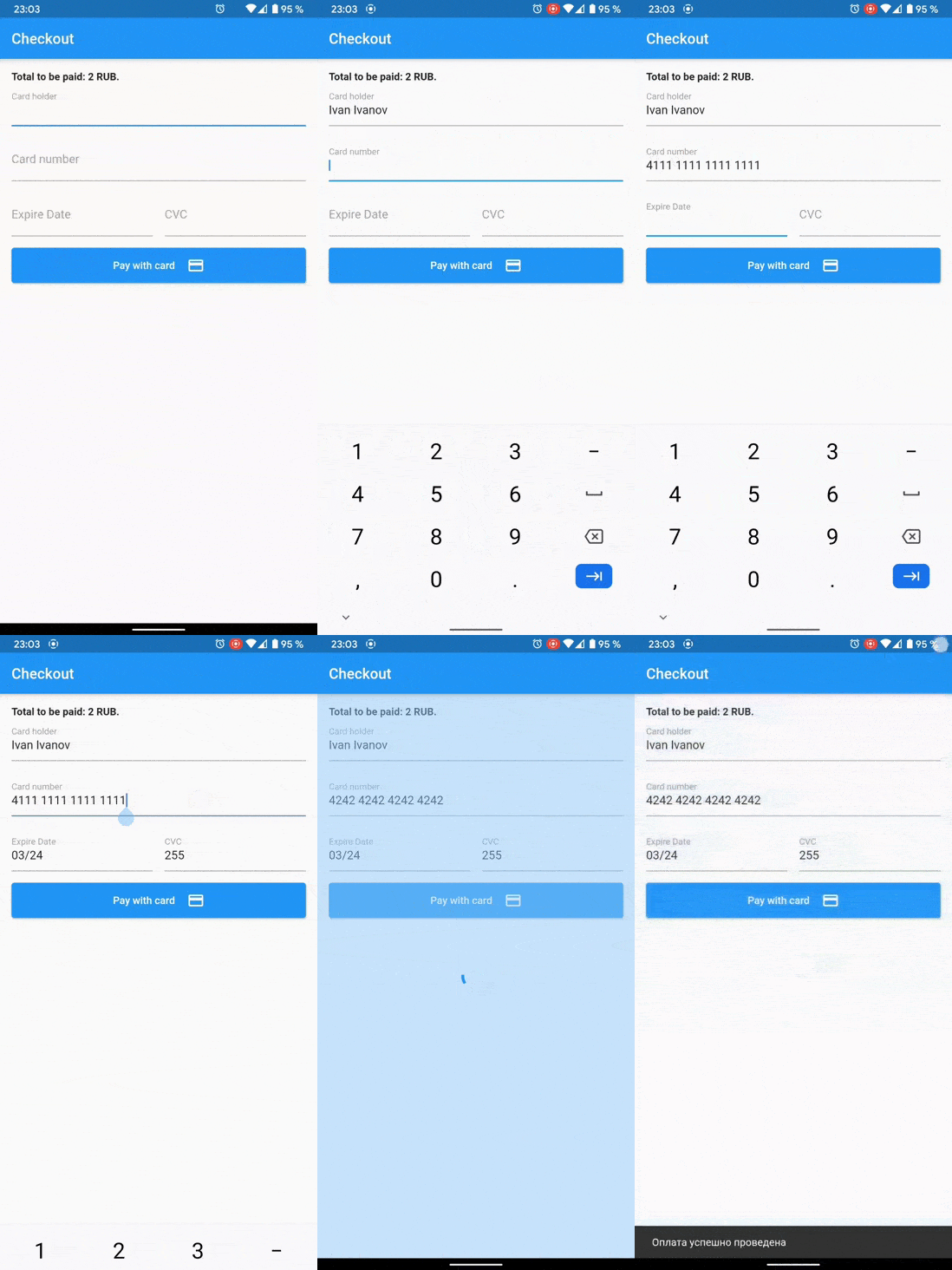
If you want to show 3ds dialog on Android, make MainActivity implements FlutterFragmentActivity instead of FlutterActivity
android/app/src/main/.../MainActivity.kt:
import io.flutter.embedding.android.FlutterFragmentActivity

class MainActivity: FlutterFragmentActivity() {}
bool isValid = await Cloudpayments.isValidNumber(cardNumber);
bool isValid = await Cloudpayments.isValidExpireDate(cardNumber); // MM/yy
final cryptogram = await Cloudpayments.cardCryptogram(cardNumber, expireDate, cvcCode, publicId);
final result = await Cloudpayments.show3ds(acsUrl, transactionId, paReq);
final applePay = CloudpaymentsApplePay();
final isApplePayAvailable = await applePay.isApplePayAvailable();
final paymentToken = await applePay.requestApplePayPayment(
    merchantId: 'merchant.com.YOURDOMAIN',
    currencyCode: 'RUB',
    countryCode: 'RU',
    products: [
        {"name": "Red apple", "price": "170"},
        {"name": "Mango", "price": "250.50"},
        {"name": "Delivery", "price": "100"},
        {"name": "Discount", "price": "-89.90"},
        {"name": "Total", "price": "430.60"},
    ],
);
Now you can use paymentToken for payment by a cryptogram.
final googlePay = CloudpaymentsGooglePay(GooglePayEnvironment.production);
final isGooglePayAvailable = await googlePay.isGooglePayAvailable();
 final result = await googlePay.requestGooglePayPayment(
    price: '430.6',
    currencyCode: 'RUB',
    countryCode: 'RU',
    merchantName: 'Example Merchant',
    publicId: 'test_api_00000000000000000000002',
);

if (result != null) {
    if (result.isSuccess) {
      final paymentToken = result.token;
    }
}
Now you can use paymentToken for payment by a cryptogram.
निर्भरता सूची 2 आइटम
{"sdk":"flutter"}{"sdk":"flutter"}उपयोग के अनुसार छाँटें, गतिविधि की तुलना करें और अपनाने से पहले मूल प्रोजेक्ट की आवश्यकताएँ जाँचें।
“A repository is the most basic element of GitHub.”
GitHub Docs — About repositories ↗