v2.4.3
niku
स्विफ्टयुआई जैसे पैटर्न के साथ विजेट को स्टाइल करने के लिए प्रॉपर्टी बिल्डर
69लाइक 53930-दिन डाउनलोड130Pub अंक
AndroidiOSWebmacOSWindowsLinux
एक टोकन नीलामी वेबसाइट जो Flutter द्वारा बनाई गई है और flutter_web3 पैकेज के माध्यम से एथेरियम web3 से अंतरक्रिया करती है।

यह अंग्रेज़ी मूल स्नैपशॉट है। नवीनतम सामग्री GitHub पर देखें।
A token auction website made by Flutter thats interacts with Ethereum web3 through flutter_web3 package.
This flutter web package is demonstration/example for flutter_web3 package usage ONLY.
Live preview at https://auction.yoisha.dev/
Currently operating chain are (is)


I've built this a while ago and decided to take this to open-source, so don't hope for anything magnificient and/or bug-free. Any contributions are welcomed and appreciated.
For best case scenario, you should use Multicall/Logs querying/Event subscription whenever available to reduce the number of https call made to the node.
This example website usage is to auction/sell off ERC20 token using others ERC20 token or native token as a payment (selectable). The seller can put certain amount of token for sale and decide the price from start, then the total time that the token will be put on sale. The seller also can put a limit per account on.
For buyer can navigate to the desired pool page by accessing from the front page or by dedicated link. And then the buyer can buy the token by putting how much they want to spend, that less than the limit set by the buyer.
So, this website cover
First, in the package directory.
flutter pub get
To run the web-server, use
flutter run -d web-server
And navigates to the URL shown after the command was used.
Edit /config/chain.dart to configure available chain and contract information.
All contract interaction is located in /controllers/*/contract_controller.dart
.
├── config
│   └── chain.dart
├── constants.dart
├── controllers
│   ├── fixed_swap
│   │   ├── contract_controller.dart
│   │   ├── create_controller.dart
│   │   ├── home_controller.dart
│   │   └── pool_controller.dart
│   └── web3controller.dart
├── extensions.dart
├── generated_plugin_registrant.dart
├── main.dart
├── models
│   ├── chain.dart
│   ├── controller_bundle.dart
│   ├── currency.dart
│   ├── pool.dart
│   ├── pool_create_request.dart
│   ├── pool_swap_request.dart
│   └── token.dart
├── pages
│   ├── fixed_swap
│   │   ├── create.dart
│   │   ├── home.dart
│   │   ├── pool.dart
│   │   ├── widgets
│   │   │   ├── claim_pool.dart
│   │   │   ├── create_listing.dart
│   │   │   ├── create_pool_dialog.dart
│   │   │   ├── fixed_pool_mini.dart
│   │   │   ├── join_pool.dart
│   │   │   ├── paginate.dart
│   │   │   ├── pool_dialog_action.dart
│   │   │   ├── pool_header.dart
│   │   │   ├── pool_information.dart
│   │   │   ├── pool_settings.dart
│   │   │   ├── swap_dialog.dart
│   │   │   └── token_contract_form.dart
│   │   └── your_pool.dart
│   └── redirect.dart
├── routes.dart
├── utils.dart
└── widgets
    ├── account_large.dart
    ├── layout.dart
    ├── logo_large.dart
    ├── navigation_bar.dart
    └── paginate_controller.dart
स्विफ्टयुआई जैसे पैटर्न के साथ विजेट को स्टाइल करने के लिए प्रॉपर्टी बिल्डर
एथेरियम क्लाइंट से जुड़ने के लिए एक Celo संगत Dart प per लाइब्रेरी। लेनदेन भेजें और स्मार्ट कॉन्ट्रैक्ट्स के साथ बातचीत करें! Celo पर `feeCurrencies` का उपयोग करके लेनदेन शुल्क का भुगतान करें।
decimal पैकेज आपको निर्दिष्टता खोए बिना दशमलव संख्याओं के साथ काम करने की अनुमति देता है।
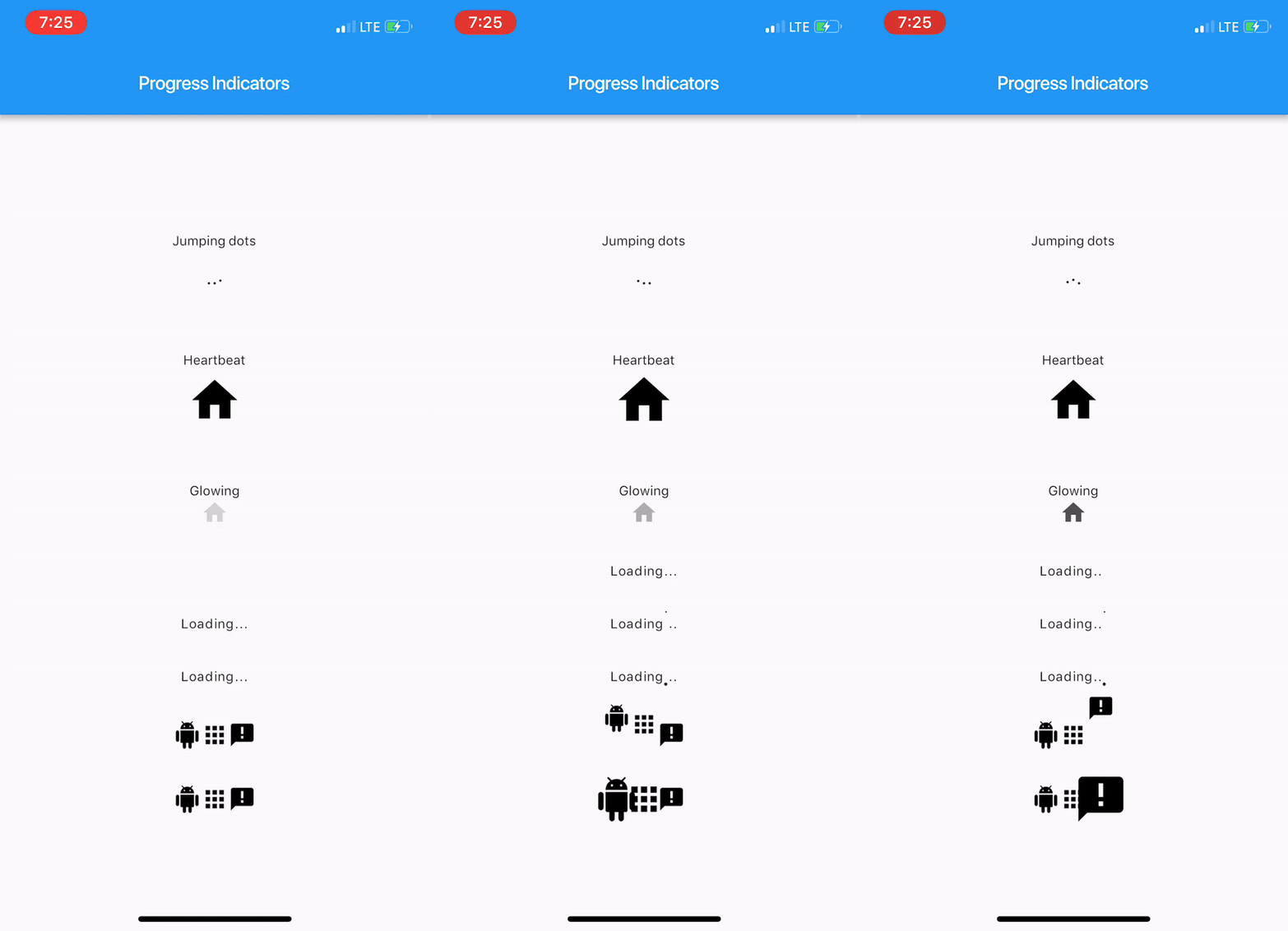
कुछ शानदार प्रगति सूचक और पाठ एनिमेटर का एक हाथ भर संग्रह।
'Duration' के साथ काम करना आसान बनाने के लिए उपकरण। मानव पठनीय रूप में अवधि को प्रारूपित करता है और मानव पठनीय रूप में अवधि को Dart के Duration में विश्लेषित करता है।
Flutter क्लिपबोर्ड में टेक्स्ट, रिच टेक्स्ट (HTML) और छवि समर्थन है।
Flutter Web के लिए Web3 Ethereum, Etherjs और Wallet Connect वрапर। Dapp विकसित करने के लिए विशेष रूप से बनाया गया।
निर्भरता सूची 20 आइटम
{"sdk":"flutter"}^1.0.3———————^4.3.8——————^9.0.0^2.1.3—{"sdk":"flutter"}उपयोग के अनुसार छाँटें, गतिविधि की तुलना करें और अपनाने से पहले मूल प्रोजेक्ट की आवश्यकताएँ जाँचें।
“A repository is the most basic element of GitHub.”
GitHub Docs — About repositories ↗