
탐색-플러터-파이어스토어
이것은 Firebase의 Cloud FireStore 데이터베이스와 Google 지도를 사용한 Flutter 앱입니다. 이 앱은 최고의 성능으로 아름다운 UI를 구현할 수 있음을 보여줍니다.

- 스타
- 190
- 포크
- 44
- 최근 푸시(UTC)
- 2019. 10. 18.
- 프로젝트 상태
- 활성
원본 README
아래는 영문 원문 스냅샷입니다. 최신 내용은 GitHub에서 확인하세요.
Explore - Flutter/FireStore/Google-Map by Akash Divya
This is a Flutter App with Firebase's Cloud FireStore Database and Google Map. This app represents that Customizable Beautiful UI can be implemented with the Best Performance possible.
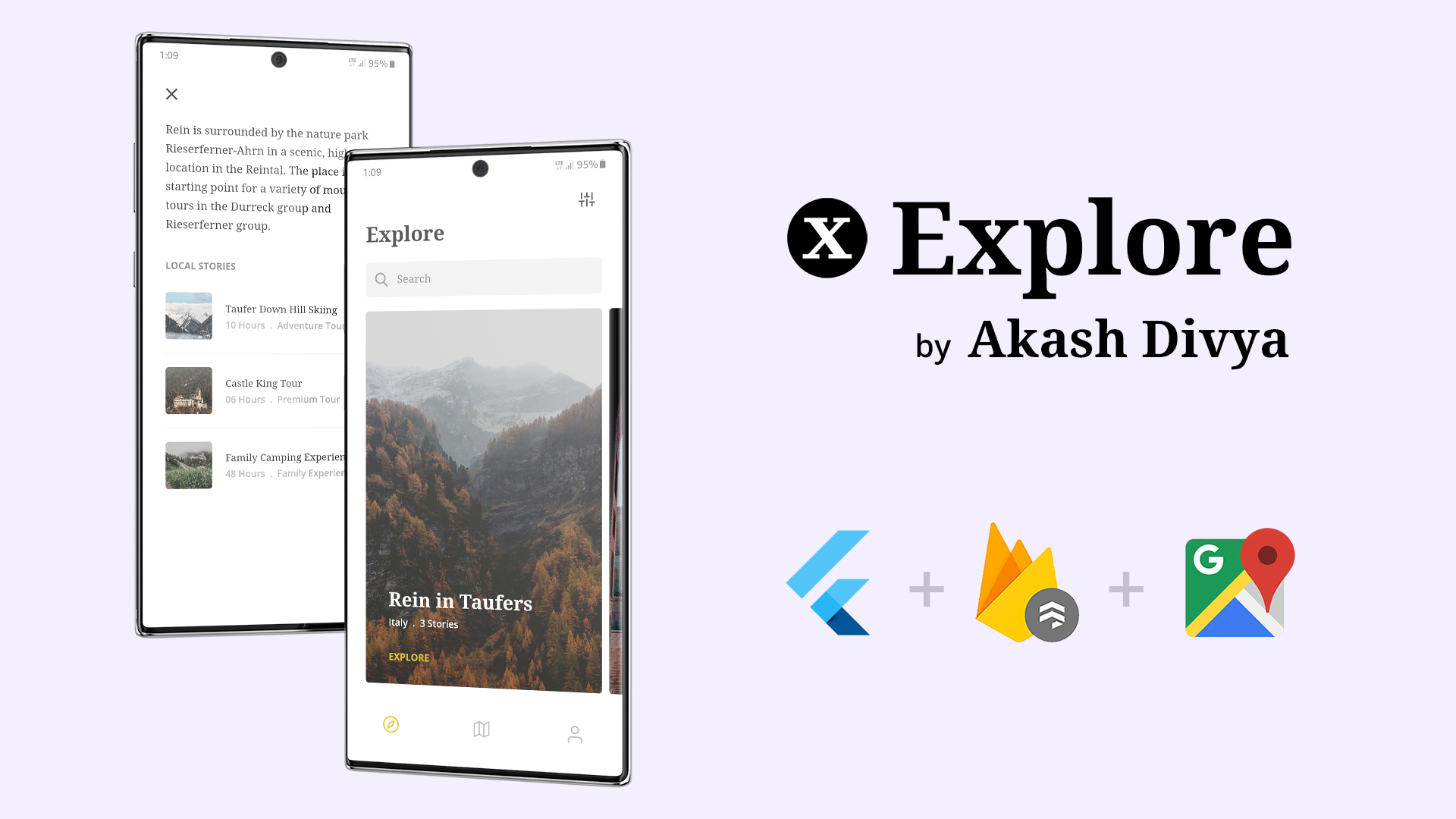
Things implemented in this App
This was my first Flutter App. My intentions were to implement as many things as I can so that I can learn those things. This App contains the implementation of the followings:
- Firebase's Cloud FireStore
- Firebase's Cloud Storage
- Custom Firebase Text by Text Search
- Official Google Map
- BLoC Pattern/Architecture
- StreamBuilder
- StreamSubscription
- Dynamic Theme
- Internet Connectivity Status
- Customizing Status Bar & Navigation Tab
- PageView
- Custom Icon & Splash Screen
- Various Material Components
How to get this Repo and run it on your System
I kept the code as original as possible with prober Commented Guides for anyone to understand and implement. Still you need to follow these steps.
-
First get Flutter and all necessary SDK/Plugins installed. Full guide here Flutter: Get Started
-
Now create a new Flutter App, named as 'exploreapp' with AndroidX Compatibility.
flutter create --androidx exploreapp -
Now download this Repo
-
Extract the Repo into your newly created exploreapp and replace the required files.
-
Now go to Firebase and start a new project. Follow these guidelines here and paste the file google-services.json from there into your project. (We are doing this just for Android Platform)
'yourDirectory'\exploreapp\android\app
-
Now Populate your FireStore Database like examples below:
.png)
.png)
.png)
.png)
-
Now go to Google API and Enable Maps SDK for Android and get thi API Key.
-
Paste this API Key in the pecific area where I mentioned "Your Map API Key here" in AndroidManifest.xml file which can be found in _'yourDirectory'\exploreapp\android\app\src\main_ like written below:
<application> ... <meta-data android:name="com.google.android.geo.API_KEY" android:value="Your Map API Key here"/> -
Now you can Finally run VS-Code or Android Studio whichever you prefer and get the flutter packages and just run the App.
Download the APK
Check the apk files included in this Repo. Install them on your device to test it.
App Demonstration Video
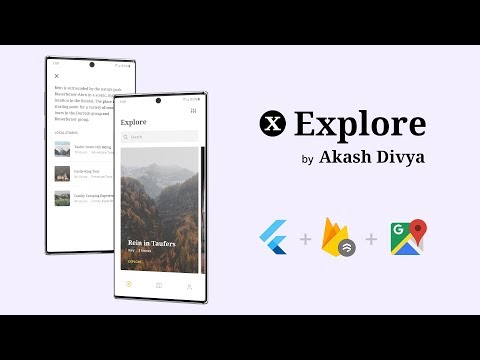
Local Assets & Json Data Variant
If you are wondering how you can do it with local assets and json data you can visit this Repo
About Me
I'm a veteran Designer/Animator with 10+ years of experience. I always hated the excuses Developers gave me when they fail to implement my Design. One day, when I found about Flutter I said no more & started learning it. This is my first App which I developed, and the design i took from dribbble Link and I also designed the parts which were not there.
My Links
Email: akash.apd@gmail.com
Now go out there and do what you Love.

Akash Divya ↗
분류
순위
프로젝트에 맞는 저장소를 선택하려면?
사용 목적에 따라 검색하고 개발 활동을 비교한 뒤 원본 저장소에서 요구 사항을 확인하세요.
- 이름, 작성자 또는 설명으로 검색하고 기술 주제로 범위를 좁힙니다.
- 스타, 포크, 최근 푸시를 함께 비교하세요. 스타는 관심의 지표이며 품질을 보장하지 않습니다.
- 사용하기 전에 GitHub에서 README, 라이선스, Issues를 확인하세요.
출처 및 관리
“A repository is the most basic element of GitHub.”
GitHub Docs — About repositories ↗