

v2.1.0
animated_svg
가시적 벡터 그래픽스 1.1 파일을 표시하고 애니메이션하는 데 사용되는 Flutter 패키지입니다.
113좋아요 87830일 다운로드160Pub 점수
AndroidiOSWebmacOSWindowsLinux
확장 가능한 벡터 그래픽스 1.1 파일을 표시하고 애니메이션하는 데 사용할 수 있는 Flutter 패키지입니다. 이 패키지는 오직 Dart 언어로 작성되었습니다.

아래는 영문 원문 스냅샷입니다. 최신 내용은 GitHub에서 확인하세요.
Flutter package for displaying and animating Scalable Vector Graphics 1.1 files. The package has been written solely in Dart language.




 |
 |
|---|
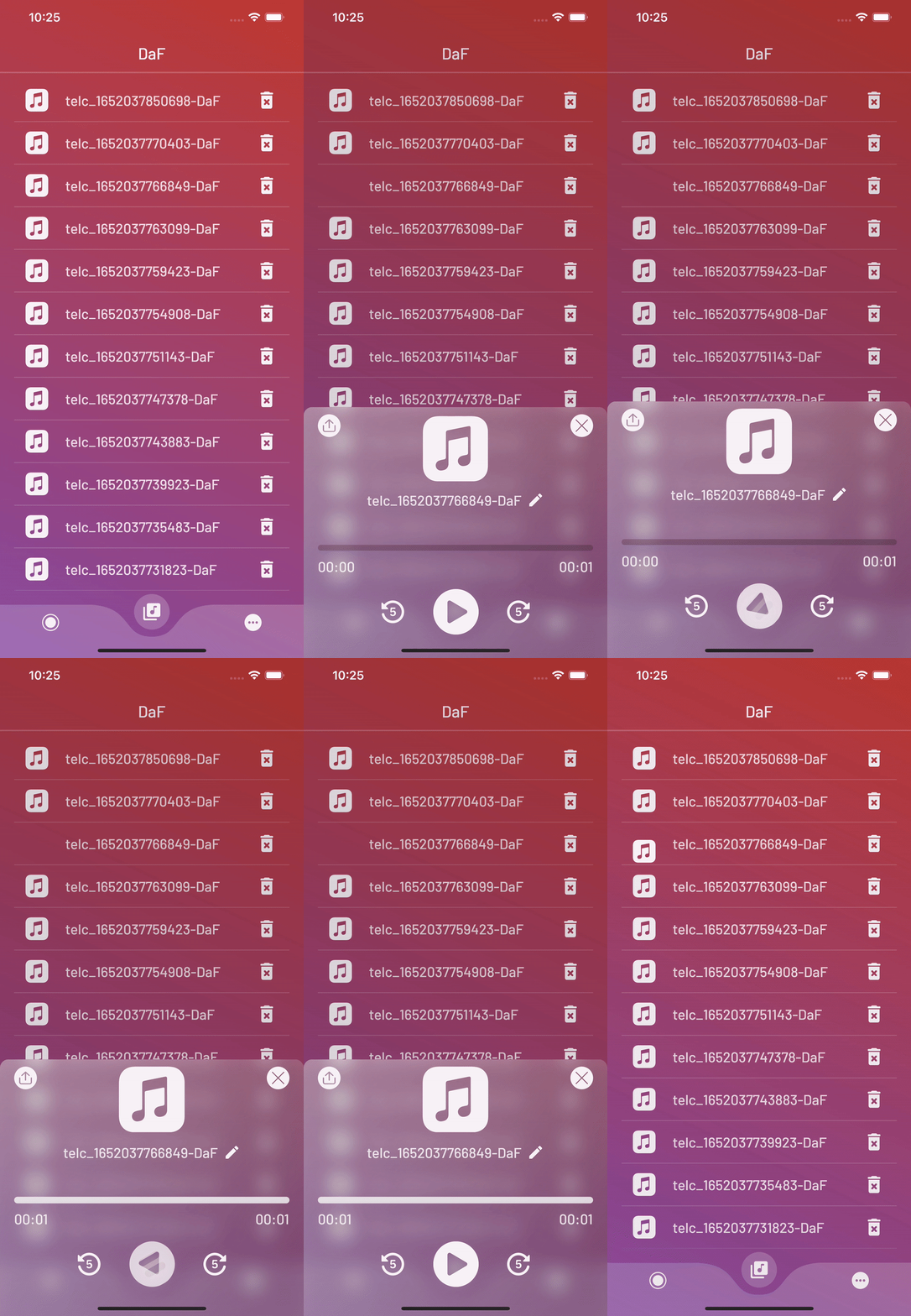
A powerful and fully customizable widget. With this package, you can animate SVGs without effort and make your UI look more lovely.
The AnimatedSvg widget creates a smooth transition between the two SVGs you assign.
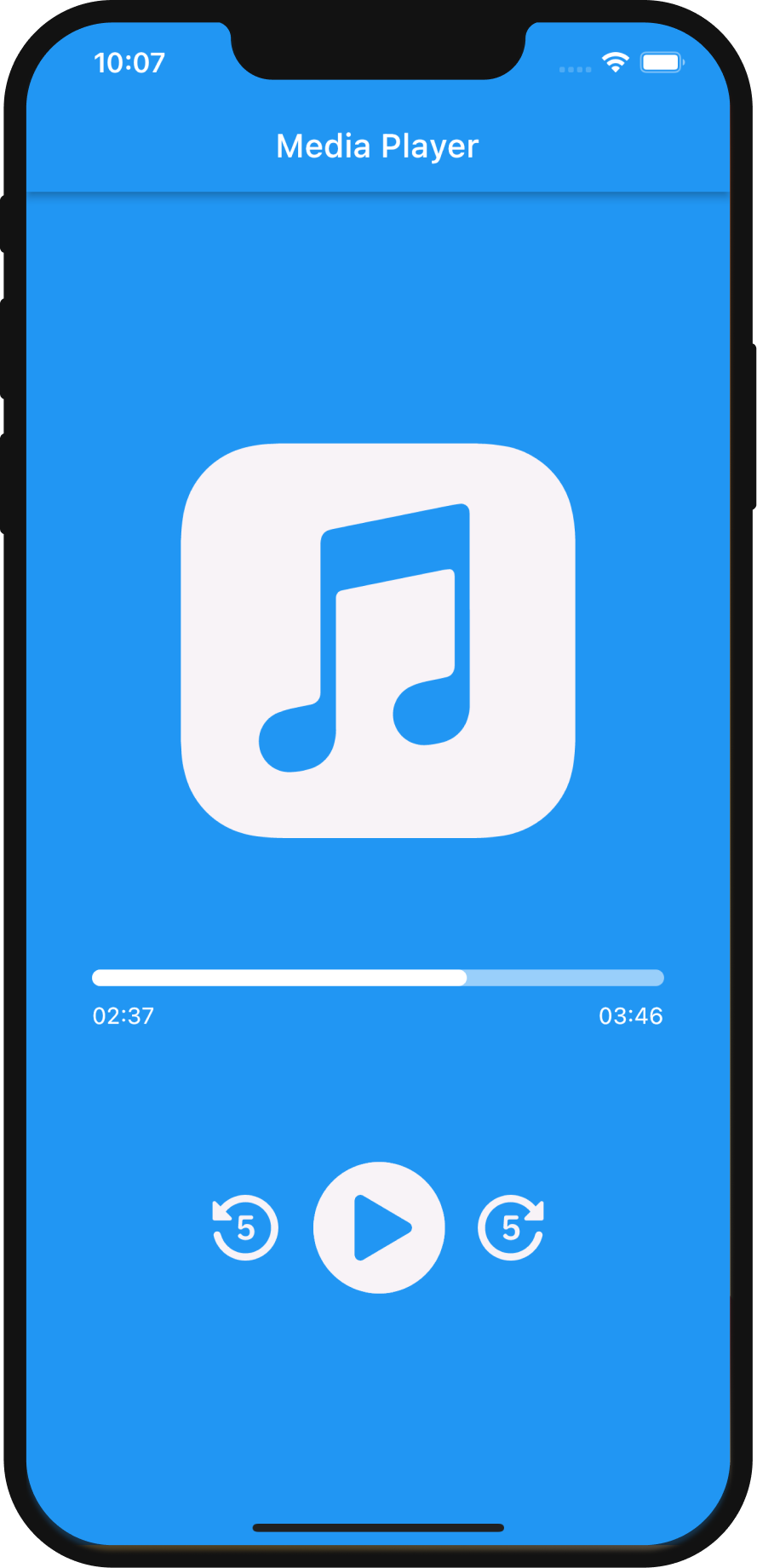
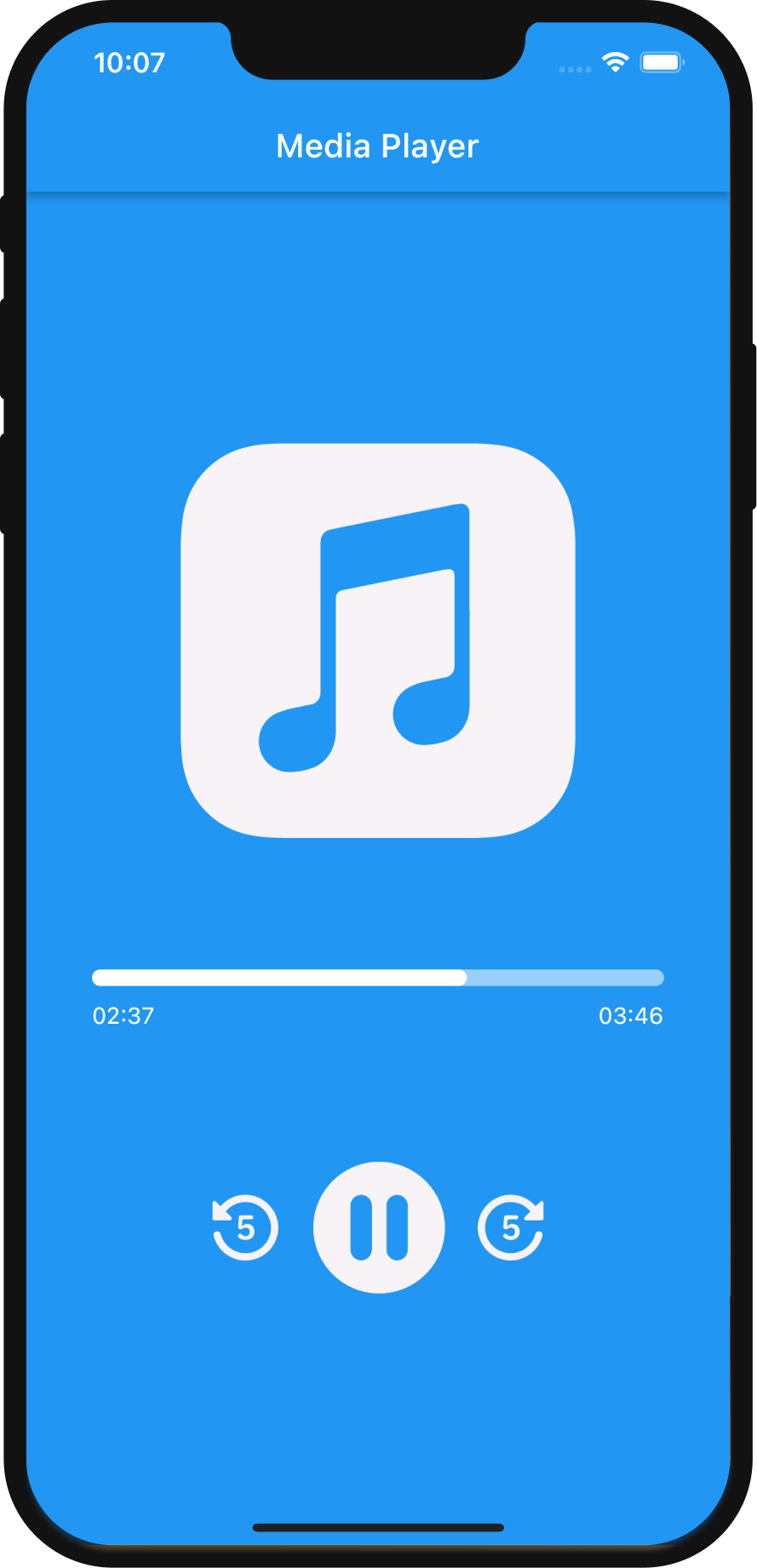
Let's take a look at how to implement AnimatedSvg to quickly create cool transition animation between SVGs.
First, add the following line to pubspec.yaml:
animated_svg: ^2.1.0
Second, import AnimatedSvg:
import 'package:animated_svg/animated_svg.dart';
Basic usage example:
main.dart
// Define an SvgController
late final SvgController controller;

@override
void initState() {
    // Initialize SvgController
    controller = AnimatedSvgController();
    super.initState();
}

@override
void dispose() {
    // Dispose SvgController
    controller.dispose();
    super.dispose();
}

@override
Widget build(BuildContext context) {
    // Call the AnimatedSvg widget anywhere in your widget tree.
    return AnimatedSvg(
        controller: controller,
        duration: const Duration(milliseconds: 600),
        onTap: () {},
        size: 80,
        clockwise: false,
        isActive: true,
        children: [
            SvgPicture.asset(
                'assets/play.svg',
            ),
            SvgPicture.asset(
                'assets/pause.svg',
            ),
        ],
    );
}
More examples can be found in /example folder on GitHub.
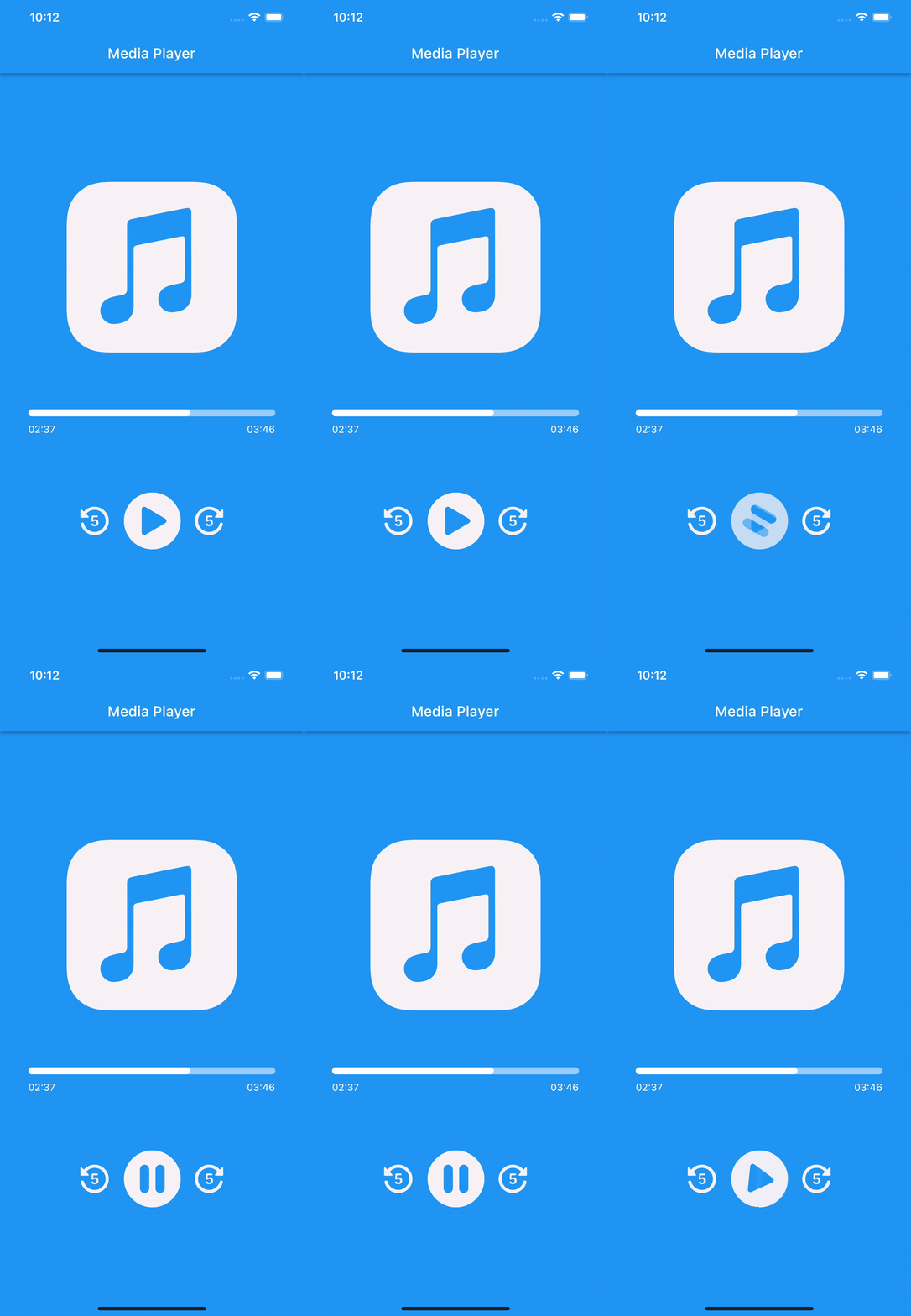
Media Player - an example of basic implementation of AnimatedSvg. Simple project that simulates a media player. As usual, the player needs play and pause buttons. Thanks to the AnimatedSvg package, it is so easy to create a smooth transition between play and pause SVGs.
This package has been written solely in Dart Language yet it has the flutter_svg as a dependency.
For more information please visit GitHub.
Please file feature requests and bugs at the issue tracker.
의존성 목록 6 개
{"sdk":"flutter"}^2.0.10+1^5.0.0{"sdk":"flutter"}^1.0.4>=6.0.0 <11.0.0사용 목적에 따라 검색하고 개발 활동을 비교한 뒤 원본 저장소에서 요구 사항을 확인하세요.
“A repository is the most basic element of GitHub.”
GitHub Docs — About repositories ↗