
날짜 및 시간 선택 위젯
CeylonCodeLabs/date_time_picker_widget open-source repository details.

- 스타
- 8
- 포크
- 15
- 최근 푸시(UTC)
- 2026. 6. 24.
- 프로젝트 상태
- 활성
원본 README
아래는 영문 원문 스냅샷입니다. 최신 내용은 GitHub에서 확인하세요.
date_time_picker_widget

This package brings us a way to pick date and time with fresh new UI design
Usage
In the pubspec.yaml of your flutter project, add the following dependency:
dependencies:
  ...
  date_time_picker_widget: ^2.0.0
In your library add the following import:
import 'package:date_time_picker_widget/date_time_picker_widget.dart';
For help getting started with Flutter, view the online documentation.
Example
There are three presentations for DateTimePickerWidget and can be defined in the type parameter:
DateTimePickerType.Datewill present date picker;DateTimePickerType.Timewill present time picker;DateTimePickerType.Bothwill present date and time picker both;
DateTimePicker(
  type: DateTimePickerType.Both, // options: [Date | Time | Both], default is Both
  ...
)
More complete example:
DateTimePicker(
  initialSelectedDate: dt,
  startDate: dt.add(Duration(days: 1)),
  endDate: dt.add(Duration(days: 60)),
  startTime: DateTime(dt.year, dt.month, dt.day, 6),
  endTime: DateTime(dt.year, dt.month, dt.day, 18),
  timeInterval: Duration(minutes: 15),
  datePickerTitle: 'Pick your preferred date',
  timePickerTitle: 'Pick your preferred time',
  timeOutOfRangeError: 'Sorry shop is closed now',
  is24h: false,
  onDateChanged: (date) {
    setState(() {
      _d1 = DateFormat('dd MMM, yyyy').format(date);
    });
  },
  onTimeChanged: (time) {
    setState(() {
      _t1 = DateFormat('hh:mm:ss aa').format(time);
    });
  },
)
Demo
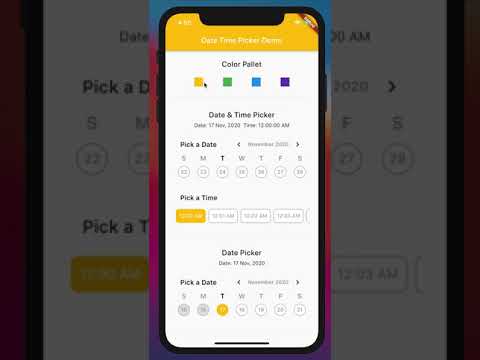
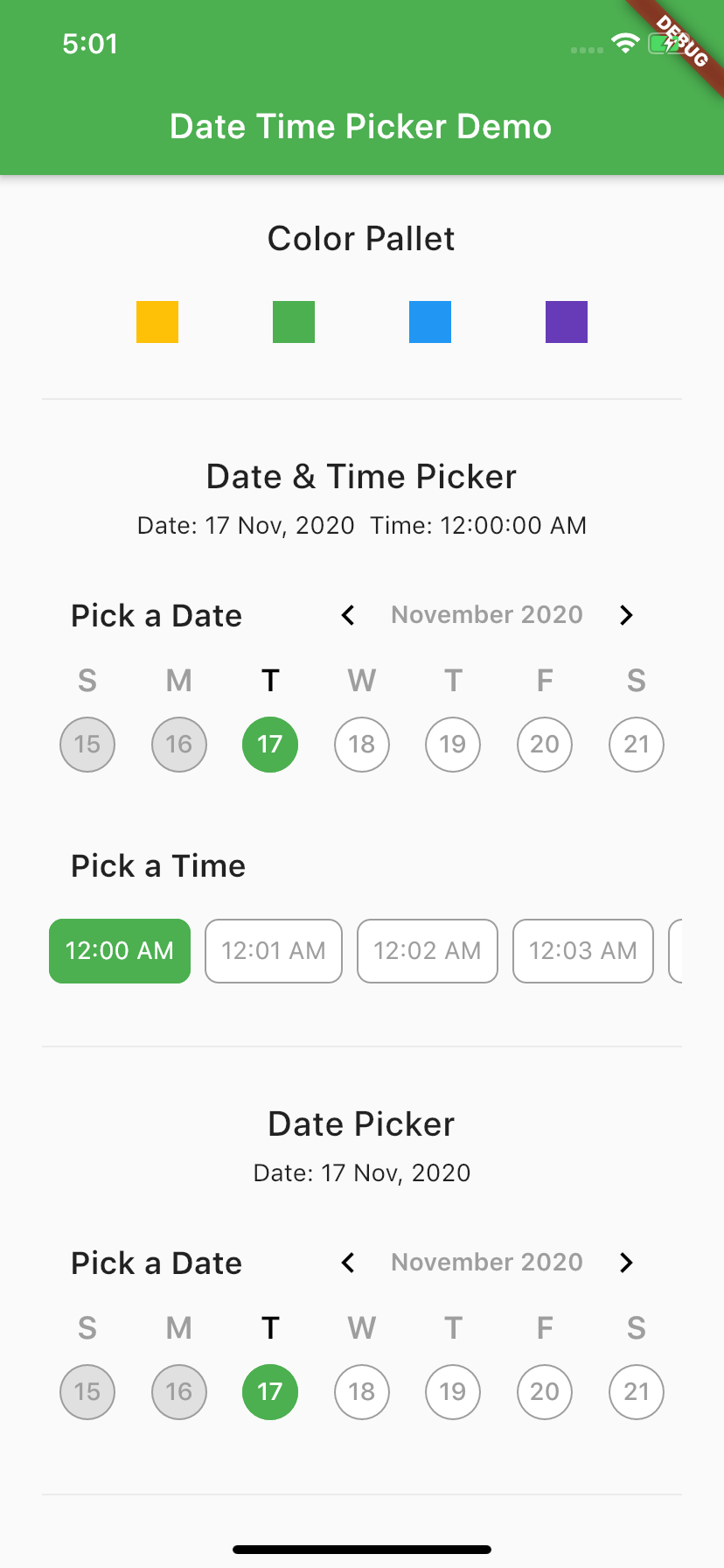
Screen Shot

GitHub 작성자
CeylonCodeLabs ↗
언어DartHTMLSwiftKotlinObjective-C
사용 중인 의존성
의존성 목록 6 개
- flutter
{"sdk":"flutter"} - intl
^0.18.1 - stacked
^3.4.0 - jiffy
^6.2.1 - scrollable_positioned_list
^0.3.8 - flutter_test개발 의존성
{"sdk":"flutter"}
프로젝트에 맞는 저장소를 선택하려면?
사용 목적에 따라 검색하고 개발 활동을 비교한 뒤 원본 저장소에서 요구 사항을 확인하세요.
- 이름, 작성자 또는 설명으로 검색하고 기술 주제로 범위를 좁힙니다.
- 스타, 포크, 최근 푸시를 함께 비교하세요. 스타는 관심의 지표이며 품질을 보장하지 않습니다.
- 사용하기 전에 GitHub에서 README, 라이선스, Issues를 확인하세요.
출처 및 관리
“A repository is the most basic element of GitHub.”
GitHub Docs — About repositories ↗