

 v0.2.0
clickable_list_wheel_view
ListWheelScrollView에 대한 간단한 래퍼로 자식 요소가 제스처(onTap) 이벤트에 반응할 수 있도록 합니다.
88좋아요 1.2천30일 다운로드150Pub 점수
AndroidiOSWebmacOSWindowsLinux
ListWheelScrollView에 대한 간단한 래퍼로 자식이 제스처(onTap) 이벤트에 반응할 수 있도록 합니다

아래는 영문 원문 스냅샷입니다. 최신 내용은 GitHub에서 확인하세요.

Simple wrapper for ListWheelScrollView that allows children to respond on gesture (onTap) events
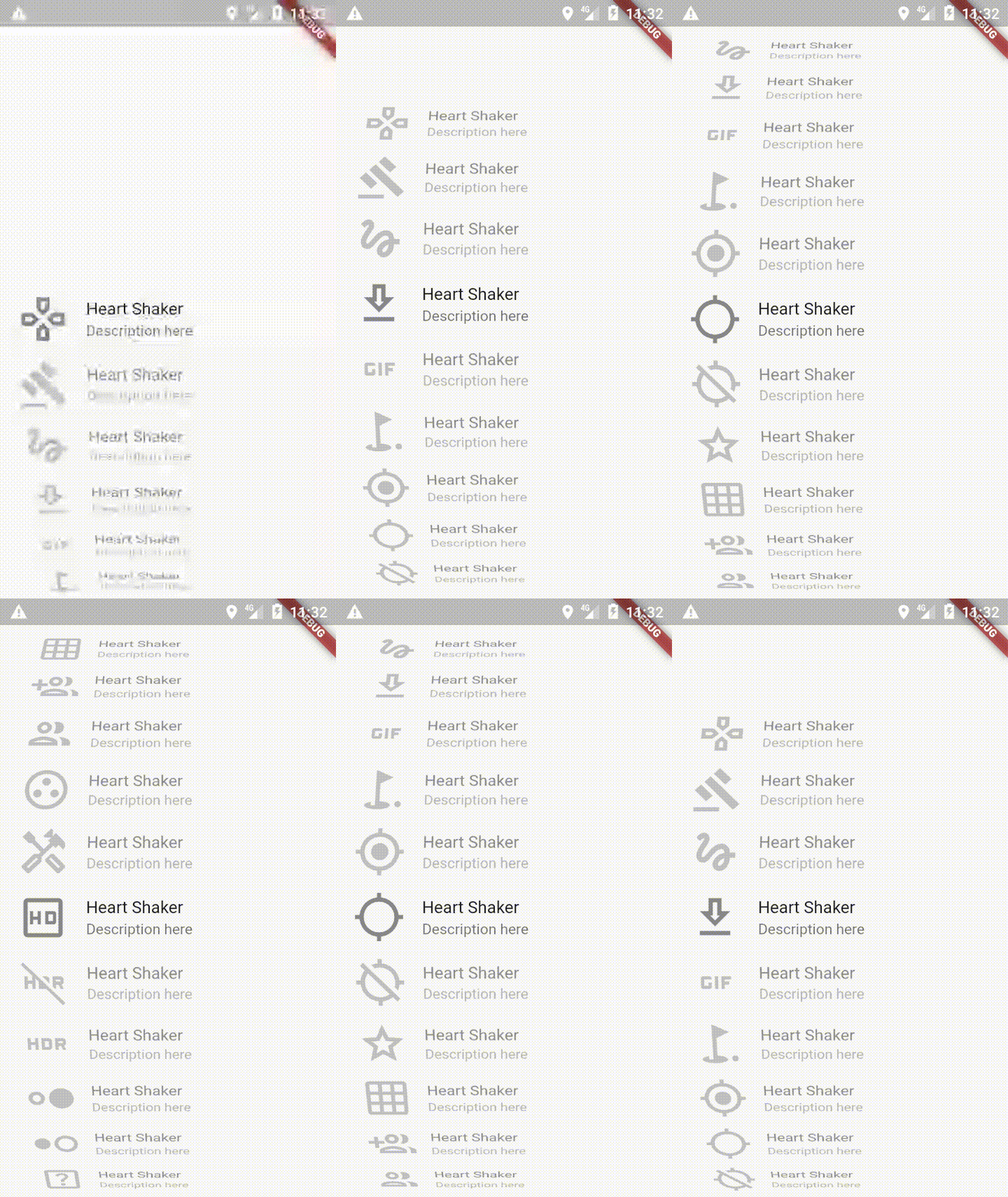
In the dependencies: section of your pubspec.yaml, add the following line:
dependencies:
    clickable_list_wheel_view: latest_version
You can get started really simple, just add
ClickableListWheelScrollView(
  scrollController: _scrollController,
  itemHeight: _itemHeight,
  itemCount: _itemCount,
  onItemTapCallback: (index) {
    print("onItemTapCallback index: $index");
  },
  child: ListWheelScrollView.useDelegate(
    controller: _scrollController,
    itemExtent: _itemHeight,
    physics: FixedExtentScrollPhysics(),
    overAndUnderCenterOpacity: 0.5,
    perspective: 0.002,
    onSelectedItemChanged: (index) {
      print("onSelectedItemChanged index: $index");
    },
    childDelegate: ListWheelChildBuilderDelegate(
      builder: (context, index) => _child(index),
      childCount: _itemCount,
    ),
  ),
)
  ///  Required. The [child] which the wrapper will target to
  final ListWheelScrollView child;

  /// Required. Must be the same for list and wrapper
  final ScrollController scrollController;

  /// Optional. ListWheelScrollView height
  final double listHeight;

  /// Required. Height of one child in ListWheelScrollView
  final double itemHeight;

  /// Required. Number of items in ListWheelScrollView
  final int itemCount;

  /// If true the list will scroll on click
  final bool scrollOnTap;

  /// Set a handler for listening to a `tap` event
  final OnItemTapCallback onItemTapCallback;

  /// sets the duration of the scroll  animation
  final Duration animationDuration;

  /// use with ListWheelChildLoopingListDelegate
  final bool loop;
의존성 목록 2 개
{"sdk":"flutter"}{"sdk":"flutter"}사용 목적에 따라 검색하고 개발 활동을 비교한 뒤 원본 저장소에서 요구 사항을 확인하세요.
“A repository is the most basic element of GitHub.”
GitHub Docs — About repositories ↗