
flutter_animated_counter
#FlutterCounterChallenge2020 에서 온 애니메이션 카운터 모음

- 스타
- 16
- 포크
- 2
- 최근 푸시(UTC)
- 2021. 4. 14.
- 프로젝트 상태
- 활성
원본 README
아래는 영문 원문 스냅샷입니다. 최신 내용은 GitHub에서 확인하세요.
animated_counter
A collection of animated counters sourced during the FlutterCounterChallenge2020.
| Block | Circle Wave | Creatures |
|---|---|---|
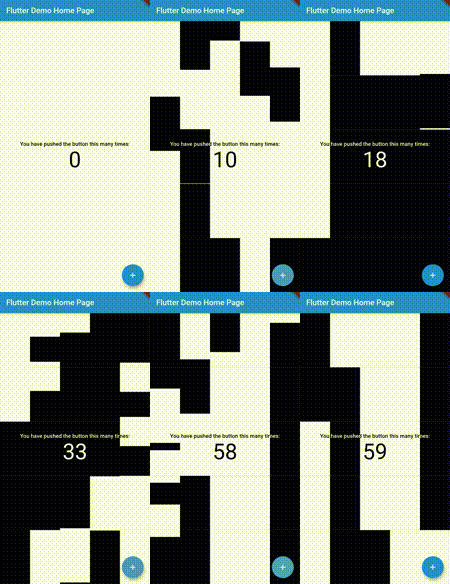 |
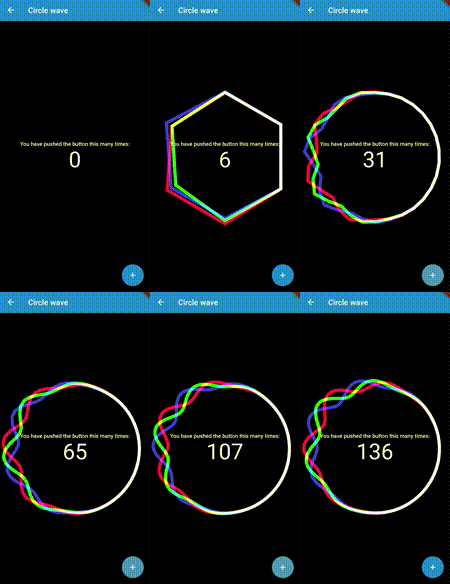 |
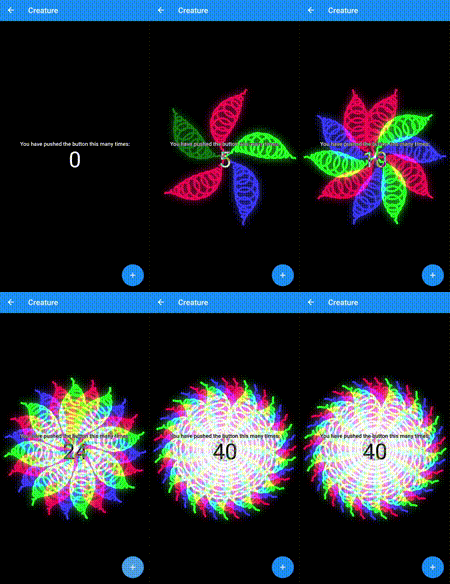 |
| Image Bubble | Particles | Portrait |
|---|---|---|
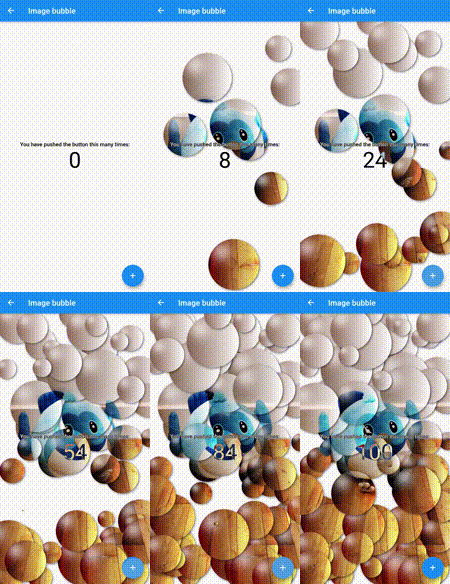 |
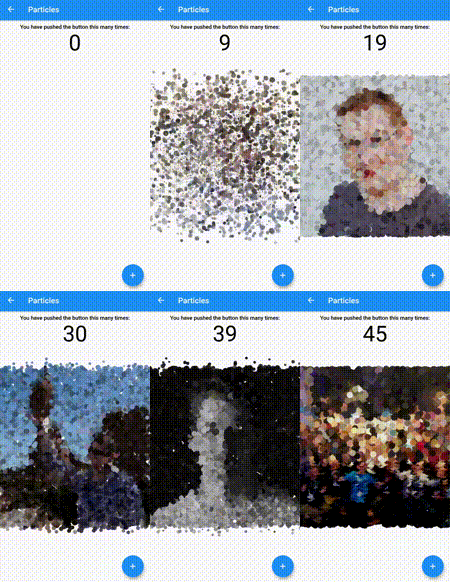 |
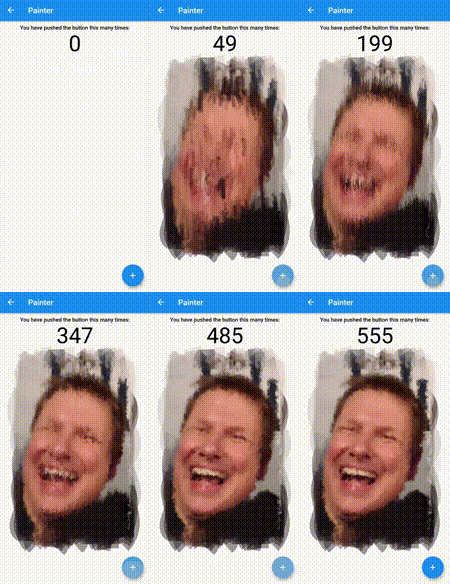 |
| Rotating Bubbles | Rotating Planets | Volcano |
|---|---|---|
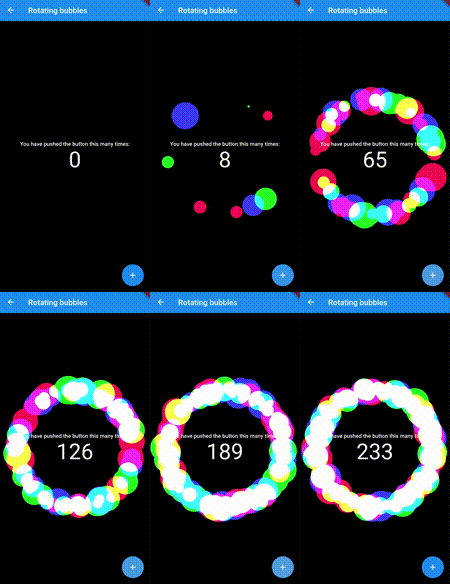 |
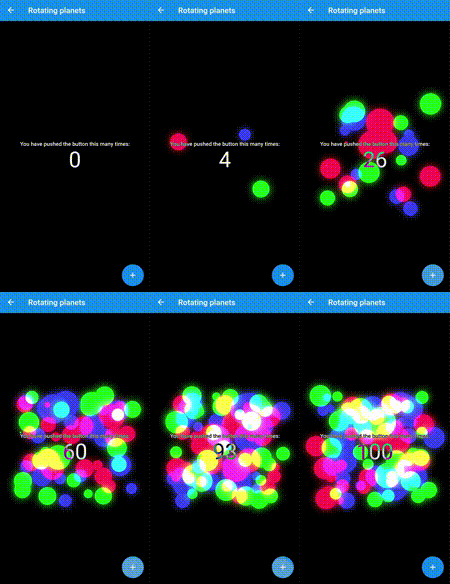 |
 |
| Wave | Pixel | Disks |
|---|---|---|
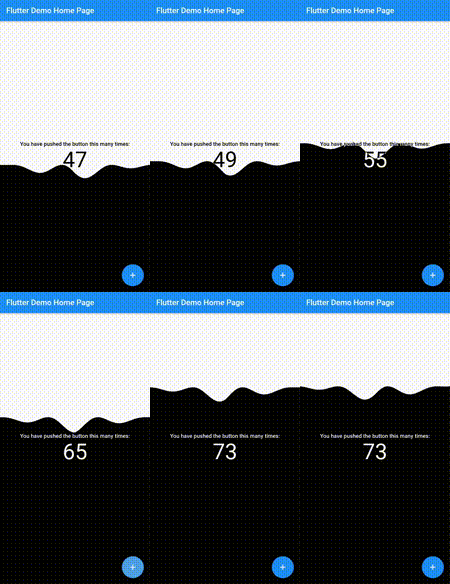 |
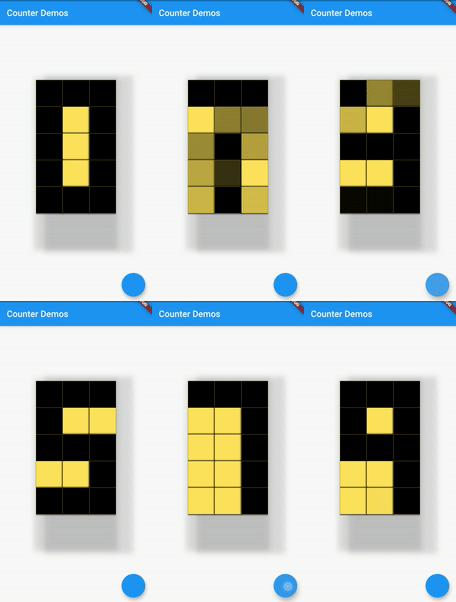 |
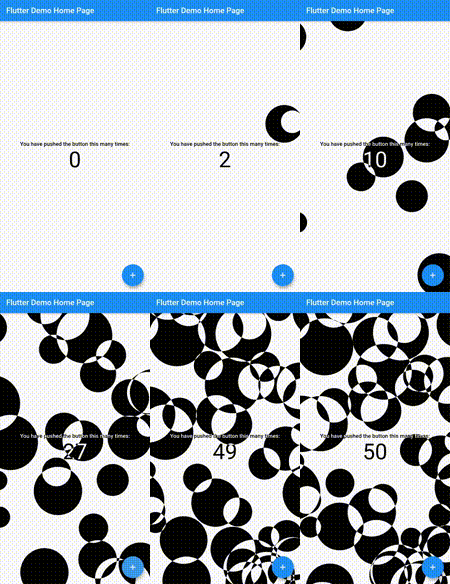 |
Features
- Beautiful Smooth Animations
- Ability to increment, decrement and get current counter value.
- One stop destination for FlutterCounterChallenge2020 widgets.
- Completely open source.
- Added support for Null-Safety
Supported platforms
- Flutter Android
- Flutter iOS
- Flutter web
- Flutter desktop
Live preview
http://ryuukenshi.github.io/animated_counter
Note: This page is built with flutter-web, hence the animations may not be smooth. For a better user experience, please run the example app on a mobile device.
Installation
Add animated_counter: 1.0.0 to your pubspec.yaml dependencies. And import it:
import 'package:collapsible_sidebar/collapsible_sidebar.dart';
How to use
First create the object of the Animated Counter you wish to use. Then use its build() method to build it. Finally use the incrementCounter(), decrementCounter() and getCounter() methods to control the widget animations.
Create the object of the animated counter you like
  BlocksCounter block = BlocksCounter(initialCounter: 0);
  DisksCounter disk = DisksCounter(initialCounter: 0);
  WaveCounter wave = WaveCounter(initialCounter: 0);
  CircleWaveCounter circle;
  RotatingBubblesCounter bub = RotatingBubblesCounter(initialCounter: 0, initialColors: [Colors.red, Colors.green, Colors.blue]);
  RotatingPlanetsCounter plan = RotatingPlanetsCounter(initialCounter: 0, initialColors: [Colors.red, Colors.green, Colors.blue]);
  CreatureCounter cre;
  ImageBubbleCounter imgbub = ImageBubbleCounter(initialCounter: 0, image: 'assets/dash.jpg');
  PortraitCounter por = PortraitCounter(initialCounter: 0, image: 'assets/mattis.jpeg');
  ParticlesCounter part;
  VolcanoCounter vol = VolcanoCounter(initialCounter: 0, enableSky: true);
  PixelCounter pix = PixelCounter(initialCounter: 0);

  @override
    void initState() {
      circle = CircleWaveCounter(vsync: this, initialCounter: 0, initialColors: [Colors.red, Colors.green, Colors.blue]);
      cre = CreatureCounter(vsync: this, initialCounter: 0, initialColors: [Colors.red, Colors.green, Colors.blue]);
      part = ParticlesCounter(initialCounter: 0, images: ['image1.jpg', 'image2.jpg', 'image3.jpg', 'image4.jpg', 'image5.jpg']);
      super.initState();
    }
CircleWaveCounter() and CreatureCounter() require a vsync hence the parent class needs to extend TickerProviderStateMixin to use these counters.
Use it in widget tree using build() method. Control it using the incrementCounter(), decrementCounter() and getCounter() methods.
@override
  Widget build(BuildContext context) {
    return Scaffold(
      body: PageView(
        children: [
          block.build(context),
          disk.build(context),
          wave.build(context),
          circle.build(context),
          bub.build(context),
          plan.build(context),
          cre.build(context),
          imgbub.build(context),
          por.build(context),
          part.build(context),
          vol.build(context),
          pix.build(context),
        ],
      ),
      floatingActionButton: FloatingActionButton(
        onPressed: (){
          setState(() {
            block.incrementCounter();
            disk.incrementCounter();
            wave.incrementCounter();
            circle.incrementCounter();
            bub.incrementCounter();
            plan.incrementCounter();
            cre.incrementCounter();
            imgbub.incrementCounter();
            por.incrementCounter();
            part.incrementCounter();
            vol.incrementCounter();
            pix.incrementCounter();
          });
        },
      ),
    );
  }
License
Apache 2.0
Credits
This package was made possible with code open-sourced by these awesome devs:
- Romain Rastel 🌟🌟🌟
- Mahmoud Ashour 🌟

Arjun Sinha ↗
분류
사용 중인 의존성
의존성 목록 3 개
- flutter
{"sdk":"flutter"} - vector_math
^2.0.8 - flutter_test개발 의존성
{"sdk":"flutter"}
프로젝트에 맞는 저장소를 선택하려면?
사용 목적에 따라 검색하고 개발 활동을 비교한 뒤 원본 저장소에서 요구 사항을 확인하세요.
- 이름, 작성자 또는 설명으로 검색하고 기술 주제로 범위를 좁힙니다.
- 스타, 포크, 최근 푸시를 함께 비교하세요. 스타는 관심의 지표이며 품질을 보장하지 않습니다.
- 사용하기 전에 GitHub에서 README, 라이선스, Issues를 확인하세요.
출처 및 관리
“A repository is the most basic element of GitHub.”
GitHub Docs — About repositories ↗