

 v0.17.2
sidebarx
flutter 다중 플랫폼 네비게이션 사이드바 / 사이드 네비게이션바 / 드로어 위젯
783좋아요 1.6만30일 다운로드160Pub 점수
AndroidiOSWebmacOSWindowsLinux
Flutter 다중 플랫폼 탐색 사이드바 / 사이드 탐색 바 / 드로어 위젯

아래는 영문 원문 스냅샷입니다. 최신 내용은 GitHub에서 확인하세요.
Show some ❤️ and star the repo to support the project!
| Mobile | Desktop | Web |
|---|---|---|
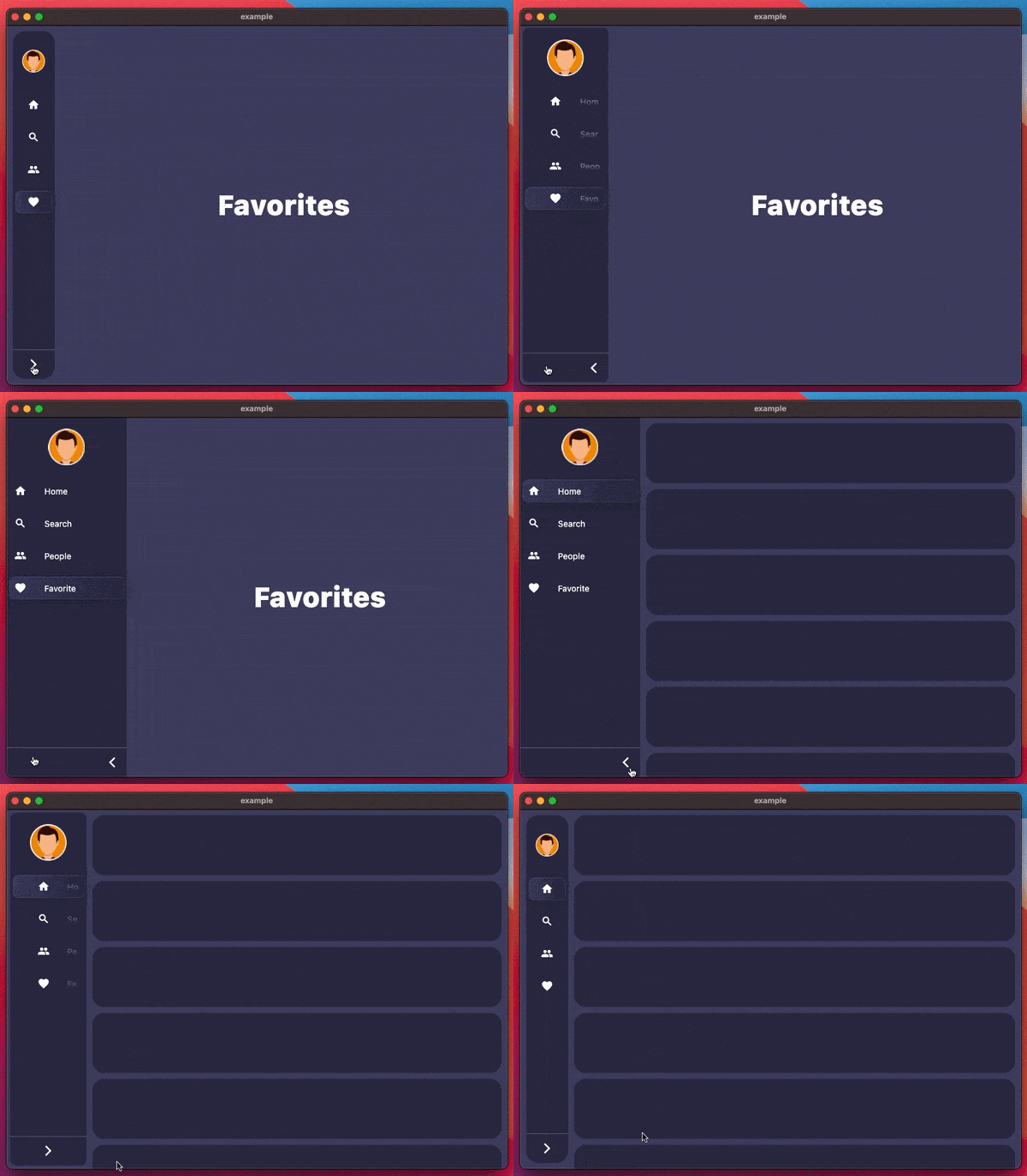
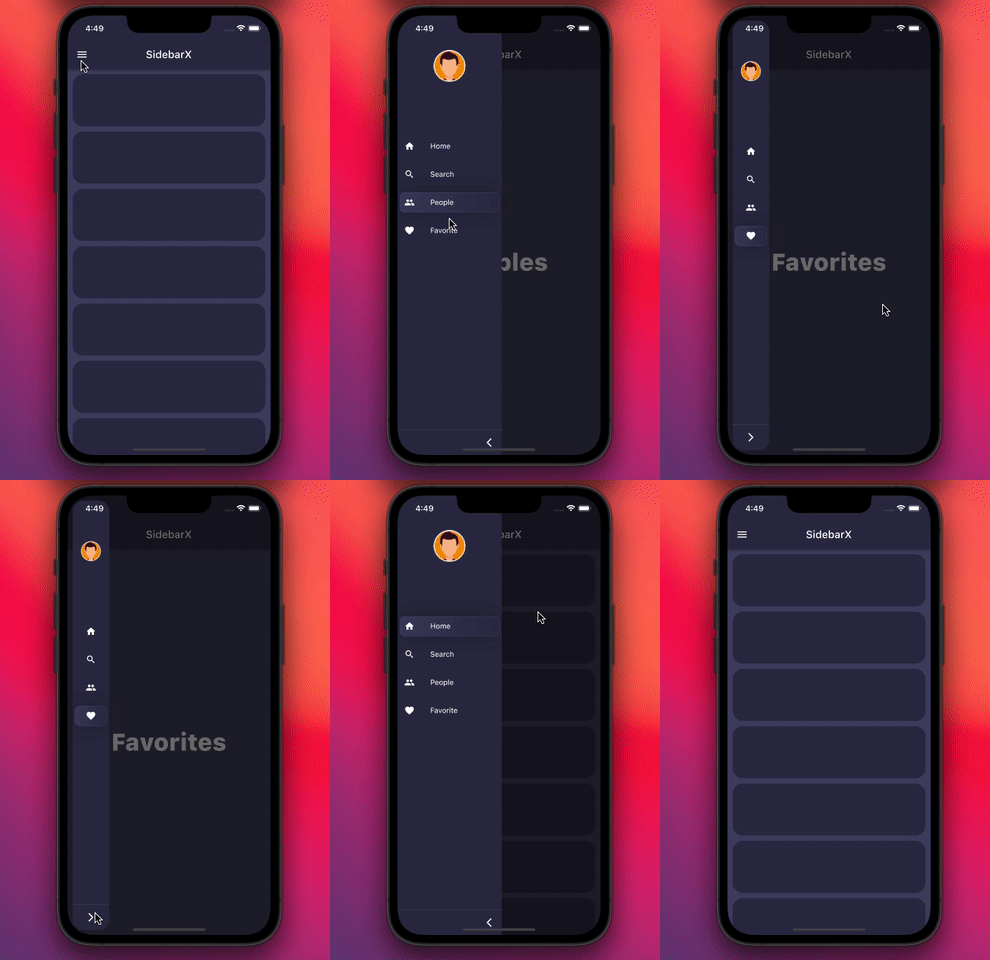 |
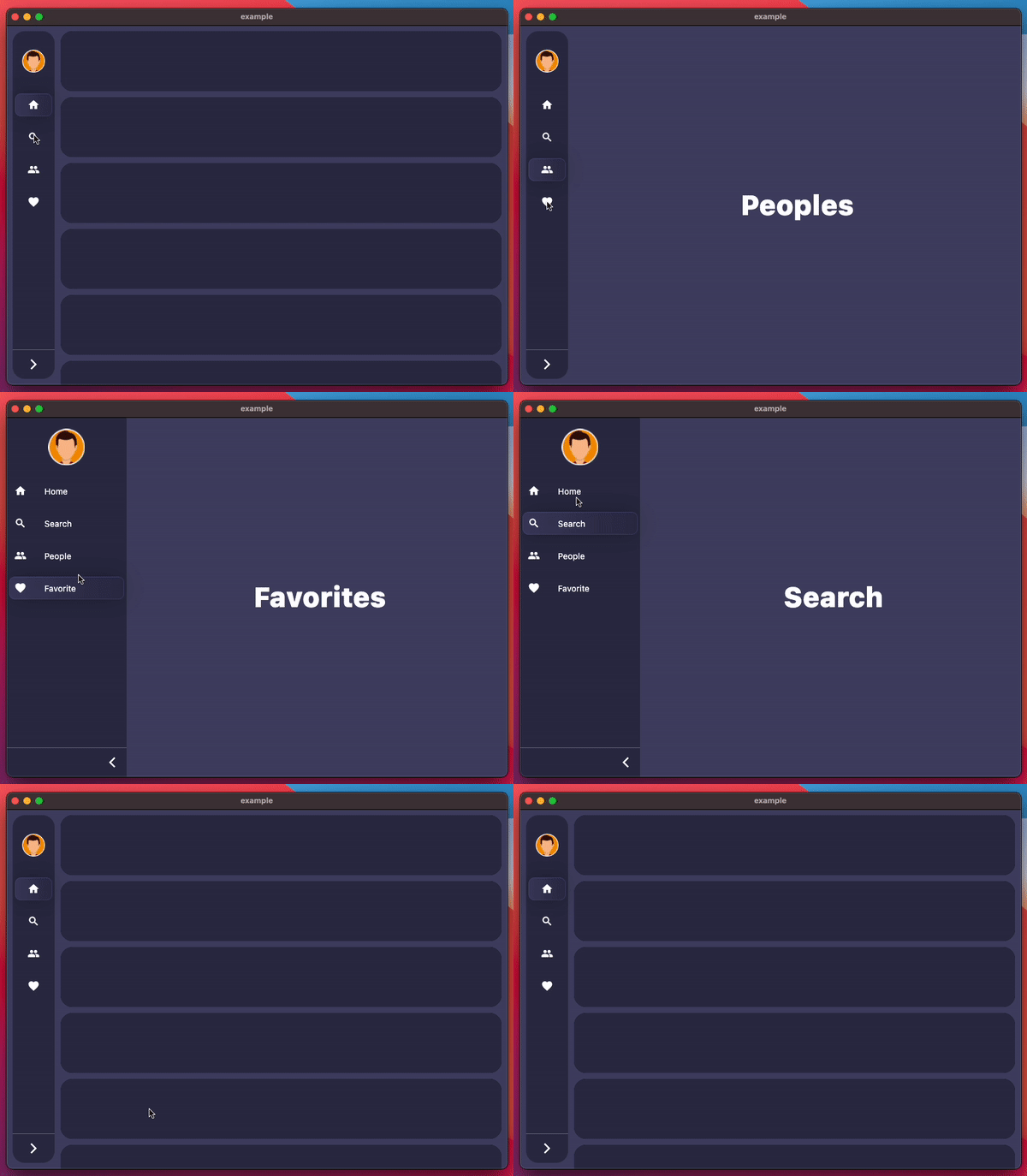 |
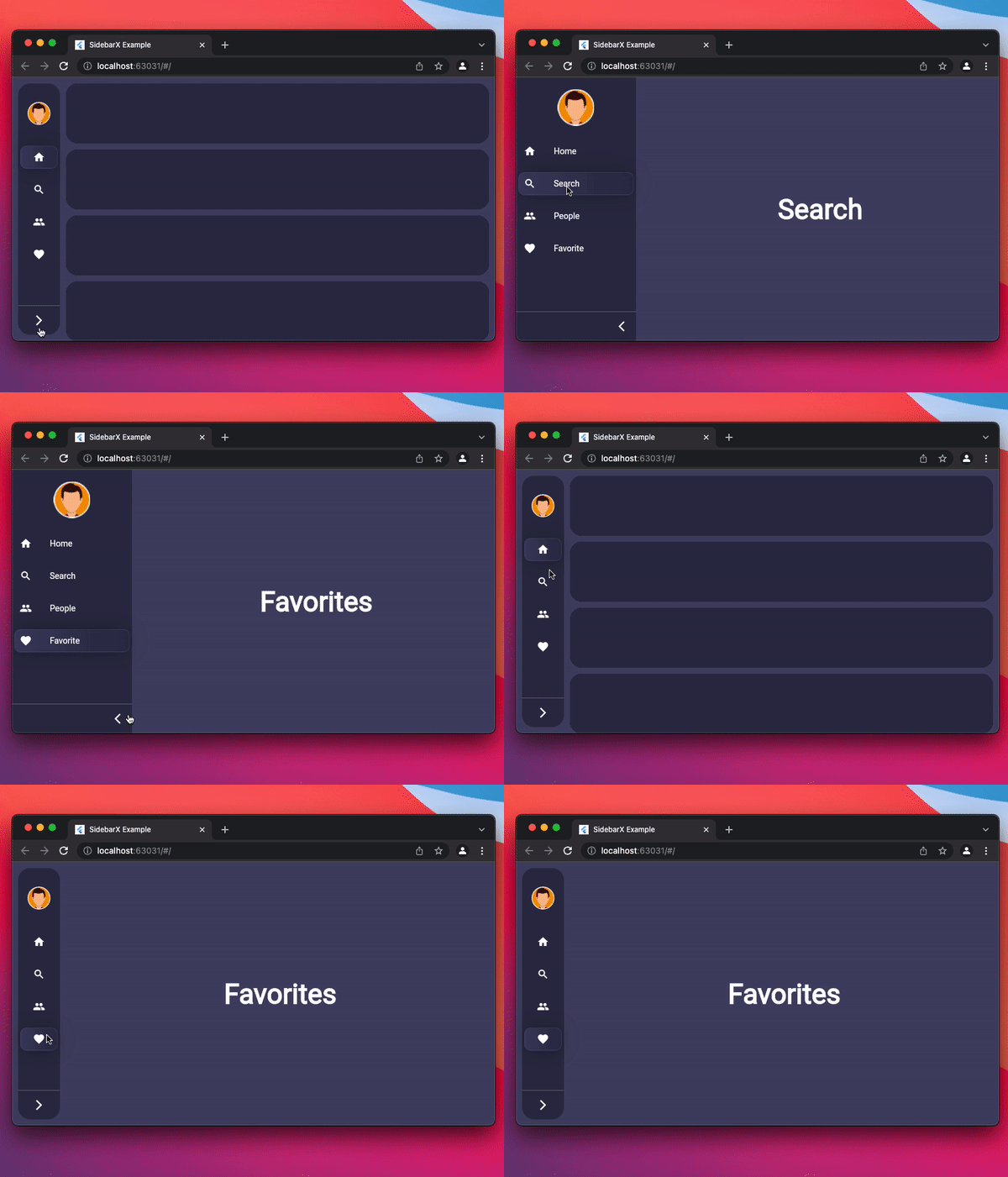 |


Follow these steps to use this package
dependencies:
  sidebarx: ^0.17.2
import 'package:sidebarx/sidebarx.dart';
The package is designed with maximum adaptation to large screens.
Therefore, adding a widget to your screen will be very simple.
    Scaffold(
      body: Row(
        children: [
          SidebarX(
            controller: SidebarXController(selectedIndex: 0),
            items: const [
              SidebarXItem(icon: Icons.home, label: 'Home'),
              SidebarXItem(icon: Icons.search, label: 'Search'),
            ],
          ),
          // Your app screen body
        ],
      ),
    )
On small screens and mobile devices, you can use the ready-made Sidebar widget as your application's drawer for excellent UX.
Otherwise, leave the code unchanged and get the same experience
    Scaffold(
      drawer: SidebarX(
        controller: SidebarXController(selectedIndex: 0, extended: true),
        items: const [
          SidebarXItem(icon: Icons.home, label: 'Home'),
          SidebarXItem(icon: Icons.search, label: 'Search'),
        ],
      ),
      body: const Center(child: Text('Your app body')),
    )
The project is under development and ready for your pull-requests and issues 👍
Thank you for support ❤️
Thanks to all contributors of this package
의존성 목록 3 개
{"sdk":"flutter"}{"sdk":"flutter"}^2.0.1사용 목적에 따라 검색하고 개발 활동을 비교한 뒤 원본 저장소에서 요구 사항을 확인하세요.
“A repository is the most basic element of GitHub.”
GitHub Docs — About repositories ↗