

 v2.0.0
full_screen_image
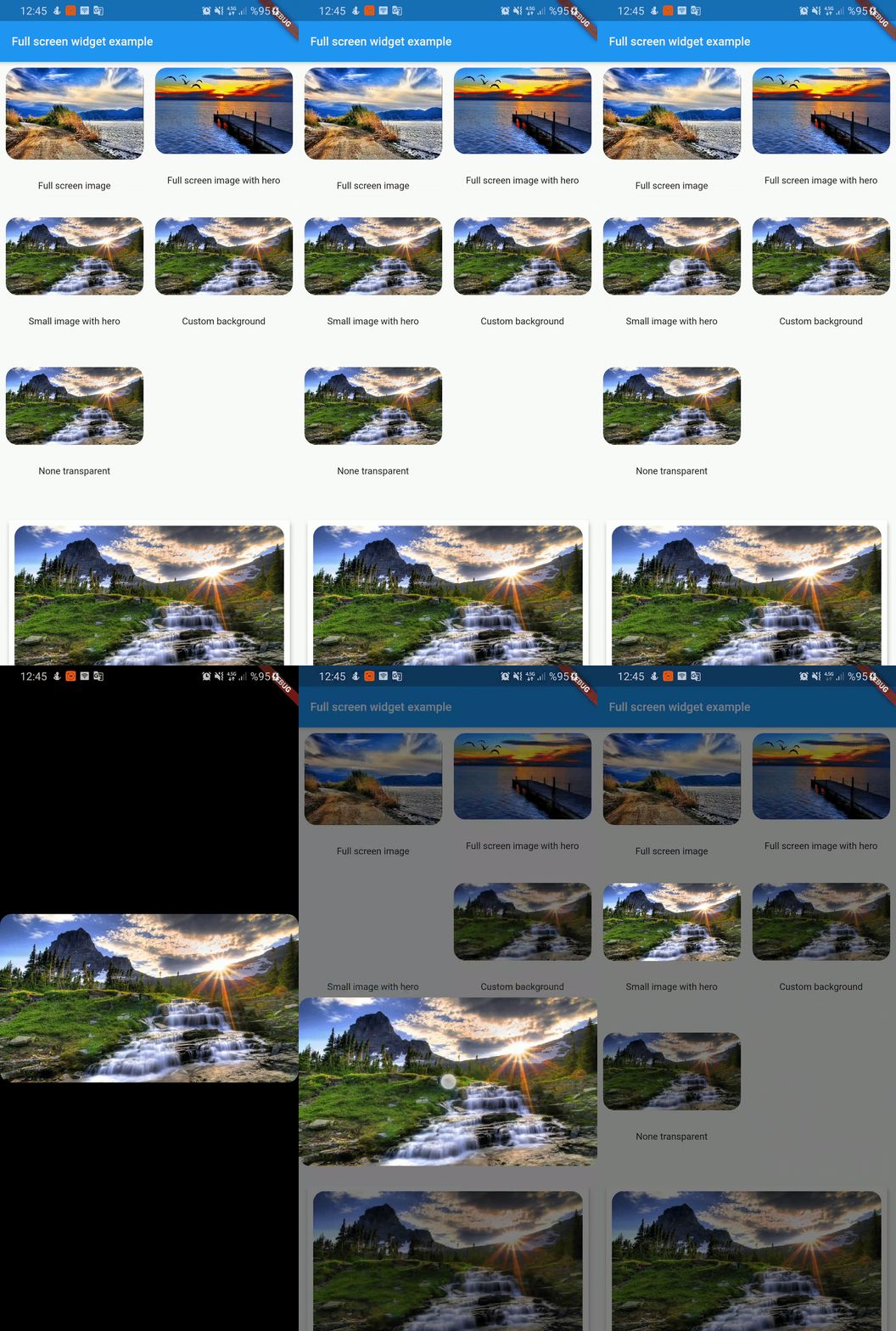
전체 화면 사진 뷰어입니다. 수직 스크롤 시 꺼집니다. Hero 위젯과 함께 작동할 수 있습니다.
131좋아요 2.1천30일 다운로드130Pub 점수
AndroidiOSWebmacOSWindowsLinux
전체 화면 사진 뷰어. 수직 스크롤 시 꺼집니다. Hero 위젯과 함께 작동할 수 있습니다.

아래는 영문 원문 스냅샷입니다. 최신 내용은 GitHub에서 확인하세요.
Full screen photo viewer. It shuts off when scrolling vertically. Can work with Hero widget
To use this plugin, add full_screen_image as a dependency in your pubspec.yaml file.
full_screen_image: any
Check out the example app using full_screen_image.
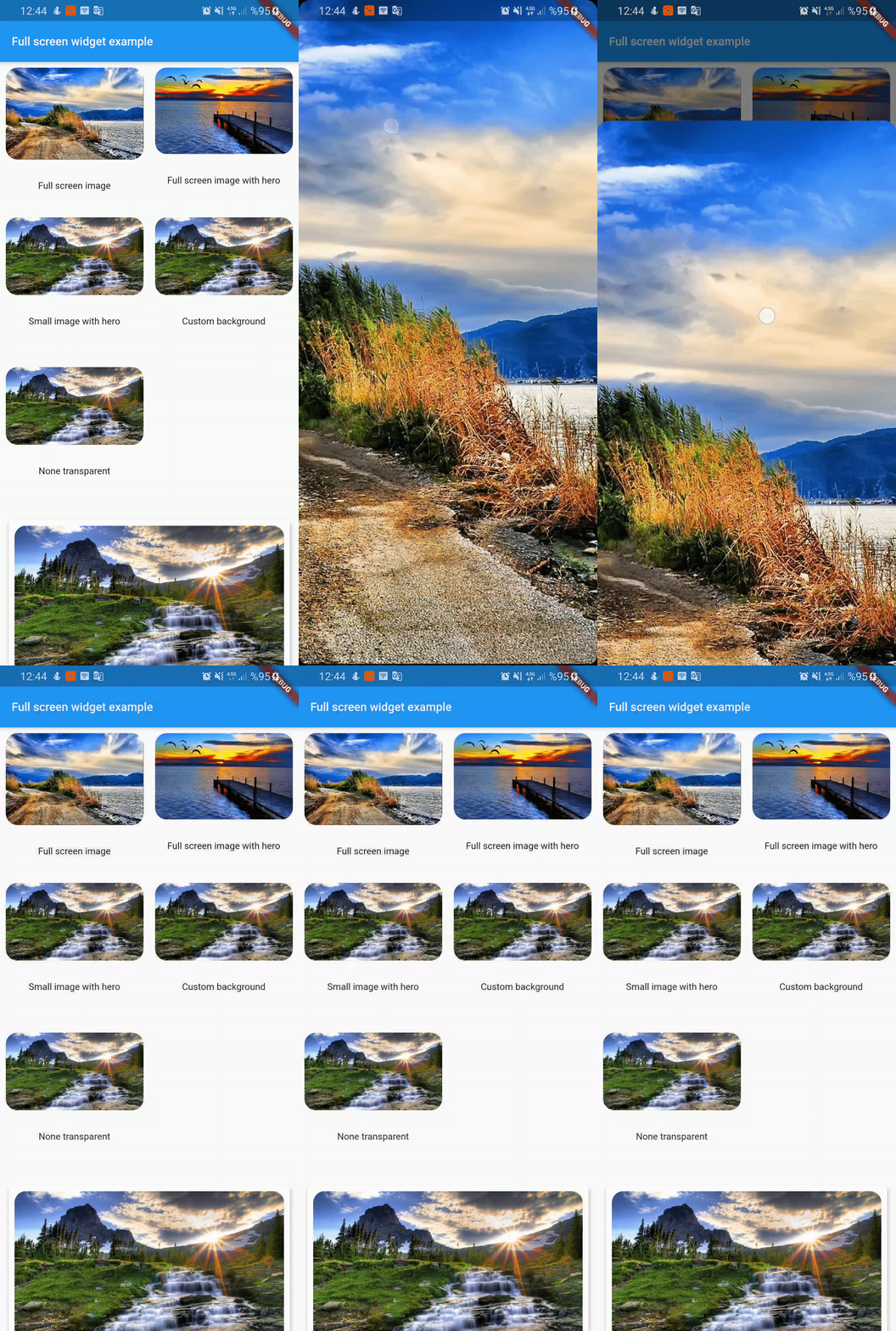
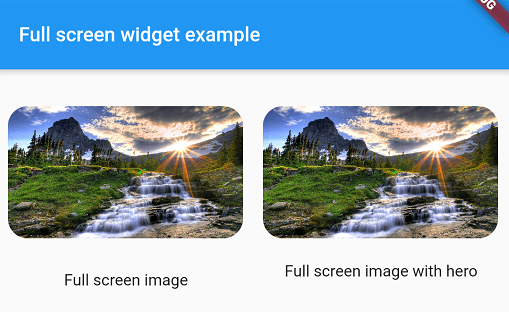
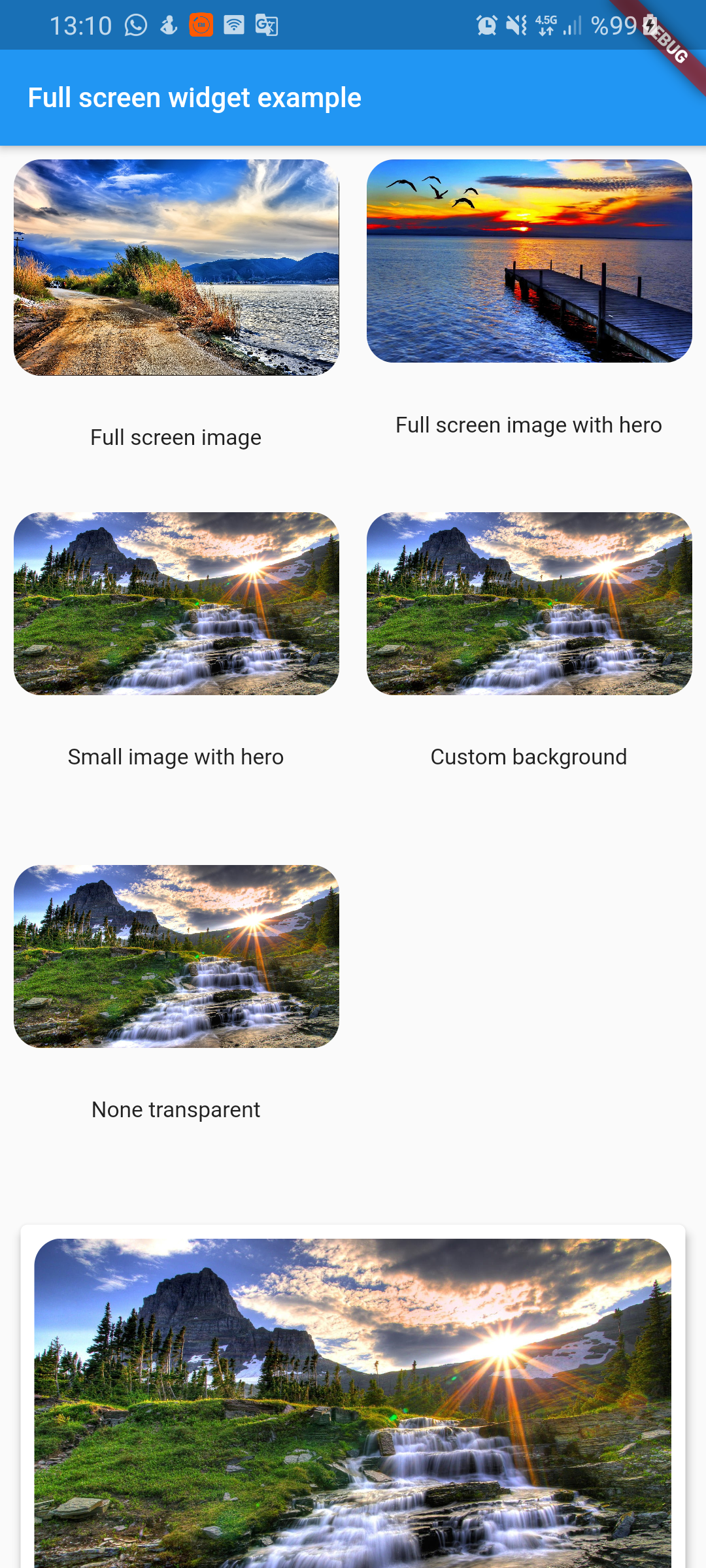
  FullScreenWidget(
        child: ClipRRect(
          borderRadius: BorderRadius.circular(16),
          child: Image.asset(
            "assets/image1.jpg",
            fit: BoxFit.cover,
          ),
        ),
      )
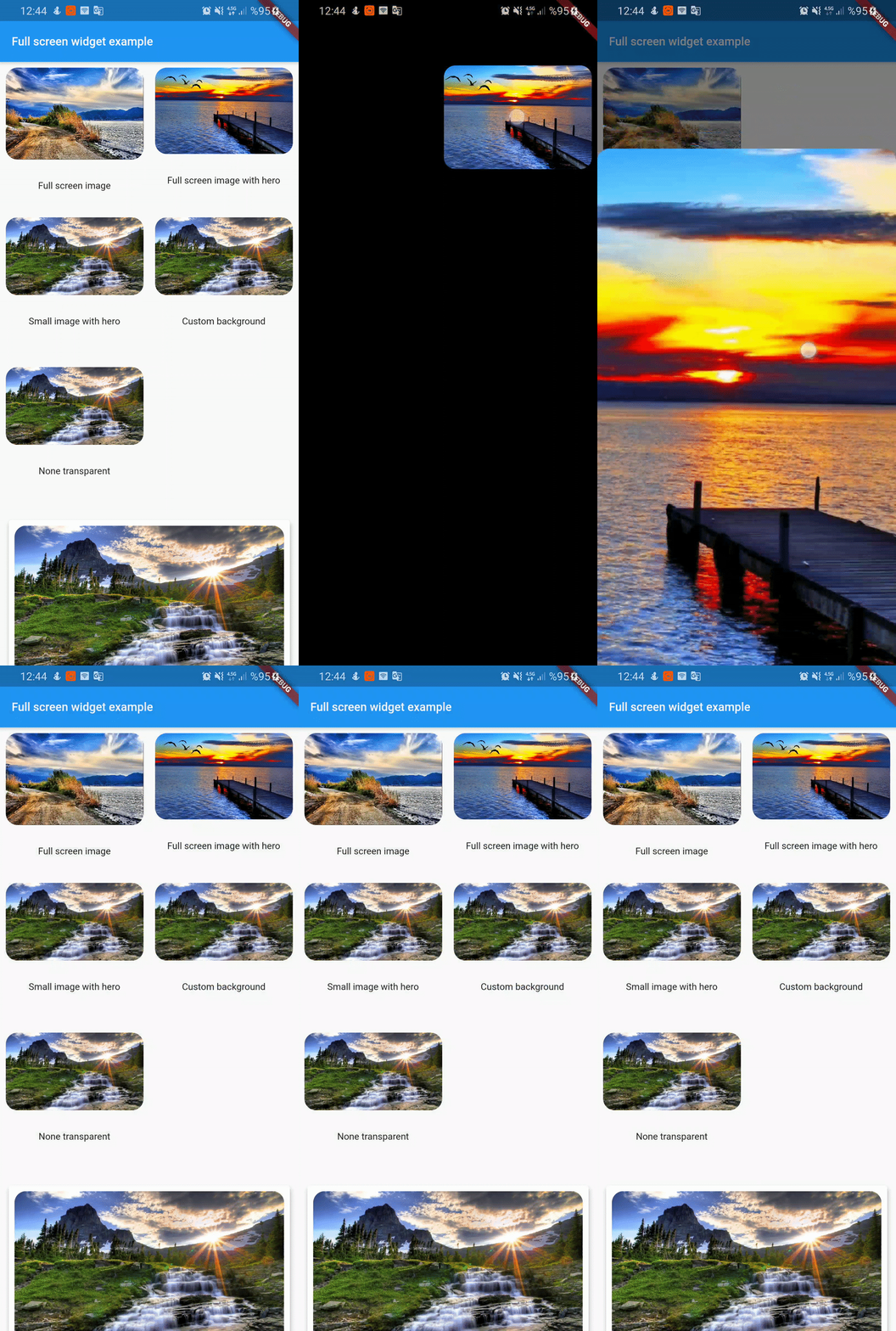
FullScreenWidget(
        child: Hero(
          tag: "customTag",
          child: ClipRRect(
            borderRadius: BorderRadius.circular(16),
            child: Image.asset(
              "assets/image2.jpg",
              fit: BoxFit.cover,
            ),
          ),
        ),
      );
if you don't want widget full screen then use center widget
 FullScreenWidget(
        child: Center(
          child: Hero(
            tag: "smallImage",
            child: ClipRRect(
              borderRadius: BorderRadius.circular(16),
              child: Image.asset(
                "assets/image3.jpg",
                fit: BoxFit.cover,
              ),
            ),
          ),
        ),
      );
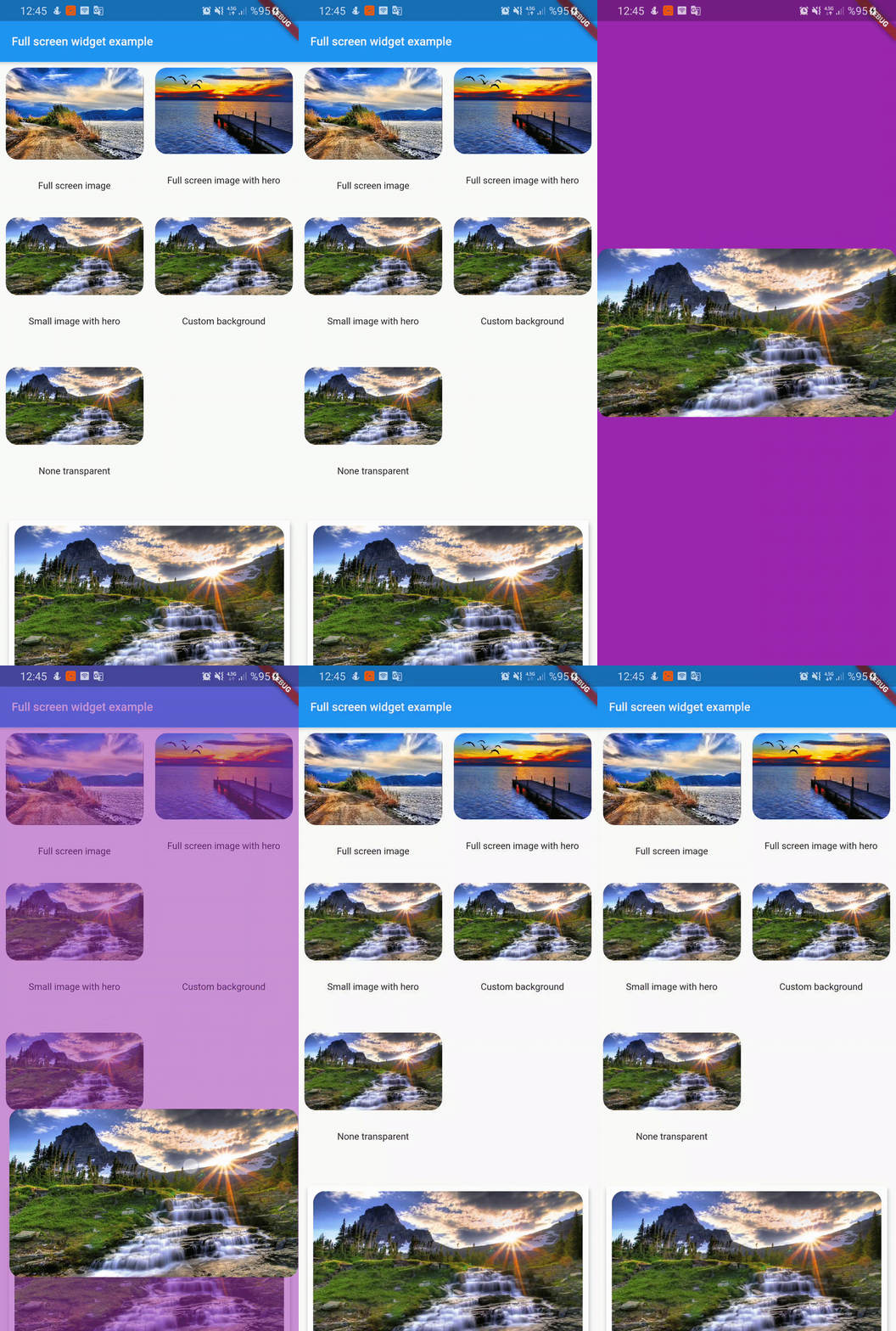
FullScreenWidget(
        backgroundColor: Colors.purple,
        child: Center(
          child: Hero(
            tag: "customBackground",
            child: ClipRRect(
              borderRadius: BorderRadius.circular(16),
              child: Image.asset(
                "assets/image3.jpg",
                fit: BoxFit.cover,
              ),
            ),
          ),
        ),
      );
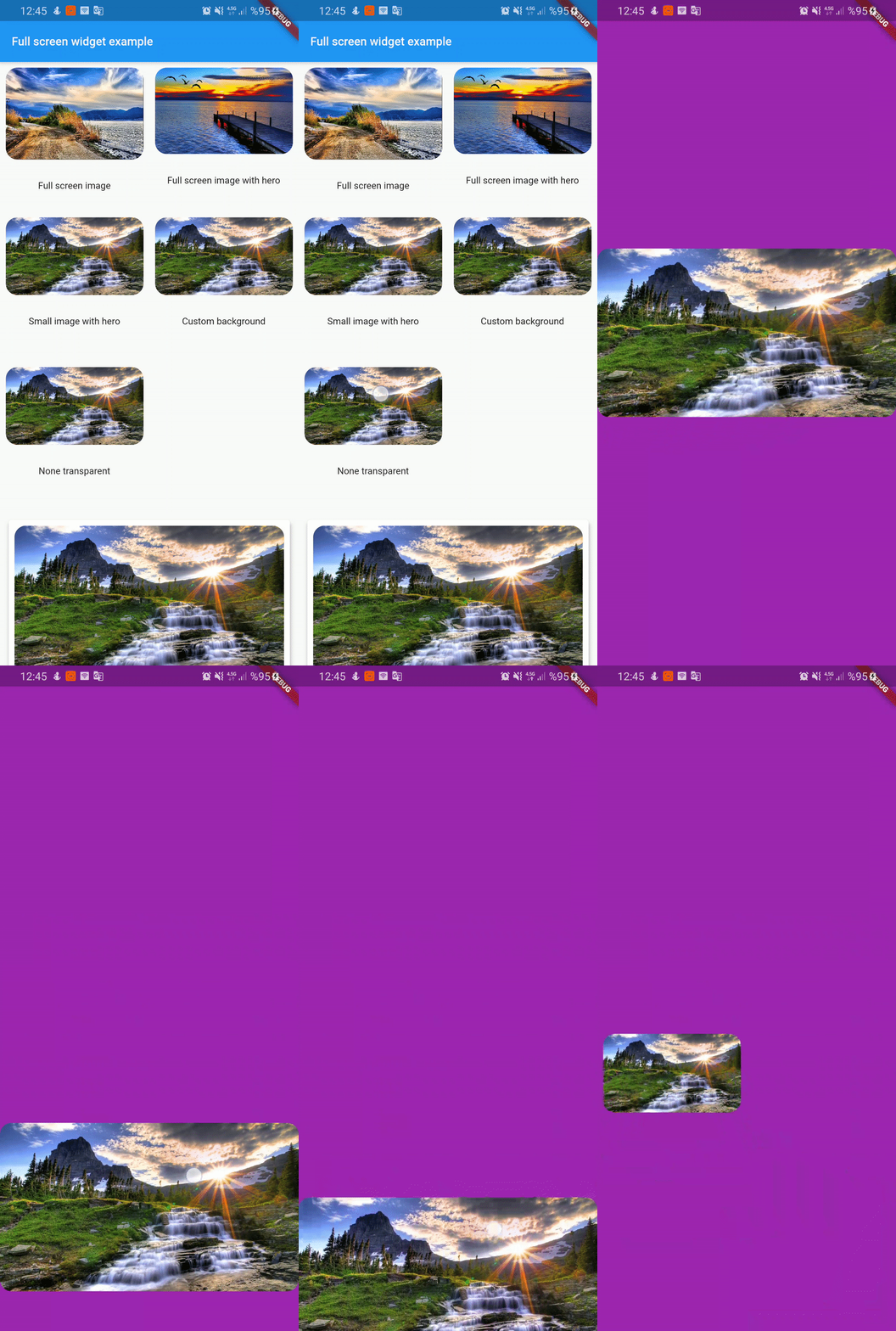
FullScreenWidget(
        backgroundColor: Colors.purple,
        backgroundIsTransparent: false,
        child: Center(
          child: Hero(
            tag: "nonTransparent",
            child: ClipRRect(
              borderRadius: BorderRadius.circular(16),
              child: Image.asset(
                "assets/image3.jpg",
                fit: BoxFit.cover,
              ),
            ),
          ),
        ),
      );
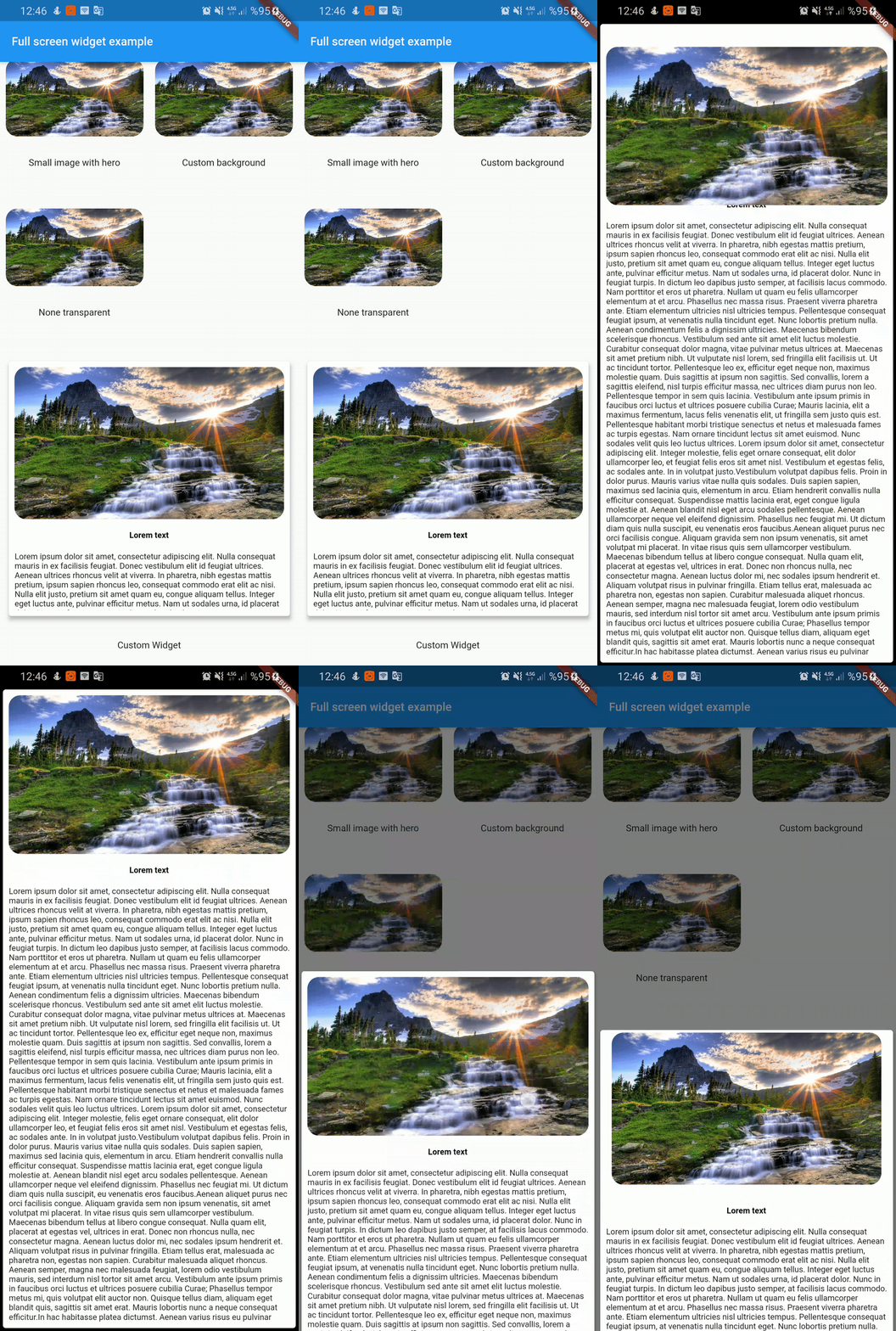
  FullScreenWidget(
        child: SafeArea(
          child: Card(
            elevation: 4,
            child: Container(
              height: 350,
              padding: const EdgeInsets.all(8.0),
              child: Column(
                children: <Widget>[
                  Hero(
                    tag: "customWidget",
                    child: ClipRRect(
                      borderRadius: BorderRadius.circular(16),
                      child: Image.asset(
                        "assets/image3.jpg",
                        fit: BoxFit.cover,
                      ),
                    ),
                  ),
                  SizedBox(
                    height: 16,
                  ),
                  Text('Lorem text',style: TextStyle(color: Colors.black,fontWeight: FontWeight.bold),),
                  SizedBox(
                    height: 16,
                  ),
                  Expanded(
                    child: Text(
                      lorem,
                    ),
                  ),

                ],
              ),
            ),
          ),
        ),
      );
의존성 목록 2 개
{"sdk":"flutter"}{"sdk":"flutter"}사용 목적에 따라 검색하고 개발 활동을 비교한 뒤 원본 저장소에서 요구 사항을 확인하세요.
“A repository is the most basic element of GitHub.”
GitHub Docs — About repositories ↗