
v0.12.1
camera
카메라를 제어하기 위한 플러터 플러그인입니다. 카메라 피드 미리보기, 이미지 및 비디오 캡처, Dart로 이미지 버퍼 스트리밍을 지원합니다.
2.6천좋아요 68.3만30일 다운로드160Pub 점수
AndroidiOSWeb
크로스 플랫폼 동기화를 지원하는 오프라인 비밀번호 관리자

카메라를 제어하기 위한 플러터 플러그인입니다. 카메라 피드 미리보기, 이미지 및 비디오 캡처, Dart로 이미지 버퍼 스트리밍을 지원합니다.
 v1.2.6
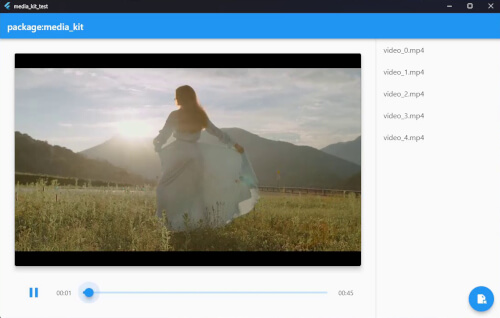
Flutter 및 Dart용 크로스 플랫폼 비디오 플레이어 및 오디오 플레이어입니다. 성능이 뛰어나며 안정적이고 기능이 풍부하며 모듈식입니다.
패키지: media_kit에서 비디오 재생을 위한 네이티브 구현.
FFI를 사용하여 Dart에서 일반적인 Windows API를 직접 호출합니다.
 v4.1.0
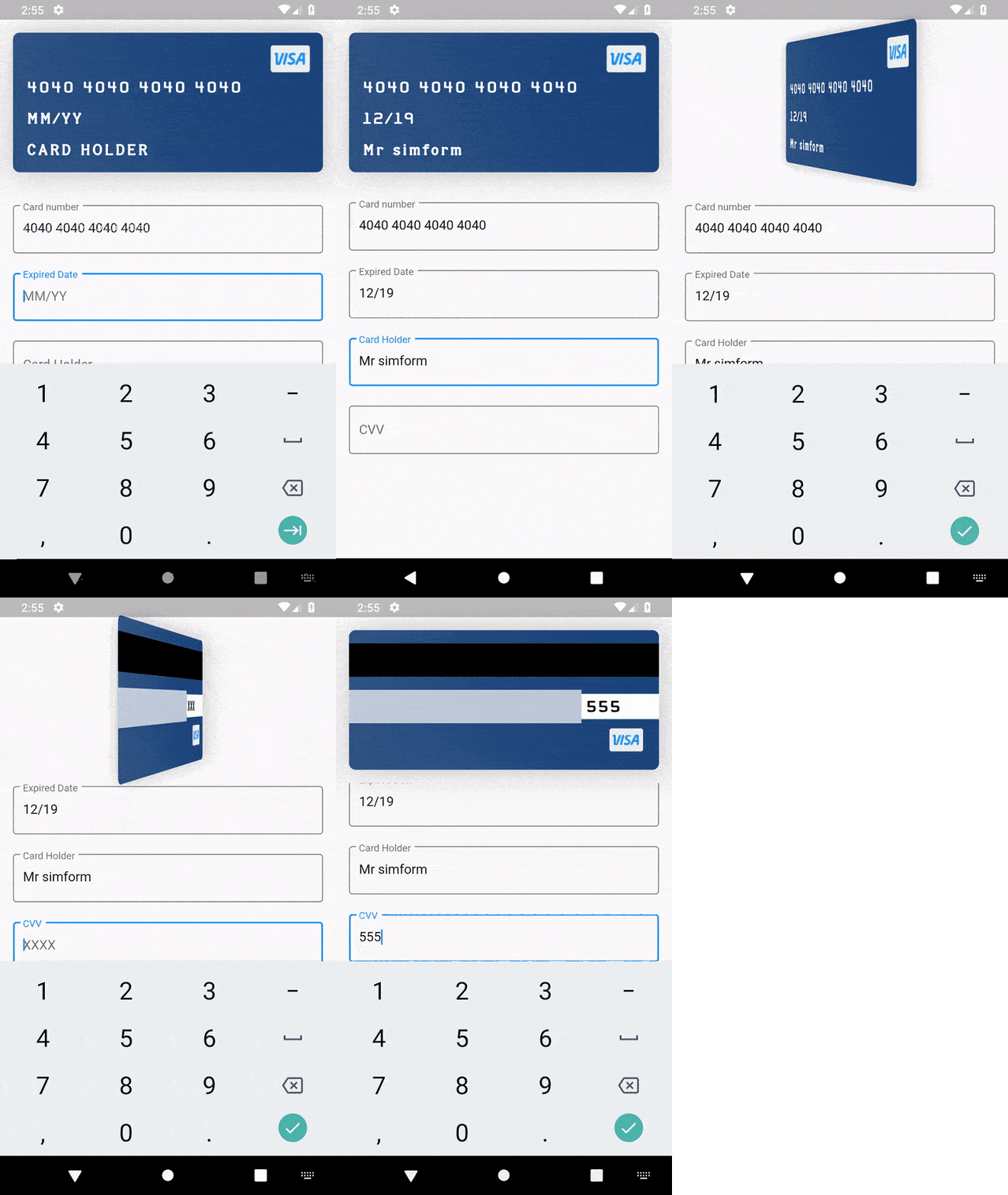
카드 정보 입력을 지원하고 카드 뒤집기 및 부유 애니메이션과 같은 애니메이션을 제공하는 신용카드 위젯 패키지입니다.
문자열, 날짜, X509, PKCS, 암호화 등에 사용하는 일반적인 유틸리티 클래스.
양방향 암호화를 위한 PointyCastle 기반 고수준 API 세트입니다.
 v3.1.0
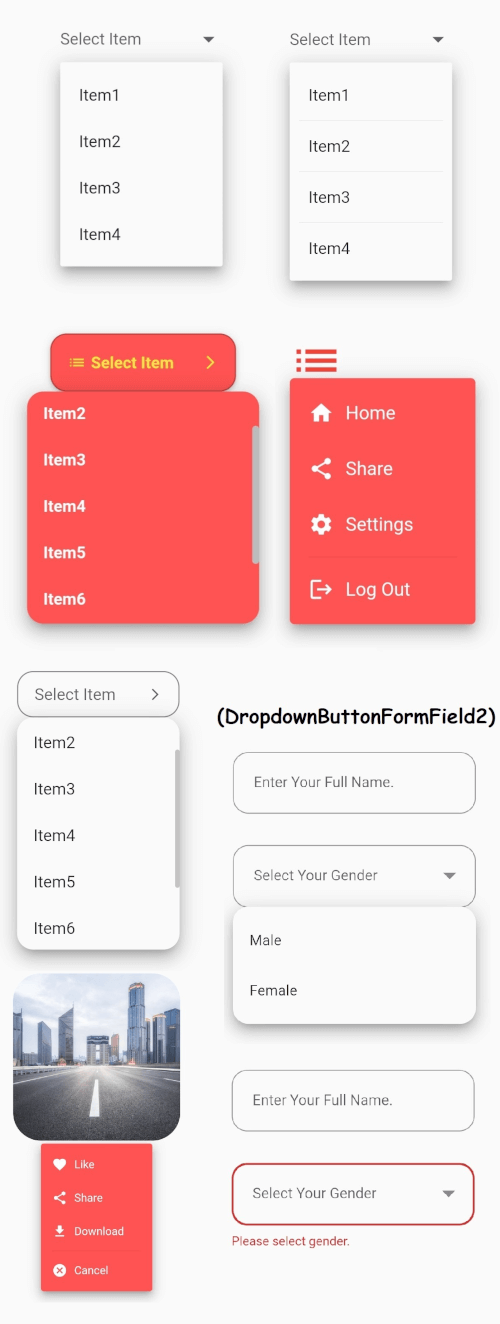
안정적인 드롭다운 메뉴를 갖춘 Flutter의 핵심 드롭다운 버튼 위젯과 귀하의 필요에 맞게 사용자 지정할 수 있는 기타 옵션들.
pdfrx는 PDFium을 기반으로 구축된 풍부하고 빠른 PDF 뷰어 및 조작 플러그인입니다. Android, iOS, Windows, macOS, Linux 및 웹에서 PDF 보기, 편집, 결합을 지원합니다.
 v2.0.3
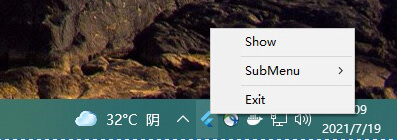
system_tray는 Flutter 데스크톱 앱과 함께 사용하여 트레이를 쉽게 맞춤설정하고 작업할 수 있도록 도와줍니다.
일, 주, 범위 및 월 날짜 선택기용 플러터 패키지.
 v4.5.4
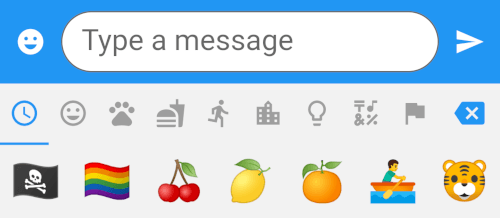
8개의 카테고리에 걸쳐 1500개 이상의 이모티콘을 제공하는 Flutter 패키지입니다.
{"sdk":"flutter"}^1.0.2^3.0.0+5^3.0.1^5.0.1^4.8.0^2.0.9^3.0.2^4.0.0^10.3.10^0.17.3^2.1.2^3.3.1{"git":{"url":"https://github.com/SimformSolutionsPvtLtd/flutter_credit_card","ref":"7a754b0a44cd75d0689a3adfd778205da9c69f95"}}^0.4.3^3.0.0^1.0.3^0.11.3^0.21.0^6.0.20^1.0.2^0.2.3any{"sdk":"flutter"}^2.1.0^2.1.2^1.1.1^5.0.2^3.3.0^3.3.0{"git":{"url":"https://github.com/GlitterWare/dargon2.git","path":"dargon2","ref":"83c67239018b488512d9a553a93cf99d34ab2546"}}^1.1.1^1.0.0+1^1.0.2^0.2.2{"git":{"url":"https://github.com/authpass/kdbx.dart.git","ref":"90830e11bb0a6f177229a0644c559fbf2b088b03"}}^2.3.9^4.4.0^1.0.0^4.0.9^1.1.10+1^1.2.4^1.0.7^5.5.1^5.7.0{"git":{"url":"https://github.com/GlitterWare/chewie_media_kit","ref":"1720bb4c07aee96c1de3ad6753184265b91aaea7"}}^0.5.1^2.0.3^3.6.0^1.0.94^1.0.4^3.1.0{"sdk":"flutter"}2.13.16.13.0—^0.14.41.5.0^6.0.0^4.3.0아래는 영문 원문 스냅샷입니다. 최신 내용은 GitHub에서 확인하세요.
Passy is an offline password manager with cross-platfrom synchronization. 🔒
Github Latest Release F-Droid Latest Release Flathub Latest Release AUR Latest Release
Passy-<version>-Windows-Installer.exe;To update Passy, simply repeat same steps with a newer version.
Passy can be removed by running its uninstaller from Programs and Features in the Control Panel. Your data will remain in C:\Users\<username>\Documents\Passy.
Passy-<version>-Windows-Portable.zip.passy.exe inside the extracted folder to launch the app.For instructions on how to easily set up Passy using Ubuntu/Debian software app or Snap command-line, see https://github.com/GlitterWare/Passy/blob/dev/SNAP-STORE.md.
It's most comfortable to run AppImages with the AppImageLauncher installed. It automatically integrates AppImages and their .desktop files into your program launcher for best user experience.
You can run a Passy AppImage release as follows:
Passy-<version>-Linux-AppImage.zip..AppImage file to desired installation location..AppImage as a program.You can run a Passy bundle release as follows:
Passy-<version>-Linux-Bundle.zip.passy inside the extracted folder to launch the app.Backup & Restore.C:\Users\<username>\Documents.Passy, you can make a copy of it elsewhere to backup all accounts if you wish./home/<username>/Documents.Passy, you can make a copy of it elsewhere to backup all accounts if you wish.Passy is open-source, feel free to make modifications to it and build it yourself. We're always very glad to see people exploring our projects. 👥
flutter build [subcommand] to build passy for your system. Passy can be built to windows, linux, apk and aab.If you are building for Linux, getting started is easy:
libayatana-appindicator3-dev meson wget libasound2-dev.sudo apt install -y libayatana-appindicator3-dev meson wget libasound2-dev
./run script, which will automatically compile and inject all Passy dependencies into the script environment before running Flutter.build_linux.sh script../run, build_linux.sh or build_all.sh scripts, you do not need to install any extra packages, as they provide full hermetic builds of libmpv, as required by the media_kit plugin.Otherwise, you will need to install the libmpv-dev package.
On Ubuntu/Debian Linux, you can install it using apt:
sudo apt install -y libmpv-dev
At that point, you can run flutter build linux directly to build Passy for Linux.
Keep in mind that it is recommended that you remove the libmpv-dev package later if you decide to use the provided build scripts to compile Passy.
Build options are specified with --dart-define=<option name>=<option value> (without angle brackets) after the build command.
Available options:
UPDATES_POPUP_ENABLED - Default is true, if set to false, the update popup will never show up on the login screen.