

 v2.1.1
loading_overlay_pro
Flutter 프로젝트용 간단한 위젯 래퍼 세트를 갖춘 새로운 Flutter 프로젝트입니다.
35좋아요 44330일 다운로드160Pub 점수
AndroidiOSWebmacOSWindowsLinux
HVLoc/loading_overlay_pro open-source repository details.

아래는 영문 원문 스냅샷입니다. 최신 내용은 GitHub에서 확인하세요.

A simple widget wrapper set of loading animations for Flutter projects.
Use animation from loading_animations
Then import the file to your project:
import 'package:loading_overlay_pro/loading_overlay_pro.dart'
Then add the following code:
 LoadingOverlayPro({
    Key key,
    @required this.isLoading,
    @required this.child,
    this.colorBackground = Colors.black54,
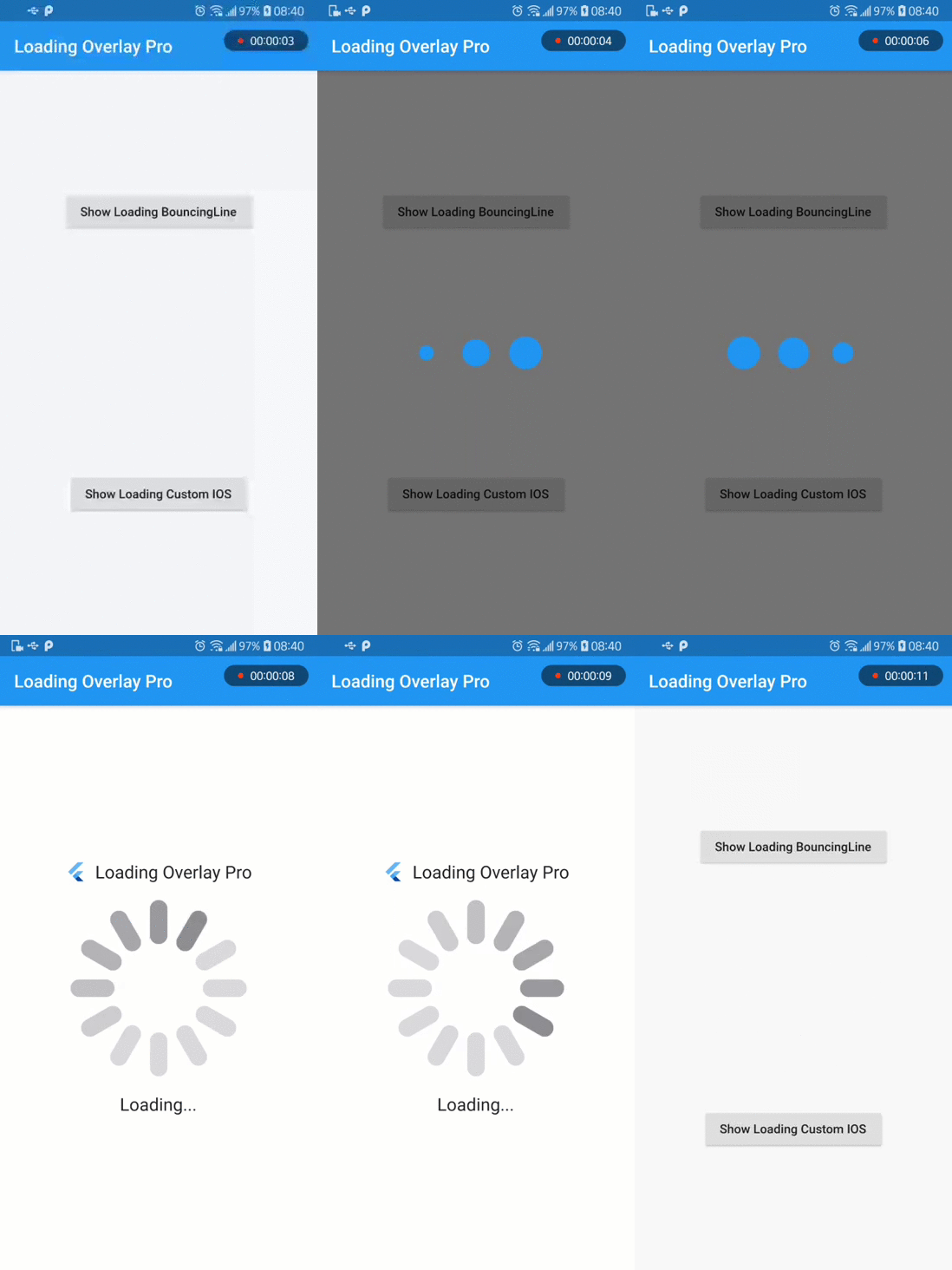
    this.progressIndicator = const LoadingBouncingLine.circle(),
  });
Or customize it even more!
LoadingBouncingLine.circle(
  borderColor: Colors.cyan,
  borderSize: 3.0,
  size: 120.0,
  backgroundColor: Colors.cyanAccent,
  duration: Duration(milliseconds: 500),
);
or add header and bottom
      headerLoading: Text("App Name"),
      bottomLoading: Text("Loading..."),
For more customization, please look inside the loading animation files.
Note: all the animations come ready to go just by calling LoadingBouncingLine.square(), for example.
Many basic animations contain .circle() and .square() variations by default.
To run file example, please use flutter 1.19.x or 1.20.x
의존성 목록 3 개
{"sdk":"flutter"}^1.0.2{"sdk":"flutter"}사용 목적에 따라 검색하고 개발 활동을 비교한 뒤 원본 저장소에서 요구 사항을 확인하세요.
“A repository is the most basic element of GitHub.”
GitHub Docs — About repositories ↗