
 v3.0.0
odometer
숫자 전환과 카운터 애니메이션에 사용할 수 있는 매우 사용자 정의 가능한 위젯입니다.
100좋아요 70130일 다운로드150Pub 점수
AndroidiOSWebmacOSWindowsLinux
숫자 전환과 카운터 애니메이션에 사용할 수 있는 매우 사용자 정의 가능한 위젯입니다.

{"sdk":"flutter"}^1.5.2아래는 영문 원문 스냅샷입니다. 최신 내용은 GitHub에서 확인하세요.
Build Status pub stars style: lint
The package which was inspired by the package Odometer js.
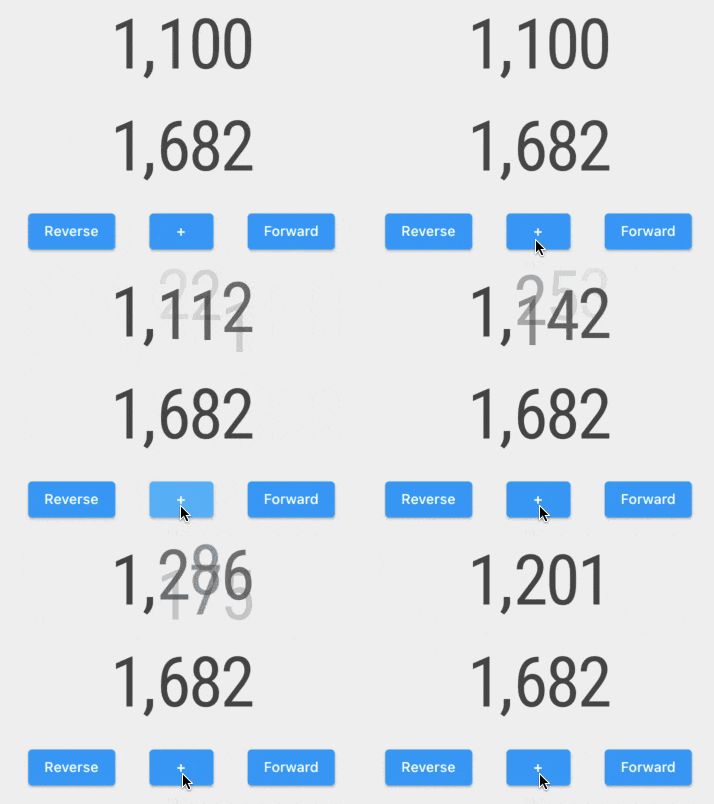
Examples of counter animation customization are made using this package:
Examples Gif
In this package you will find pre-built widgets:
and high modifiable widgets:
The ImplicitlyAnimatedWidget uses the AnimatedOdometer with the sliding and fading digits transitions.
   AnimatedSlideOdometerNumber(
     numberTextStyle: TextStyle(fontSize: 15),
     odometerNumber: OdometerNumber(_counter),
     duration: Duration(seconds: 1))
The ExplicitlyAnimatedWidget uses the OdometerTransition with the sliding and fading digits transitions.
    SlideOdometerTransition(
      numberTextStyle: TextStyle(fontSize: 15),
      odometerAnimation: _odometerAnimation,
      duration: Duration(seconds: 1))
The AnimatedOdometer is based on implicit animation, and the OdometerTransition is based on explicit animation. To customize the odometer, you need to use two OdometerAnimationTransitionBuilders for new and old numbers. You will have access to: