

 v1.0.0
stroke_text
텍스트 위젯에 테두리(경계선) 스타일을 적용하기 위한 간단한 Flutter 플러그인
41좋아요 2.3천30일 다운로드130Pub 점수
AndroidiOSWebmacOSWindowsLinux
텍스트 위젯에 테두리(테두리) 스타일을 추가하는 간단한 플러터 패키지

아래는 영문 원문 스냅샷입니다. 최신 내용은 GitHub에서 확인하세요.
A simple flutter package to add stroke (border) style to a text widget
pubspec.yaml file:dependencies:
stroke_text: any
$ pub get
color.dart file in your appimport 'package:stroke_text/stroke_text.dart';
default text widget
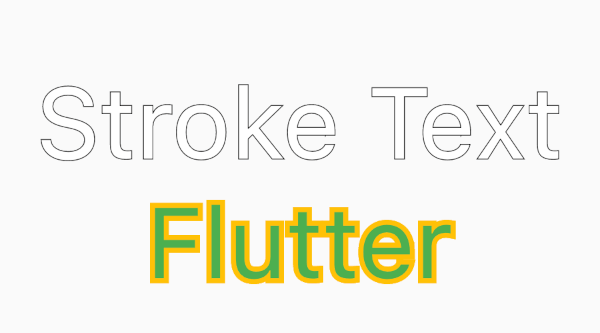
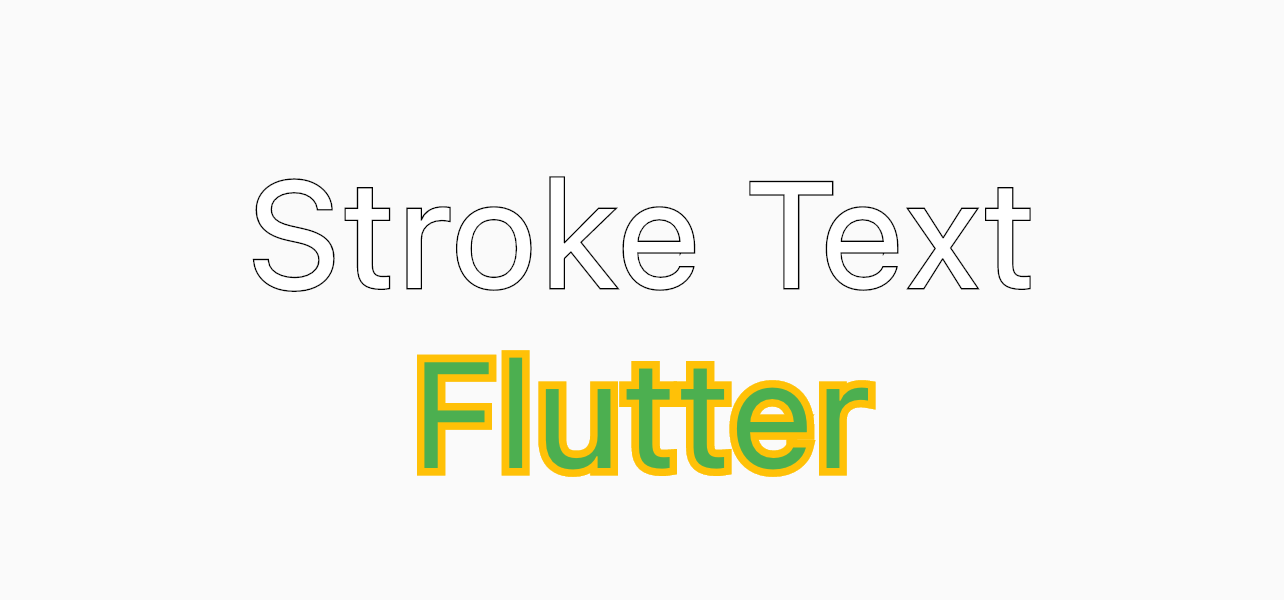
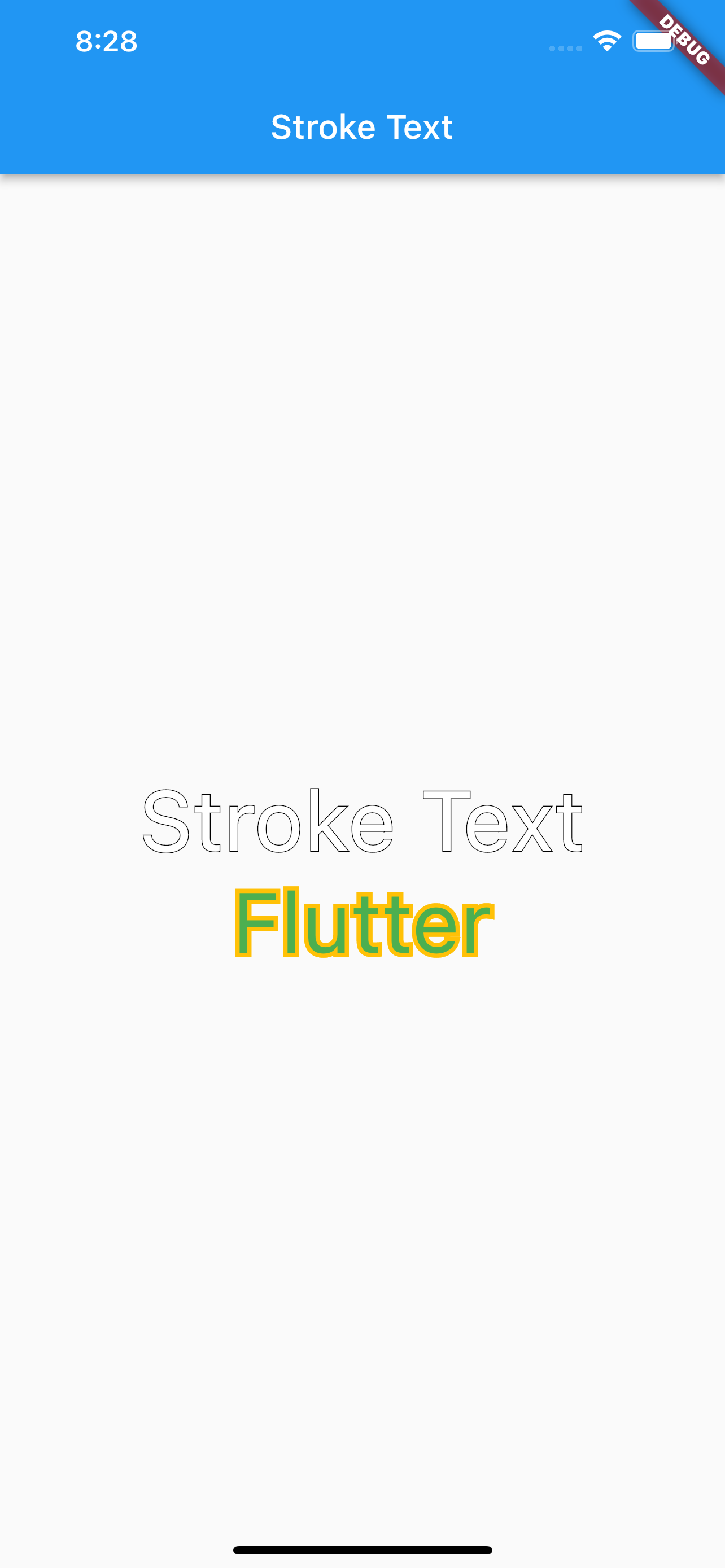
StrokeText(text: "Stroke Text",)
custom text style
StrokeText(
  text: "Stroke Text",
  textStyle: TextStyle(
    fontSize: 50
  ),
),

StrokeText(
  text: "Flutter",
  textStyle: TextStyle(
    fontSize: 50,
    color: Colors.green
  ),
  strokeColor: Colors.amber,
  strokeWidth: 5,
),
의존성 목록 3 개
{"sdk":"flutter"}{"sdk":"flutter"}^1.0.0사용 목적에 따라 검색하고 개발 활동을 비교한 뒤 원본 저장소에서 요구 사항을 확인하세요.
“A repository is the most basic element of GitHub.”
GitHub Docs — About repositories ↗