


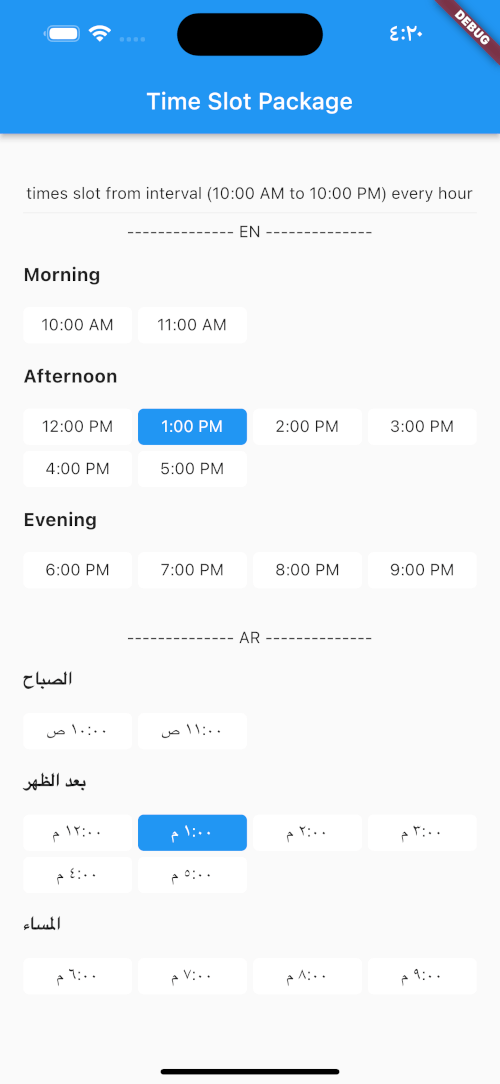
 v1.0.2
time_slot
지정된 시간 간격 또는 일시 목록을 사용하여 시간 슬롯을 만들고 시간의 시간대 이름을 얻는 데 도움이 되는 새로운 Flutter 패키지입니다.
32좋아요 63230일 다운로드140Pub 점수
AndroidiOSWebmacOSWindowsLinux
지정된 시간 간격 또는 날짜 및 시간 목록을 사용하여 시간 슬롯을 만들고 시간의 시간대 이름을 얻는 데 도움이 되는 새로운 Flutter 패키지이며, ar 및 en에 대한 로컬라이제이션을 지원합니다.

아래는 영문 원문 스냅샷입니다. 최신 내용은 GitHub에서 확인하세요.
A new Flutter package which helps in creating time slots with given time interval or list of date times and get day part name of time, and this package allow localization ar and en.
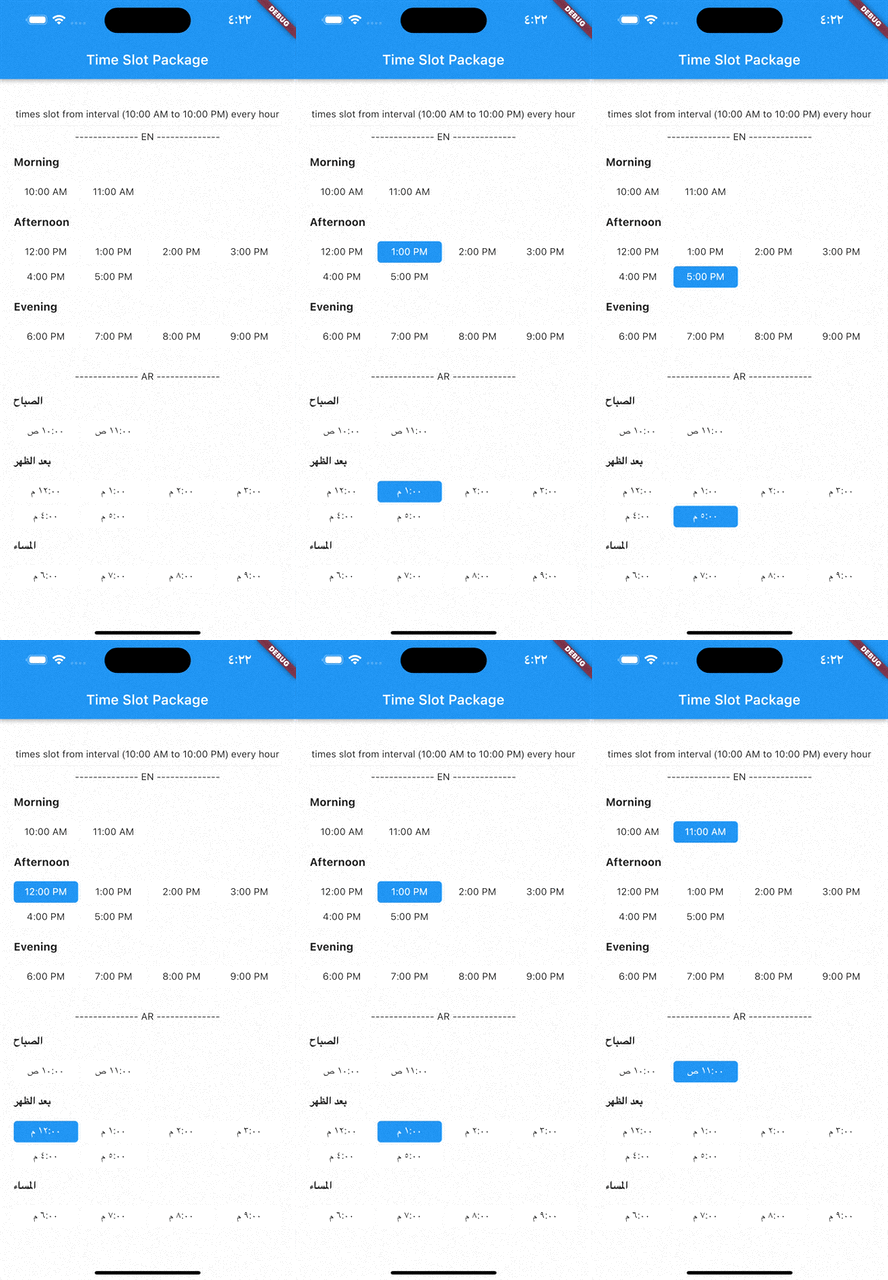
pubspec.yaml file:dependencies:
time_slot: any
$ pub get
time_slot.dart file in your appimport 'package:time_slot/time_slot.dart';
DayPartController
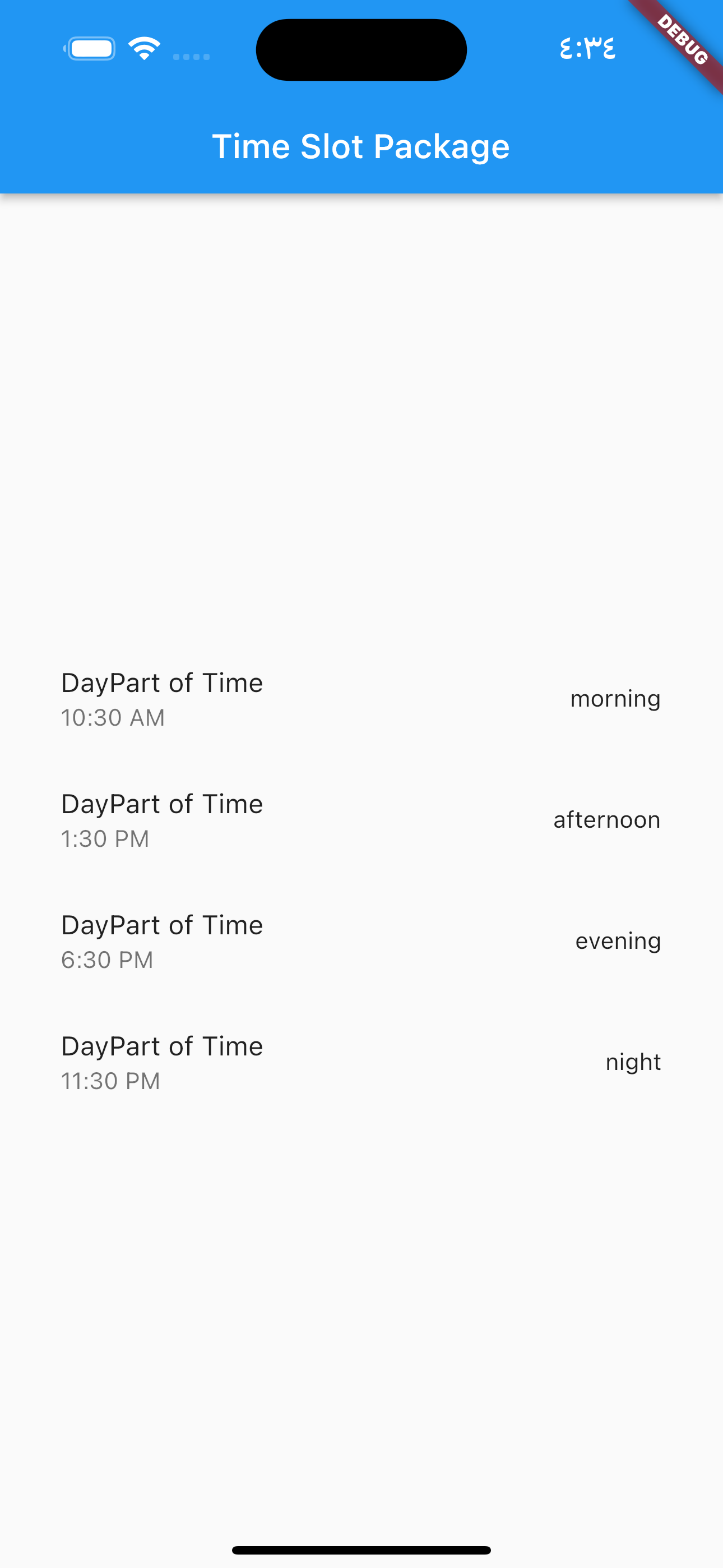
DayPartController dayPartController = DayPartController();
to get day part of time
  DayParts dayPart = dayPartController.getDayPartOfTime(
    time: DateTime(2023, 1, 1, 10, 30),
  ); ///  DayParts.morning
to get day part name from DayParts
  DayParts dayPart = dayPartController.getDayPartName(dayPart: dayPart),);
  /// morning
to build time slot grid view from interval (10:00 AM to 10:00 PM) every hour
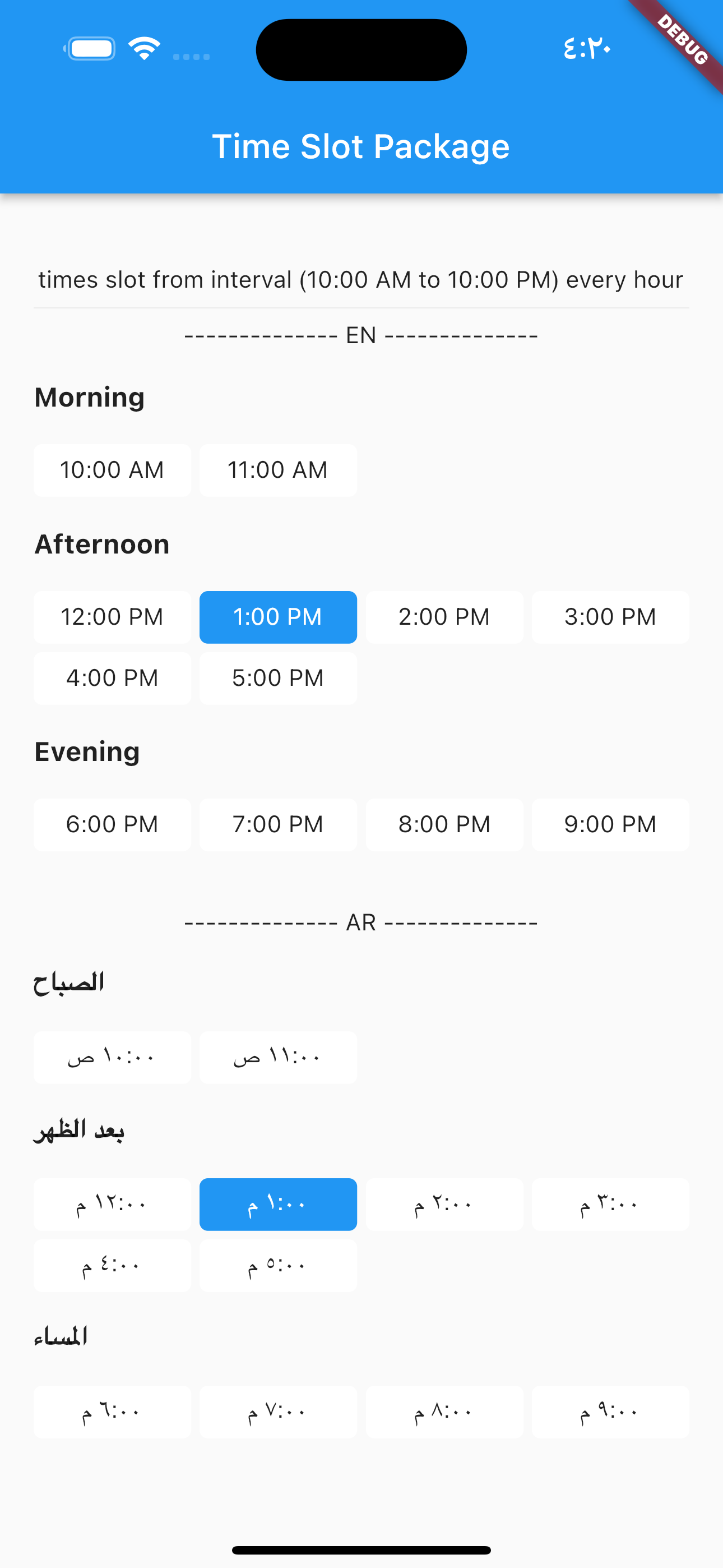
            TimesSlotGridViewFromInterval(
                locale: "en",
                initTime: selectTime,
                crossAxisCount: 4,
                timeSlotInterval: const TimeSlotInterval(
                  start: TimeOfDay(hour: 10, minute: 00),
                  end: TimeOfDay(hour: 22, minute: 0),
                  interval: Duration(hours: 1, minutes: 0),
                ),
                onChange: (value) {
                  setState(() {
                    selectTime = value;
                  });
                },
              ),
locale = "ar",
                TimesSlotGridViewFromInterval(
                locale: "ar",
                initTime: selectTime,
                crossAxisCount: 4,
                timeSlotInterval: const TimeSlotInterval(
                  start: TimeOfDay(hour: 10, minute: 00),
                  end: TimeOfDay(hour: 22, minute: 0),
                  interval: Duration(hours: 1, minutes: 0),
                ),
                onChange: (value) {
                  setState(() {
                    selectTime = value;
                  });
                },
              ),
to build time slot grid view from list date.
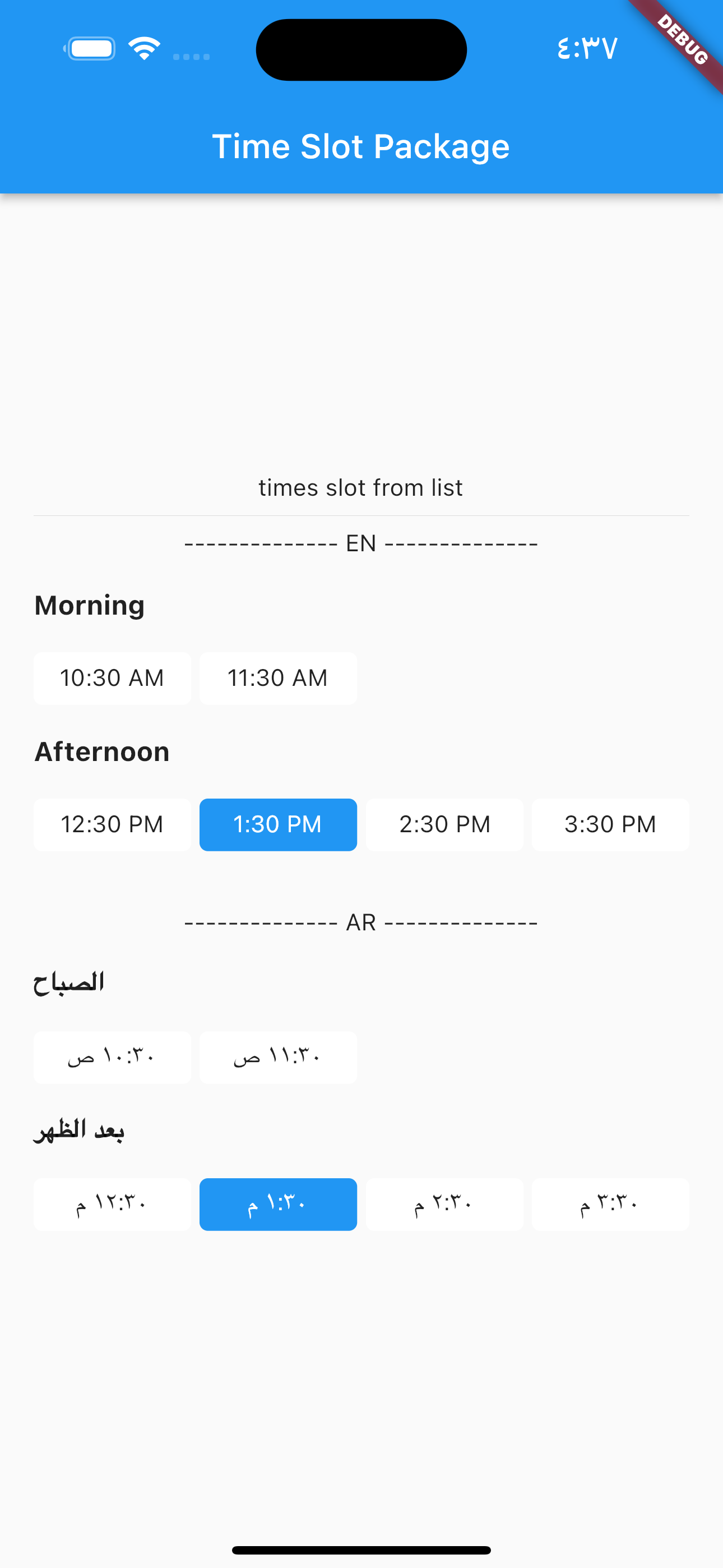
            TimesSlotGridViewFromList(
                locale: "en",
                initTime: selectTime,
                crossAxisCount: 4,
                listDates: [
                  DateTime(2023, 1, 1, 10, 30),
                  DateTime(2023, 1, 1, 11, 30),
                  DateTime(2023, 1, 1, 12, 30),
                  DateTime(2023, 1, 1, 13, 30),
                  DateTime(2023, 1, 1, 14, 30),
                  DateTime(2023, 1, 1, 15, 30)
                ],
                onChange: (value) {
                  setState(() {
                    selectTime = value;
                  });
                },
              ),
locale = "ar",
                TimesSlotGridViewFromList(
                locale: "ar",
                initTime: selectTime,
                crossAxisCount: 4,
                listDates: [
                  DateTime(2023, 1, 1, 10, 30),
                  DateTime(2023, 1, 1, 11, 30),
                  DateTime(2023, 1, 1, 12, 30),
                  DateTime(2023, 1, 1, 13, 30),
                  DateTime(2023, 1, 1, 14, 30),
                  DateTime(2023, 1, 1, 15, 30)
                ],
                onChange: (value) {
                  setState(() {
                    selectTime = value;
                  });
                },
              ),
의존성 목록 4 개
{"sdk":"flutter"}^0.19.0{"sdk":"flutter"}—사용 목적에 따라 검색하고 개발 활동을 비교한 뒤 원본 저장소에서 요구 사항을 확인하세요.
“A repository is the most basic element of GitHub.”
GitHub Docs — About repositories ↗