

v1.0.1
achievement_view
간단한 방식으로 앱 내에서 성취를 보여주는 아름다운 토스트
108좋아요 24930일 다운로드150Pub 점수
AndroidiOSWebmacOSWindowsLinux
RafaelBarbosatec/achievement_view_flutter open-source repository details.

아래는 영문 원문 스냅샷입니다. 최신 내용은 GitHub에서 확인하세요.


Beautiful toast to show Achievements in your application
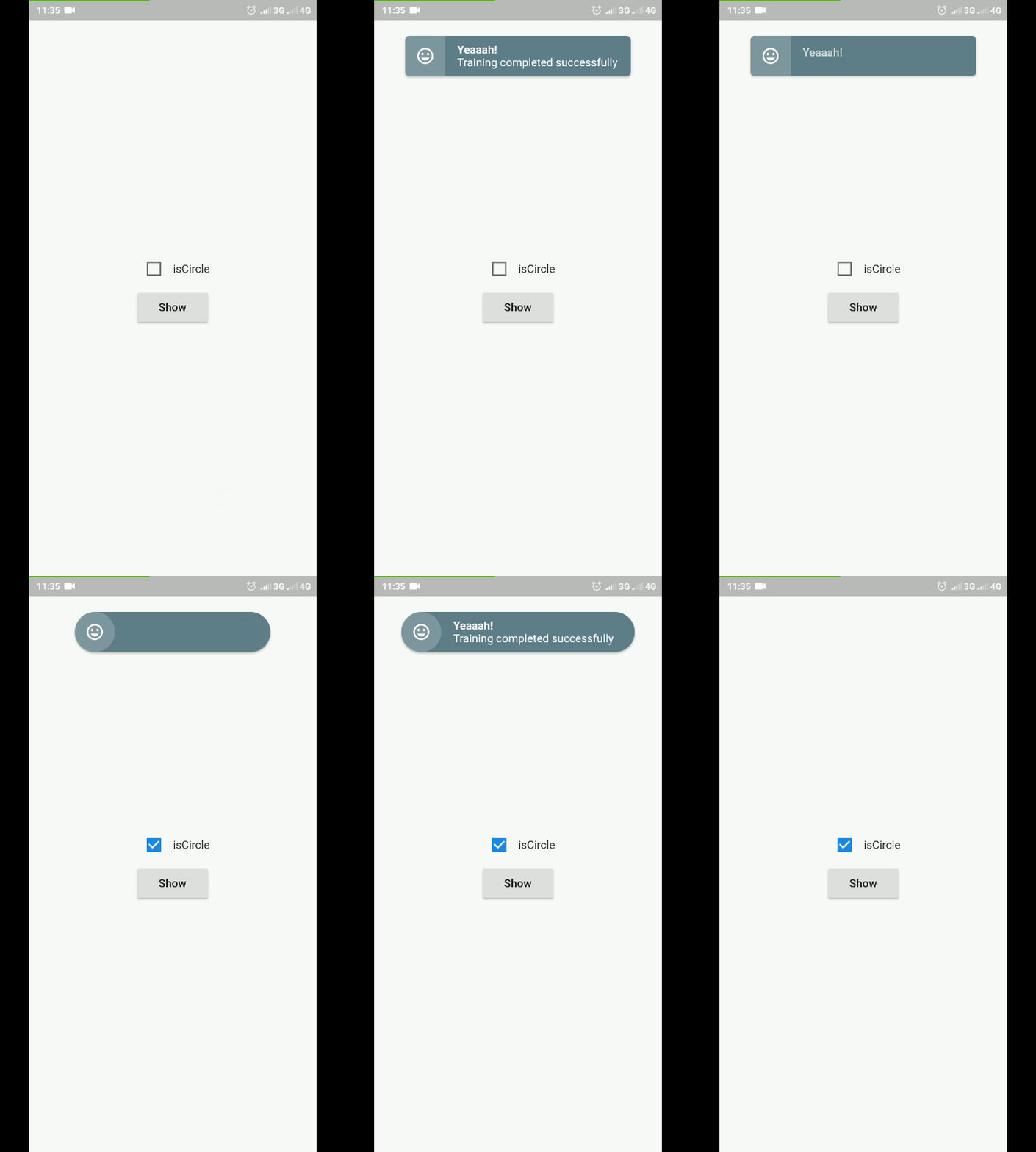
To use this plugin, add achieviment_view as a dependency in your pubspec.yaml file.
import 'package:flutter/material.dart';
import 'package:achievement_view/achievement_view.dart';

void showAchievementView(BuildContext context){
    AchievementView(
        title: "Yeaaah!",
        subTitle: "Training completed successfully",
        //content: Widget()
        //onTab: _onTabAchievement,
        //icon: Icon(Icons.insert_emoticon, color: Colors.white,),
        //typeAnimationContent: AnimationTypeAchievement.fadeSlideToUp,
        //borderRadius: 5.0,
        //color: Colors.blueGrey,
        //textStyleTitle: TextStyle(),
        //textStyleSubTitle: TextStyle(),
        //alignment: Alignment.topCenter,
        //duration: Duration(seconds: 3),
        //isCircle: false,
        listener: (status){
          print(status);
          //AchievementState.opening
          //AchievementState.open
          //AchievementState.closing
          //AchievementState.closed
        }
    ).show(context);
  }
의존성 목록 3 개
{"sdk":"flutter"}^2.0.0{"sdk":"flutter"}사용 목적에 따라 검색하고 개발 활동을 비교한 뒤 원본 저장소에서 요구 사항을 확인하세요.
“A repository is the most basic element of GitHub.”
GitHub Docs — About repositories ↗