

 v2.0.0
fluid_dialog
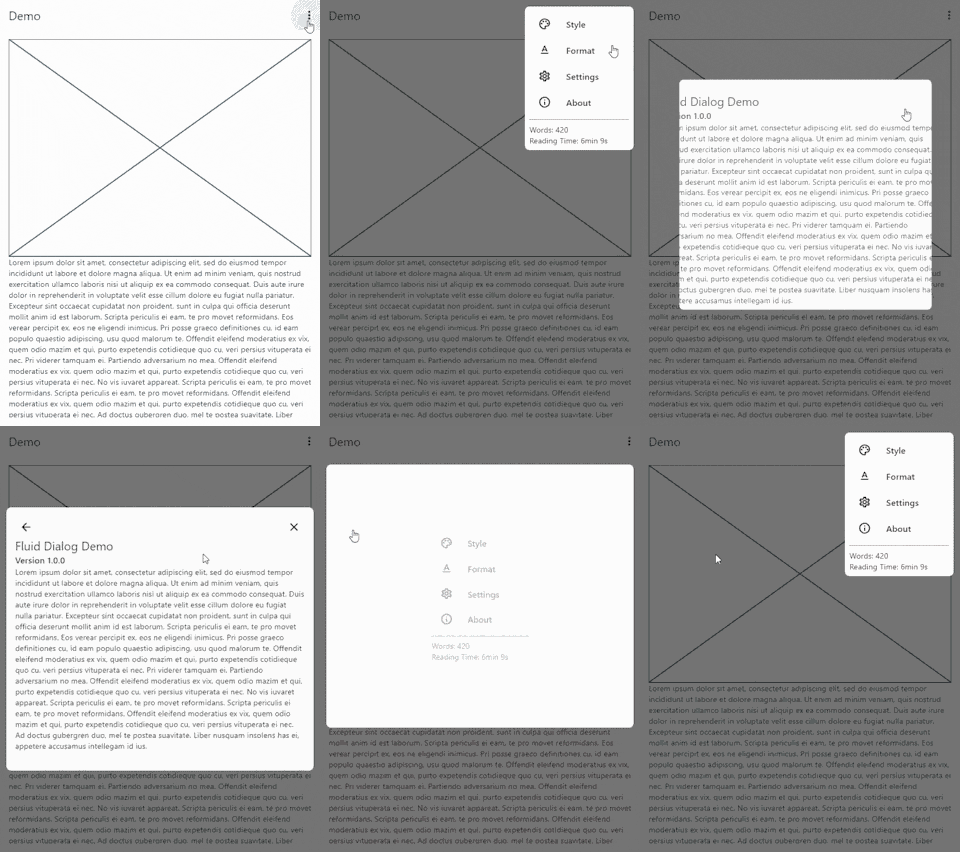
여러 콘텐츠 간을 전환할 수 있고 크기와 정렬을 동적으로 애니메이션하는 대화 상자입니다.
204좋아요 30630일 다운로드160Pub 점수
AndroidiOSWebmacOSWindowsLinux
변형 가능한 대화 상자용 플러터 패키지입니다.

아래는 영문 원문 스냅샷입니다. 최신 내용은 GitHub에서 확인하세요.


A dialog that can switch between multiple contents and animates size and alignment dynamically.
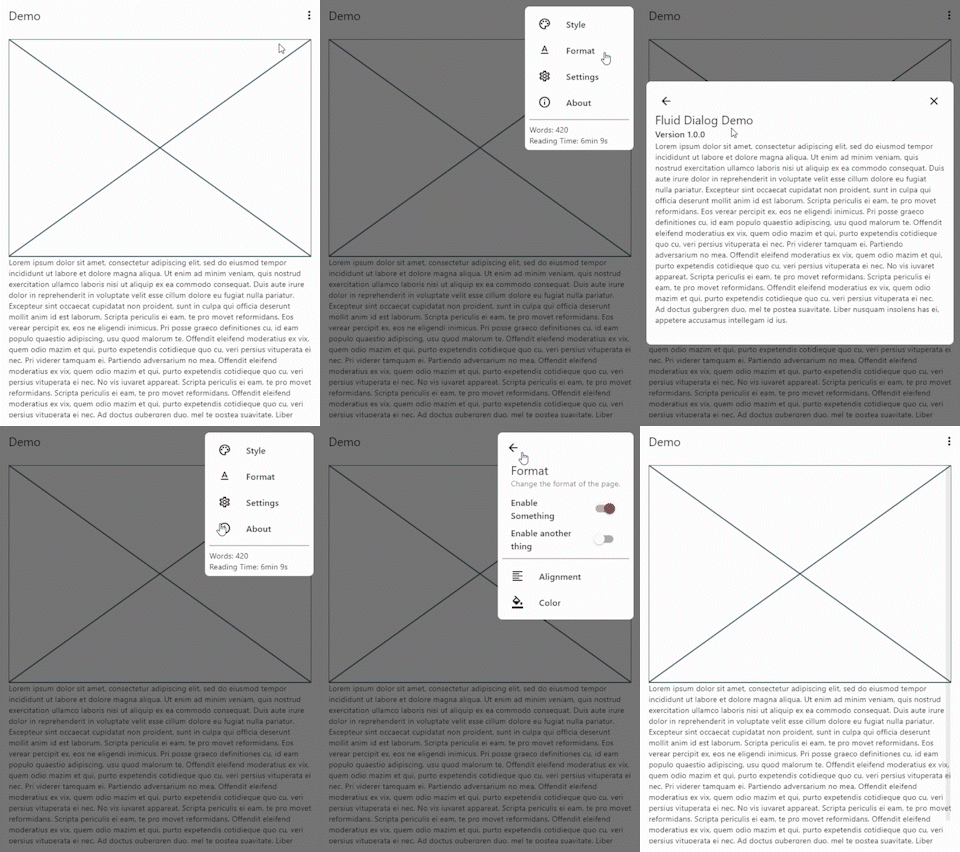
To show a FluidDialog you typically use Flutter's showDialog function. You can also use your implementation to show the dialog.
Here's an example:
showDialog(
 context: context,
 builder: (context) => FluidDialog(
  // Set the first page of the dialog.
  rootPage: FluidDialogPage(
    alignment: Alignment.bottomLeft, //Aligns the dialog to the bottom left.
    builder: (context) => const TestDialog(), // This can be any widget.
  ),
 ),
);
To navigate in the dialog, use the DialogNavigator. It works similarly to the flutter navigator.
This only works for widgets in the FluidDialog
TextButton(
  onPressed: () => DialogNavigator.of(context).push(
    FluidDialogPage(
      builder: (context) => const SecondDialogPage(),
    ),
  ),
  child: const Text('Go to next page'),
),
의존성 목록 3 개
{"sdk":"flutter"}{"sdk":"flutter"}^5.0.0+1사용 목적에 따라 검색하고 개발 활동을 비교한 뒤 원본 저장소에서 요구 사항을 확인하세요.
“A repository is the most basic element of GitHub.”
GitHub Docs — About repositories ↗