
 v0.1.2
flutter_split_view
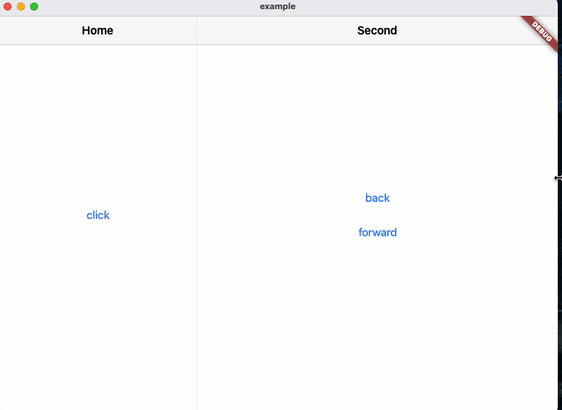
사용 가능한 공간에 따라 화면을 자동으로 두 개의 뷰로 분할하는 Flutter 위젯입니다. 이는 Navigator 2.0 기반입니다.
30좋아요 7730일 다운로드150Pub 점수
AndroidiOSWebmacOSWindowsLinux
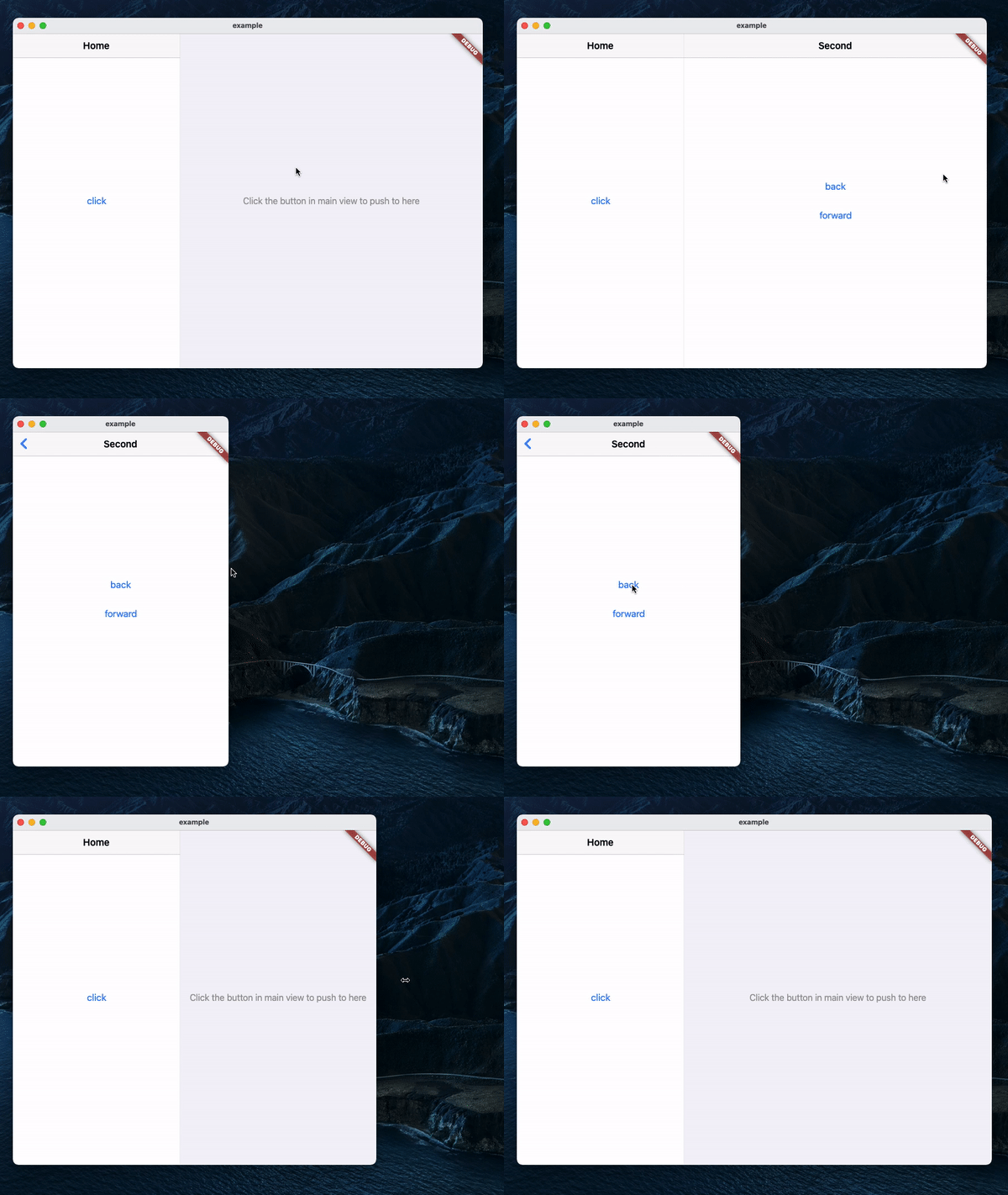
Navigator 2.0 기반의 Flutter 위젯으로 사용 가능한 공간에 따라 화면을 자동으로 두 개의 뷰로 분할합니다.
아래는 영문 원문 스냅샷입니다. 최신 내용은 GitHub에서 확인하세요.
A Navigator 2.0 based Flutter widget that automatically splits the screen into two views based on available space.
MaterialApp(
    title: 'SplitView Demo',
    home: SplitView.material(
        child: MainPage(),
    ),
);
Cupertino:
CupertinoApp(
    title: 'SplitView Demo',
    home: SplitView.cupertino(
        child: MainPage(),
    ),
);
SplitView.of(context).push(SecondPage());
Push with an optional title, which will be used as the back button's title in Cupertino:
SplitView.of(context).push(
    SecondPage(),
    title: 'Second',
);
SplitView.of(context).pop();
Pop until the n-th page:
SplitView.of(context).popUntil(1);
SplitView.of(context).setSecondary(SecondPage());
This will clear the stack and push the new page, making it the second page in the stack.
SplitView.of(context).isSecondaryVisible;

의존성 목록 3 개
{"sdk":"flutter"}{"sdk":"flutter"}^1.0.0사용 목적에 따라 검색하고 개발 활동을 비교한 뒤 원본 저장소에서 요구 사항을 확인하세요.
“A repository is the most basic element of GitHub.”
GitHub Docs — About repositories ↗