

 v1.2.1
squares
Flutter용 유연한 체스보드 위젯입니다. 시각적으로 사용자 정의 가능하며 다양한 체스 변형을 지원합니다.
36좋아요 18930일 다운로드140Pub 점수
AndroidiOSWebmacOSWindowsLinux
Flutter용 유연한 체스보드 위젯

아래는 영문 원문 스냅샷입니다. 최신 내용은 GitHub에서 확인하세요.

Squares is a chessboard like you've never seen before. Or more accurately, it is a chessboard very much like the ones you have seen before, but one that can do a pretty wide variety of things.
It is a UI package only, meaning it doesn't handle game logic. The Bishop package is recommended for game logic, and there is also a small interoperability package, Square Bishop that provides convenience methods for common type, a state for Squares to use, and extension methods on Bishop.Game that generate it.
There are two examples: a simple one in around 100 lines, and a more complex and featureful app that demonstrates the various features of Squares in a realistic architecture.
Squares has a stateless Board widget that can used to display a complete board representation, and can be integrated at a low level with your own UI logic. However, the more likely use case involves the BoardController widget, which implements all of the piece selection and movement logic you're likely to need, including premoves and piece promotion.
Highlighting previous moves, possible moves, check/checkmate
Board themes
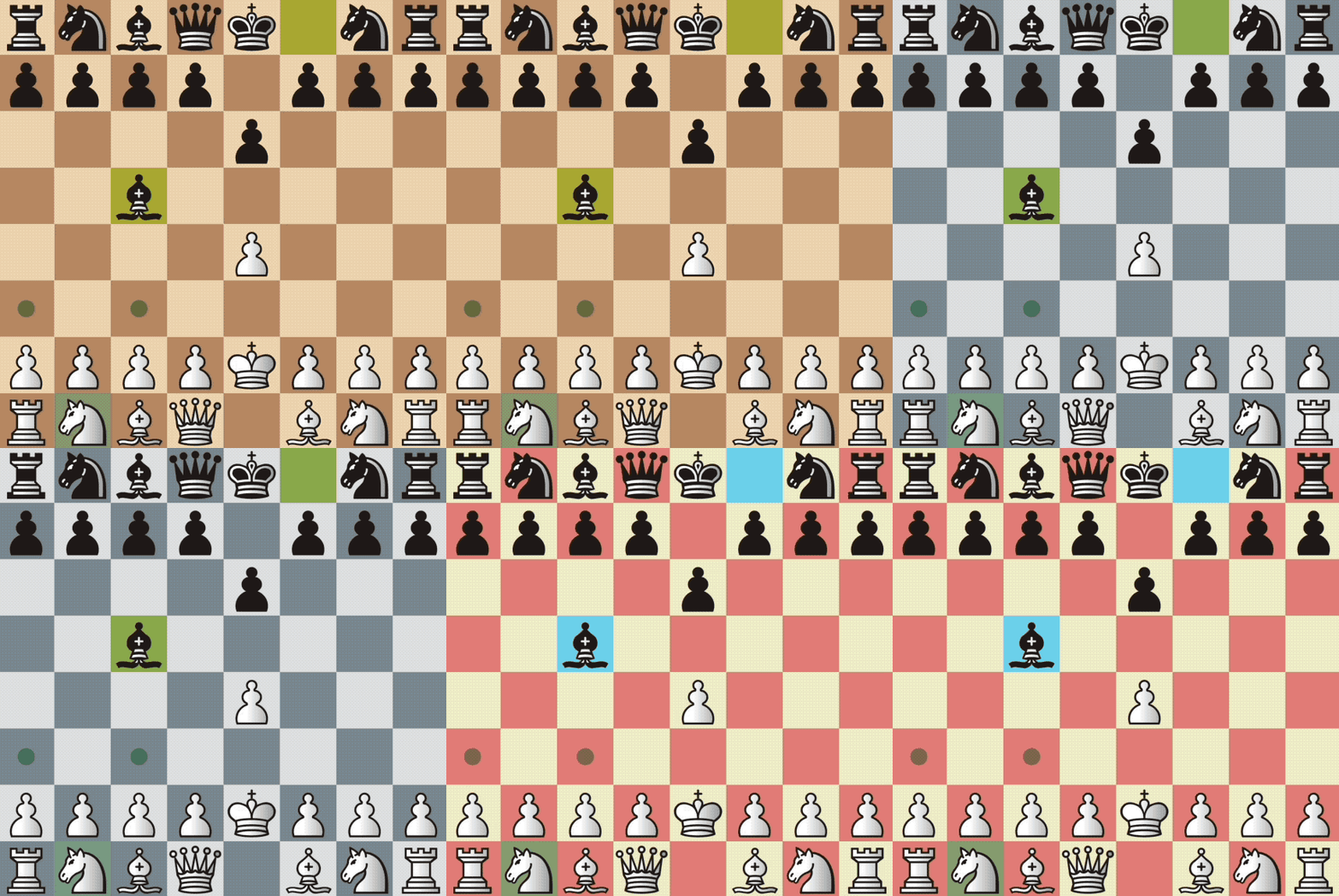
Marker themes
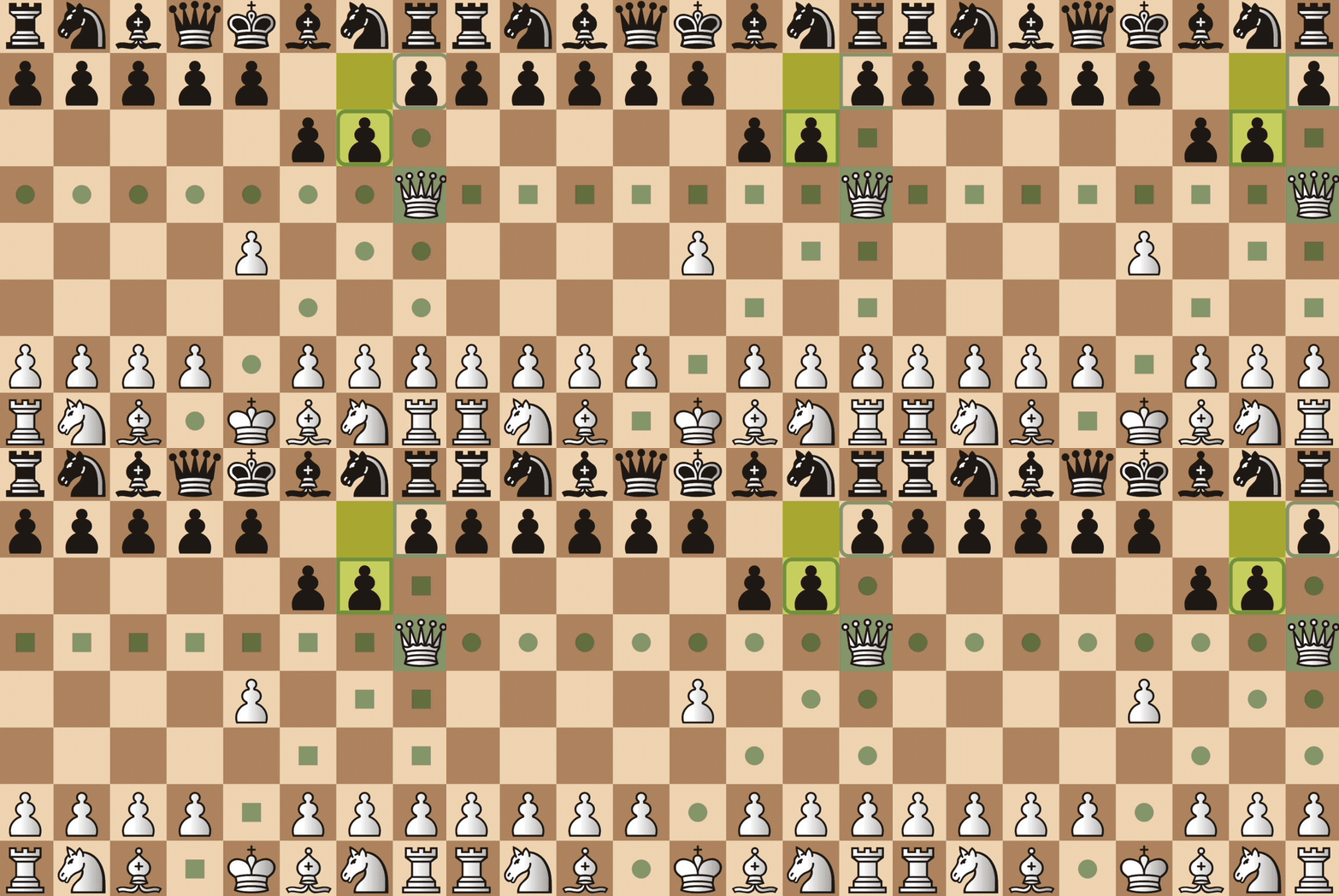
Piece animations
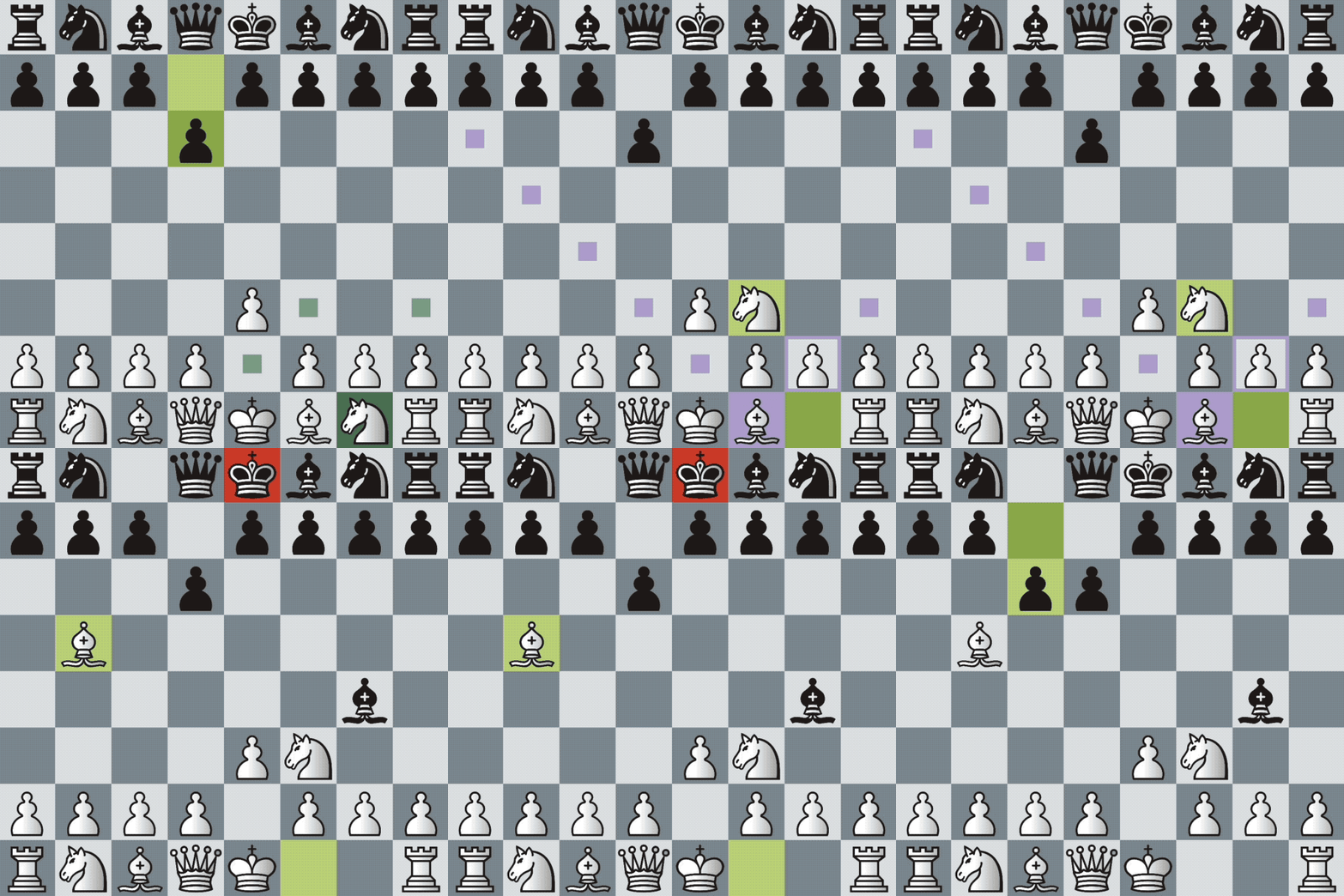
Premoves
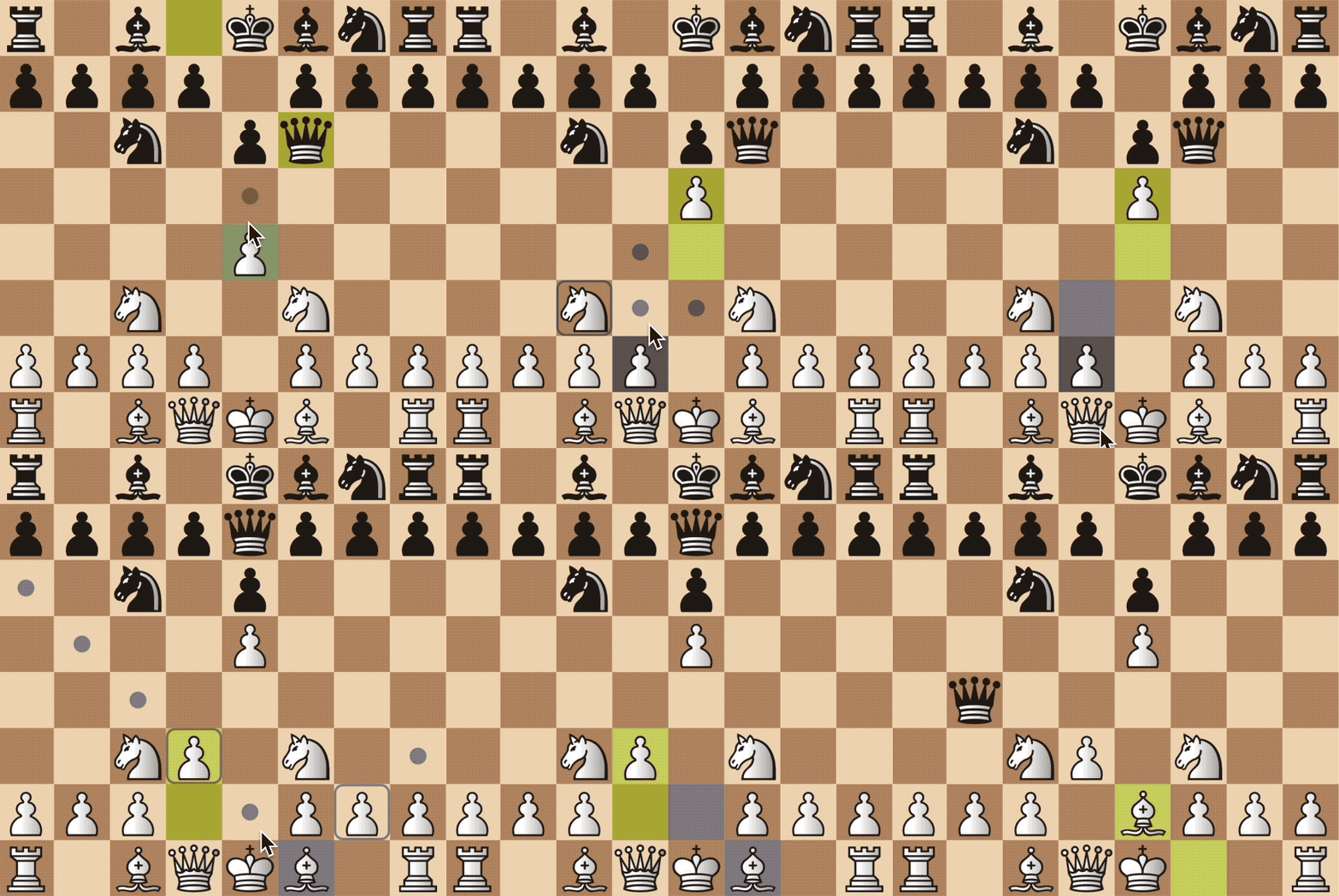
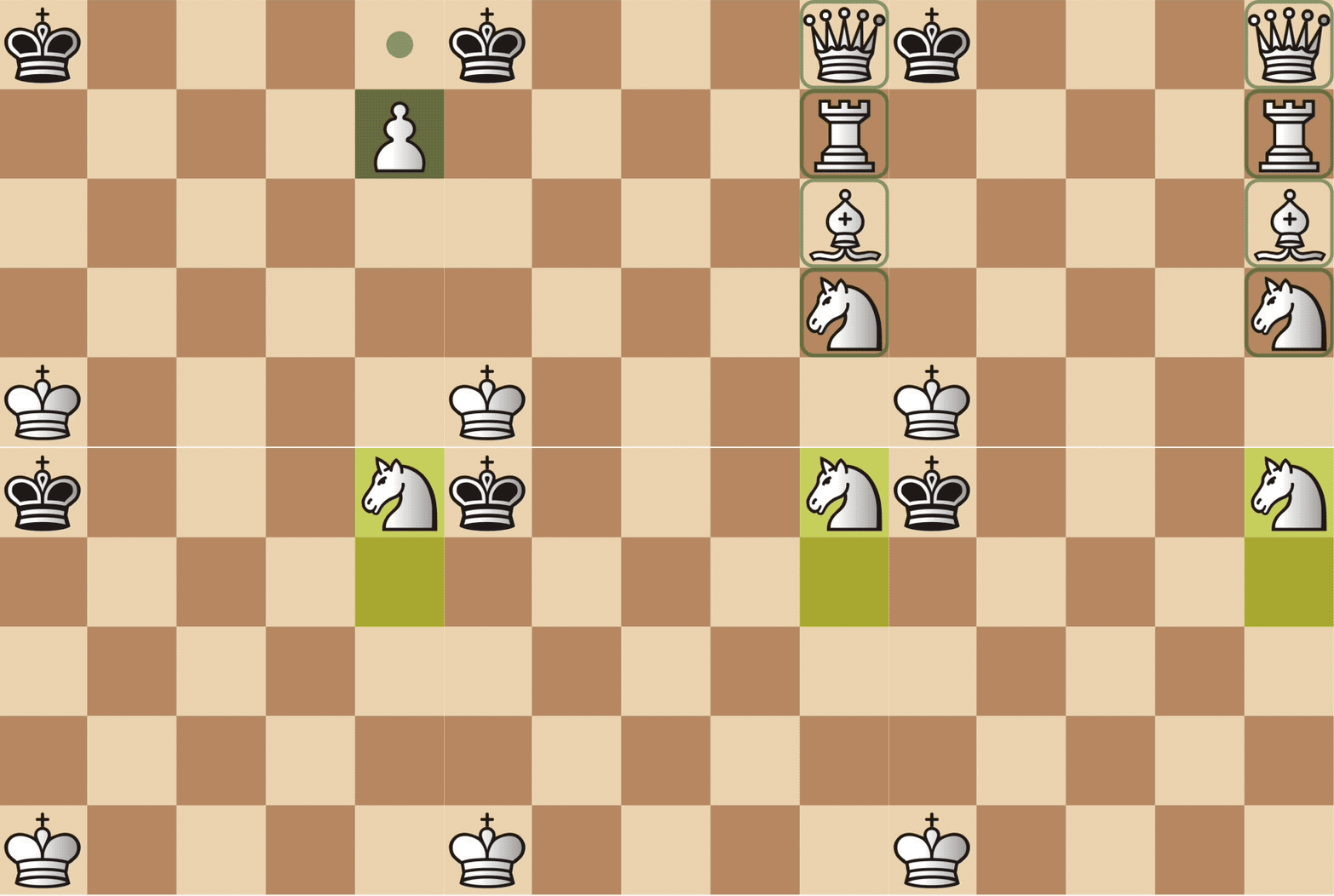
Supports arbitrary board sizes and pieces
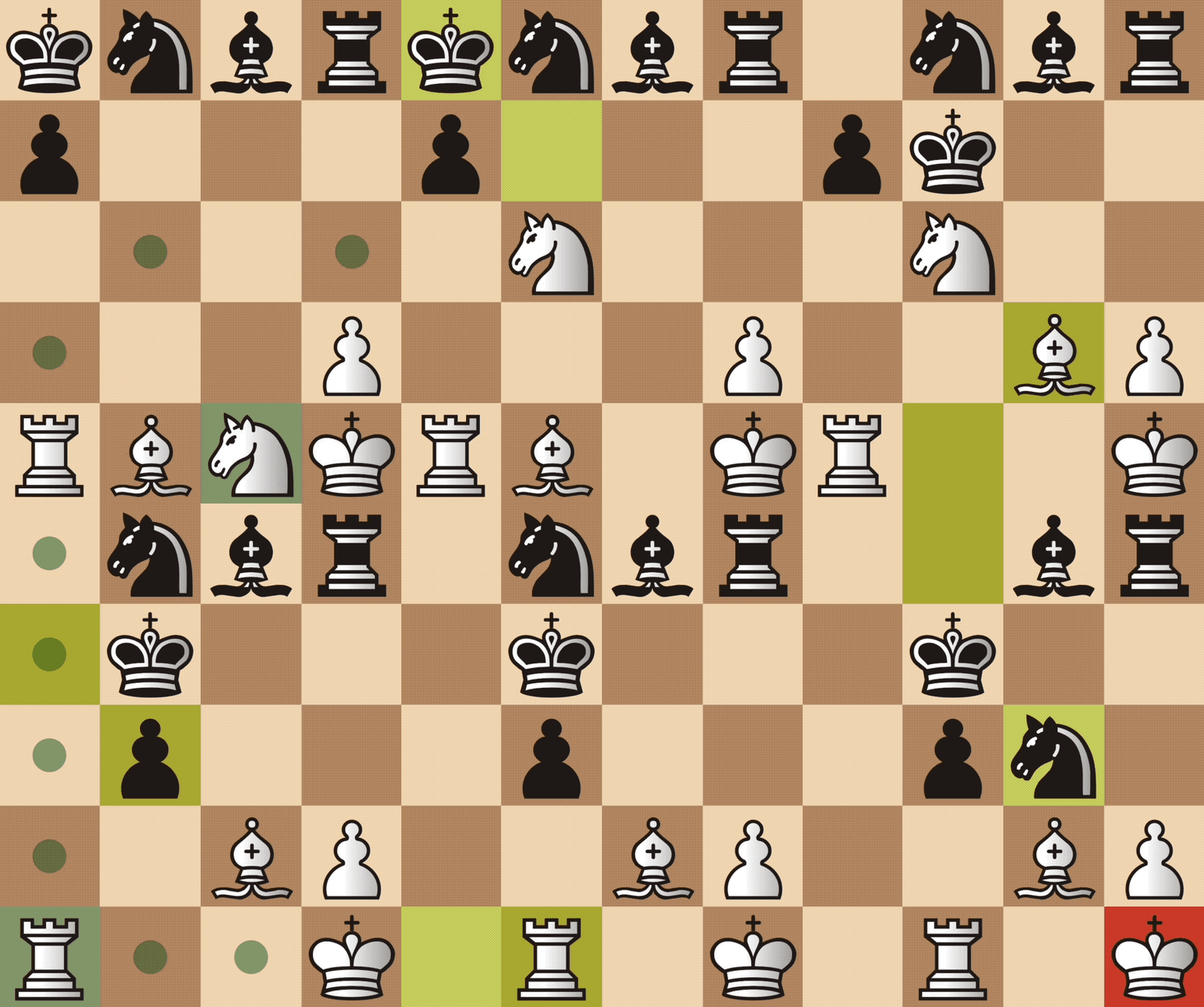
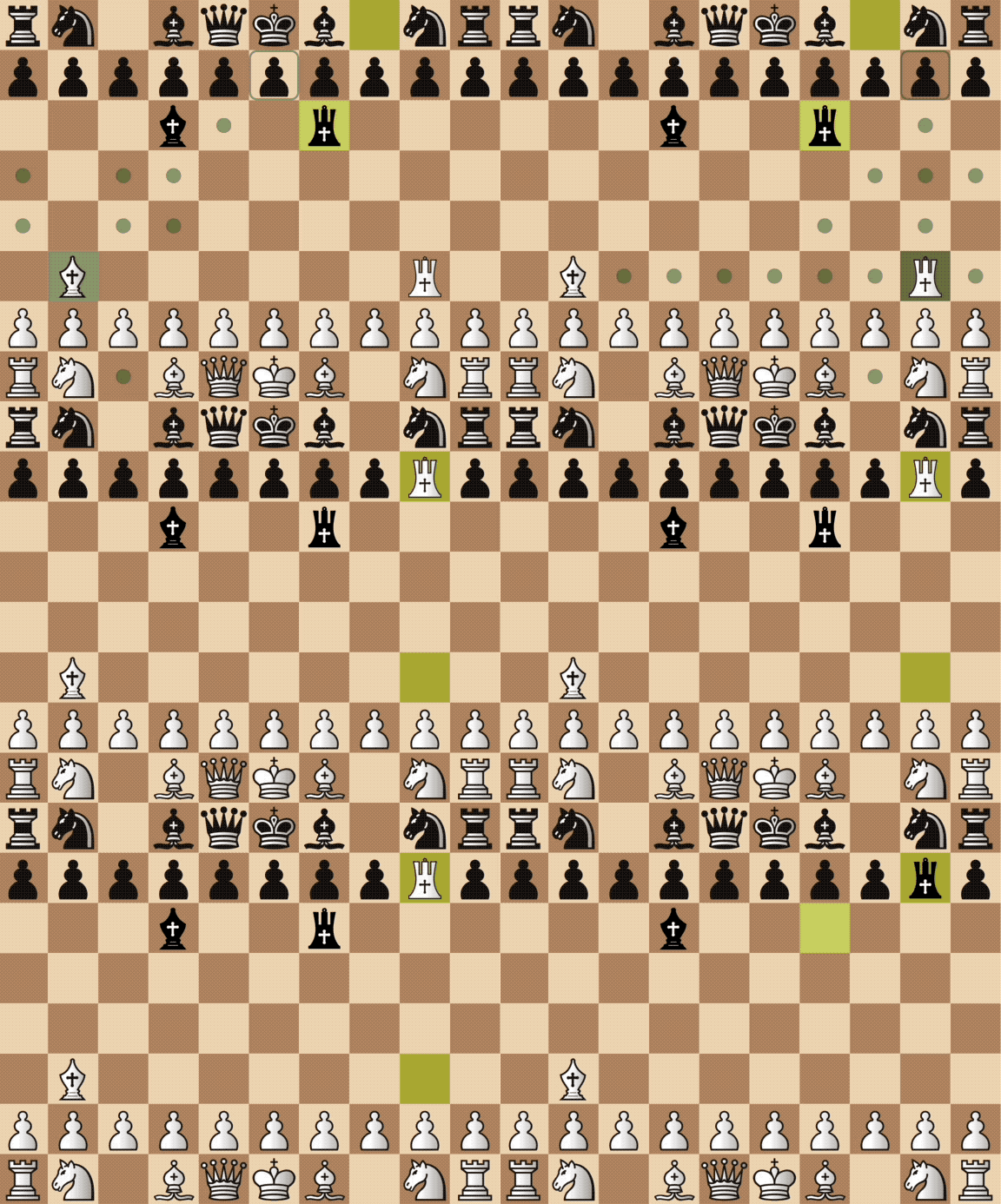
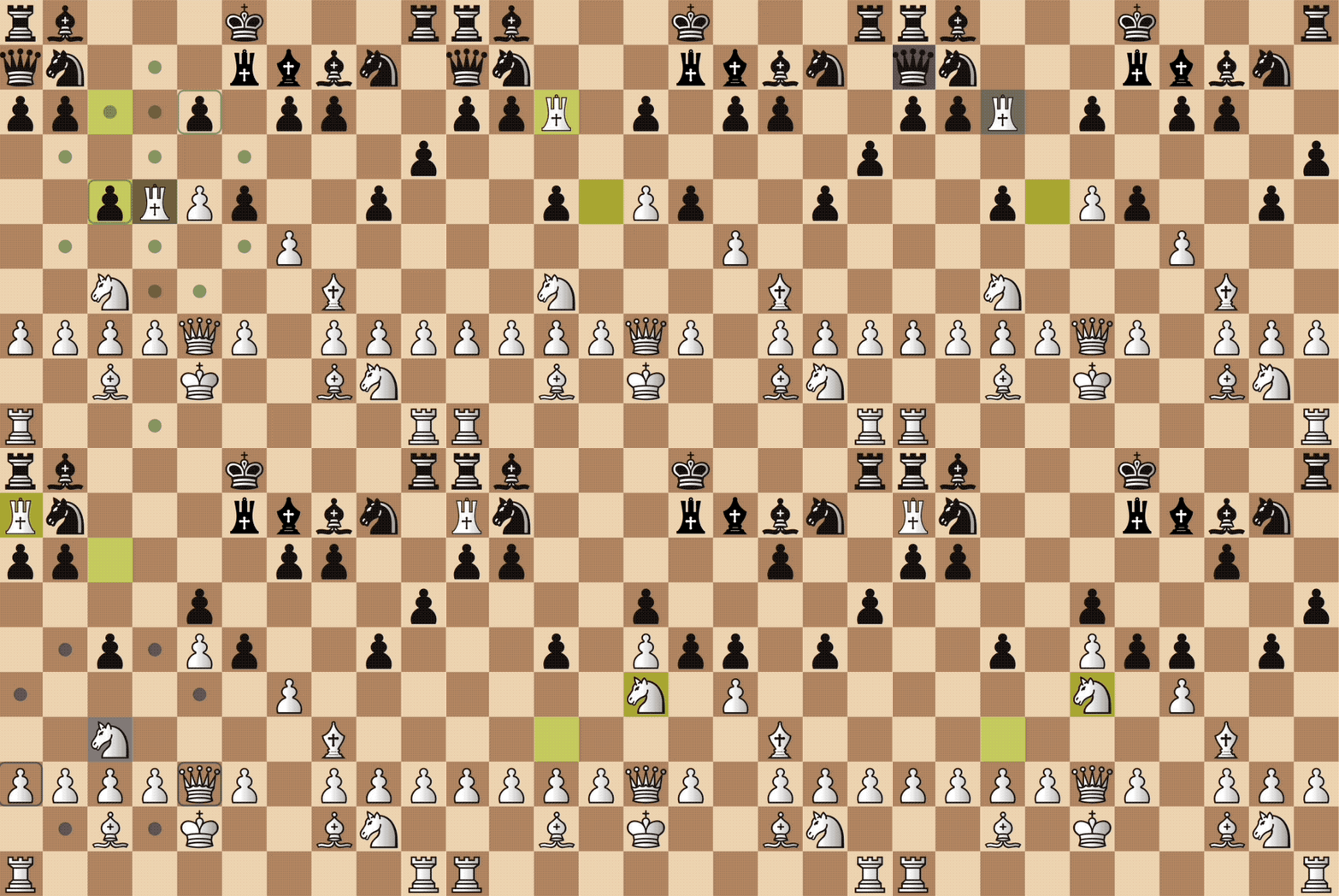
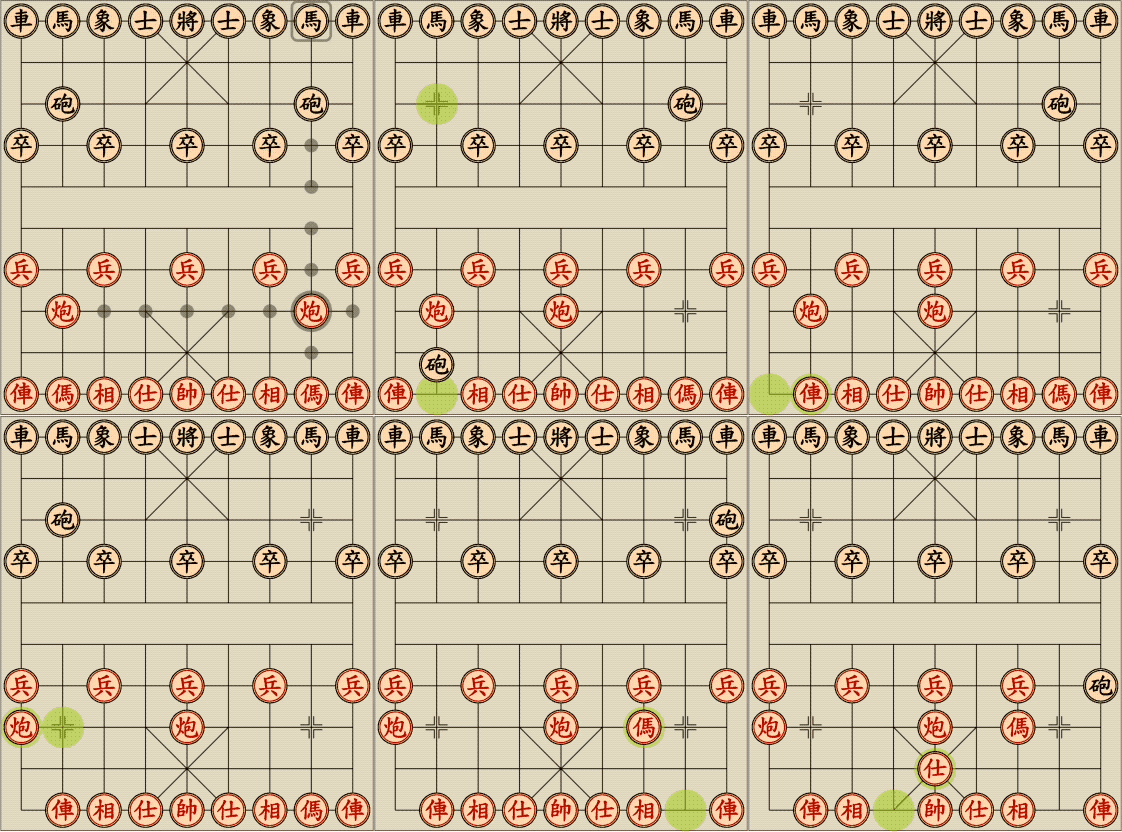
Piece promotion
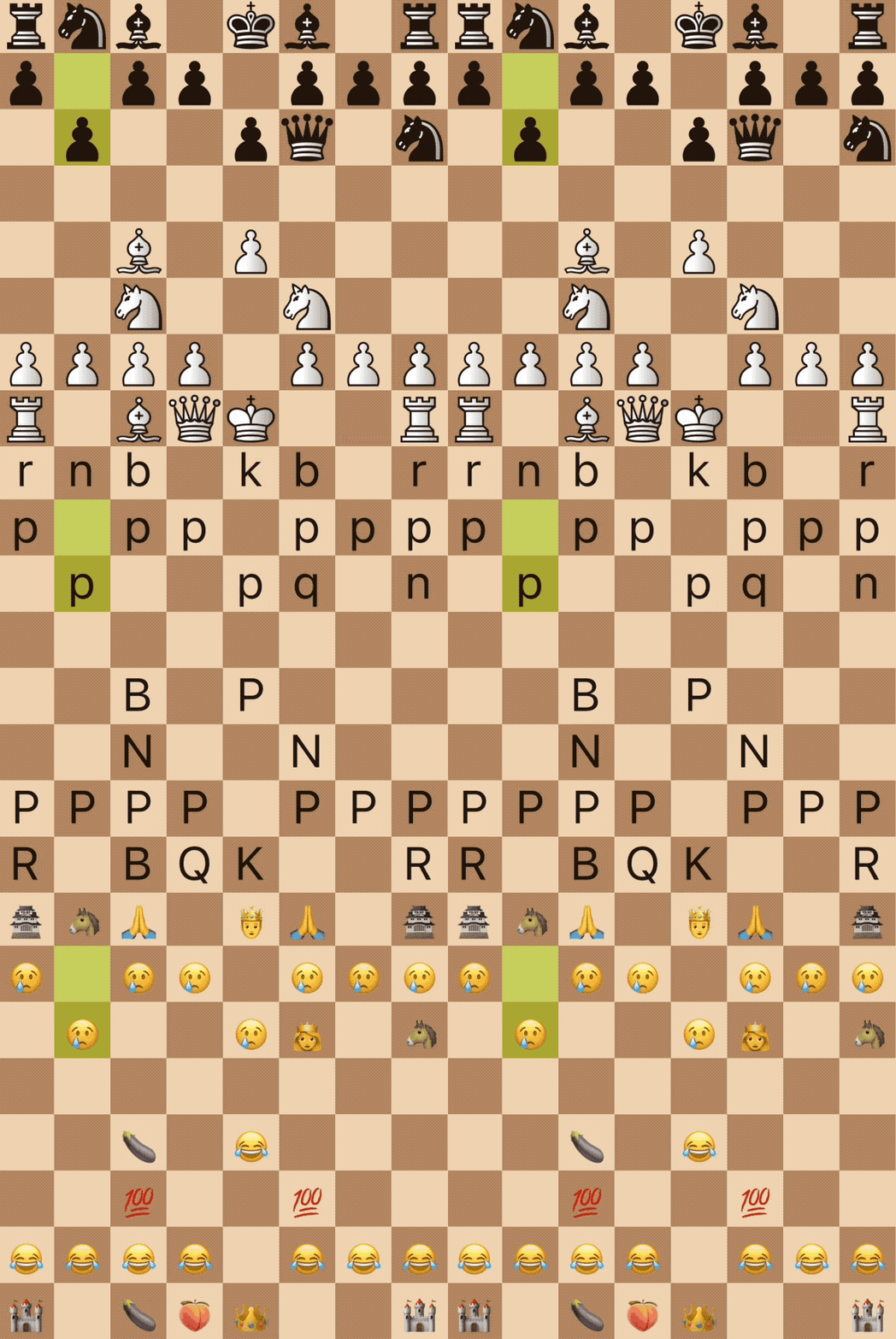
Flexible piece set definitions - any widget will do, use an svg, image asset, text, etc
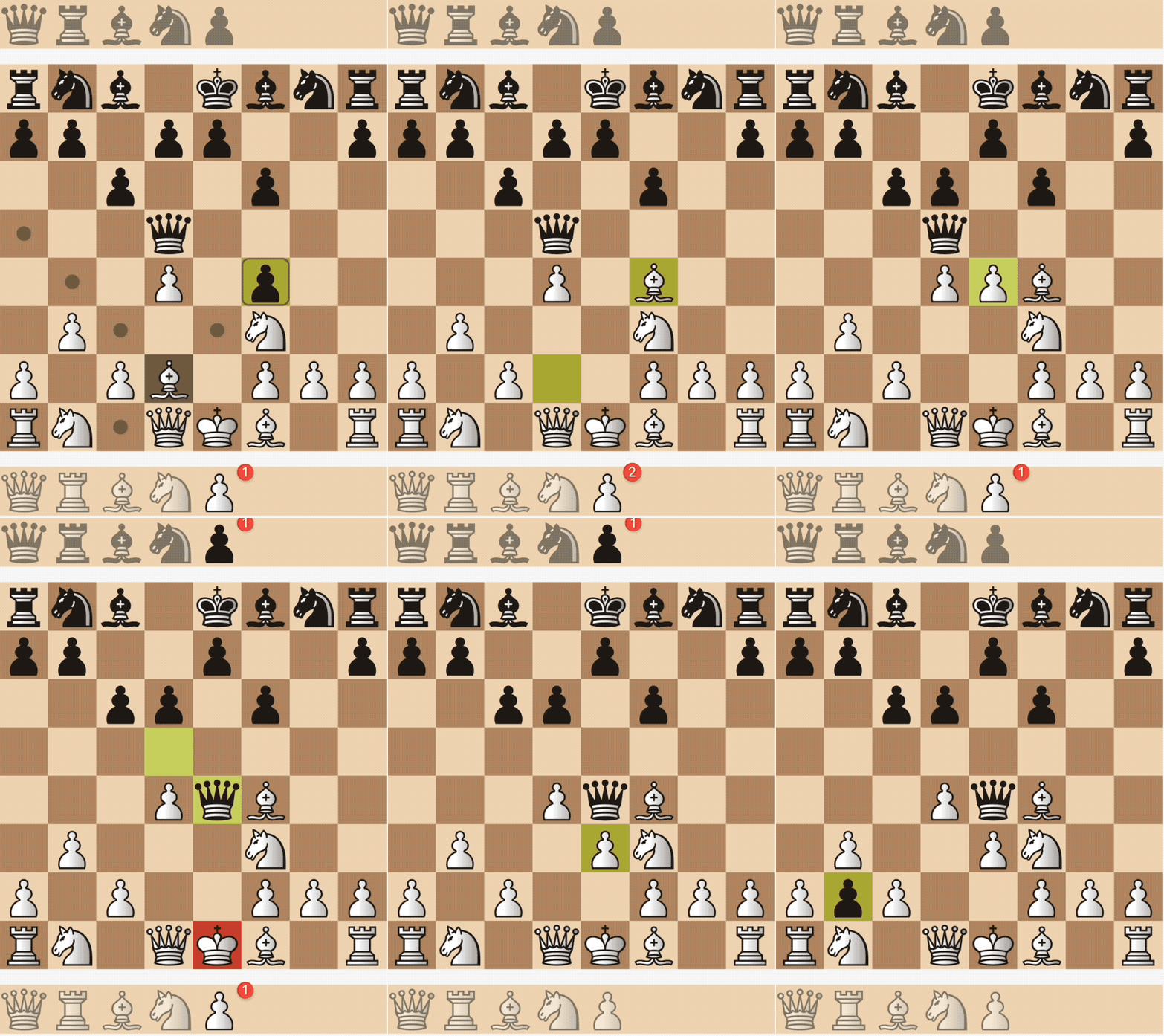
Dropping pieces from hands (à la Crazyhouse)
사용 목적에 따라 검색하고 개발 활동을 비교한 뒤 원본 저장소에서 요구 사항을 확인하세요.
“A repository is the most basic element of GitHub.”
GitHub Docs — About repositories ↗