


 v3.0.1
flutter_linear_datepicker
그레고리력 및 자라일리(페르시아) 날짜 선택기 제공하는 플러터 패키지
63좋아요 24830일 다운로드130Pub 점수
AndroidiOSWebmacOSWindowsLinux
플러터 그레고리력 및 자라리(페르시아) 날짜 선택기

아래는 영문 원문 스냅샷입니다. 최신 내용은 GitHub에서 확인하세요.
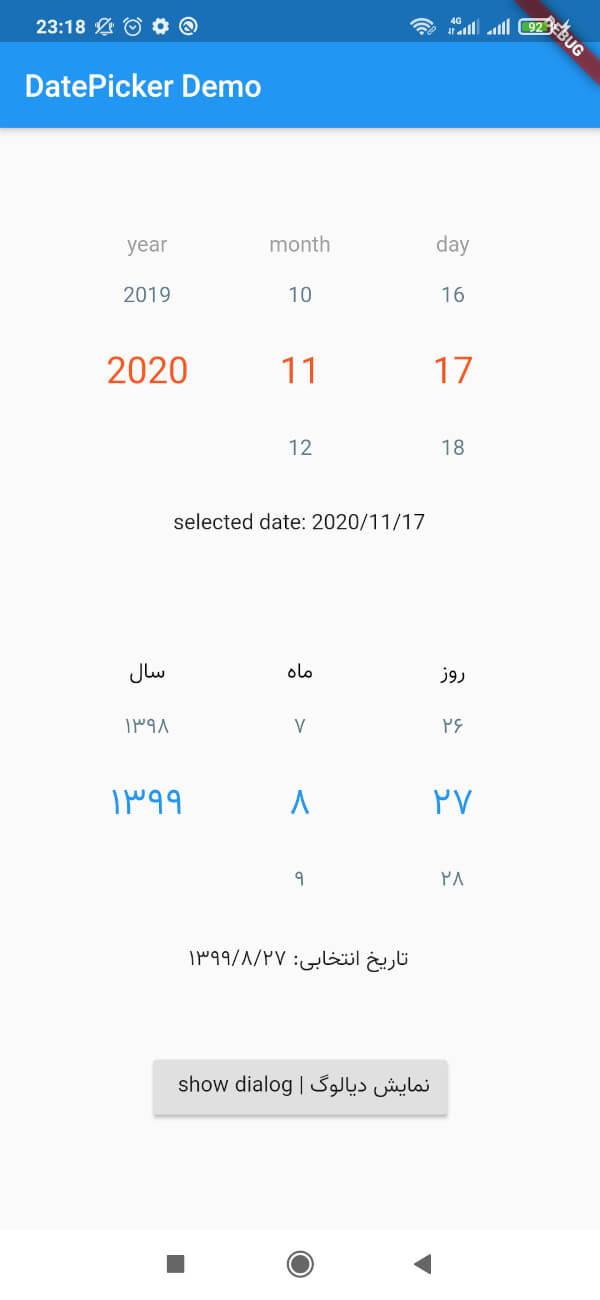
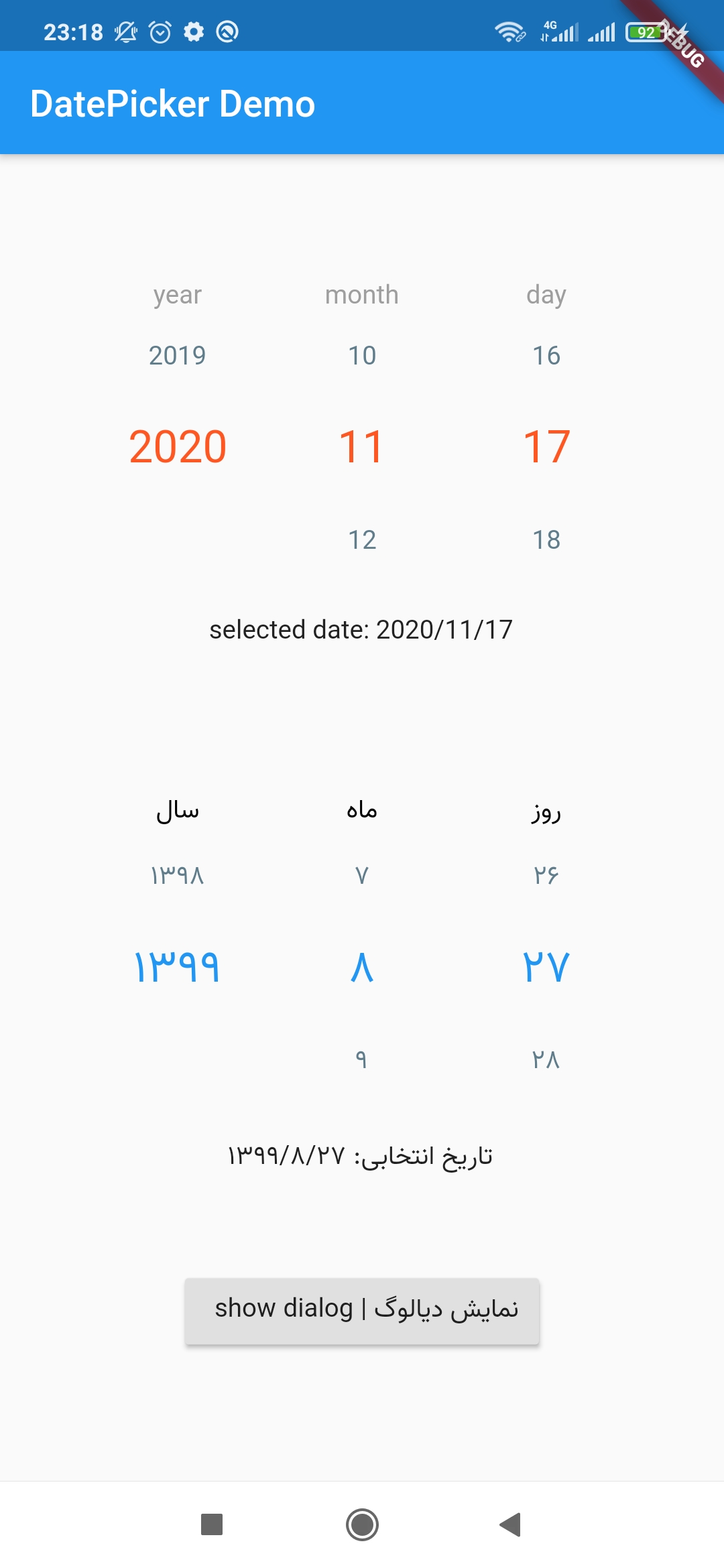
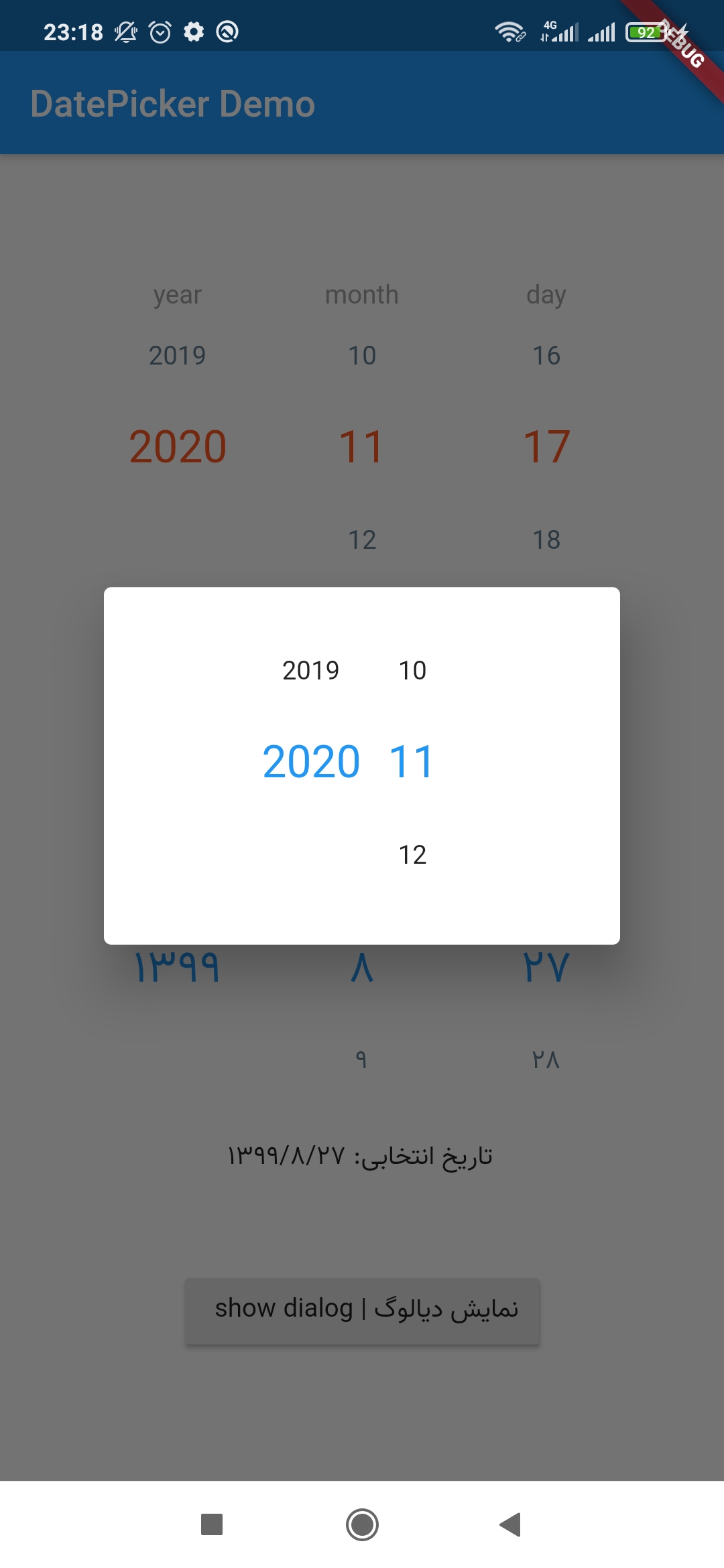
This package provides a Persian or Gregorian linear DatePicker for flutter.
Add this to your package's pubspec.yaml file:
dependencies:
 flutter_linear_datepicker: ^3.0.1
You can install packages from the command line:
$ flutter pub get
Alternatively, your editor might support pub get or flutter pub get. Check the docs for your editor to learn more.
Now in your Dart code, you can use:
import 'package:flutter_linear_datepicker/flutter_datepicker.dart';
just simply put following widget in your flutter code:
LinearDatePicker(
  dateChangeListener: (DateTime selectedDate) {
    print(selectedDate);
  },
);
You can customize widget using below parameters:
LinearDatePicker(
  startDate: DateTime(2022),
  endDate: DateTime.now().add(Duration(days: 365)),
  initialDate: DateTime.now(),
  dateChangeListener: (DateTime selectedDate) {
    print(selectedDate);
  },
  showDay: true,  //false -> only select year & month
  labelStyle: TextStyle(
    fontFamily: 'sans',
    fontSize: 14.0,
    color: Colors.black,
  ),
  selectedRowStyle: TextStyle(
    fontFamily: 'sans',
    fontSize: 18.0,
    color: Colors.deepOrange,
  ),
  unselectedRowStyle: TextStyle(
    fontFamily: 'sans',
    fontSize: 16.0,
    color: Colors.blueGrey,
  ),
  yearLabel: 'سال | year',
  monthLabel: 'ماه | month',
  dayLabel: 'روز | day',
  showLabels: true, // to show column captions, eg. year, month, etc.
  columnWidth: 100,
  showMonthName: true,
  isJalali: false,  // false -> Gregorian
  debounceDuration: Duration(milliseconds: 300), // delay duration to emit the selected date
  monthsNames: ['1', '2', '3', '4', '5', '6', '7', '8', '9', '10', '11', '12',] // custom name for each month
)
의존성 목록 3 개
{"sdk":"flutter"}^1.0.4{"sdk":"flutter"}사용 목적에 따라 검색하고 개발 활동을 비교한 뒤 원본 저장소에서 요구 사항을 확인하세요.
“A repository is the most basic element of GitHub.”
GitHub Docs — About repositories ↗