


 v0.0.5
figma_frame_inspector
앱에서 Figma 프레임이 얼마나 정확하게 구현되었는지 확인하는 Flutter 플러그인입니다.
25좋아요 4530일 다운로드150Pub 점수
AndroidiOSmacOSWindowsLinux
앱에서 Figma 프레임이 얼마나 정확하게 구현되었는지 확인하는 Flutter 플러그인입니다.

아래는 영문 원문 스냅샷입니다. 최신 내용은 GitHub에서 확인하세요.
A Flutter plugin to verify how accurately the Figma frame was implemented in the app (whether paddings and elements sizes are correct).
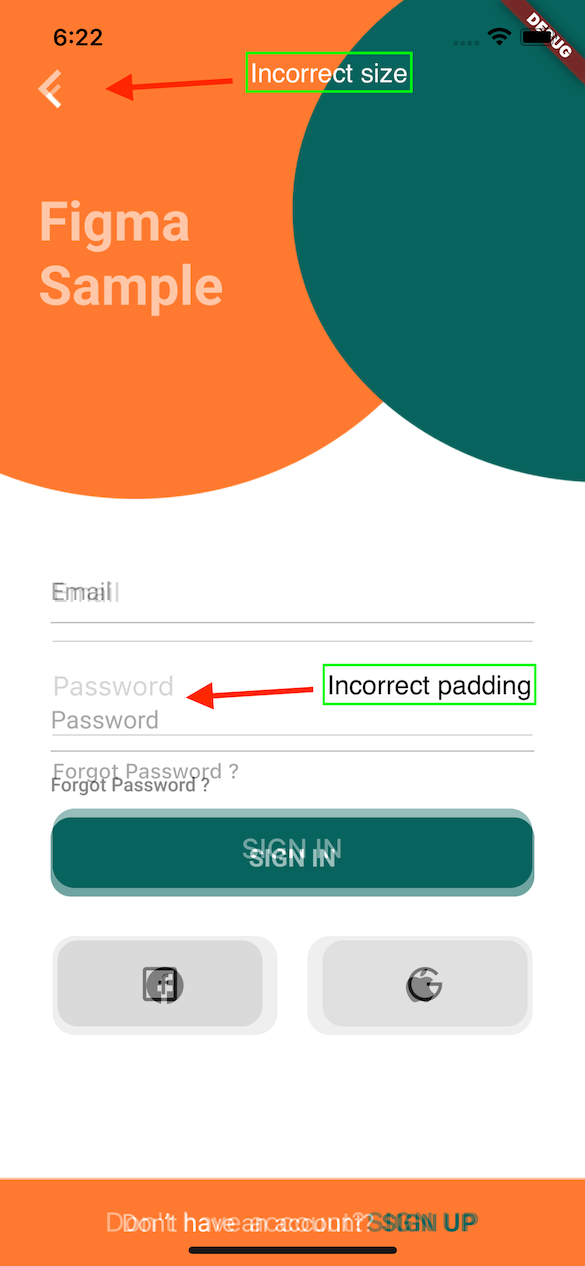
With this tool any developer can verify all the paddings, font styles and elements sizes matches design specification in Figma.
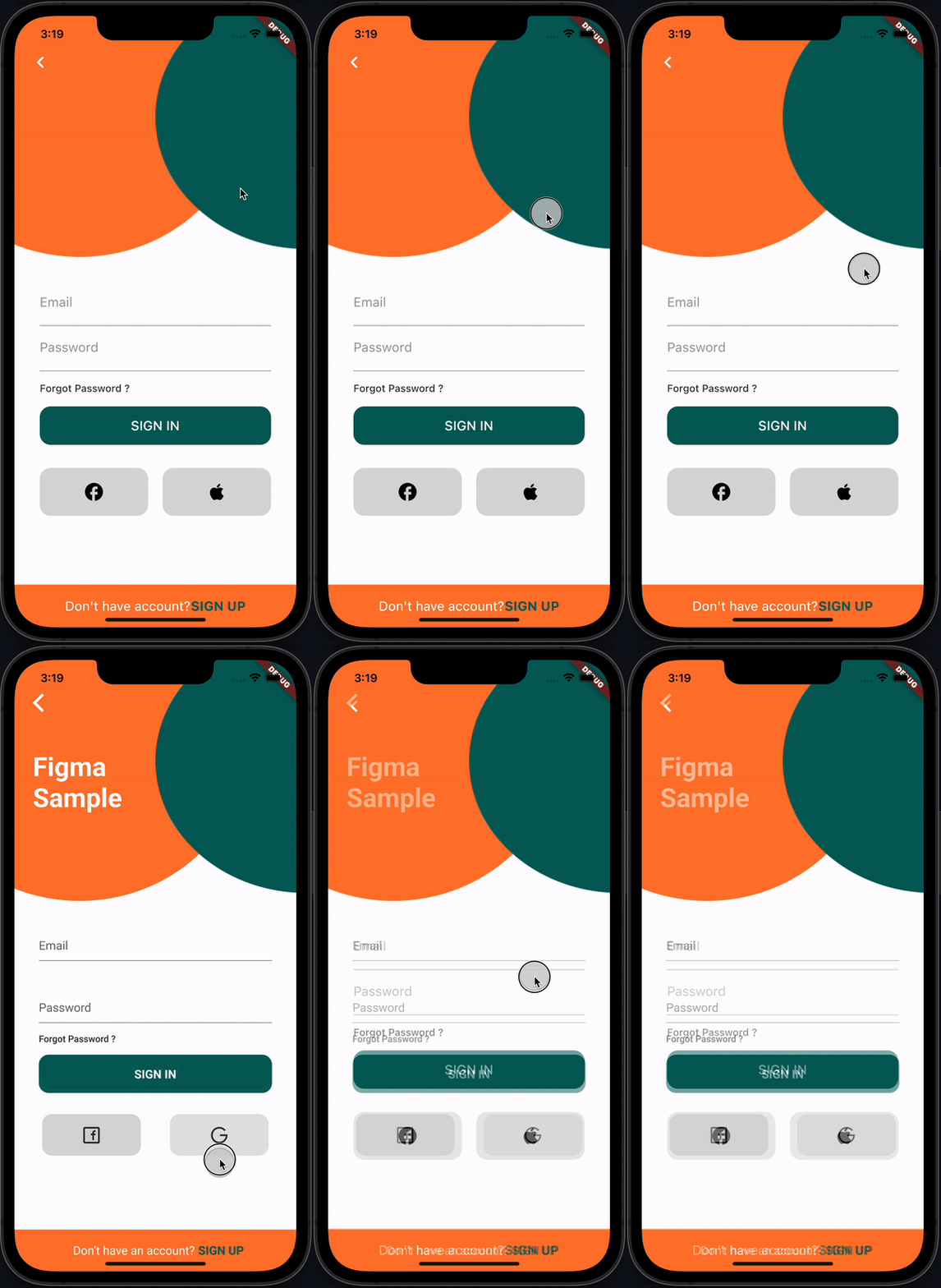
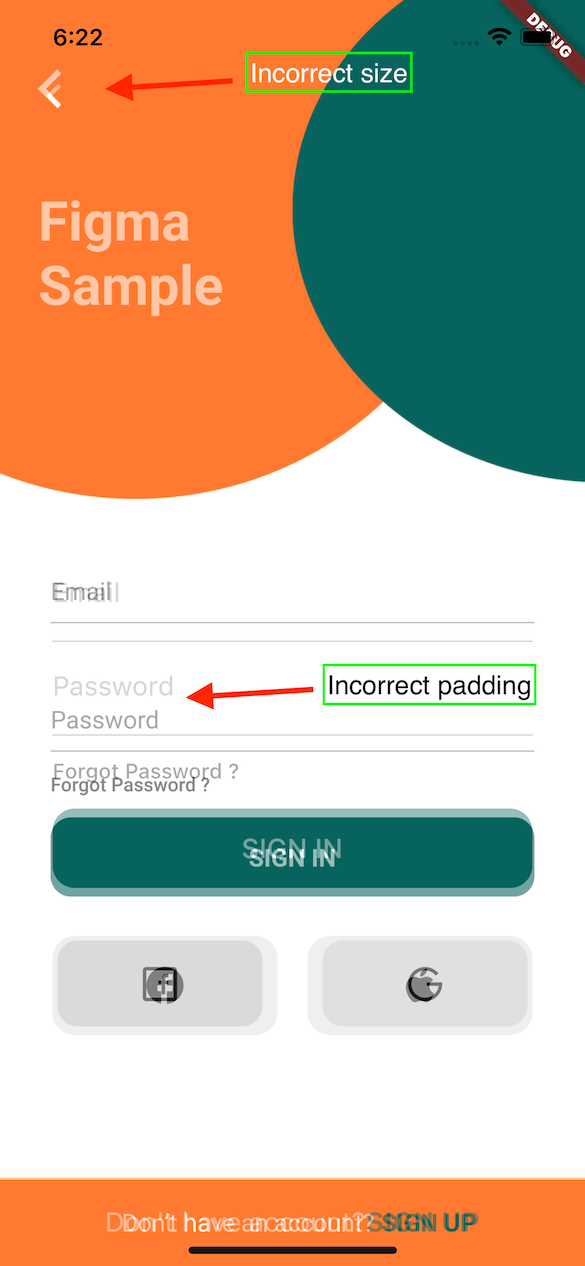
This plugin provides FigmaFrameInspector widget that renders provided Figma frame on top of child screen widget. This helps to check proper frame implementation.
PS: Example Figma frame was taken from here
| Implementation | Figma | Diff |
|---|---|---|
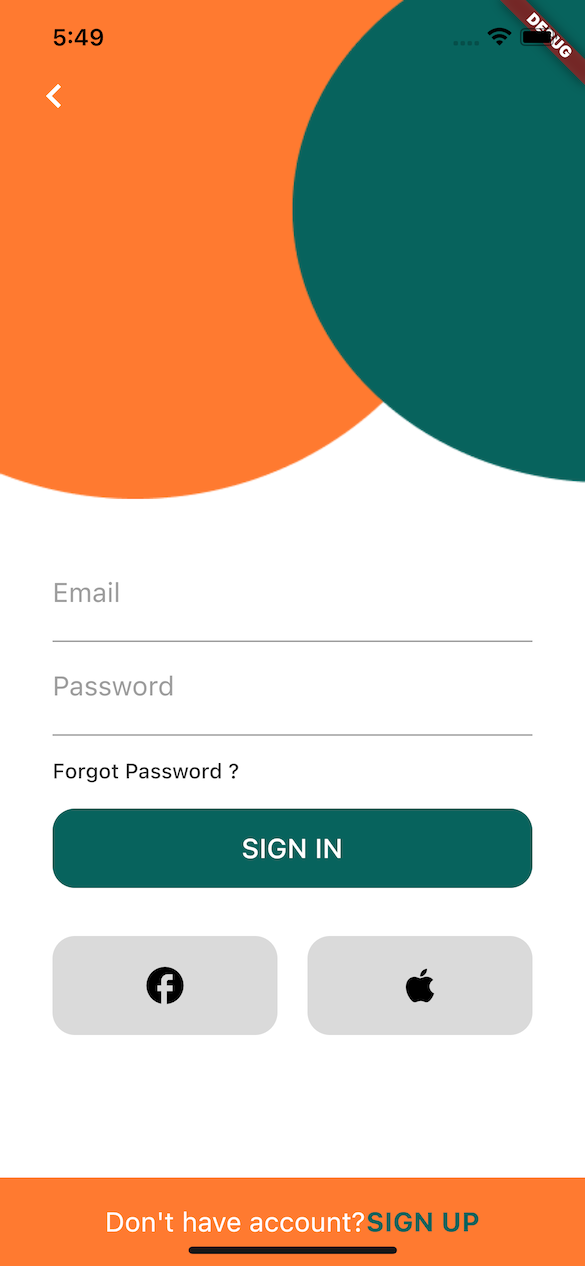 |
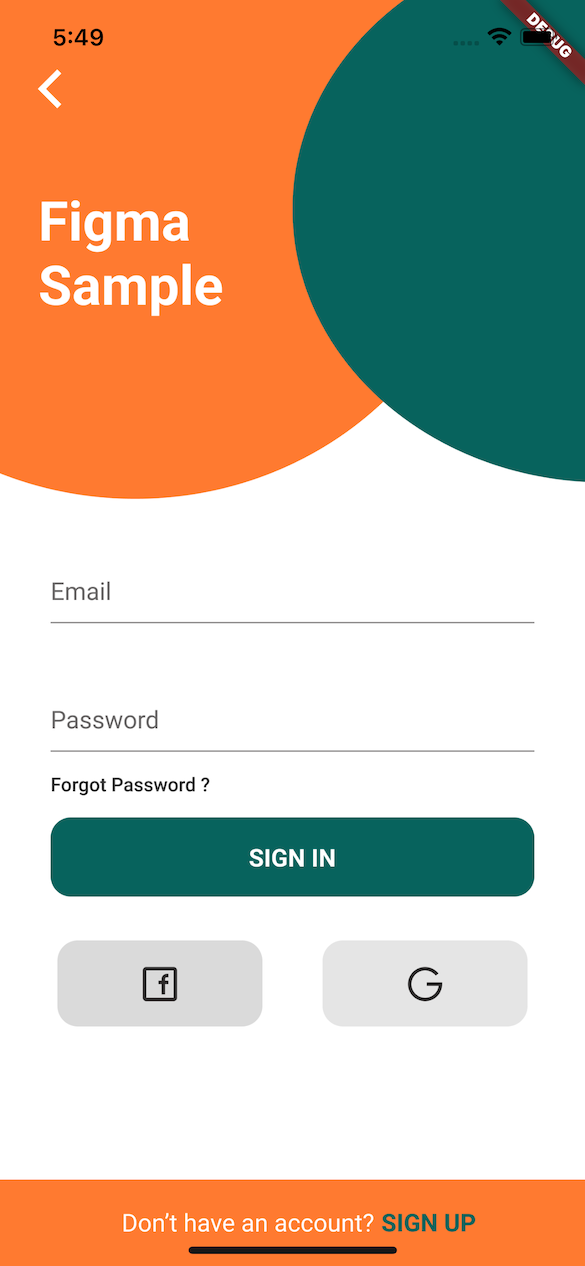 |
 |
flutter pub add figma_frame_inspector
import 'package:figma_frame_inspector/figma_frame_inspector.dart';FigmaFrameInspector widget:class MyHomePage extends StatelessWidget {
const MyHomePage({Key? key, required this.title}) : super(key: key);
final String title;
@override
Widget build(BuildContext context) {
return FigmaFrameInspector( // <-- Wrap your screen widget with this widget.
frameUrl:
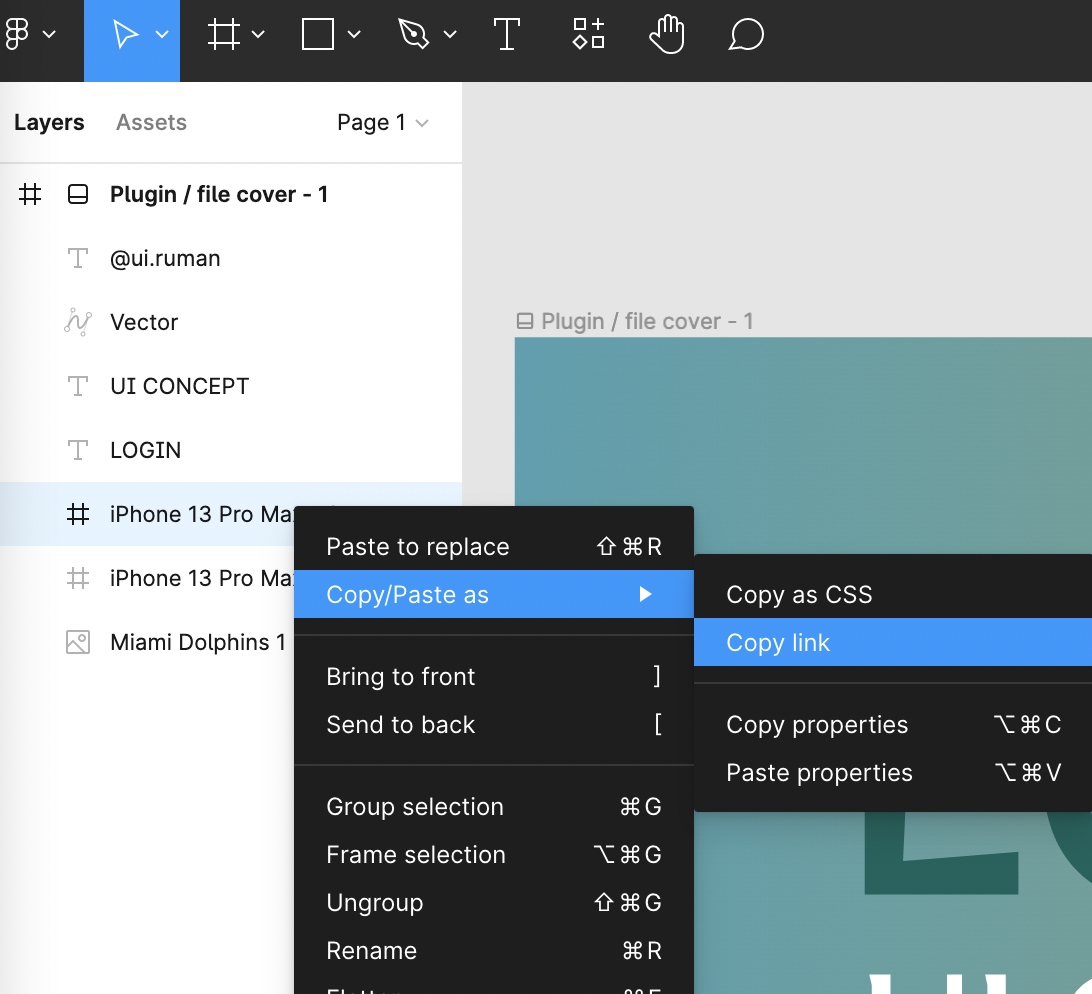
"<figma-frame-url>", // <-- Specify the Figma frame url. Looks like this: https://www.figma.com/file/<file_key>/<file_name >?node-id=<node_id>
figmaToken: '<figma-token>', // <-- Specify the Figma `Personal access token` from Account Settings page.
// Optional parameters:
scale: 3, // A number between `0.01` and `4`, the image scaling factor.
initialOpacity: .3, // Opacity of the frame on the screen start (default `30%`).
enabled: true, // Enable or disable the frame overlay (default `true`).
isTouchToChangeOpacityEnabled: true, // Enable or disable vertical scroll to change the frame overlay opacity (default `true`).
child: Scaffold(
appBar: AppBar(
title: Text(title),
),
floatingActionButton: const FloatingActionButton(
onPressed: null,
tooltip: 'Increment',
child: Icon(Icons.add),
),
),
);
}
}
This plugin was heavily inspired by flutter_figma_preview
Figma sample design taken from here https://www.figma.com/community/file/1060856334579637757
Can be found here.
의존성 목록 5 개
{"sdk":"flutter"}^5.2.1^3.2.3{"sdk":"flutter"}^2.0.0사용 목적에 따라 검색하고 개발 활동을 비교한 뒤 원본 저장소에서 요구 사항을 확인하세요.
“A repository is the most basic element of GitHub.”
GitHub Docs — About repositories ↗