

 v4.0.1
phone_state
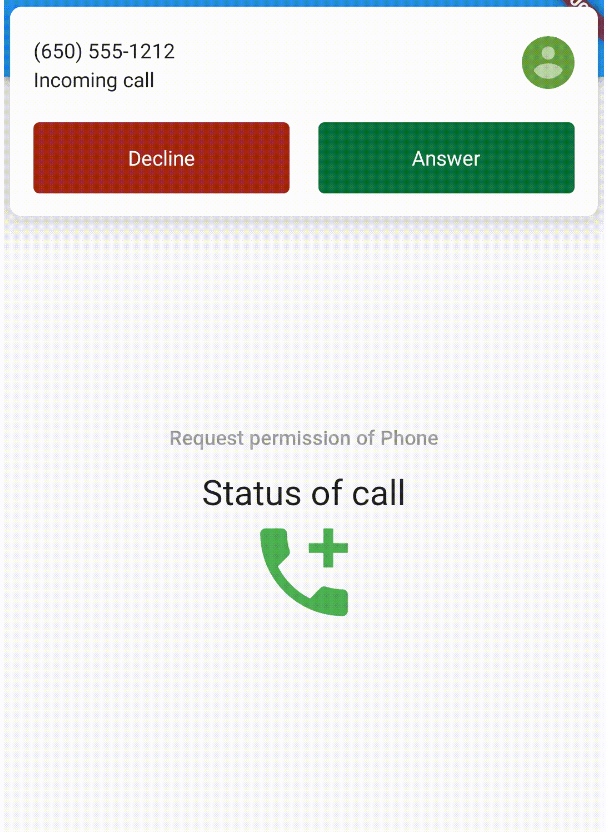
이 플러그인을 사용하면 Android 또는 iOS 기기에서 통화를 받고 있는지 빠르고 쉽게 확인할 수 있으며, 통화 상태도 알 수 있습니다.
141좋아요 1.5만30일 다운로드160Pub 점수
AndroidiOS
Flutter 플러그인

아래는 영문 원문 스냅샷입니다. 최신 내용은 GitHub에서 확인하세요.

This plugin allows you to know quickly and easily if your Android or iOS device is receiving a call and to know the status of the call.
PhoneState.stream requires the app process to be running with an active Flutter engine and listener. It does not send callbacks after the app is terminated.PhoneState.stream does not emit, confirm READ_PHONE_STATE is declared and granted at runtime. Some OEM battery or background restrictions, including MIUI settings on Xiaomi devices, can also delay or block callbacks.
Note: This version requires Flutter >= 3.44.0 and Dart >= 3.12.2. Add
phone_stateto your app'spubspec.yaml, not to this package'spubspec.yaml. Your app/package name must be different fromphone_state.
dependencies:
  flutter:
    sdk: flutter
  phone_state: 4.0.1
<uses-permission android:name="android.permission.READ_PHONE_STATE" />
<uses-permission android:name="android.permission.READ_CALL_LOG" />
READ_PHONE_STATE is required. READ_CALL_LOG is optional and only needed for caller phone numbers.
Warning: Adding
READ_CALL_LOGpermission, your app will be removed from the Play Store if you don't have a valid reason to use it. Read more.
StreamBuilder<PhoneState>(
  stream: PhoneState.stream,
  ...
If phone_state stops receiving updates after adding another package:
READ_PHONE_STATE is required, and READ_CALL_LOG is only needed for caller phone numbers.PhoneState.stream listener for each app flow. Cancel the previous subscription before starting another one when screens, services, or background handlers change.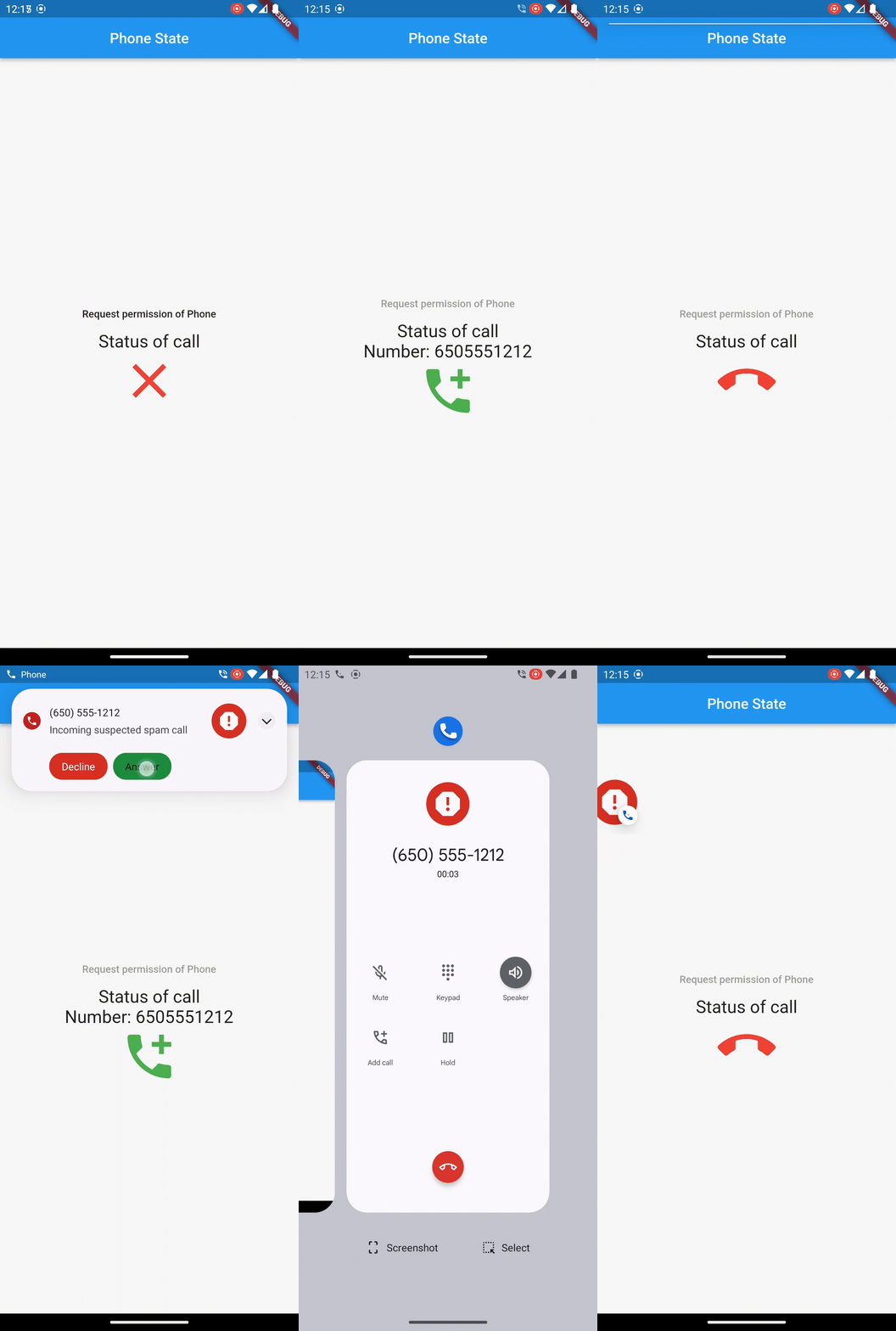
Write me in the GitHub issues the new features you need and, if they are approved of course, I will implement them as soon as I can.
의존성 목록 4 개
{"sdk":"flutter"}^1.19.1{"sdk":"flutter"}^6.0.0사용 목적에 따라 검색하고 개발 활동을 비교한 뒤 원본 저장소에서 요구 사항을 확인하세요.
“A repository is the most basic element of GitHub.”
GitHub Docs — About repositories ↗