





 v4.1.7
flutter_syntax_view
프로그래밍 언어 구문에 따라 코드 텍스트를 강조 표시하는 정적 구문 하이라이터 위젯으로, 네이티브 Dart 코드를 사용합니다.
101좋아요 1만30일 다운로드150Pub 점수
AndroidiOSWebmacOSWindowsLinux
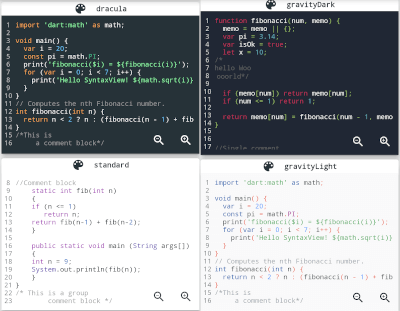
Flutter 구문 강조

아래는 영문 원문 스냅샷입니다. 최신 내용은 GitHub에서 확인하세요.
Flutter Syntax Highlighter
class HomePage extends StatelessWidget {
  const HomePage({super.key});

  final String code = """
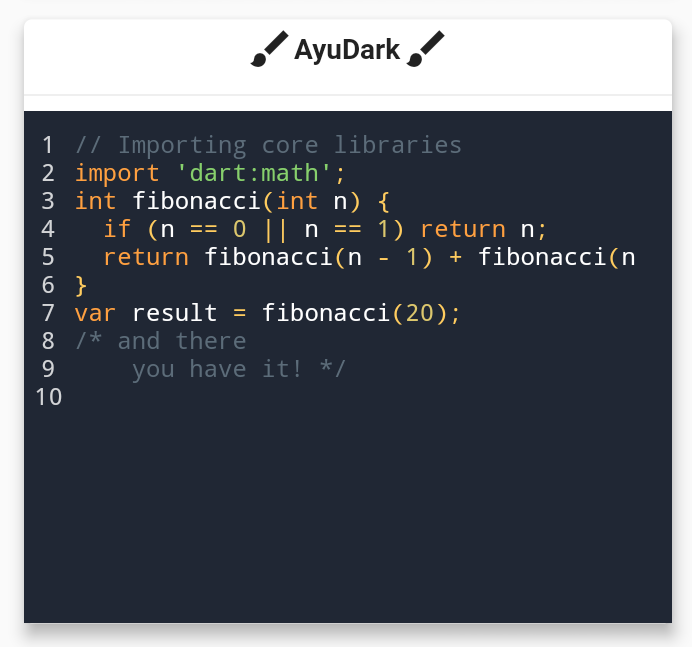
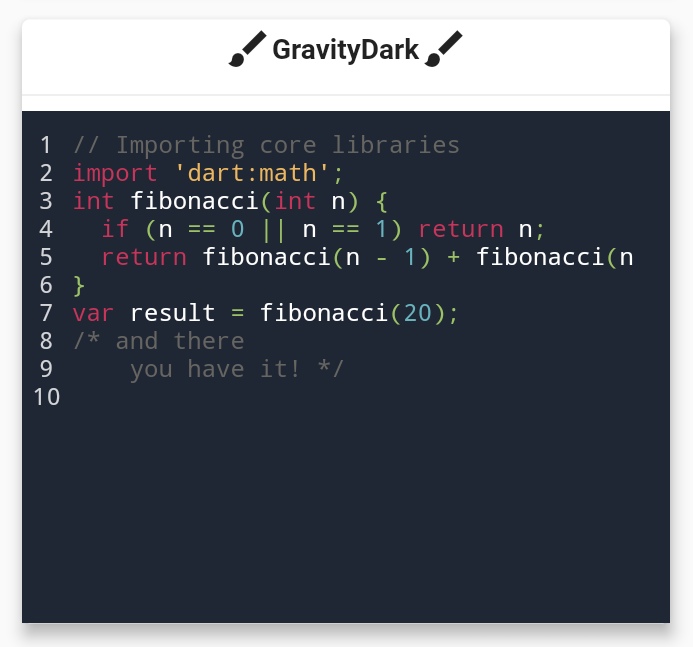
// Importing core libraries
import 'dart:math';
int fibonacci(int n) {
  if (n == 0 || n == 1) return n;
  return fibonacci(n - 1) + fibonacci(n - 2);
}
final int result = fibonacci(20);
/* and there
    you have it! */
""";

  @override
  Widget build(BuildContext context) {
    return Scaffold(
      body: Center(
        child: SyntaxView(
            code: code, // Code text
            syntax: Syntax.DART, // Language
            syntaxTheme: SyntaxTheme.vscodeDark(), // Theme
            fontSize: 12.0, // Font size
            withZoom: true, // Enable/Disable zoom icon controls
            withLinesCount: true, // Enable/Disable line number
            expanded: false, // Enable/Disable container expansion
            selectable: true // Enable/Disable code text selection
            ),
      ),
    );
  }
}
class AppColors{

  static const Color backgroundColor = Color(0xff1A1A19);
  static const Color linesCountColor = Color(0xffEFE9D5);
  static const Color commentStyle    = Color(0xffEEDF7A);
  static const Color zoomIconColor   = Color(0xff77CDFF);
  static const Color stringStyle     = Color(0xffF87A53);
  static const Color baseStyle       = Color(0xffF5F5F5);
  static const Color keywordStyle    = Color(0xffCAE0BC);
  static const Color classStyle      = Color(0xffB9E5E8);

}

class HomePage extends StatelessWidget {
   HomePage({super.key});

 static const String code = r"""
import 'dart:math' as math;

// Coffee class is the best!
class Coffee {
  late int _temperature;

  void heat() => _temperature = 100;
  void chill() => _temperature = -5;

  void sip() {
    final bool isTooHot = math.max(37, _temperature) > 37;
    if (isTooHot)
      print("myyy liiips!");
    else
      print("mmmmm refreshing!");
  }

  int? get temperature => temperature;
}
void main() {
  var coffee = Coffee();
  coffee.heat();
  coffee.sip();
  coffee.chill();
  coffee.sip();
}
/* And there
        you have it */""";


  final SyntaxTheme myCustomTheme = SyntaxTheme.standard().copyWith(
    backgroundColor : AppColors.backgroundColor,
    linesCountColor : AppColors.linesCountColor,
    commentStyle    : const TextStyle(color: AppColors.commentStyle),
    zoomIconColor   : AppColors.zoomIconColor,
    stringStyle     :  const TextStyle(color: AppColors.stringStyle),
    baseStyle       : const TextStyle(color: AppColors.baseStyle),
    keywordStyle    :  const TextStyle(color: AppColors.keywordStyle),
    punctuationStyle:  const TextStyle(color: AppColors.keywordStyle),
    classStyle      :  const TextStyle(color: AppColors.classStyle),
  );

  @override
  Widget build(BuildContext context) {
    return Scaffold(
      body: Center(
        child: SyntaxView(
            code: code, // Code text
            syntax: Syntax.DART, // Language
            syntaxTheme: myCustomTheme, // Theme
            fontSize: 12.0, // Font size
            withZoom: true, // Enable/Disable zoom icon controls
            withLinesCount: true, // Enable/Disable line number
            expanded: false, // Enable/Disable container expansion
            selectable: true // Enable/Disable code text selection
          ),
      ),
    );
  }
}


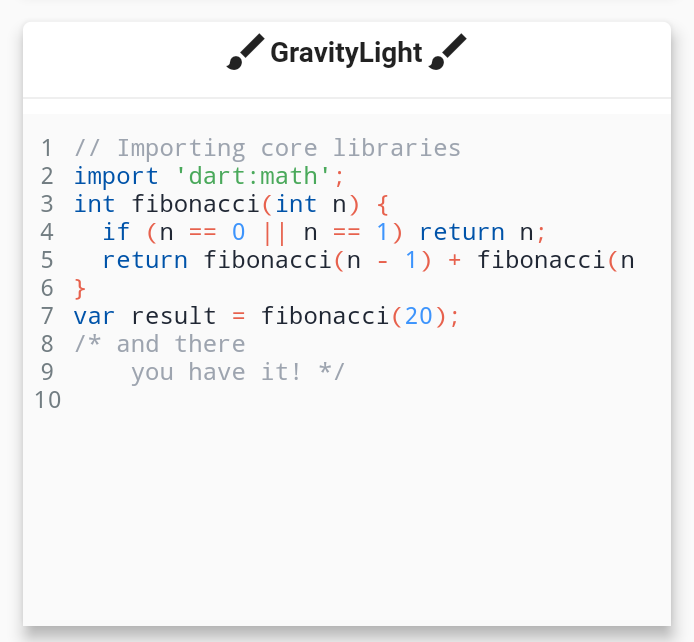
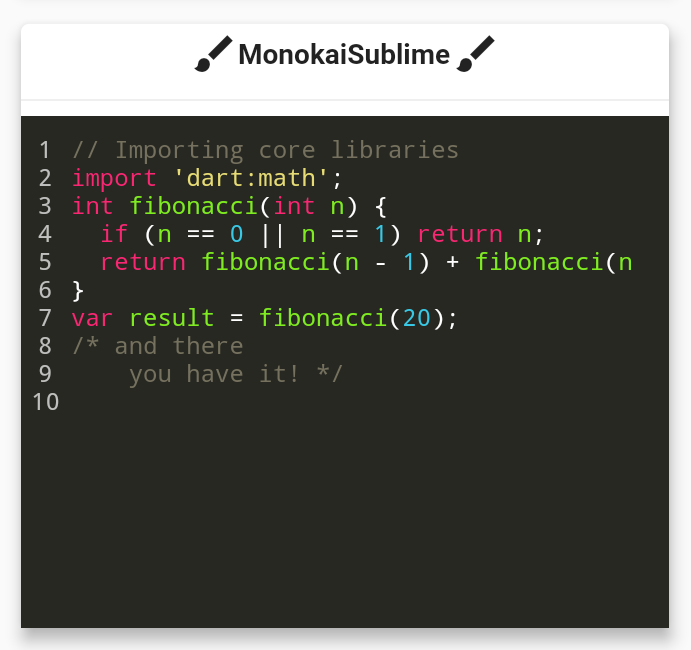
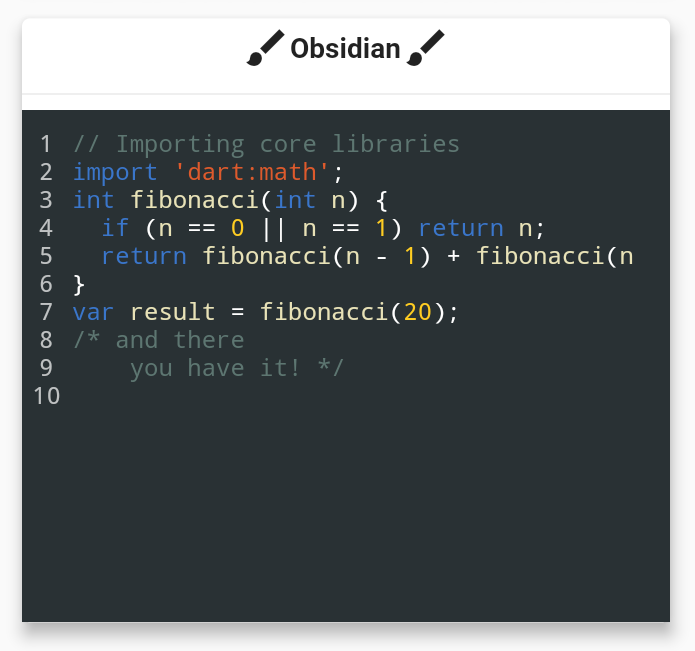
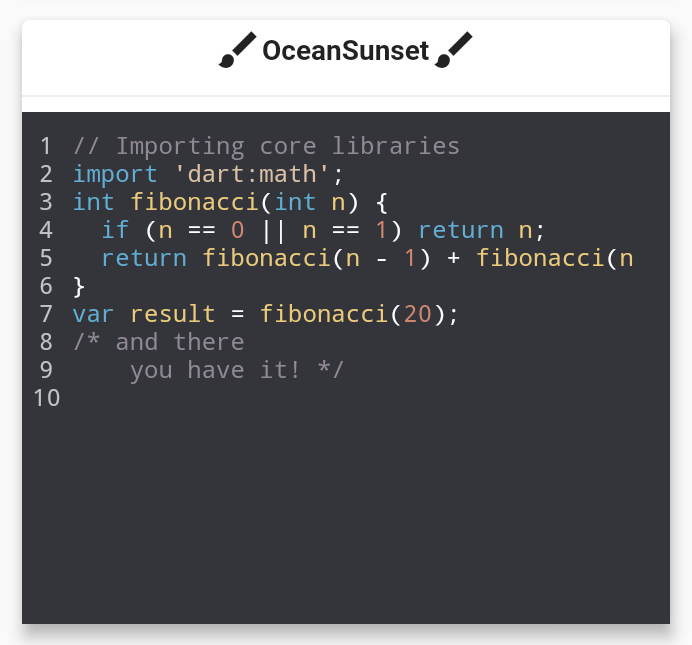
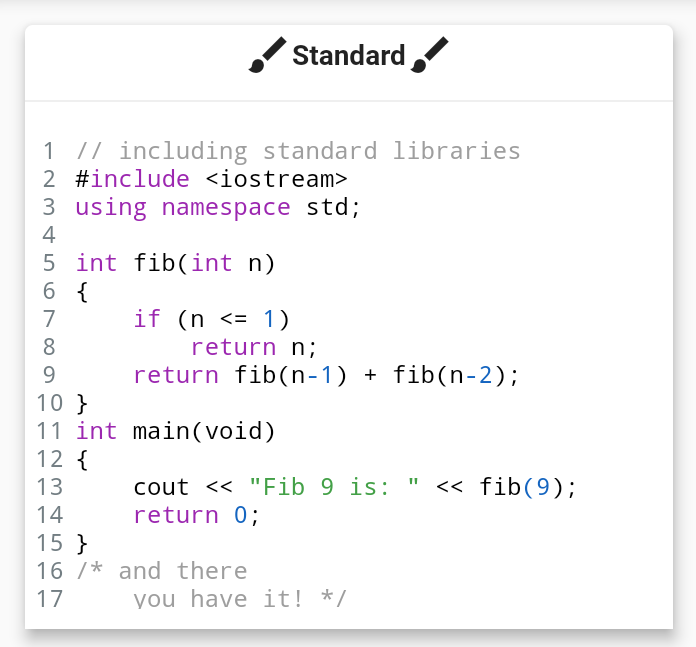
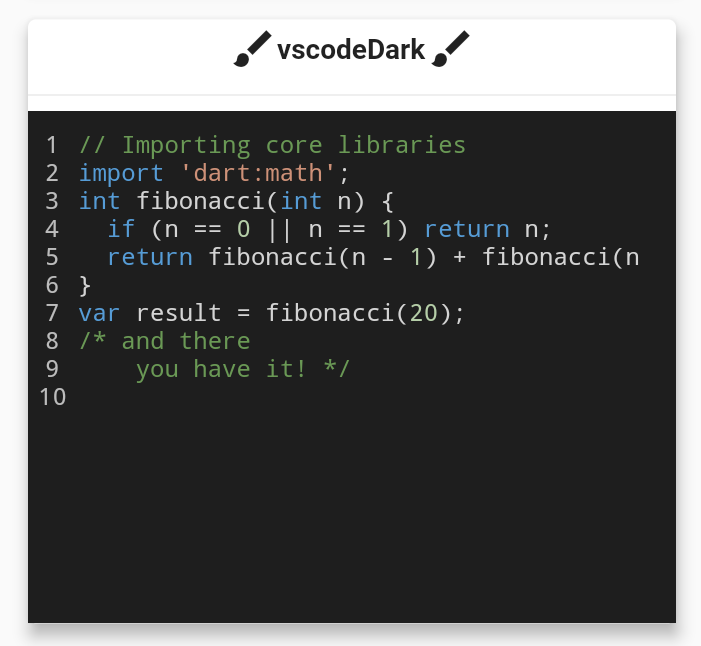

Thanks goes to these wonderful people!
If you face any problems feel free to open an issue at the issue tracker. If you feel the library is missing a feature, please raise a ticket on Github. Pull request are also welcome.
의존성 목록 3 개
{"sdk":"flutter"}^1.1.0{"sdk":"flutter"}사용 목적에 따라 검색하고 개발 활동을 비교한 뒤 원본 저장소에서 요구 사항을 확인하세요.
“A repository is the most basic element of GitHub.”
GitHub Docs — About repositories ↗