
 v1.1.0
g_recaptcha_v3
Flutter Web용 Google reCAPTCHA v3 플러그인입니다. Google reCAPTCHA는 웹사이트를 스팸 및 오용으로부터 보호하는 무료 서비스입니다.
61좋아요 2.1만30일 다운로드140Pub 점수
Web
Flutter 웹용 Google reCAPTCHA v3 토큰 생성.
아래는 영문 원문 스냅샷입니다. 최신 내용은 GitHub에서 확인하세요.
Create Google reCAPTCHA v3 tokens for Flutter web. Google reCAPTCHA is a free service that protects your website from spam and abuse. Supports reCAPTCHA Enterprise, recaptcha.net, and WASM builds.

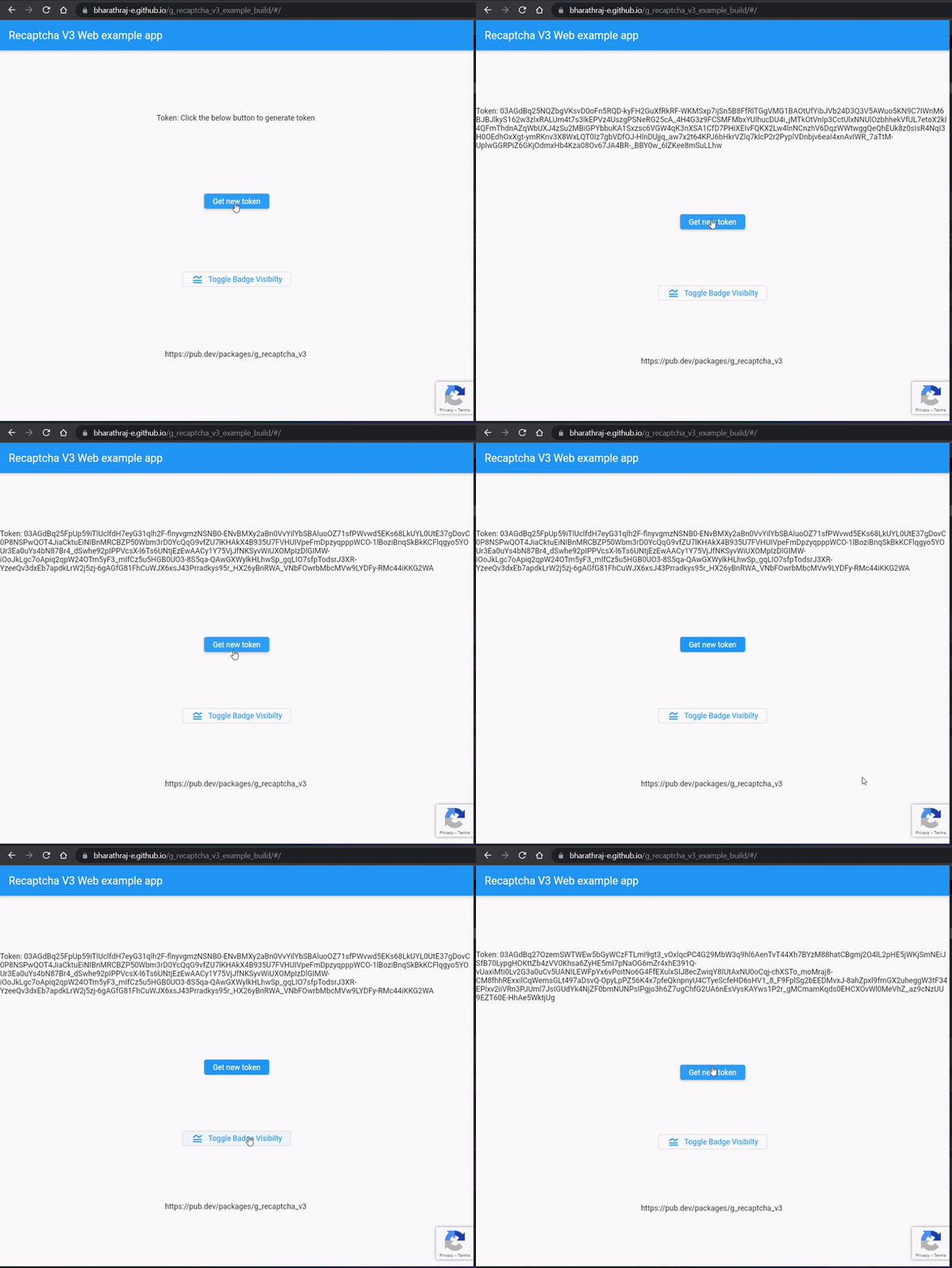
localhost as domain in reCaptcha consoleg_recaptcha_v3 to pubspec.yaml flutter pub add g_recaptcha_v3
The plugin injects the reCAPTCHA script automatically — no index.html changes are needed. If you prefer to load it yourself (e.g. for an earlier load), add the script inside the web/index.html <head> tag, before the flutter.js / flutter_bootstrap.js script. The plugin detects the existing tag and will not add a second one.
<head>
  <script src="https://www.google.com/recaptcha/api.js?render=<your Recaptcha v3 site key>"></script>
</head>
The ready() method should be called before execute()
import 'package:g_recaptcha_v3/g_recaptcha_v3.dart'; //--1

void main() async {
  WidgetsFlutterBinding.ensureInitialized();
  if(kIsWeb){
    bool ready = await GRecaptchaV3.ready("<your Recaptcha site key>"); //--2
    print("Is Recaptcha ready? $ready");
  }
  runApp(const MyApp());
}
The ready() method should be called before execute()
import 'package:g_recaptcha_v3/g_recaptcha_v3.dart';

void generateToken() async {
  String? token = await GRecaptchaV3.execute('<your_action>'); //--3
  print(token);
  // send token to server and verify
}
String action - used to verify the string in backend. ( action docs )token will be null if,
execute() throws a GRecaptchaNotReadyException if ready() was never called.bool ready = await GRecaptchaV3.ready(
"<your Recaptcha site key>",
showBadge: false, // hide the badge (see warning below)
useRecaptchaNet: true, // load script from recaptcha.net instead of google.com
// (for regions where google.com is blocked, e.g. China)
useEnterprise: true, // use reCAPTCHA Enterprise (grecaptcha.enterprise)
badgeLanguage: 'fr', // badge language (hl param)
scriptNonce: '<nonce>', // CSP nonce for the injected <script> tag
);
// check readiness anywhere
if (GRecaptchaV3.isReady) { ... }
By default execute() returns null on failure. For diagnosable errors:
try {
  String? token = await GRecaptchaV3.execute('login', throwOnError: true);
} on GRecaptchaNotReadyException {
  // ready() was not called or did not succeed
} on GRecaptchaExecutionException catch (e) {
  // the underlying grecaptcha.execute() call failed
  print(e.message);
}
change the reCaptcha badge visibility
    GRecaptchaV3.showBadge();
    GRecaptchaV3.hideBadge();
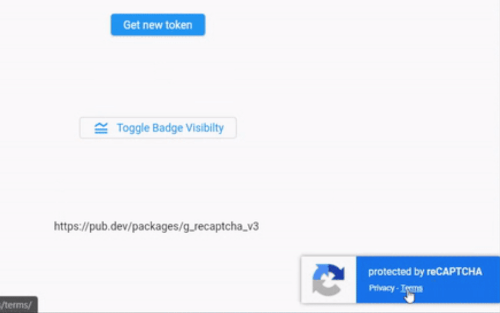
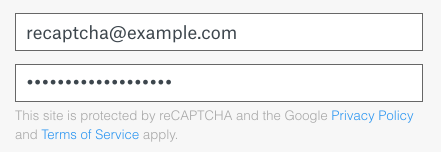
You are allowed to hide the badge as long as you include the reCAPTCHA branding visibly in the user flow.
Sample Image
If in case recaptcha script gives you error for port other than port :80, you can use the following code to setup the port.
flutter run -d chrome --web-port 80
Q: How to hide reCaptcha until / before Flutter render its UI?

의존성 목록 5 개
{"sdk":"flutter"}{"sdk":"flutter"}^1.1.0{"sdk":"flutter"}^5.0.0사용 목적에 따라 검색하고 개발 활동을 비교한 뒤 원본 저장소에서 요구 사항을 확인하세요.
“A repository is the most basic element of GitHub.”
GitHub Docs — About repositories ↗