

 v1.0.4
iconify_flutter_plus
Flutter용 100개 이상의 오픈소스 아이콘 세트로 앱을 더욱 아름답게
158좋아요 4.3천30일 다운로드160Pub 점수
AndroidiOSWebmacOSWindowsLinux
필요한 모든 아이콘을 제공하는 플러터 패키지

아래는 영문 원문 스냅샷입니다. 최신 내용은 GitHub에서 확인하세요.
This is upgraded version of package iconify_flutter
Before starting ✋. I want to tell you that every star 🌟 added to my space shines my world and motivates me 💪 to make more awesome things like this one so please don't forget to give me a star and like the project.


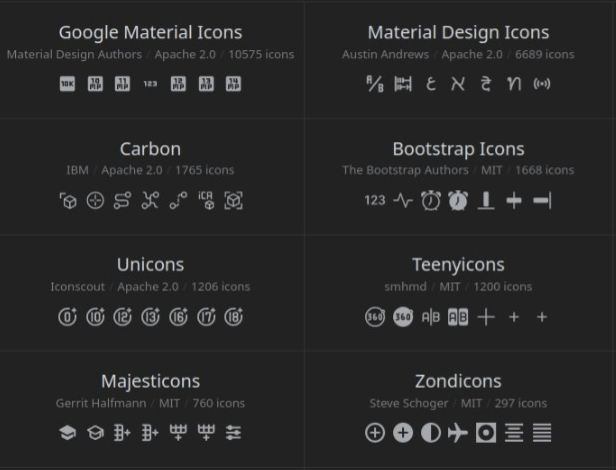
Not just another icon library. it's +100 open source iconsets to make your flutter apps more beautiful.
First of course you need to install it
$ flutter pub add iconify_flutter_plus
Then it as easy as this
import 'package:iconify_flutter_plus/iconify_flutter_plus.dart'; // For Iconify Widget
import 'package:iconify_flutter_plus/icons/zondicons.dart'; // for Non Colorful Icons
import 'package:colorful_iconify_flutter_plus/icons/emojione.dart'; // for Colorful Icons
....


Iconify(Zondicons.airplane)
Iconify(Emojione.baby)
// as widgets
To explore all the icons, Click Here
import 'package:iconify_flutter_plus/iconify_flutter_plus.dart';

....

const String svgIcon =
'<svg xmlns="http://www.w3.org/2000/svg" xmlns:xlink="http://www.w3.org/1999/xlink" aria-hidden="true" role="img" class="iconify iconify--ic" width="32" height="32" preserveAspectRatio="xMidYMid meet" viewBox="0 0 24 24"><path fill="#000000" d="M3 3h18v18H3z"></path></svg>
' // svg file as string

Iconify(svgIcon) // as a widget
import 'package:iconify_flutter_plus/icons/zondicons.dart';

...
Zondicons.iconsList // List of all icons of VS Code icon set
There is two diffrent versions of icons packages(package:colorful_iconify_flutter_plus/icons/) colorful icons sets and (package:iconify_flutter_plus/icons/) for un colorful icons sets. so please use the right package name
All icon sets are free but Some collections require attribution when used for commercial purposes. See This List of collections and their licenses.
@cyberalien for his awesome icon framework Iconify which this package based on
@IconDesigners who own icon sets
@You for using this package and supporting me by sharing it among the flutter community
의존성 목록 4 개
{"sdk":"flutter"}^2.0.9{"sdk":"flutter"}^1.0.0사용 목적에 따라 검색하고 개발 활동을 비교한 뒤 원본 저장소에서 요구 사항을 확인하세요.
“A repository is the most basic element of GitHub.”
GitHub Docs — About repositories ↗