
 v0.9.1
flutter_blurhash
이미지용 자리표시자의 컴팩트한 표현. 미디엄에서 사용하는 것처럼 30자 이내의 흐린 이미지를 인코딩하여 즉시 표시
1.7천좋아요 21.8만30일 다운로드160Pub 점수
AndroidiOSWebmacOSWindowsLinux
이미지의 자리 표시자에 대한 컴팩트한 표현입니다. 미디엄에서 사용하는 것처럼 30자 미만의 흐릿한 이미지를 인코딩하여 즉시 표시합니다.

{"sdk":"flutter"}—{"sdk":"flutter"}아래는 영문 원문 스냅샷입니다. 최신 내용은 GitHub에서 확인하세요.
Flutter Community: flutter_blurhash
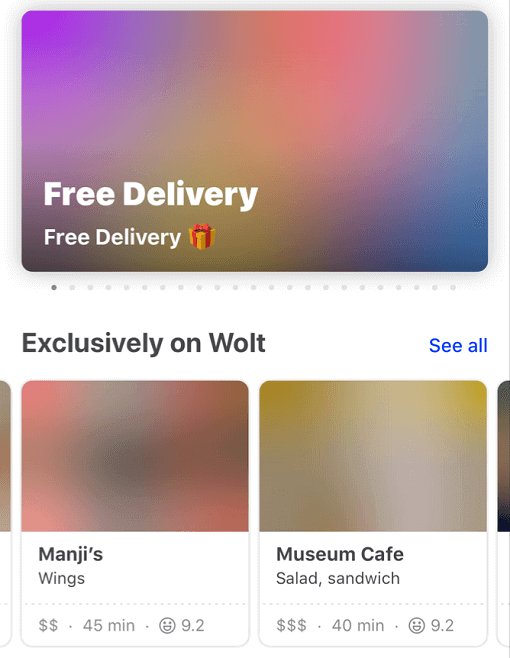
Blurhash is compact representation of a blurred image. It's often used as a placeholder while waiting for a full image to load.
This package implements the blurhash-decoding algorithm in pure Dart.
It also provides the BlurHash widget that displays the blurhash and can transition into the actual image once it is loaded.
Currently, it doesn't support encoding an image into a blurhash.
A fast and easy way to get a blurhash for your image is to upload it to https://blurha.sh.
Blurhash demoConstrain your widget's render area and let BlurHash fill the pixels.
class ExampleApp extends StatelessWidget {
  const ExampleApp({super.key});

  @override
  Widget build(BuildContext context) {
    return MaterialApp(
      home: Scaffold(
        appBar: AppBar(title: const Text("BlurHash")),
        body: const SizedBox.expand(
          child: Center(
            child: AspectRatio(
              aspectRatio: 1.6,
              child: BlurHash(hash: "L5H2EC=PM+yV0g-mq.wG9c010J}I"),
            ),
          ),
        ),
      ),
    );
  }
}
BlurHashOptimizationMode.none): The original algorithm, provided for backward compatibility.BlurHashOptimizationMode.standard): Optimized decoding with better cache locality and performance.BlurHashOptimizationMode.approximation): Fastest mode with an approximated sRGB conversion that produces slightly darker results but significantly improves performance.class BlurHashApp extends StatelessWidget {
const BlurHashApp({Key? key}) : super(key: key);
@override
Widget build(BuildContext context) => MaterialApp(
home: Scaffold(
appBar: AppBar(title: const Text("BlurHash")),
body: const SizedBox.expand(
child: Center(
child: AspectRatio(
aspectRatio: 1.6,
child: BlurHash(
hash: "L5H2EC=PM+yV0g-mq.wG9c010J}I",
optimizationMode: BlurHashOptimizationMode.approximation,
),
),
),
),
),
);
}