
conditional_builder_null_safety
이 패키지의 목적은 조건부 유형에 따라 UI 요소를 표시하고 null 안전성을 지원하는 것입니다
- 스타
- 2
- 포크
- 0
- 최근 푸시(UTC)
- 2021. 9. 18.
- 프로젝트 상태
- 활성
원본 README
아래는 영문 원문 스냅샷입니다. 최신 내용은 GitHub에서 확인하세요.
conditional_builder_null_safety
This is package its purpose show UI elements according for conditional type and supports null safety
Getting Started
dependencies:
  conditional_builder_null_safety: ^0.0.6
import this package
import 'package:conditional_builder_null_safety/conditional_builder_null_safety.dart';
Example
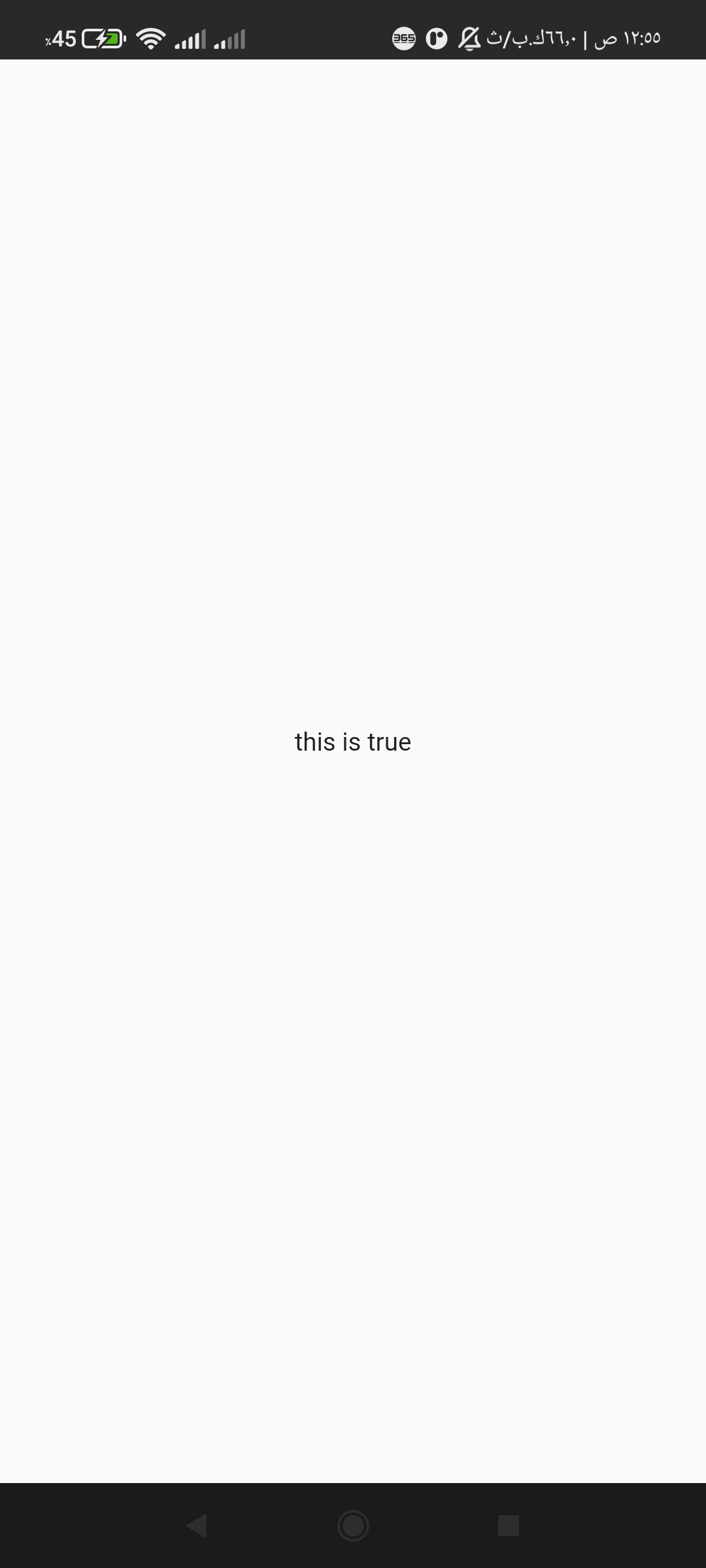
If the condition is true, will be builder executed
  @override
  Widget build(BuildContext context) {
    return MaterialApp(
      home: Scaffold(
        body: ConditionalBuilder(
          condition: true,
          builder: (context) => Center(child: Text('this is true')),
          fallback: (context) => Center(child: Text('this is not true')),
        ),
      ),
    );
  }
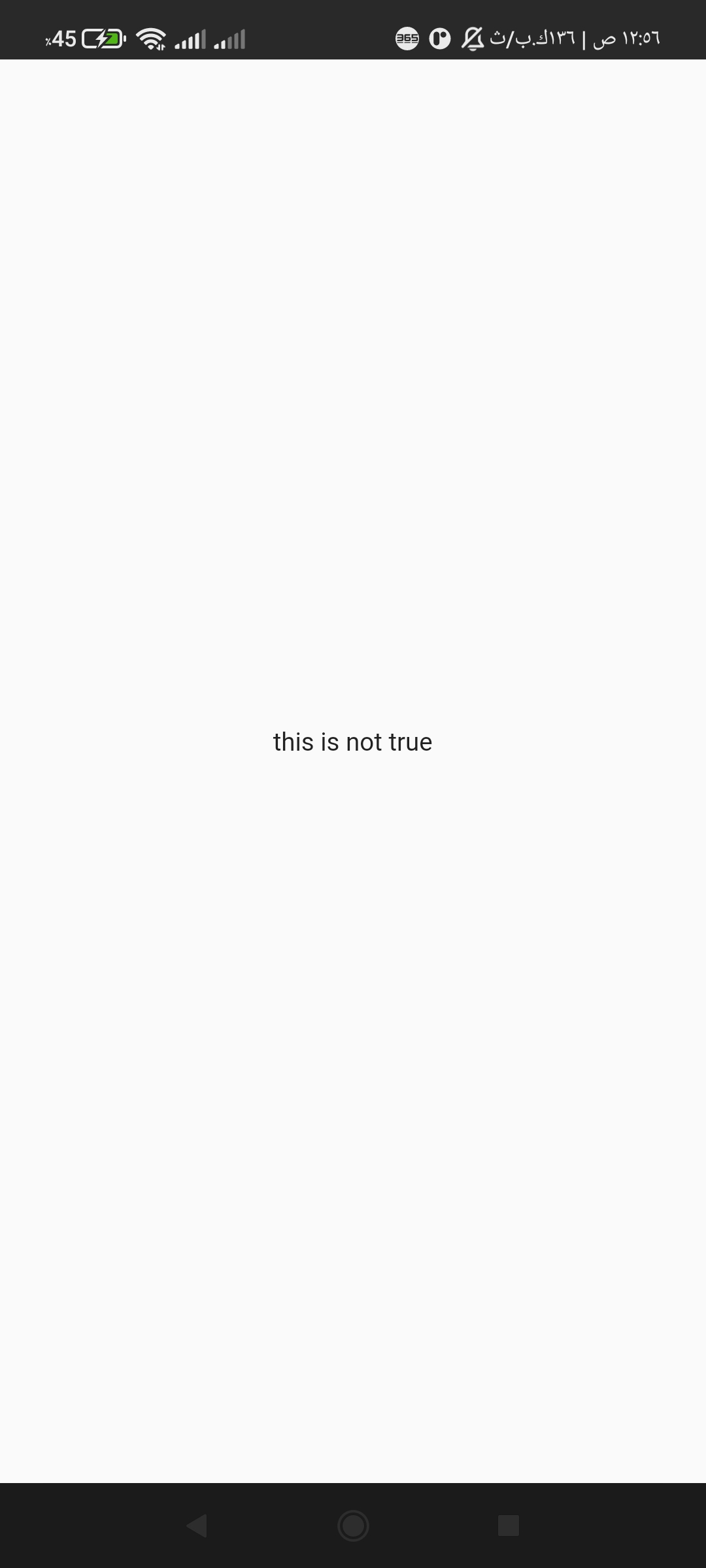
If the condition is not true or false, will be fallback executed
  @override
  Widget build(BuildContext context) {
    return Scaffold(
      body: ConditionalBuilder(
        condition: false,
        builder: (context) => Center(child: Text('this is true')),
        fallback: (context) => Center(child: Text('this is not true')),
      ),
    );
  }
you can set fallback is null don't worry it is return a empty container
@override
  Widget build(BuildContext context) {
    return Scaffold(
      body: ConditionalBuilder(
        condition: false,
        builder: (context) => Center(child: Text('this is true')),
        fallback: null,
      ),
    );
  }
add a new function generateRandom(int min, int max); its return int , create random number between minimum and maximum
int random = generateRandom(10 , 100);
//output 99 or 47 or 11 or else number
This project is a starting point for a Dart package, a library module containing code that can be shared easily across multiple Flutter or Dart projects.
For help getting started with Flutter, view our online documentation, which offers tutorials, samples, guidance on mobile development, and a full API reference.

Hamada Mohammed Seif ↗
분류
사용 중인 의존성
의존성 목록 2 개
- flutter
{"sdk":"flutter"} - flutter_test개발 의존성
{"sdk":"flutter"}
프로젝트에 맞는 저장소를 선택하려면?
사용 목적에 따라 검색하고 개발 활동을 비교한 뒤 원본 저장소에서 요구 사항을 확인하세요.
- 이름, 작성자 또는 설명으로 검색하고 기술 주제로 범위를 좁힙니다.
- 스타, 포크, 최근 푸시를 함께 비교하세요. 스타는 관심의 지표이며 품질을 보장하지 않습니다.
- 사용하기 전에 GitHub에서 README, 라이선스, Issues를 확인하세요.
출처 및 관리
“A repository is the most basic element of GitHub.”
GitHub Docs — About repositories ↗