
mirai_dropdown_menu
hamzamirai/mirai_dropdown_menu open-source repository details.

- 스타
- 3
- 포크
- 4
- 최근 푸시(UTC)
- 2024. 10. 2.
- 프로젝트 상태
- 활성
원본 README
아래는 영문 원문 스냅샷입니다. 최신 내용은 GitHub에서 확인하세요.

MiraiDevs <contact@miraidevs.com>
Description
MiraiDevs developed the Mirai Dropdown Menu Package.
Features
- You can set a static list of objects or a list you have downloaded from an API.
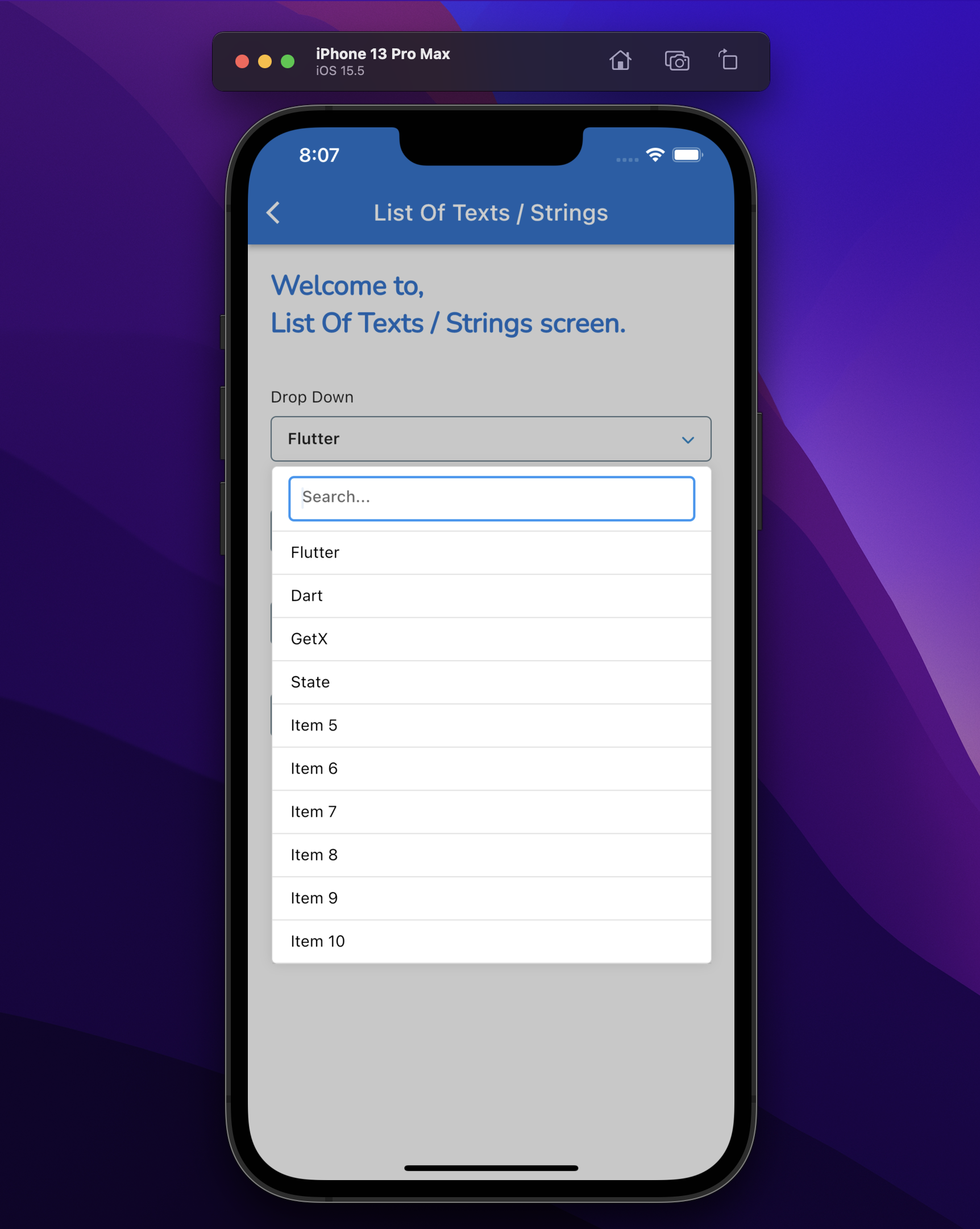
- Search for items...
Getting started
Take a first look:
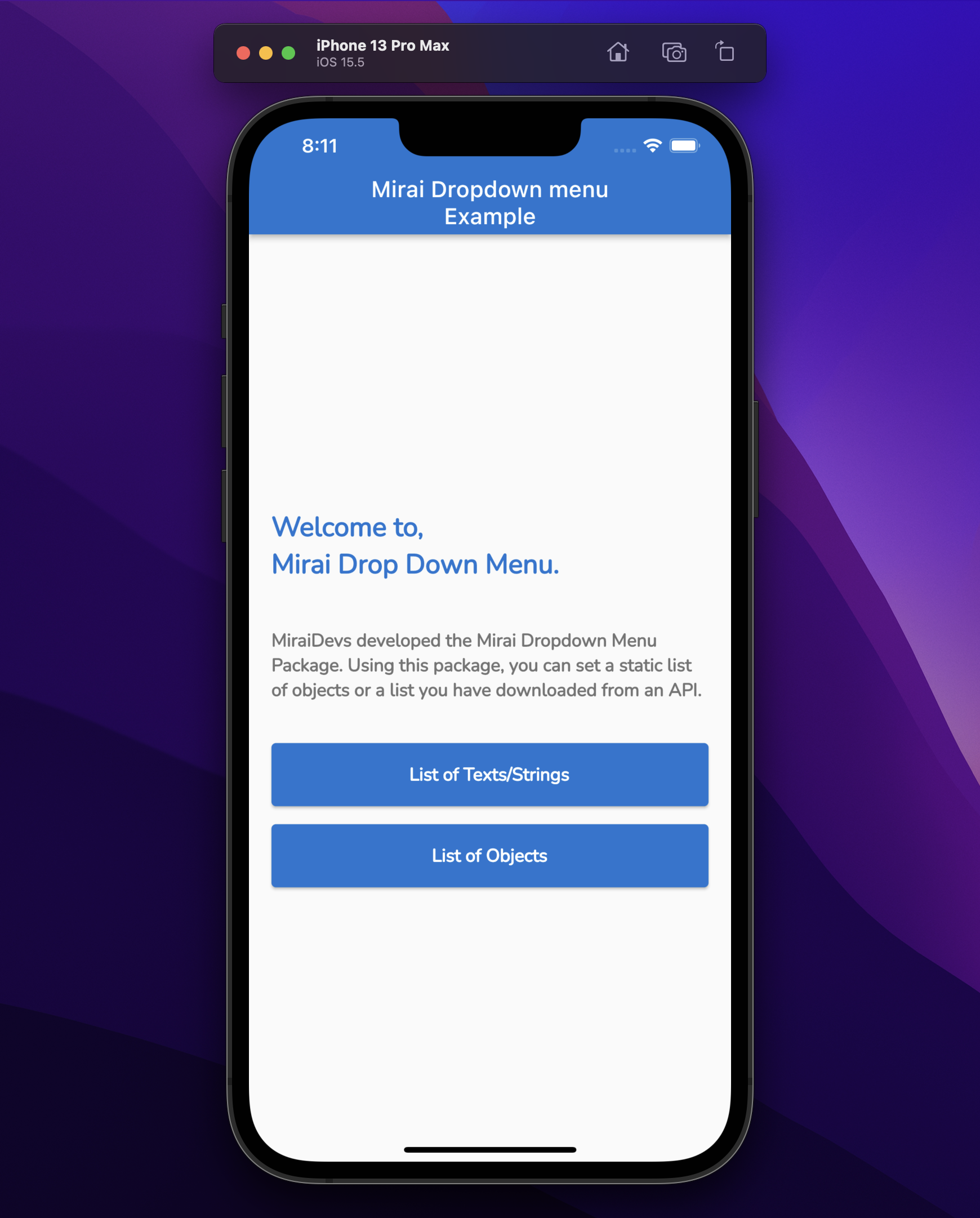
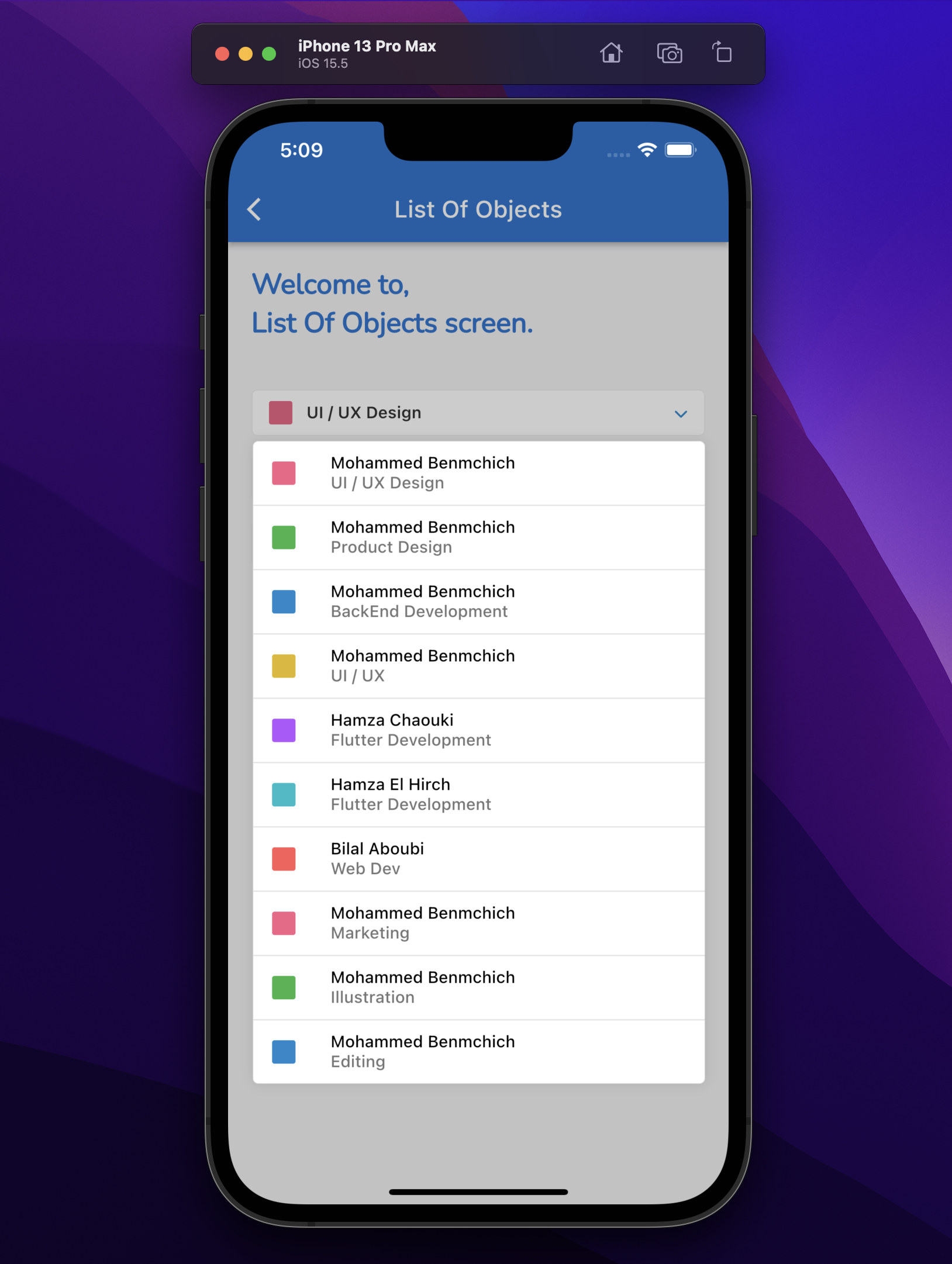
Installation
- Add mirai_dropdown_menu as a dependency in your pubspec.yaml file.
dependencies:
  mirai_dropdown_menu: <latest_version>
- Import the mirai_dropdown_menu package.
import 'package:mirai_dropdown_menu/mirai_dropdown_menu.dart';
Usage
Create mirai_dropdown_widget.dart:
class MiraiDropdownWidget<String> extends StatelessWidget {
  const MiraiDropdownWidget({
    Key? key,
    required this.valueNotifier,
    required this.itemWidgetBuilder,
    required this.children,
    required this.onChanged,
    this.underline = false,
    this.showSeparator = true,
    this.exit = MiraiExit.fromAll,
    this.chevronDownColor,
    this.showMode = MiraiShowMode.bottom,
    this.maxHeight,
    this.showSearchTextField = false,
    this.showOtherAndItsTextField = false,
    this.other,
  }) : super(key: key);

  final ValueNotifier<String> valueNotifier;
  final MiraiDropdownBuilder<String> itemWidgetBuilder;
  final List<String> children;
  final ValueChanged<String> onChanged;
  final bool underline;
  final bool showSeparator;
  final MiraiExit exit;
  final Color? chevronDownColor;
  final MiraiShowMode showMode;
  final double? maxHeight;
  final bool showSearchTextField;
  final bool showOtherAndItsTextField;
  final Widget? other;

  @override
  Widget build(BuildContext context) {
    return MiraiDropDownMenu<String>(
      key: UniqueKey(),
      enable: true,
      space: 4,
      showMode: showMode,
      exit: exit,
      showSeparator: showSeparator,
      children: children,
      itemWidgetBuilder: itemWidgetBuilder,
      onChanged: onChanged,
      maxHeight: maxHeight,
      showOtherAndItsTextField: showOtherAndItsTextField,
      showSearchTextField: showSearchTextField,
      other: other,
      child: Container(
        key: GlobalKey(),
        padding: const EdgeInsets.symmetric(
          horizontal: 14,
        ),
        decoration: BoxDecoration(
          borderRadius: underline ? null : BorderRadius.circular(5.0),
          border: underline
              ? const Border(
            bottom: BorderSide(
              width: 1.0,
              color: Colors.blueGrey,
            ),
          )
              : Border.all(
            color: Colors.blueGrey,
            width: 1.0,
          ),
        ),
        height: 40,
        child: Row(
          mainAxisAlignment: MainAxisAlignment.spaceBetween,
          children: <Widget>[
            Flexible(
              child: ValueListenableBuilder<String>(
                valueListenable: valueNotifier,
                builder: (_, String chosenTitle, __) {
                  return AnimatedSwitcher(
                    duration: const Duration(milliseconds: 200),
                    child: Text(
                      '$chosenTitle',
                      key: ValueKey<String>(chosenTitle),
                      style: const TextStyle(
                        fontWeight: FontWeight.w600,
                      ),
                      overflow: TextOverflow.ellipsis,
                    ),
                  );
                },
              ),
            ),
            const SizedBox(width: 16),
            FaIcon(
              FontAwesomeIcons.chevronDown,
              color: chevronDownColor ?? AppTheme.keyAppColor,
              size: 12,
            ),
          ],
        ),
      ),
    );
  }
}
Create mirai_dropdown_item_widget.dart
class MiraiDropDownItemWidget extends StatelessWidget {
  const MiraiDropDownItemWidget({
    Key? key,
    required this.item,
    required this.isItemSelected,
  }) : super(key: key);

  final String item;
  final bool isItemSelected;

  @override
  Widget build(BuildContext context) {
    return Padding(
      padding: const EdgeInsets.symmetric(
        vertical: 10.0,
        horizontal: 16.0,
      ),
      child: Text(
        item,
        style: const TextStyle(
          color: isItemSelected ? Colors.white : Colors.black,
        ),
      ),
    );
  }
}
Then you can use MiraiDropdownWidget like this:
MiraiDropdownWidget<String>(
  valueNotifier: valueNotifierFirst,
  itemWidgetBuilder: (int index, String? item, {
  bool isItemSelected = false,
}) {
    return MiraiDropDownItemWidget(item: item, isItemSelected: isItemSelected);
  },
  children: listOfItem,
  onChanged: (String value) {
  valueNotifierFirst.value = value;
  },
),
To Show Search Text Field:
MiraiDropdownWidget<String>(
  valueNotifier: valueNotifierFirst,
  showSearchTextField: true,
  itemWidgetBuilder: (int index, String? item, {
  bool isItemSelected = false,
}) {
    return MiraiDropDownItemWidget(item: item);
  },
  children: listOfItem,
  onChanged: (String value) {
  valueNotifierFirst.value = value;
  },
),
Please check the example for more information
Support
If the MiraiDropDown package matches your needs, please do not hesitate to support the package, I would be very grateful if you buy me a cup of coffee.

List Of Objects:
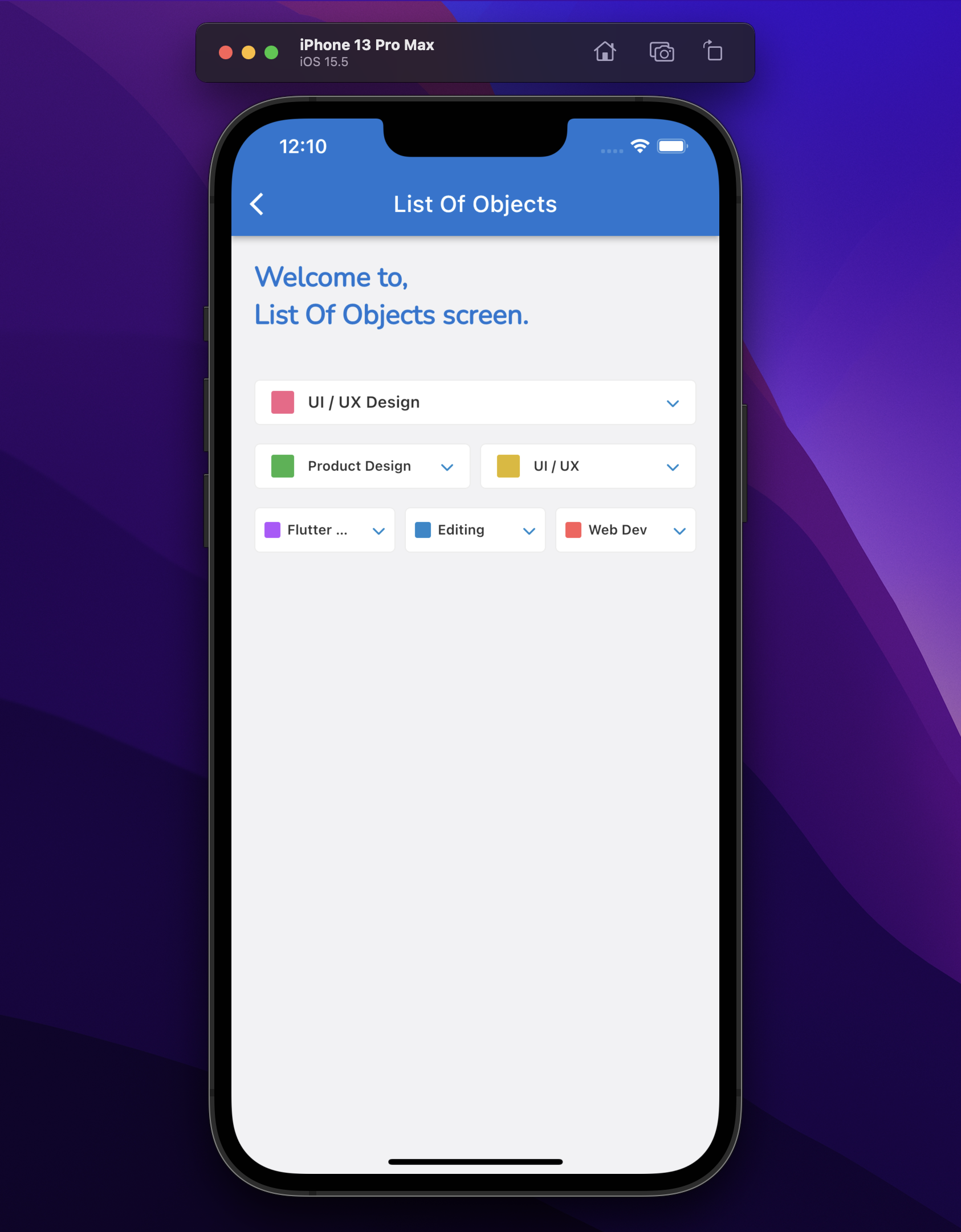
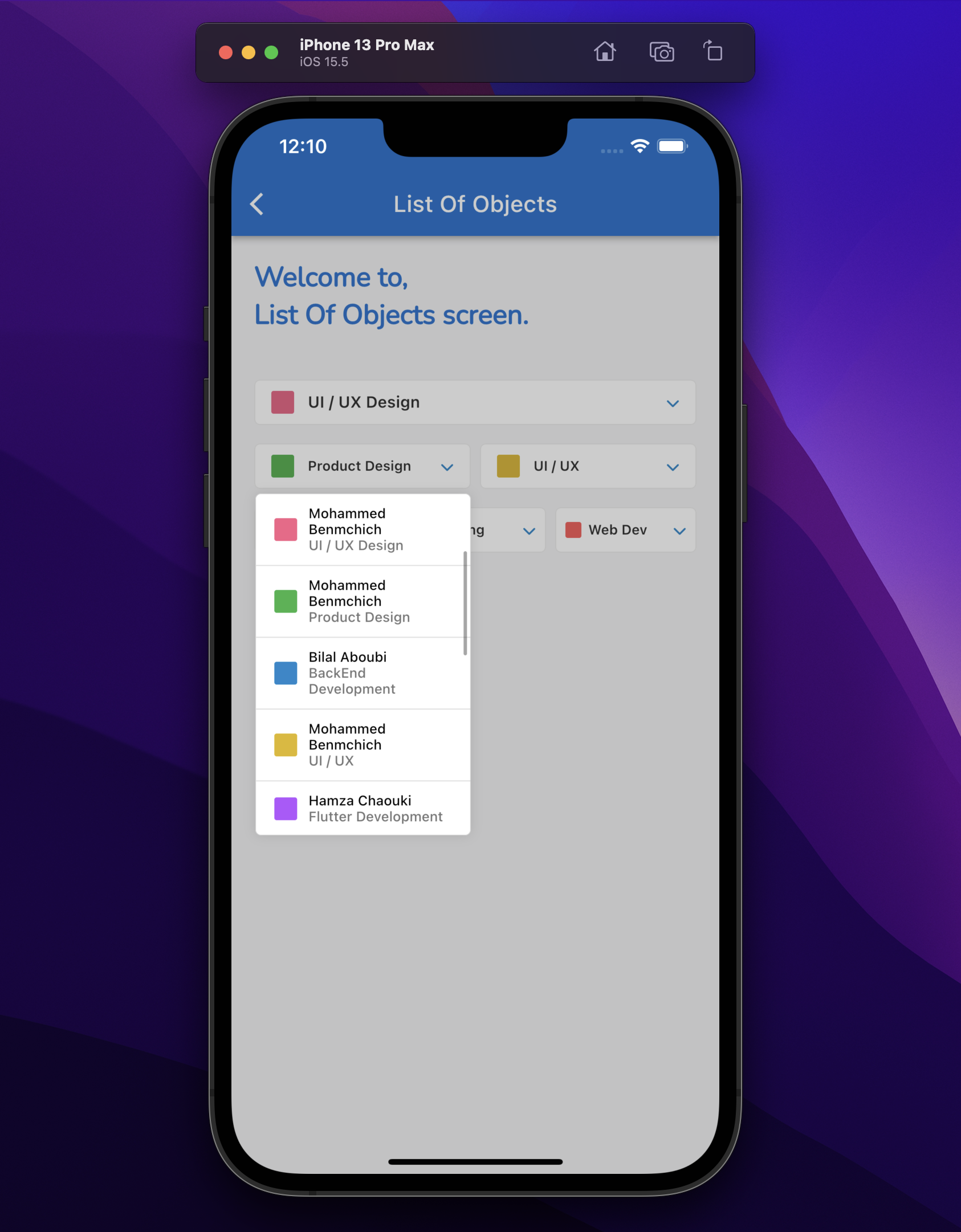
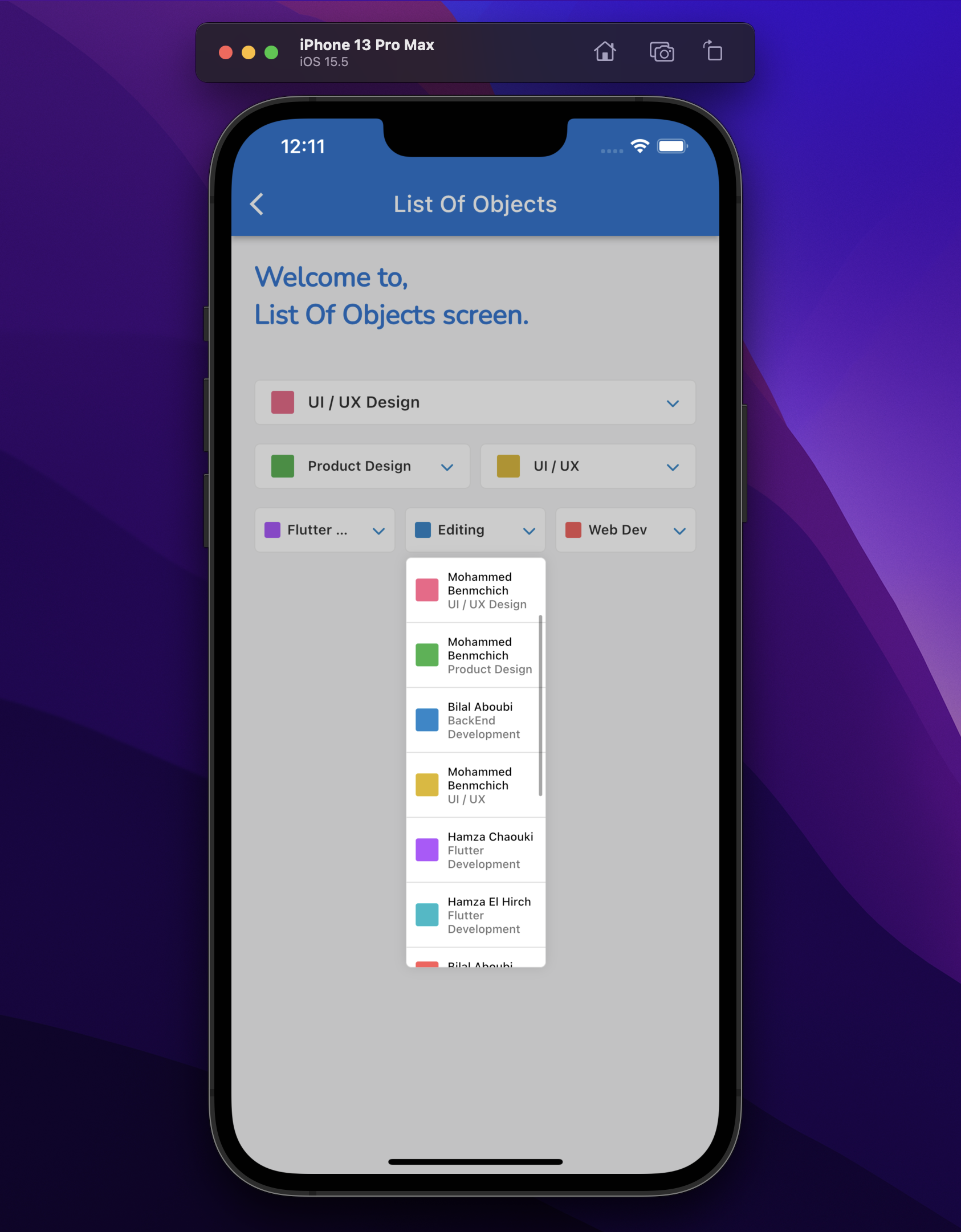
General search for list of objects:
Add toString() method to your model. For Example:
  @override
  String toString() {
    return 'ProjectModel{number: $number, job: $job, name: $name, title: $title, date: $date, client: $client, progress: $progress, color: $color}';
  }
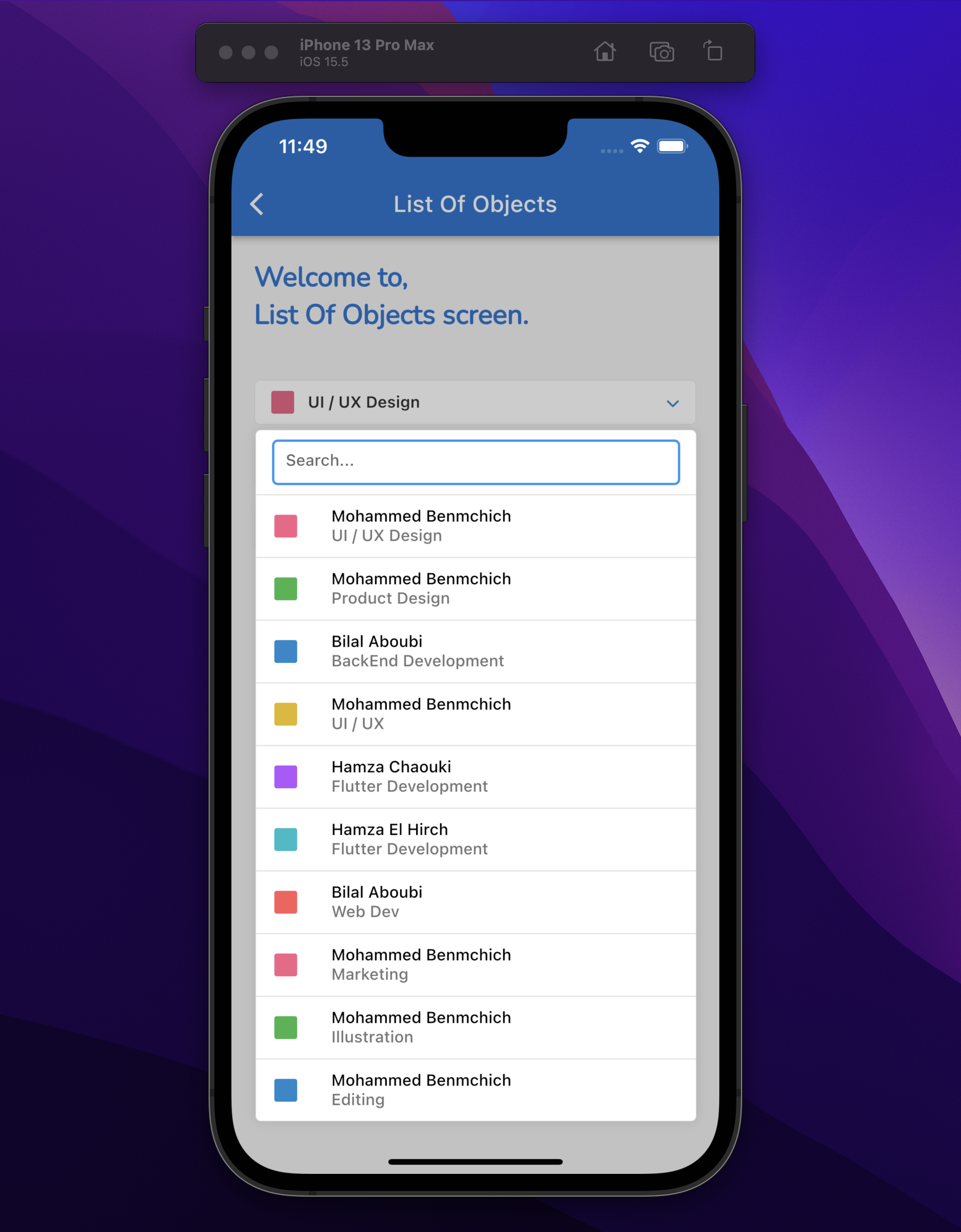
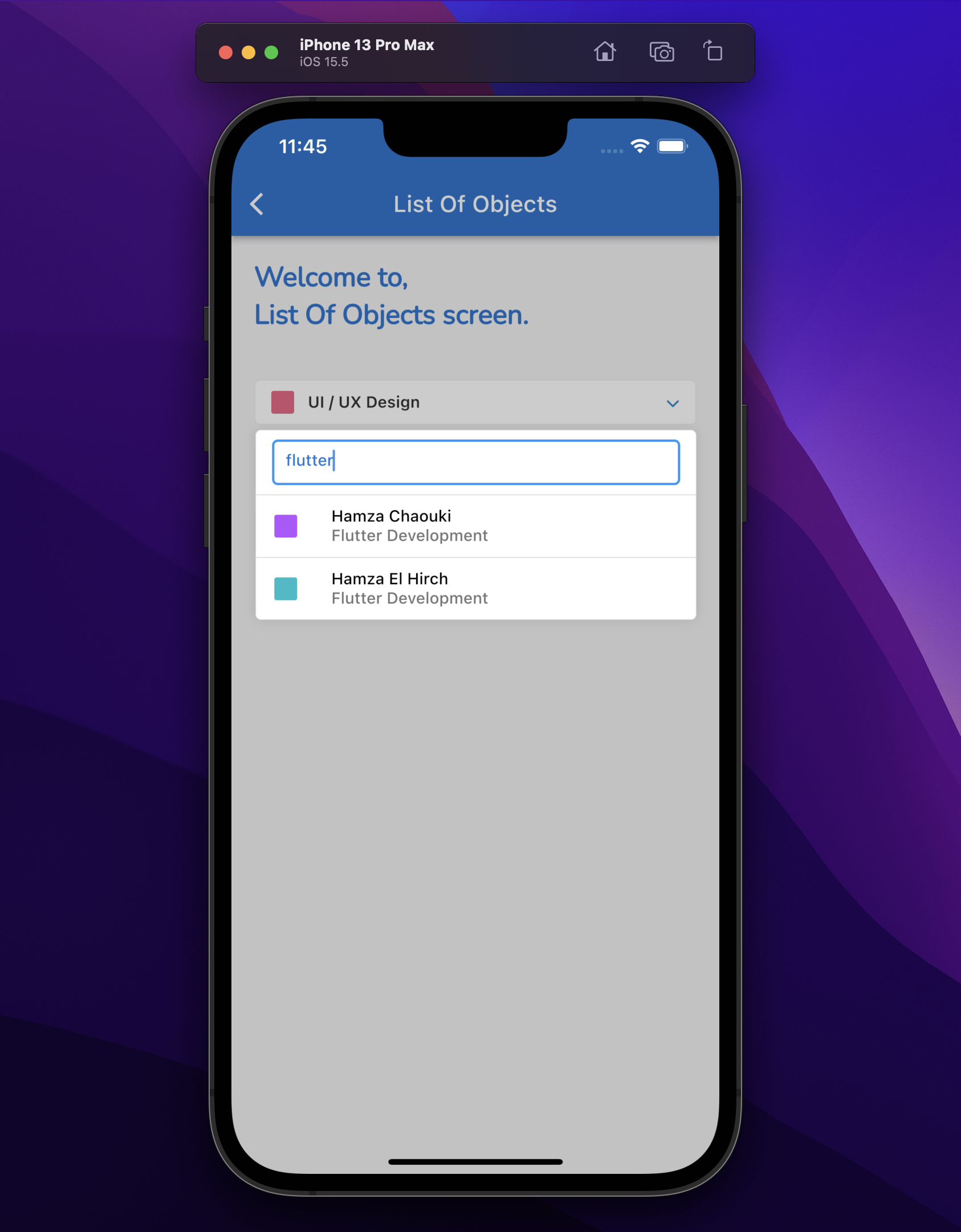
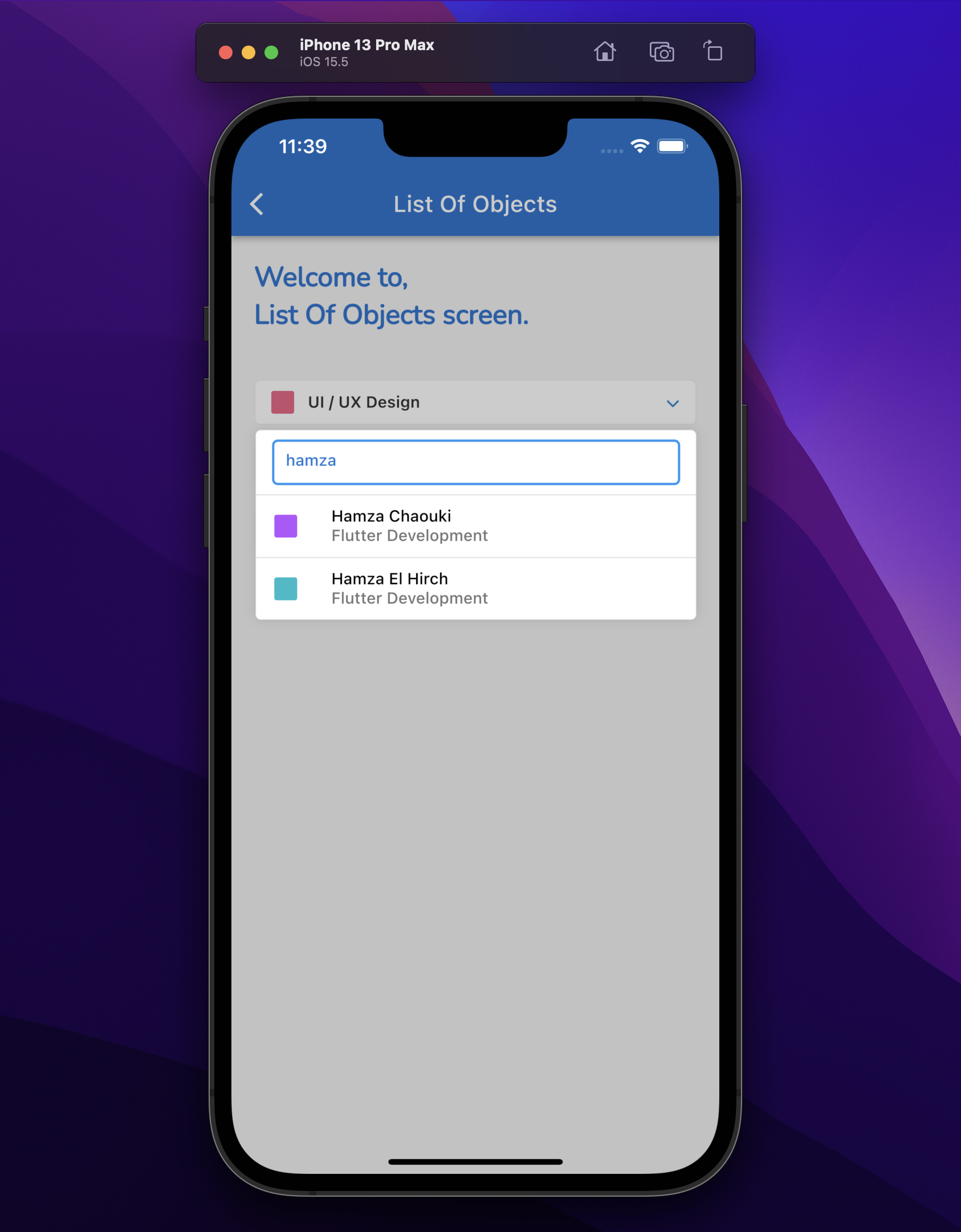
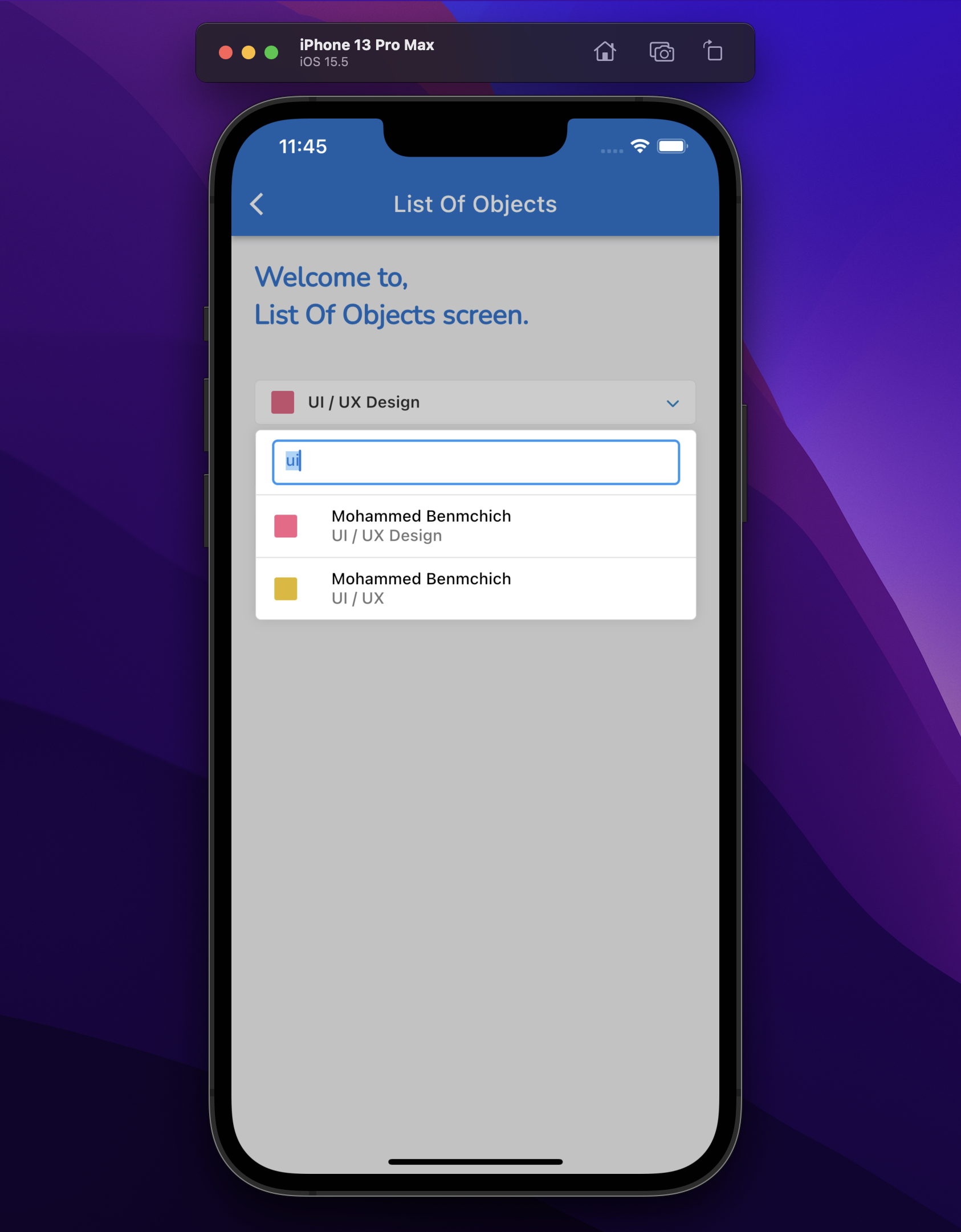
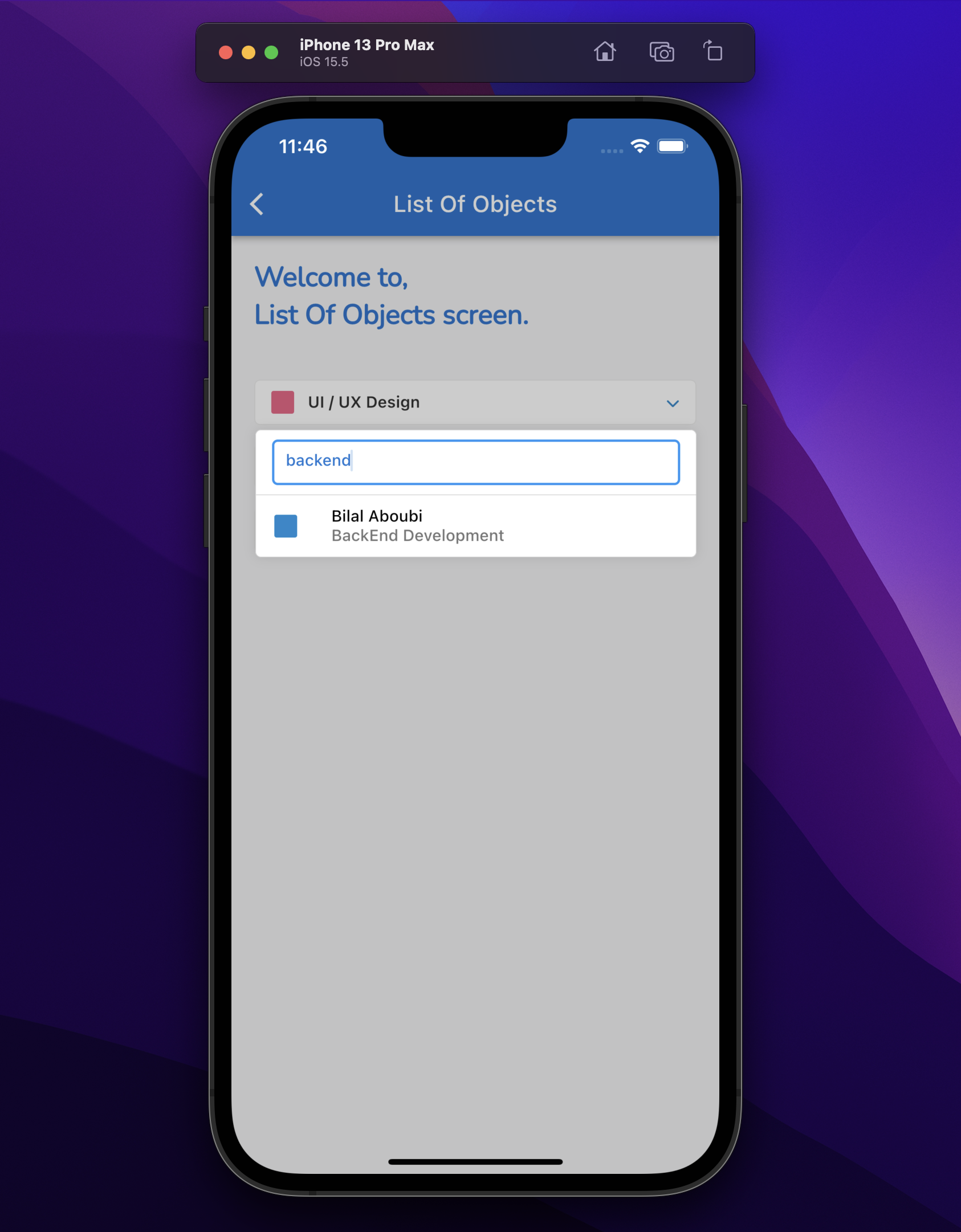
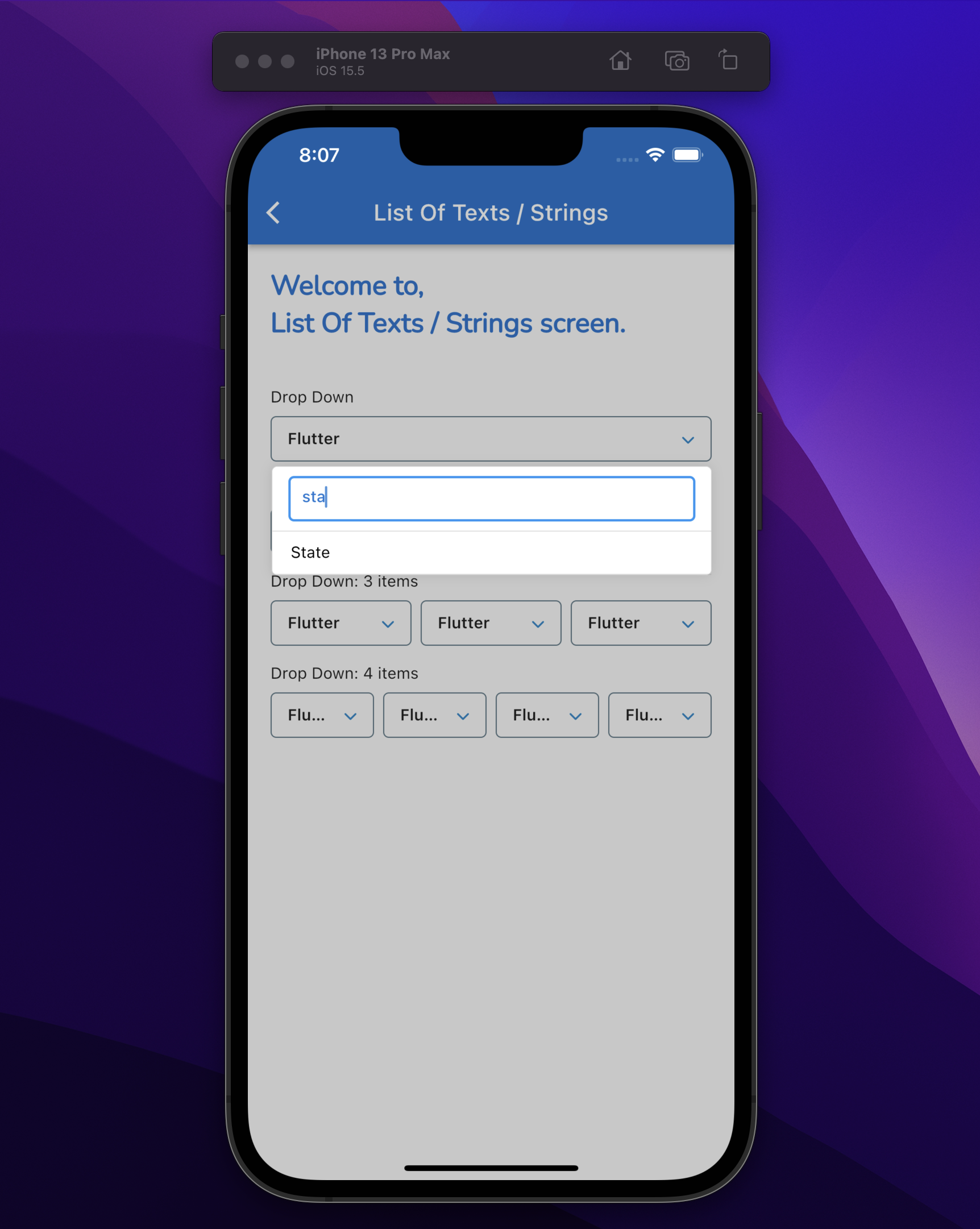
List Of Texts / Strings:
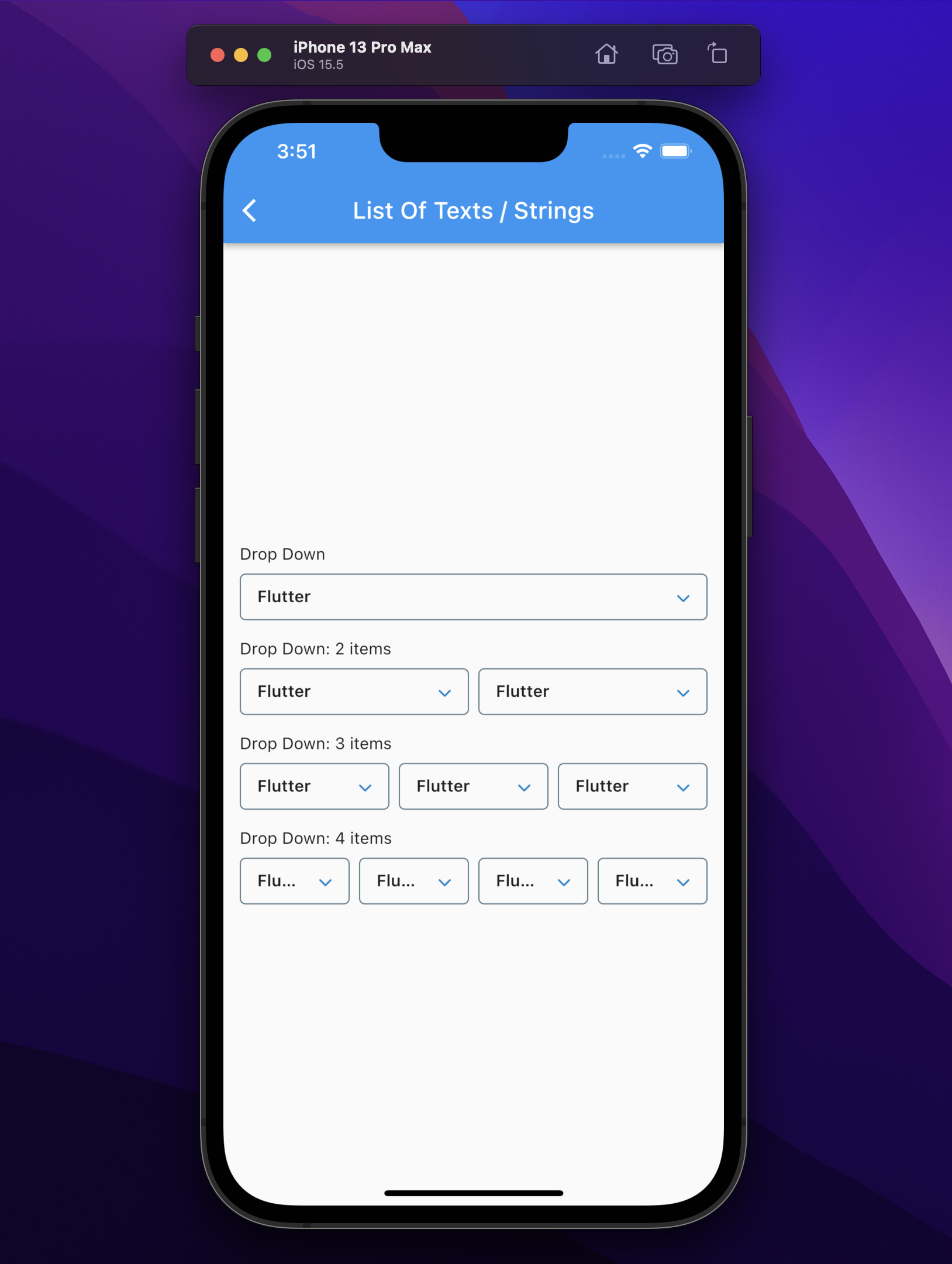
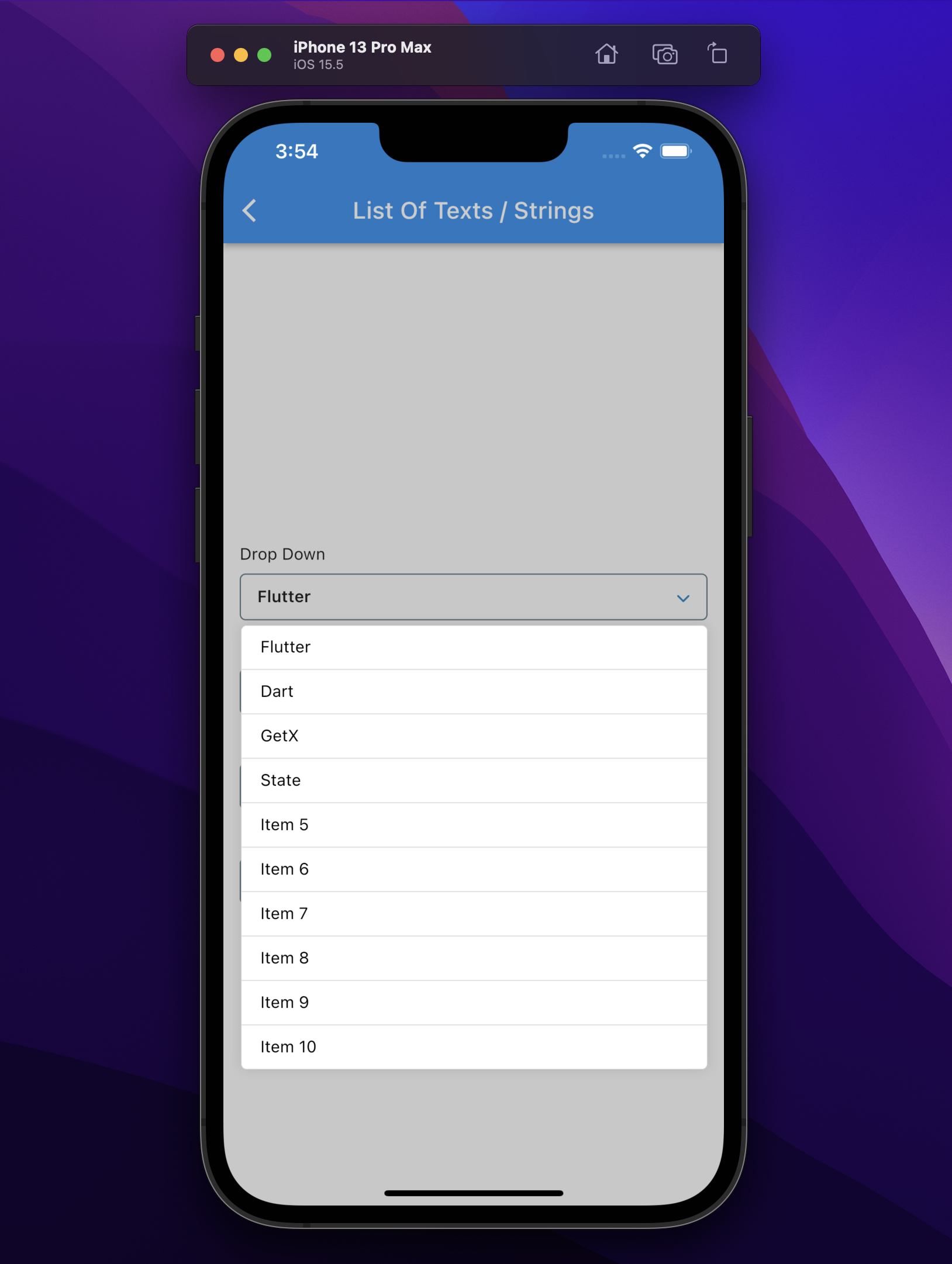
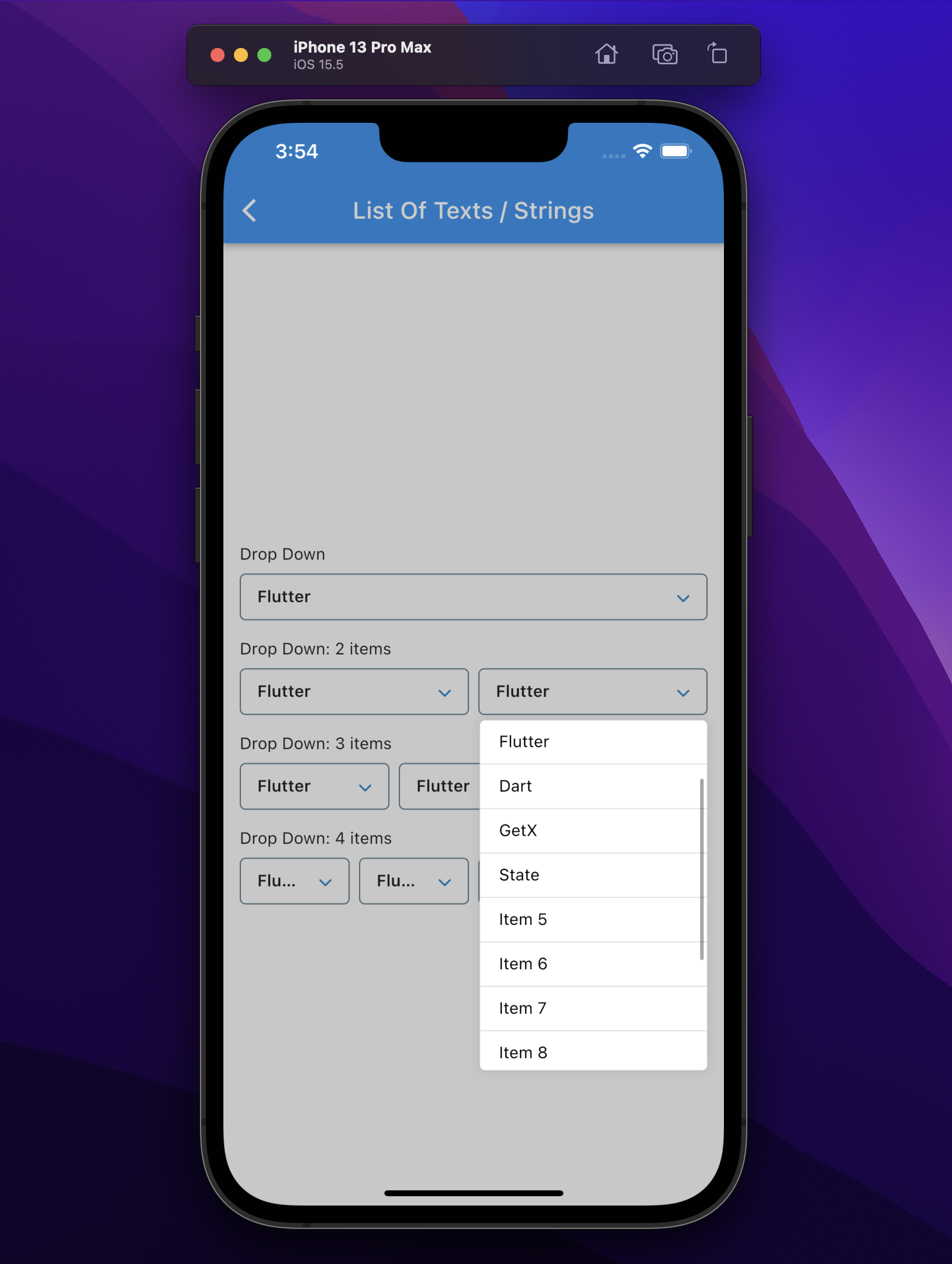
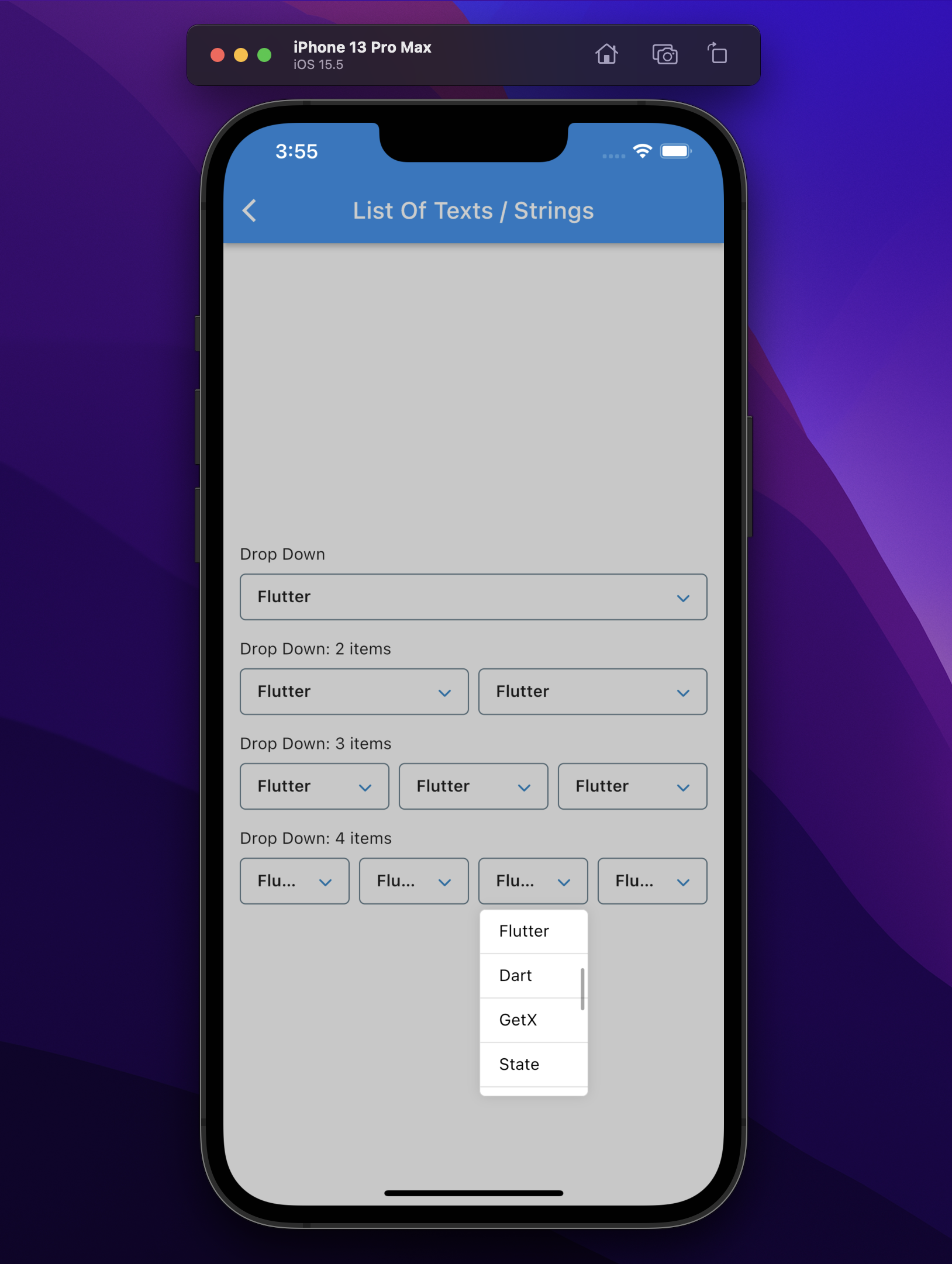
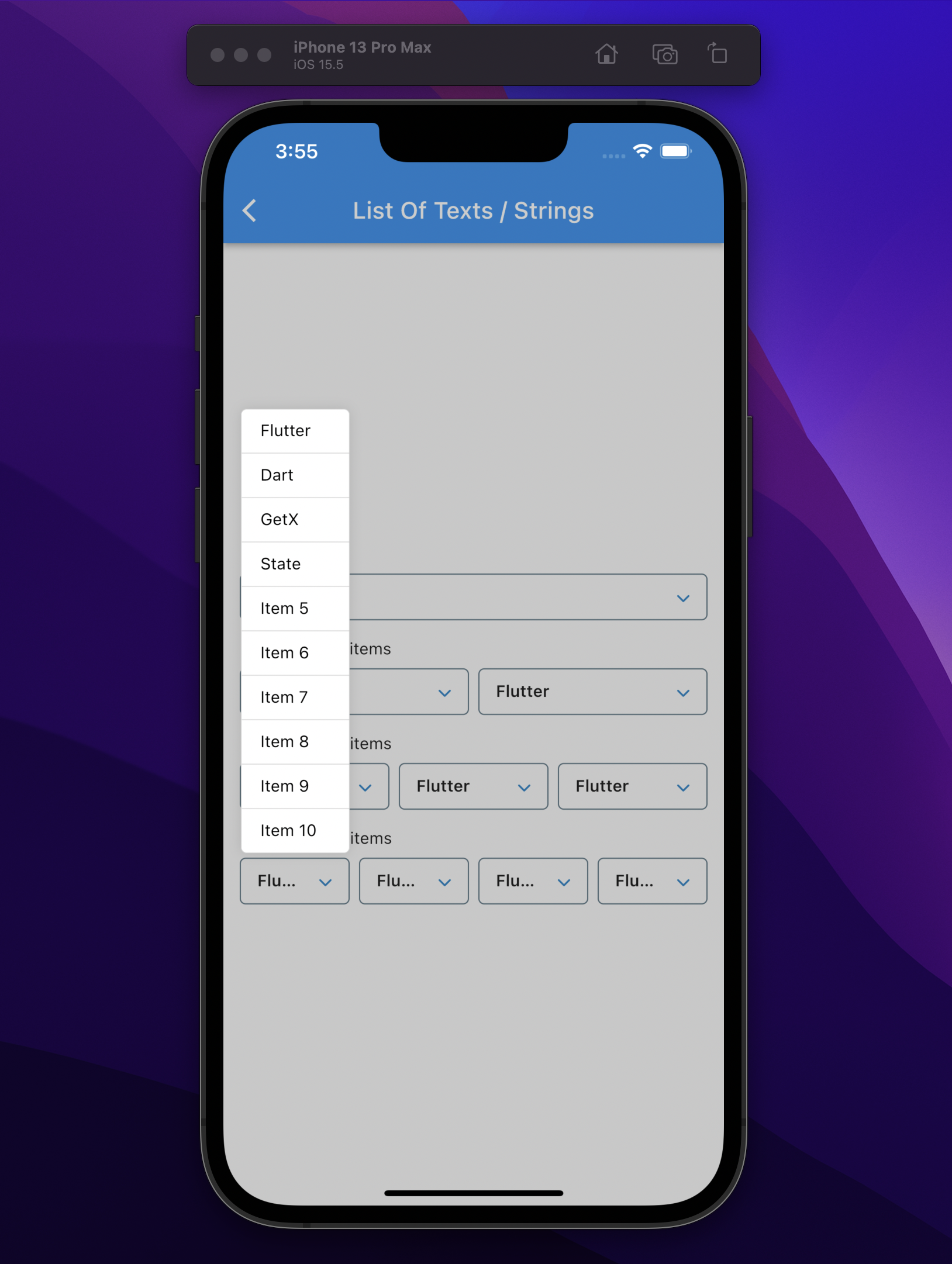
Search for List Of Texts / Strings:

GitHub 작성자
Hamza Chaouki ↗
언어DartC++CMakeRubyHTMLCSwiftKotlinObjective-C
사용 중인 의존성
의존성 목록 3 개
- flutter
{"sdk":"flutter"} - flutter_test개발 의존성
{"sdk":"flutter"} - flutter_lints개발 의존성
^5.0.0
프로젝트에 맞는 저장소를 선택하려면?
사용 목적에 따라 검색하고 개발 활동을 비교한 뒤 원본 저장소에서 요구 사항을 확인하세요.
- 이름, 작성자 또는 설명으로 검색하고 기술 주제로 범위를 좁힙니다.
- 스타, 포크, 최근 푸시를 함께 비교하세요. 스타는 관심의 지표이며 품질을 보장하지 않습니다.
- 사용하기 전에 GitHub에서 README, 라이선스, Issues를 확인하세요.
출처 및 관리
“A repository is the most basic element of GitHub.”
GitHub Docs — About repositories ↗