
 v0.2.0
flutter_scatter
산재하고 겹치지 않는 자식 요소의 컬렉션을 표시하는 위젯
31좋아요 1.6천30일 다운로드140Pub 점수
AndroidiOSWebmacOSWindowsLinux
산재하고 겹치지 않는 자식 요소의 컬렉션을 표시하는 위젯
아래는 영문 원문 스냅샷입니다. 최신 내용은 GitHub에서 확인하세요.
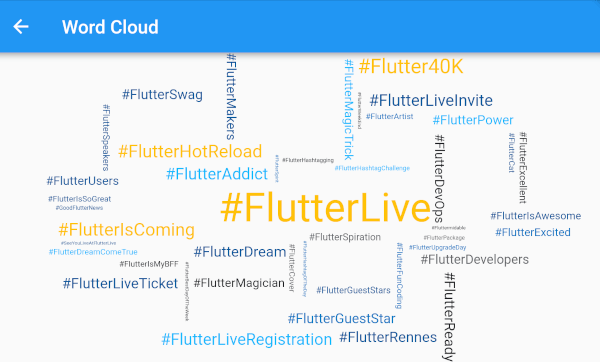
A widget that displays a collection of dispersed and non-overlapping children.


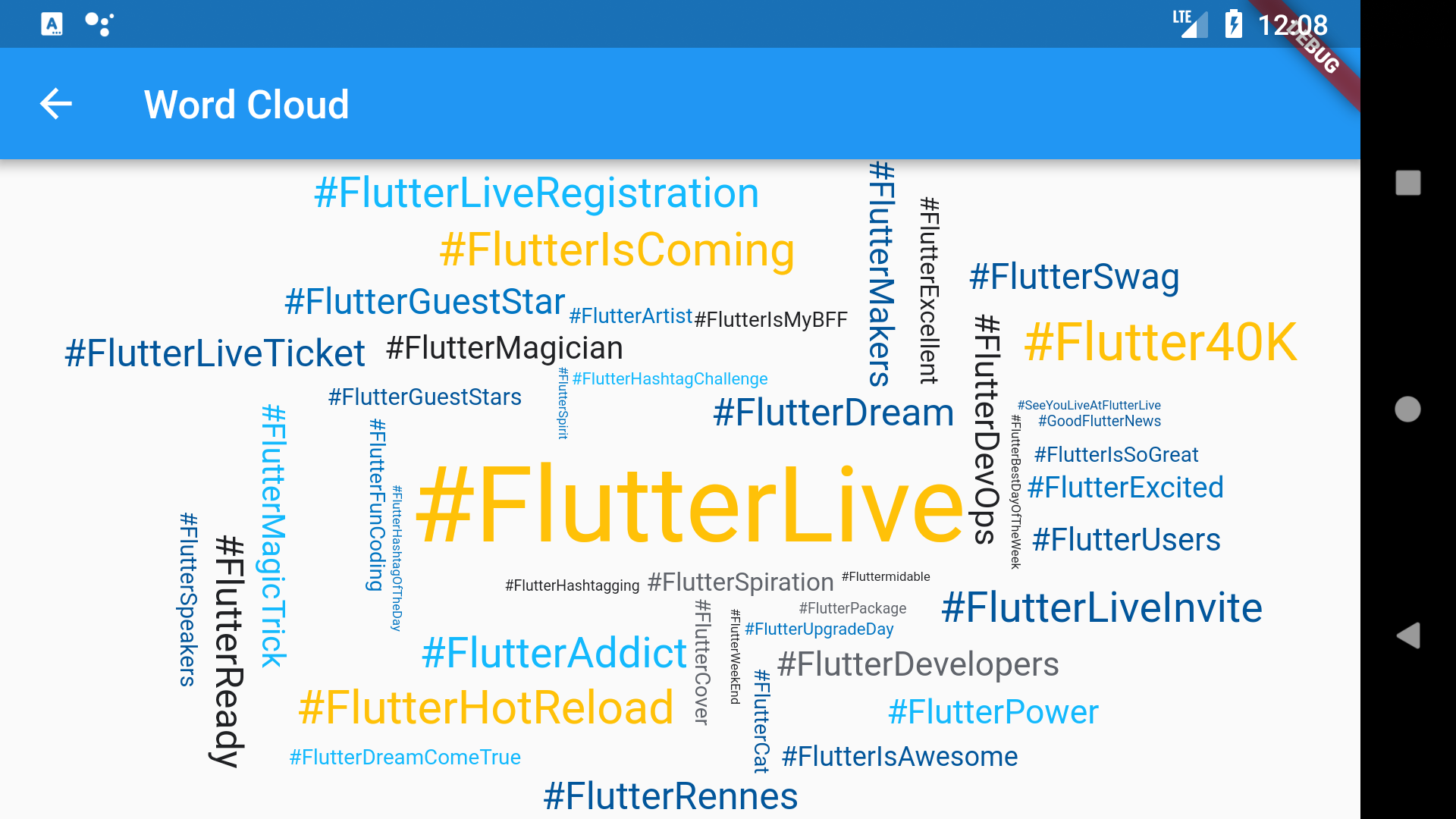
Can be used to create word clouds:
In the pubspec.yaml of your flutter project, add the following dependency:
The latest version is
dependencies:
  ...
  flutter_scatter: ^latest_version
In your library add the following import:
import 'package:flutter_scatter/flutter_scatter.dart';
For help getting started with Flutter, view the online documentation.
You can simply create a Scatter by providing a delegate and a list of widgets.
The delegate is responsible for computing positions.
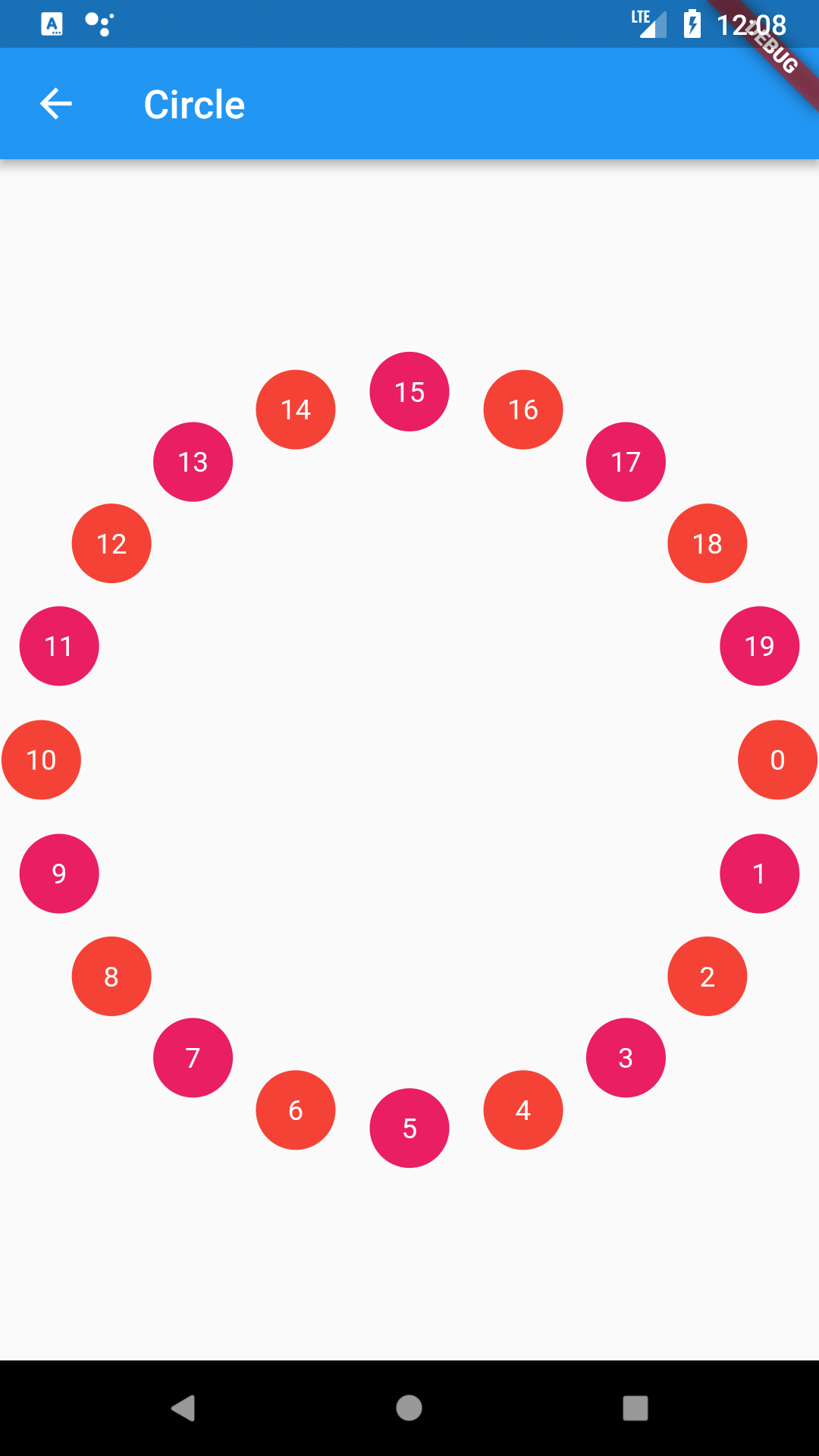
For example if you want to position your widgets on a circle, you will use the EllipseScatterDelegate:
return Center(
    child: Scatter(
    delegate: EllipseScatterDelegate(
        a: 185.0,
        b: 185.0,
        step: 1.0 / count,
    ),
    children: widgets,
    ),
);
It may be useful to choose how children are aligned with the computed positions. By default, the center of the widgets will be placed on the positions generated by the delegate.
If you want to be left aligned, you will change the alignment argument of the Scatter to be Alignment.topLeft.
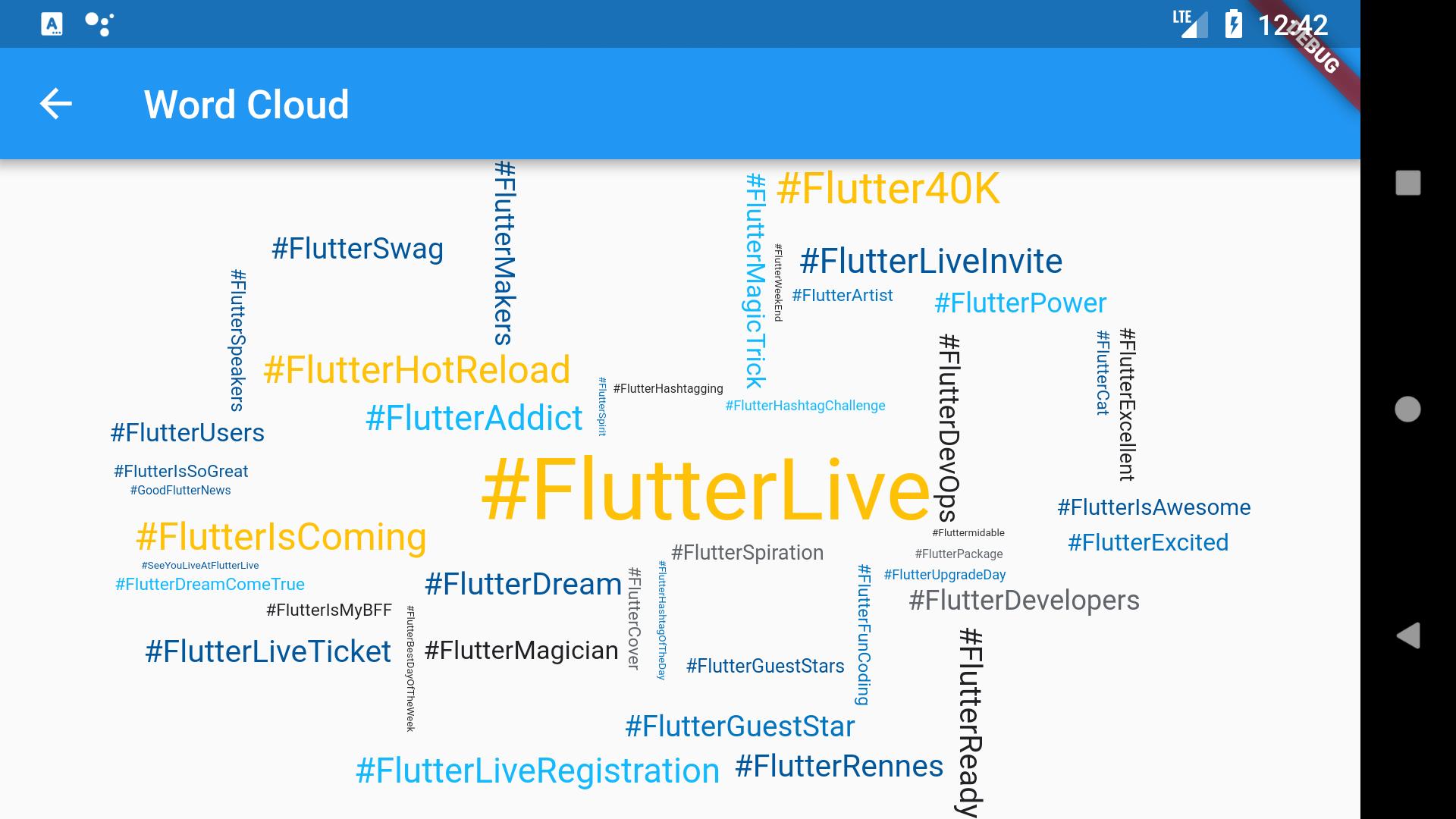
By default, the Scatter will not try to fill gaps (for performance reasons). You can override this behavior by setting the fillGaps argument to true.
For example this is what the above word cloud would look if the fillGaps argument would be set to false:
Scatter has built-in delegates which can be highly parameterized:
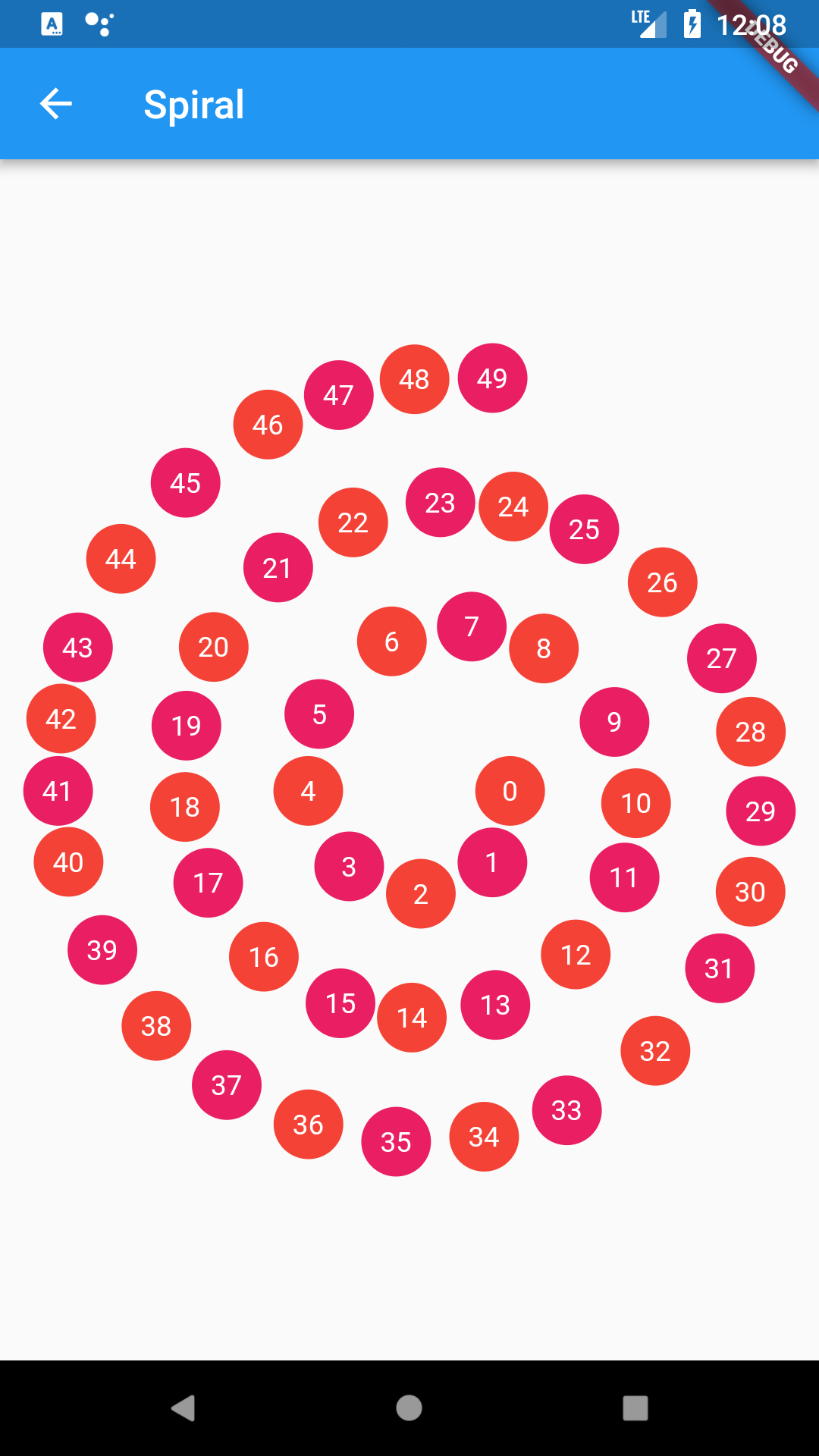
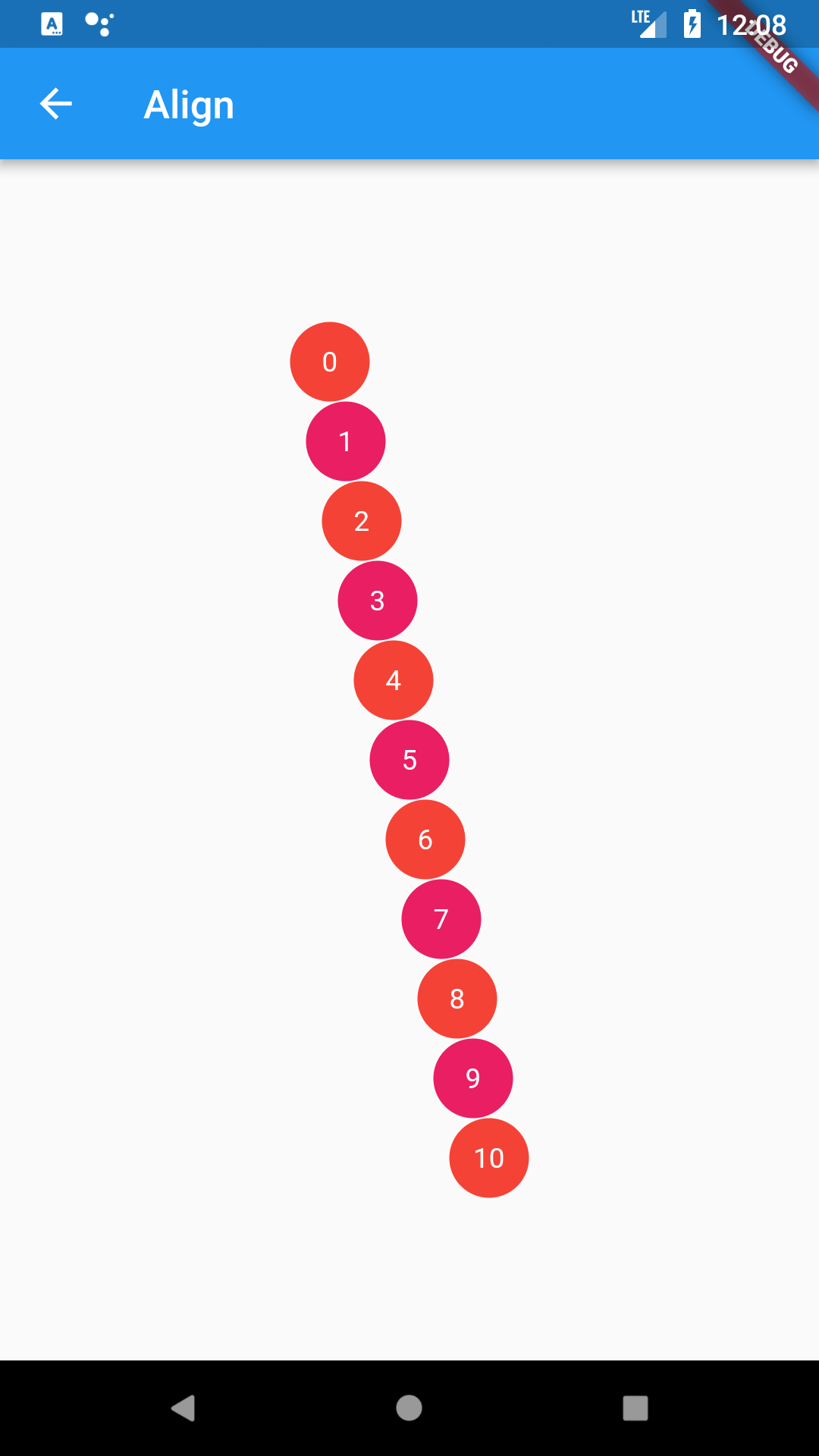
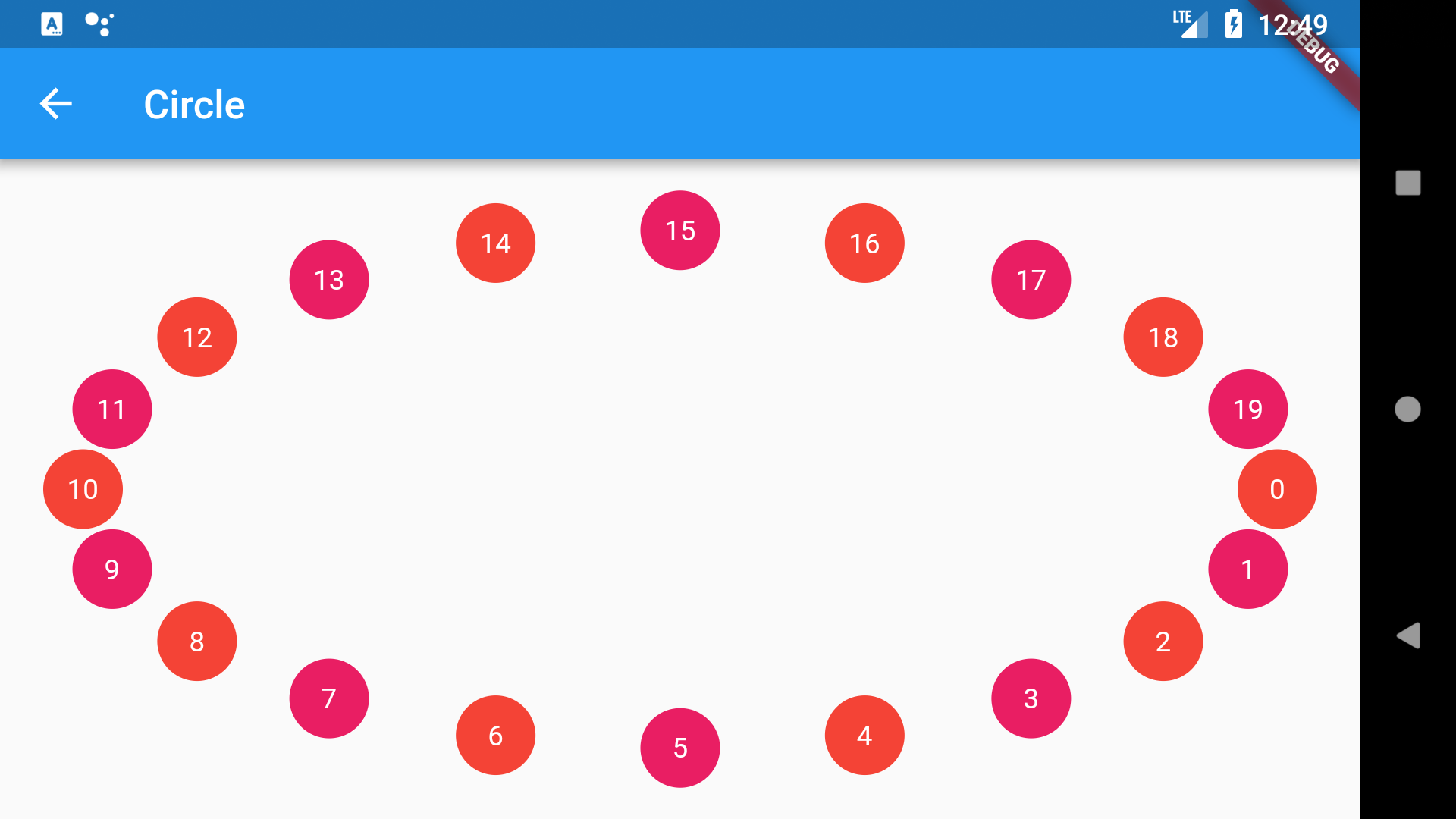
You can find more examples in this app.
Please see the Changelog page to know what's recently changed.
Feel free to contribute to this project.
If you find a bug or want a feature, but don't know how to fix/implement it, please fill an issue.
If you fixed a bug or implemented a new feature, please send a pull request.

의존성 목록 2 개
{"sdk":"flutter"}{"sdk":"flutter"}사용 목적에 따라 검색하고 개발 활동을 비교한 뒤 원본 저장소에서 요구 사항을 확인하세요.
“A repository is the most basic element of GitHub.”
GitHub Docs — About repositories ↗