
 v8.2.2
flutter_map_marker_cluster
Flutter 앱용 Leaflet.makercluster의 Dart 구현입니다. flutter_map에 아름다운 애니메이션 마커 클러스터링 기능을 제공합니다.
224좋아요 8.9만30일 다운로드150Pub 점수
AndroidiOSWebmacOSWindowsLinux
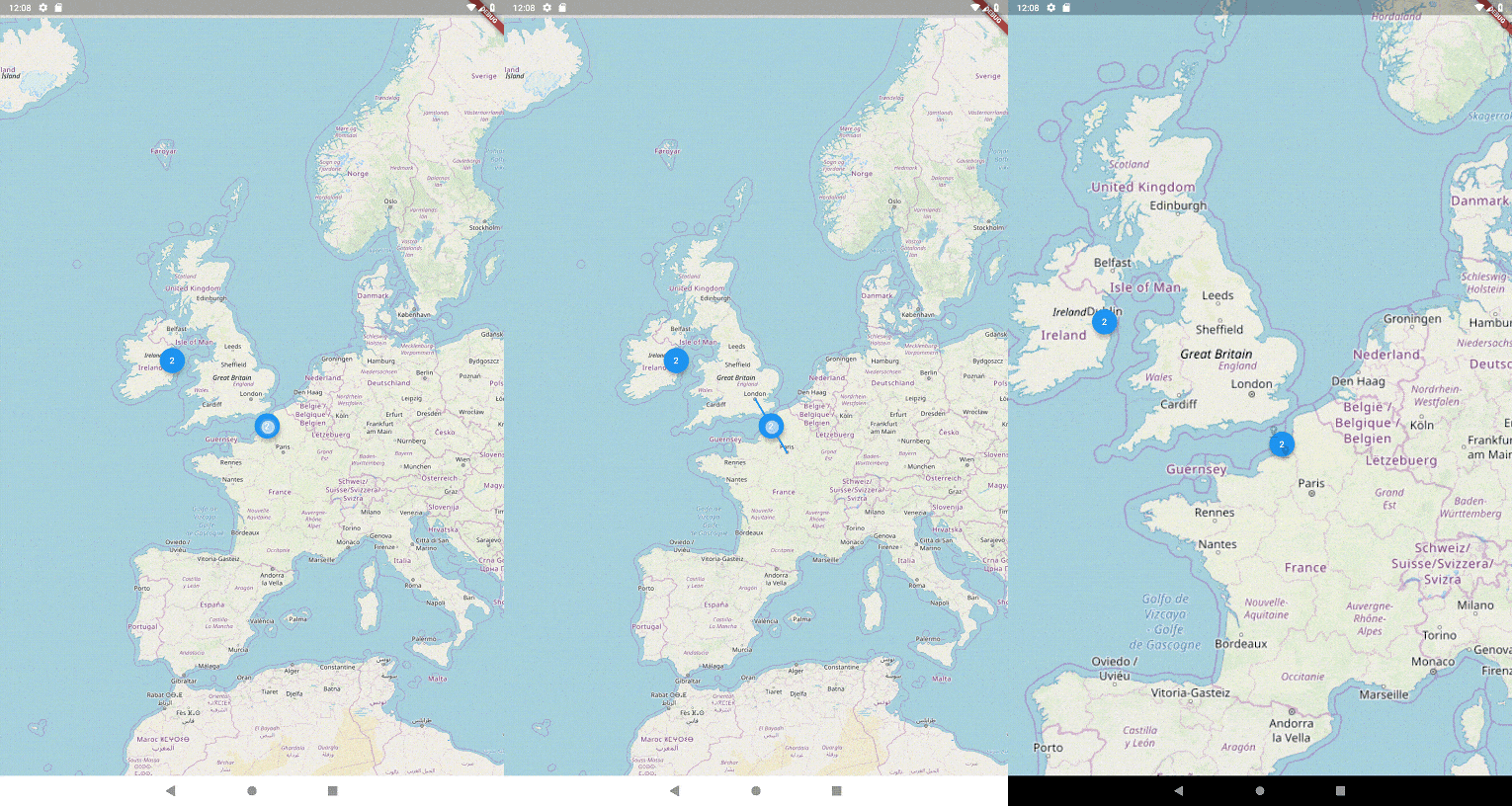
flutter_map용 아름다운 애니메이션 마커 클러스터링 기능을 제공합니다. Leaflet.markercluster에서 영감을 받았습니다.

{"sdk":"flutter"}^8.2.2^8.1.0^0.9.1^4.0.0{"sdk":"flutter"}아래는 영문 원문 스냅샷입니다. 최신 내용은 GitHub에서 확인하세요.
pub package travis
A Dart implementation of Leaflet.markercluster for Flutter apps. This is a plugin for flutter_map package
Add flutter_map and flutter_map_marker_cluster to your pubspec:
dependencies:
  flutter_map: any
  flutter_map_marker_cluster: any # or the latest version on Pub
flutter_map package removed old layering system with v3.0.0 use MarkerClusterLayerWidget as member of children parameter list and configure it using MarkerClusterLayerOptions.
 @override
  Widget build(BuildContext context) {
    return Scaffold(
      appBar: AppBar(title: const Text('Clustering Many Markers Page')),
      drawer: buildDrawer(context, ClusteringManyMarkersPage.route),
      body: FlutterMap(
        options: MapOptions(
          center: LatLng((maxLatLng.latitude + minLatLng.latitude) / 2,
              (maxLatLng.longitude + minLatLng.longitude) / 2),
          zoom: 6,
          maxZoom: 15,
        ),
        children: <Widget>[
          TileLayer(
            urlTemplate: 'https://tile.openstreetmap.org/{z}/{x}/{y}.png',
          ),
          MarkerClusterLayerWidget(
            options: MarkerClusterLayerOptions(
              maxClusterRadius: 45,
              size: const Size(40, 40),
              alignment: Alignment.center,
              padding: const EdgeInsets.all(50),
              maxZoom: 15,
              markers: markers,
              builder: (context, markers) {
                return Container(
                  decoration: BoxDecoration(
                      borderRadius: BorderRadius.circular(20),
                      color: Colors.blue),
                  child: Center(
                    child: Text(
                      markers.length.toString(),
                      style: const TextStyle(color: Colors.white),
                    ),
                  ),
                );
              },
            ),
          ),
        ],
      ),
    );
  }
See the example/ folder for a working example app.
A donation through my Ko-Fi page would be infinitly appriciated: ko-fi
but, if you can't or won't, a star on GitHub and a like on pub.dev would also go a long way!
Every donation gives me fuel to continue my open-source projects and lets me know that I'm doing a good job.