

 v2.0.1
smooth_sort
아름답고 사용자 정의 가능한 정렬 애니메이션을 추가하기 위한 플러터 패키지입니다.
32좋아요 10630일 다운로드160Pub 점수
AndroidiOSWebmacOSWindowsLinux
Flutter용 멋지고 맞춤형 정렬 애니메이션입니다.

아래는 영문 원문 스냅샷입니다. 최신 내용은 GitHub에서 확인하세요.
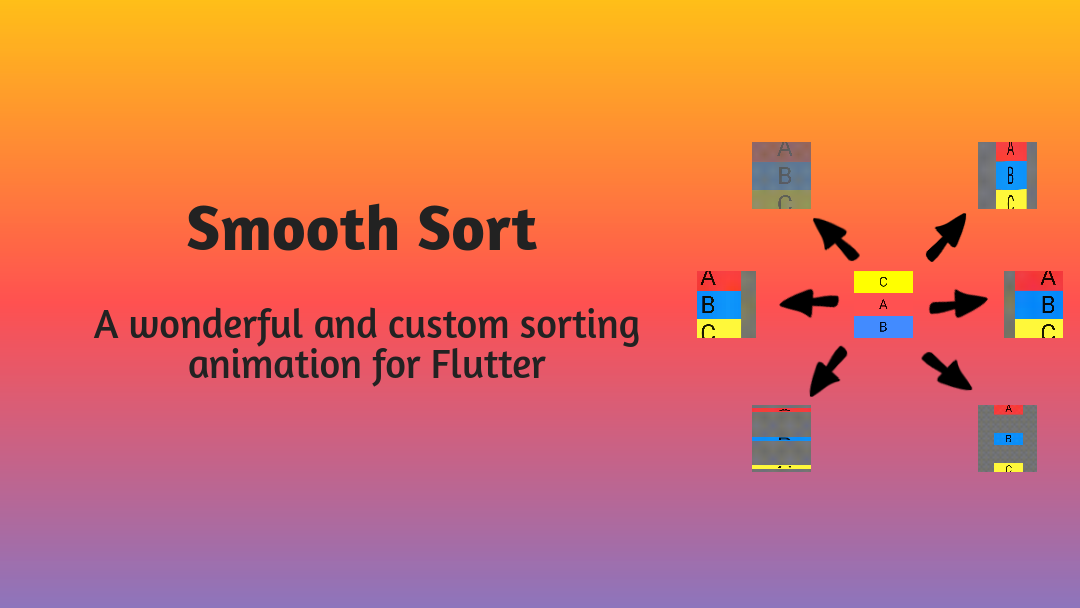



In today's world, developer's use now and then sorting in their mobile applications. For such developer's, Smooth Sort can become a useful package which provides wonderful and custom animation while sorting a list instead of reloading the app.
Explore how to use SmoothSort in your Flutter app through this medium blog.
Add this to your package's pubspec.yaml file:
dependencies:
  smooth_sort: ^2.0.1
You can install packages from the command line:
with Flutter:
$ flutter pub get
Alternatively, your editor might support flutter pub get. Check the docs for your editor to learn more.
Now in your Dart code, you can use:
import 'package:smooth_sort/smooth_sort.dart';
Flip VerticallyanimationType: flipVertically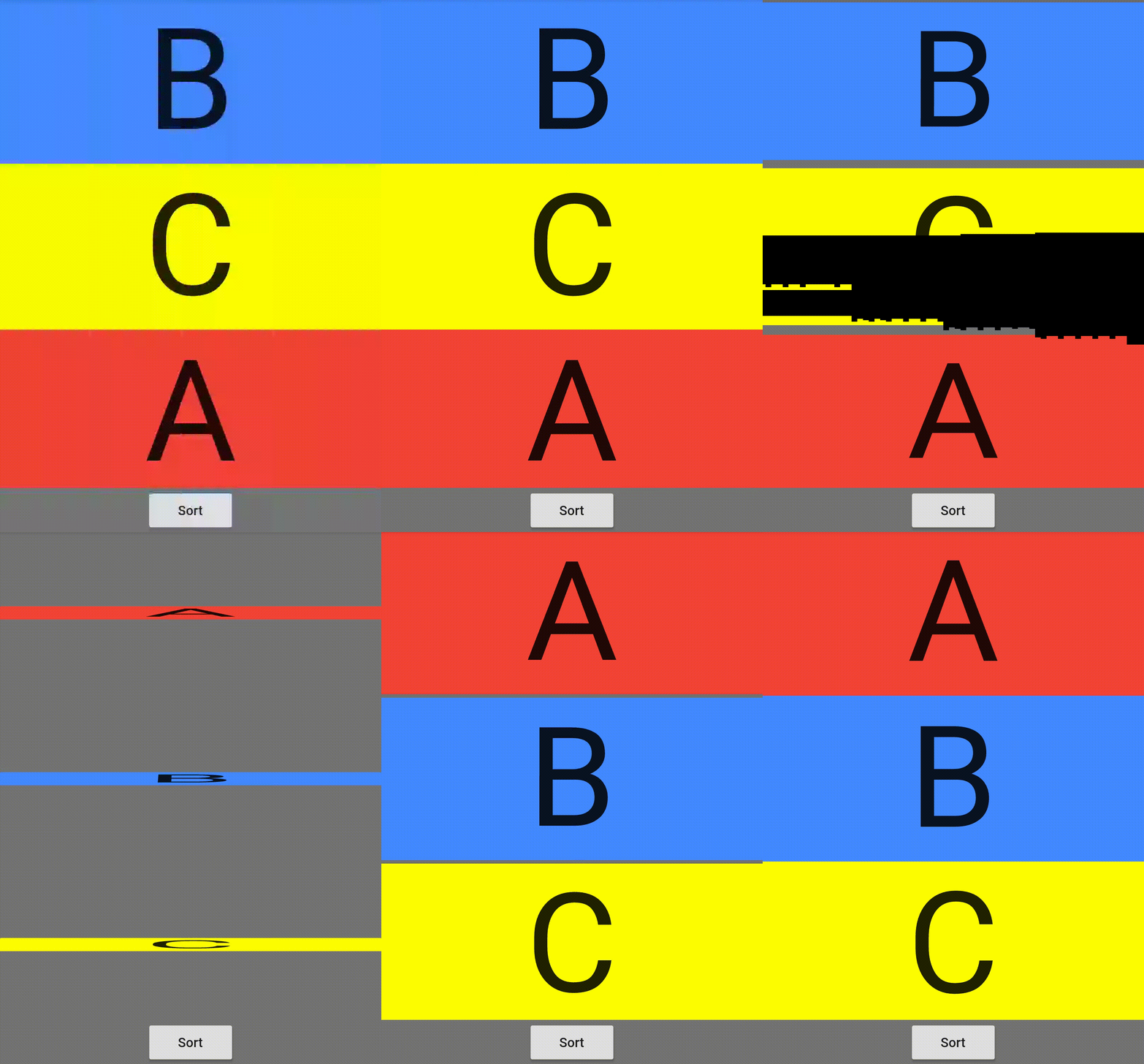
|
FadeanimationType: fade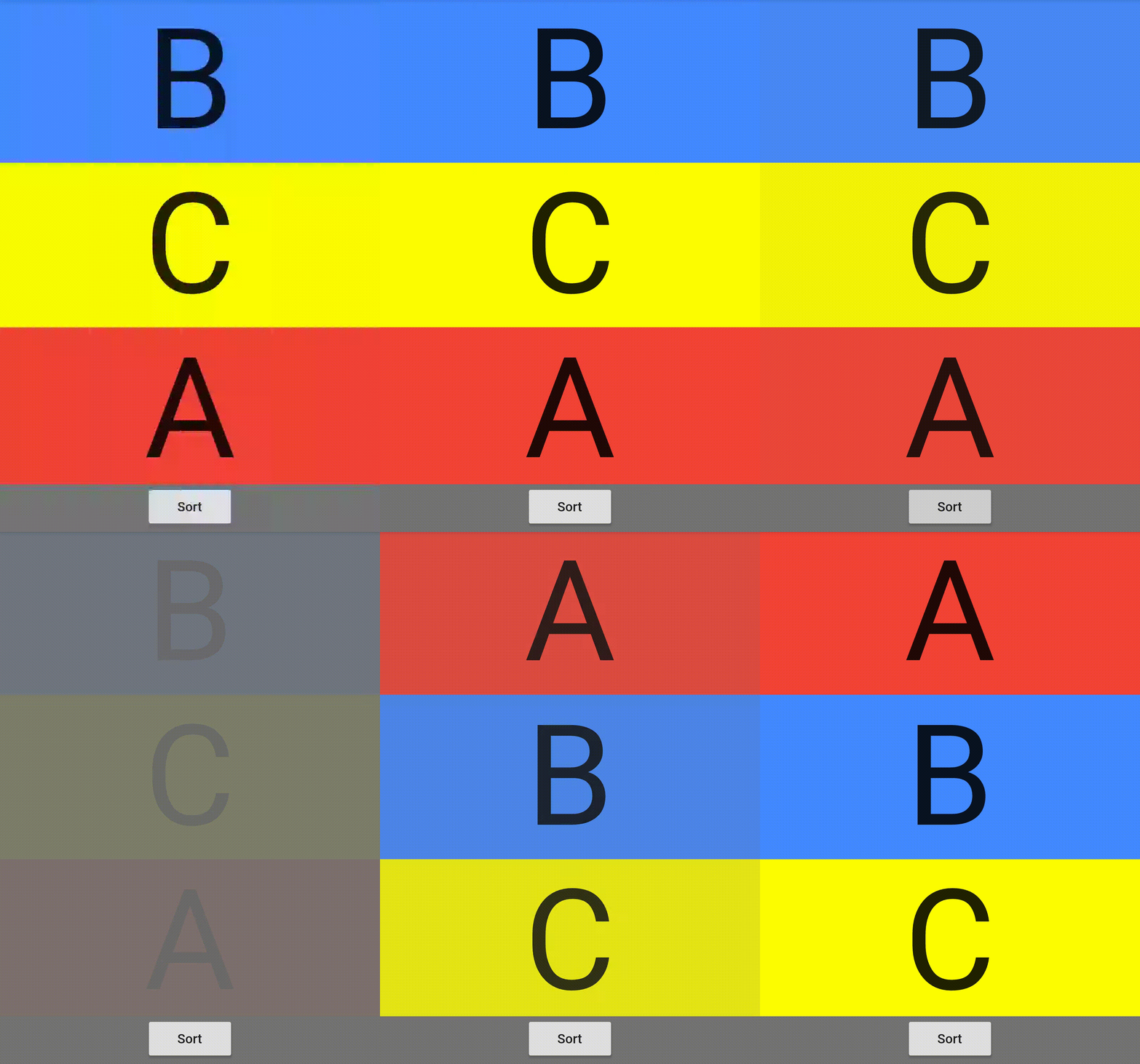
|
Slide RightanimationType: slideRight
|
Flip HorizontallyanimationType: flipHorizontally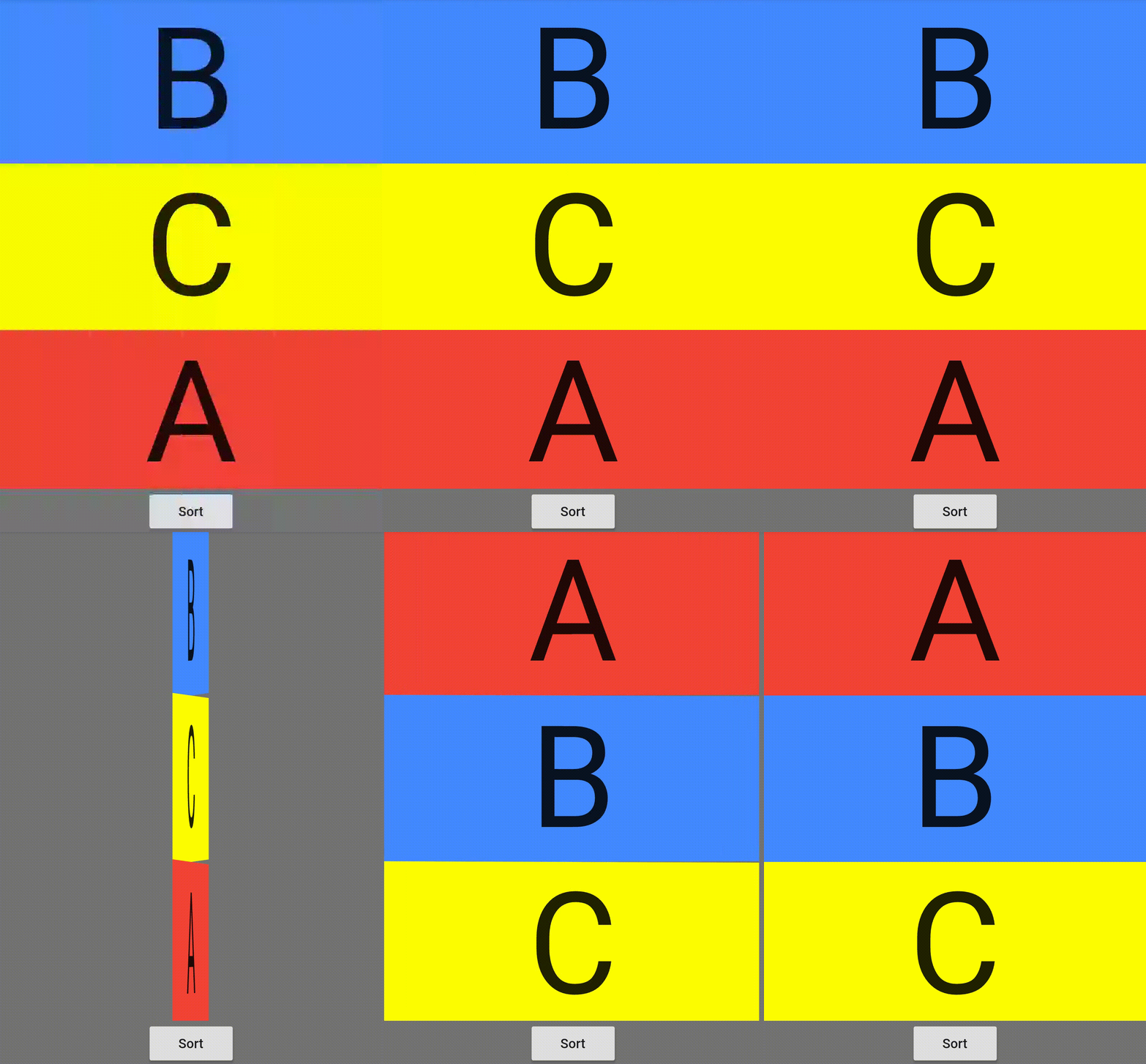
|
ScaleanimationType: scale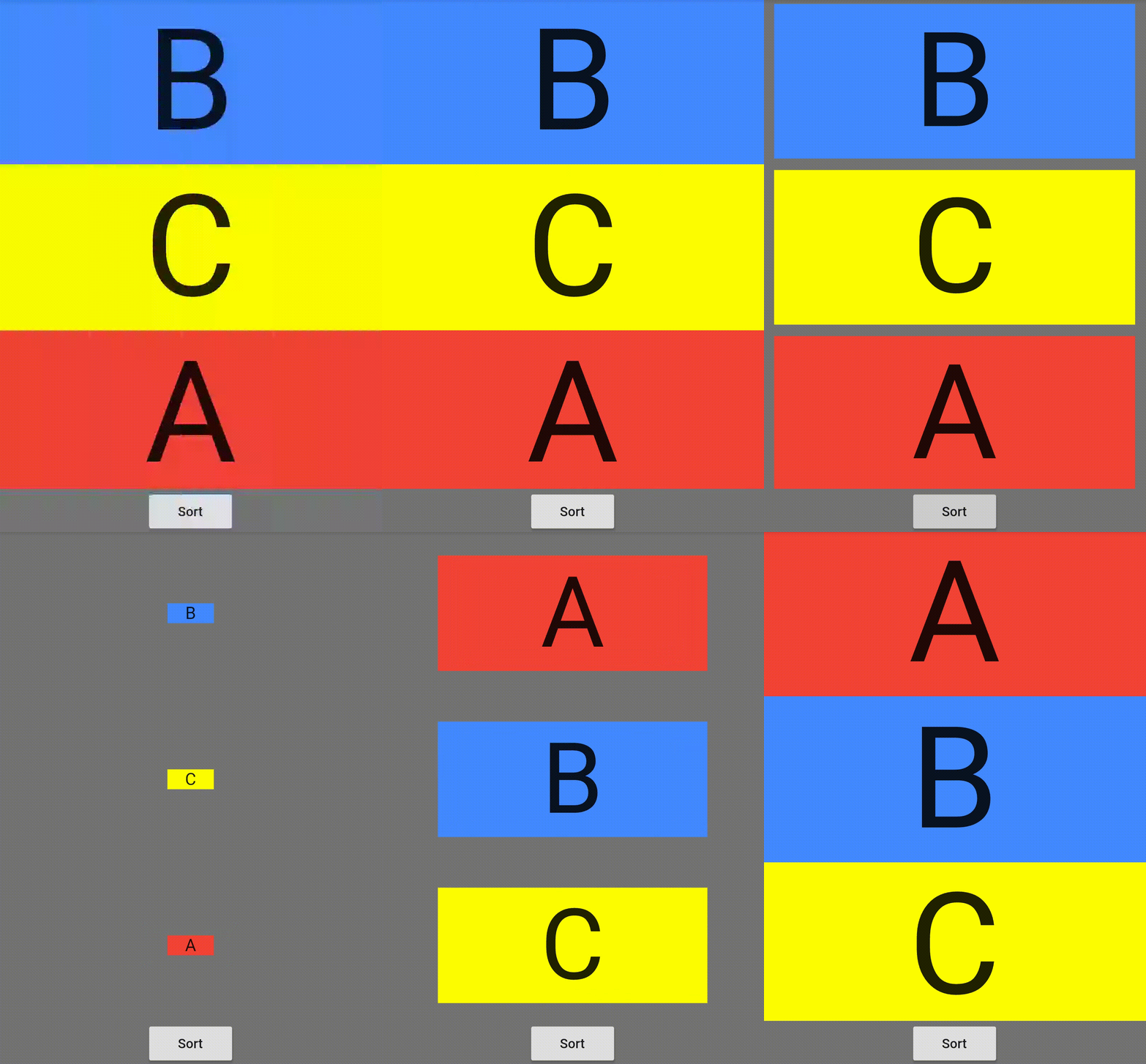
|
Slide LeftanimationType: slideLeft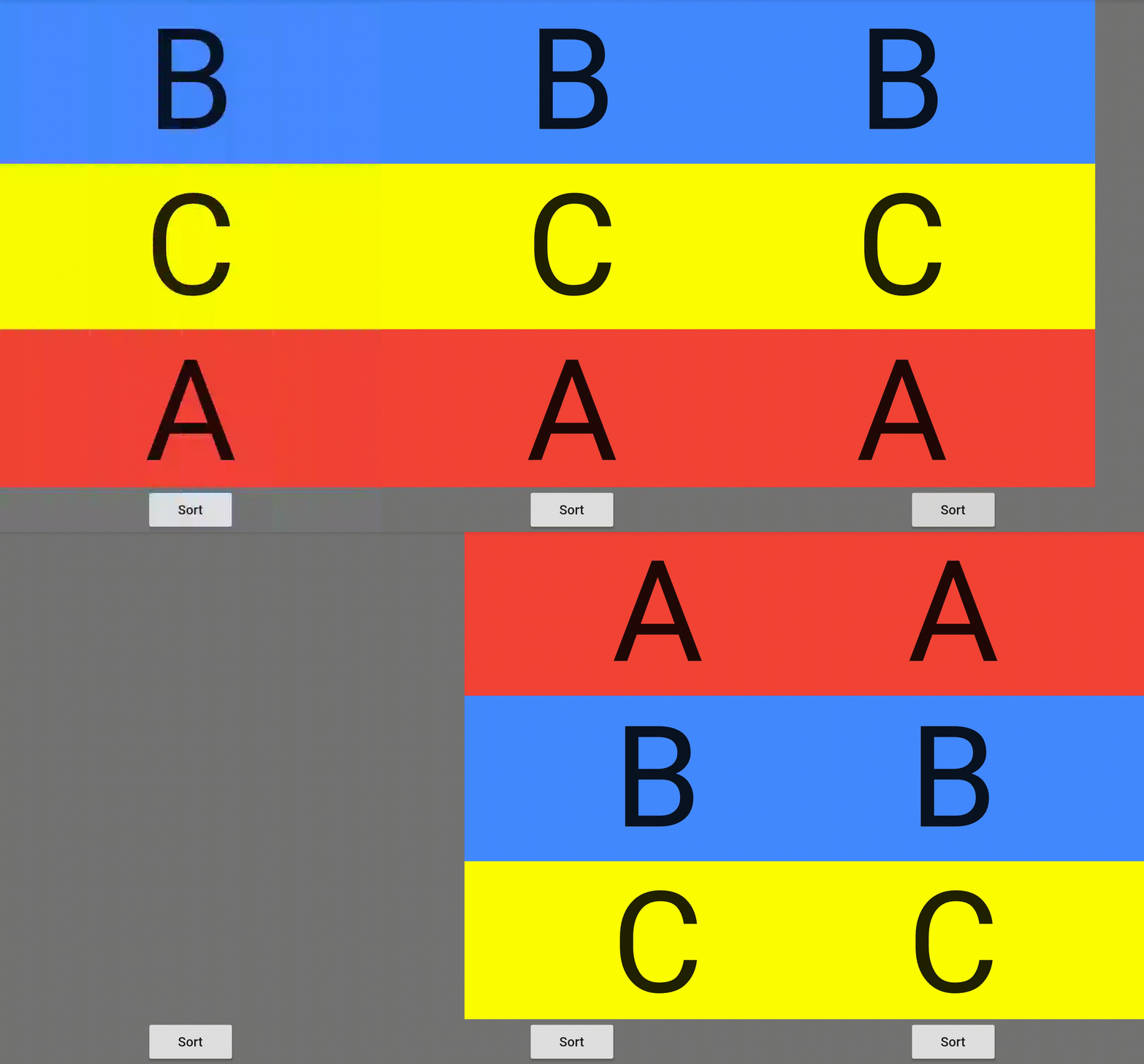
|
Reverse Flip VerticallyanimationType: reverseFlipVertically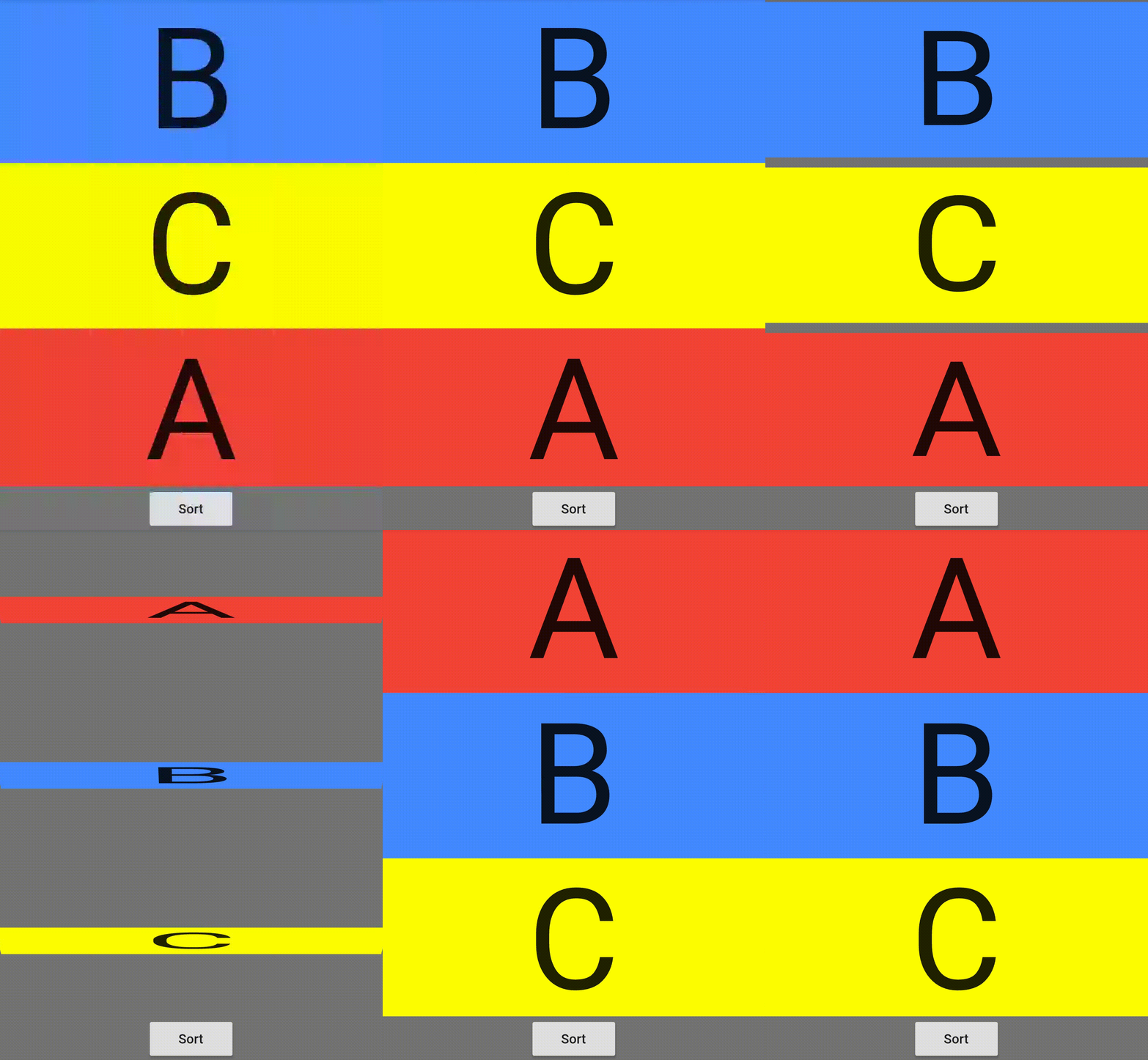
|
Reverse Flip HorizontallyanimationType: reverseFlipHorizontally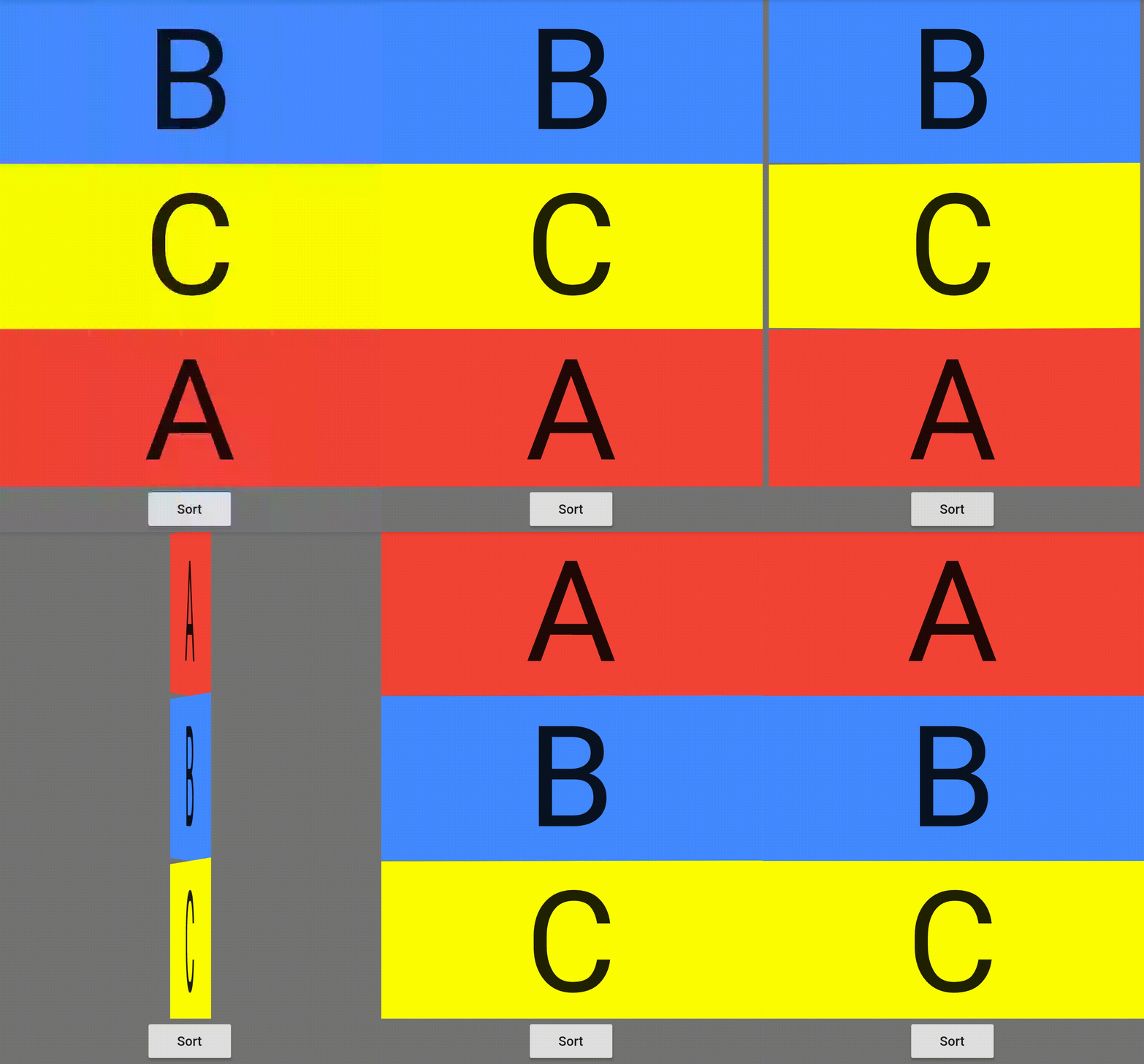
|
In the medium blog as well as the example app, I have implemented this animation for the shopping app for sorting the products through price using the Smooth Sort package.
Scale Animation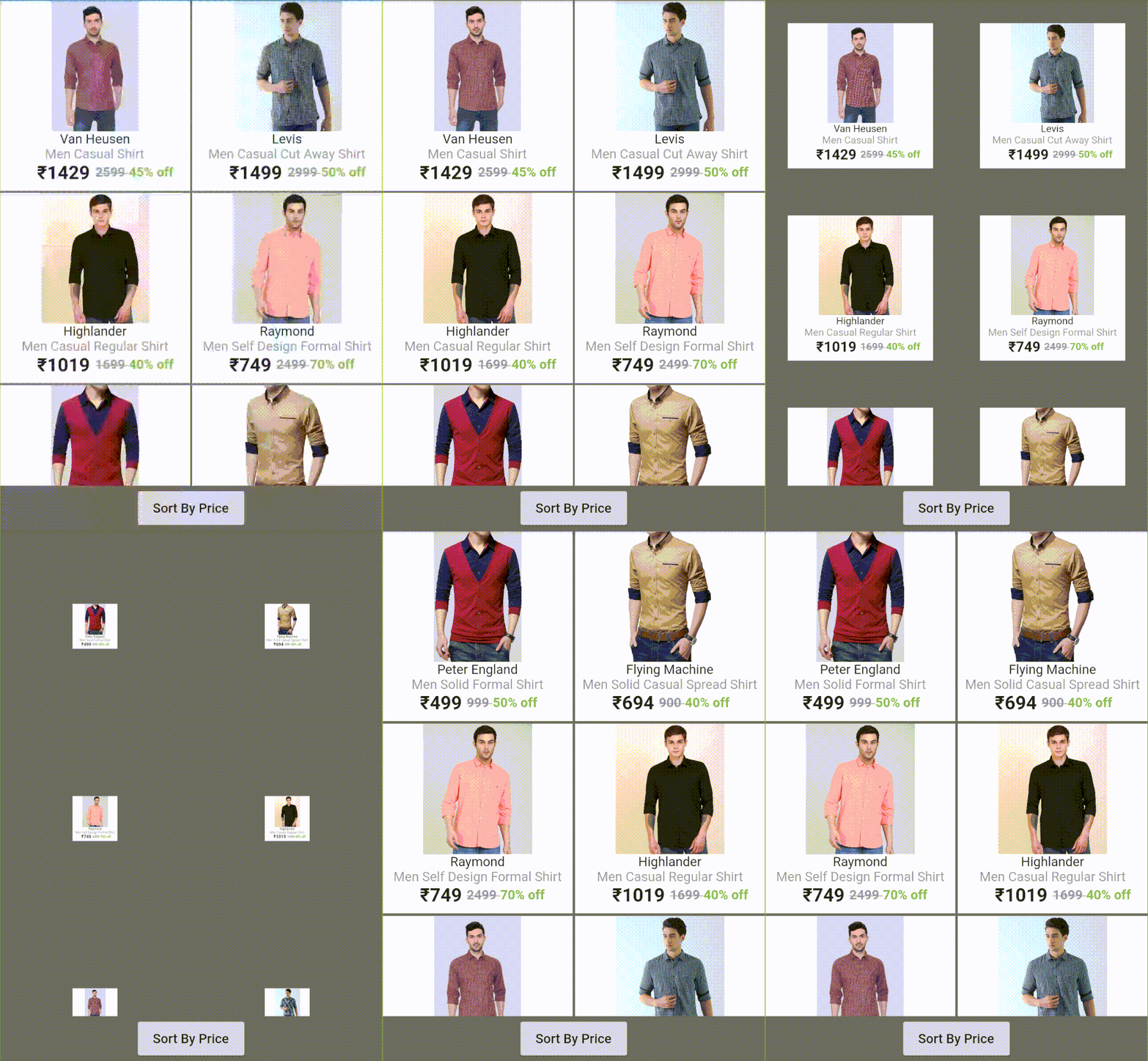
For adding the SmoothSort in your Flutter app, you have to simply provide the options for ListView or GridView with the list of the widgets to be displayed in the list/grid with the another list of their corresponding itemIds.
For example: First create the object for SmoothSort
SmoothSort smoothSort = SmoothSort(
	listType: 'list',	 // specify the listType i.e. list or grid
	ascendant: true,	// sort ascending or descending
	itemList: [
	  Container(
	    color: Colors.red,
	    alignment: Alignment.center,
		child: Text(
		    "A",
	        style: TextStyle(fontSize: 150.0),
		    ),
	  ),
	  Container(
	    color: Colors.blueAccent,
	    alignment: Alignment.center,
	    child: Text(
		    "B",
	        style: TextStyle(fontSize: 150.0),
			),
	  ),
	  Container(
	    color: Colors.yellowAccent,
	    alignment: Alignment.center,
	    child: Text(
		    "C",
	        style: TextStyle(fontSize: 150.0),
			),
	  ),
	],					// specify the list of widgets for the ListView/GridView
	itemIdList: [1, 2, 0],		// specify the corresponding ids for widgets
	animationType: 'cardScale'	// specify the type of animation you want
);
Whenever you want to add the list or grid, just add the above widget as follows:
Column(
  children: <Widget>[
    smoothSort	// just add the SmoothSort object
  ],
),
After this, just call the smoothSort.onPress() method to start the animation for sorting the list/grid just like this:
RaisedButton(
  child: Text("Sort"),
  onPressed: () {
    smoothSort.onPress();	// just call the onPress method
  },
)
For more info, please refer to the main.dart in example.
| Dart attribute | Datatype | Description | Default Value |
|---|---|---|---|
| listType | String | Specifies the type of list i.e. list/grid. | list |
| animationType | String | Specifies the type of animation required to sort the list/grid. | flipVertically |
| itemList | List<Widget> | The list of widgets which is to be sorted. | @required |
| itemIdList | List<int> | This list contains the ids for the corresponding widgets needed for the sorting of widgets. | @required |
| gridCrossAxisCount | int | The number of grids in a single row in GridView. | 2 |
| ascendant | bool | Sort ascending or descending | true |
For help on editing package code, view the flutter documentation.
The algorithm used to build this project is as follows:
I have sorted the ListView or GridView with single TextView by using the default sort function by Dart language. On clicking of the sort button, I have provided different animations to the ListView or GridView according to the animation described by the user.
For more info, please refer to the smooth_sort.dart.
If you encounter any problems feel free to open an issue. If you feel the library is
missing a feature, please raise a ticket on Github and I'll look into it.
Pull request are also welcome.
Thanks goes to these awesome people! :blush:
 Giulliano Albrecht |
 Michael Dudek |
SmoothSort is licensed under MIT license. View license.
의존성 목록 2 개
{"sdk":"flutter"}{"sdk":"flutter"}사용 목적에 따라 검색하고 개발 활동을 비교한 뒤 원본 저장소에서 요구 사항을 확인하세요.
“A repository is the most basic element of GitHub.”
GitHub Docs — About repositories ↗