

 v3.0.0
ios_color_picker
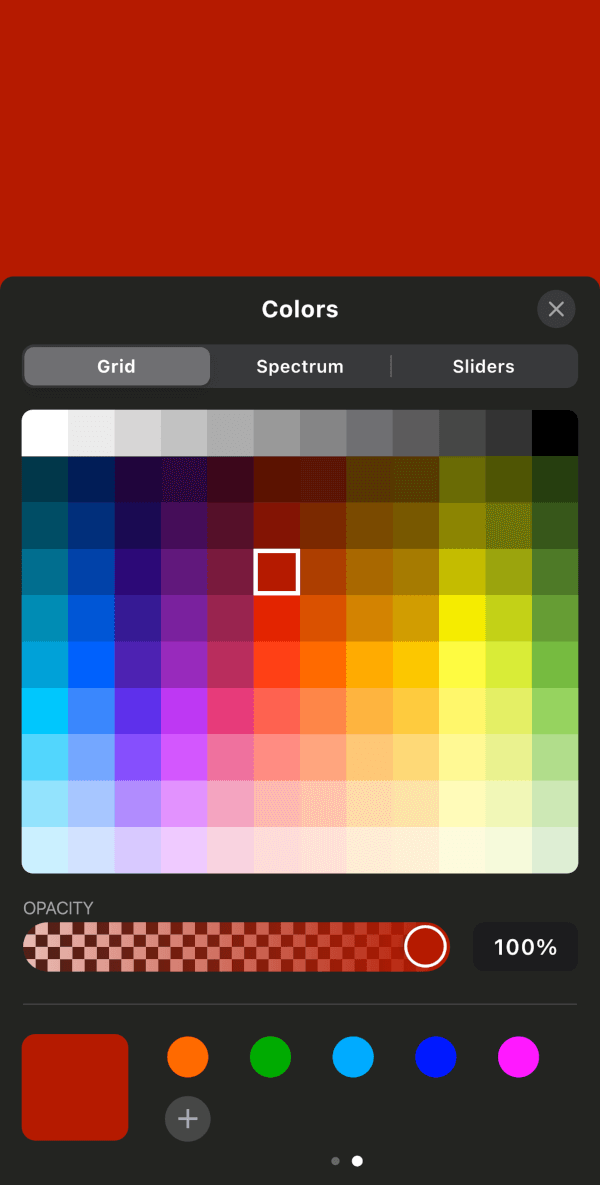
모든 플러터 플랫폼용으로 iOS 스타일의 색상 선택기 UI를 제공하는 플러터 패키지이며, iOS에서는 네이티브 iOS 색상 선택기도 제공합니다.
10좋아요 16730일 다운로드140Pub 점수
AndroidiOSWebmacOSWindowsLinux
모든 플랫폼(Web, Android, iOS)에 대해 네이티브 iOS 색상 선택기의 클론 UI를 제공하는 새로운 Flutter 패키지이며, iOS 전용으로 네이티브 iOS 선택기도 제공합니다

아래는 영문 원문 스냅샷입니다. 최신 내용은 GitHub에서 확인하세요.
A Flutter package that provides an iOS-style color picker UI for every Flutter platform, plus access to the native iOS color picker on iOS.
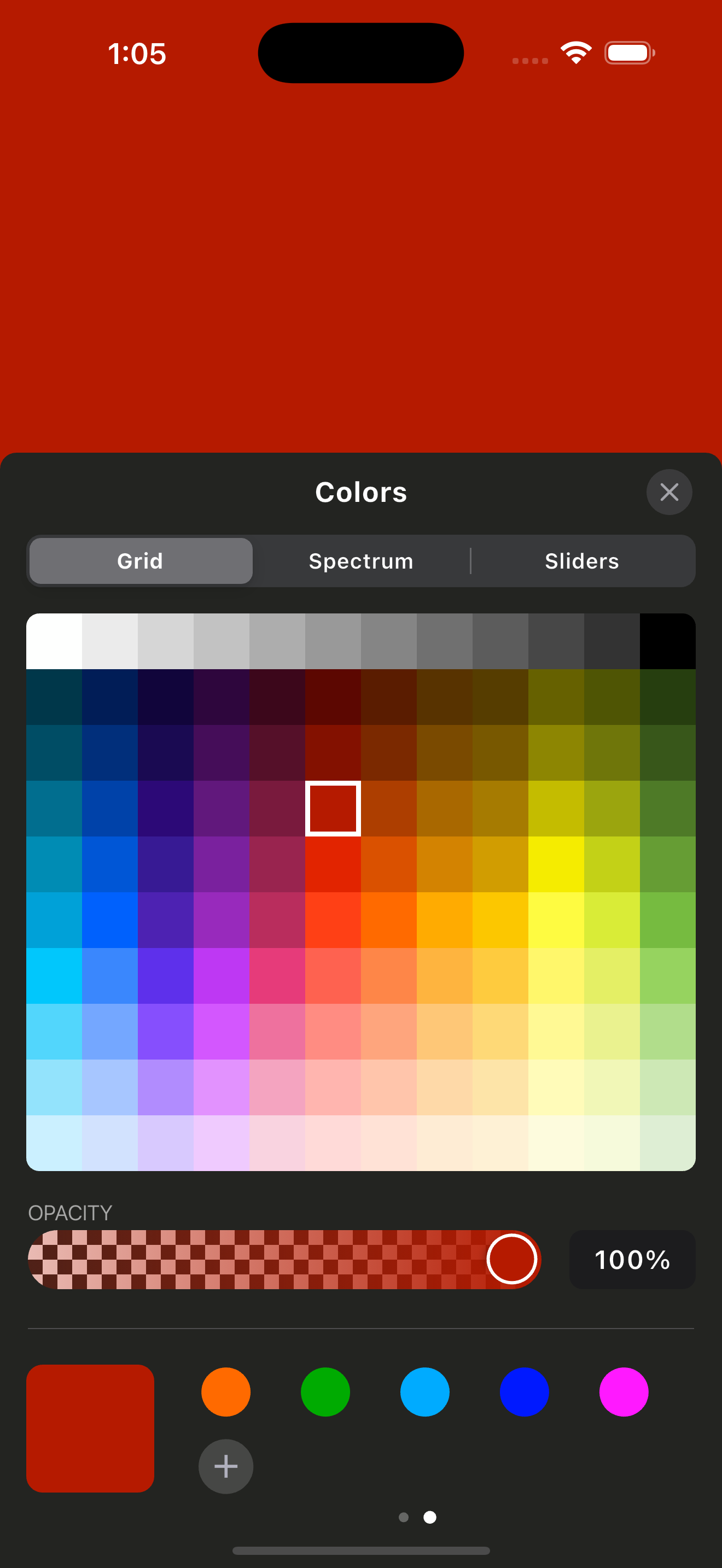
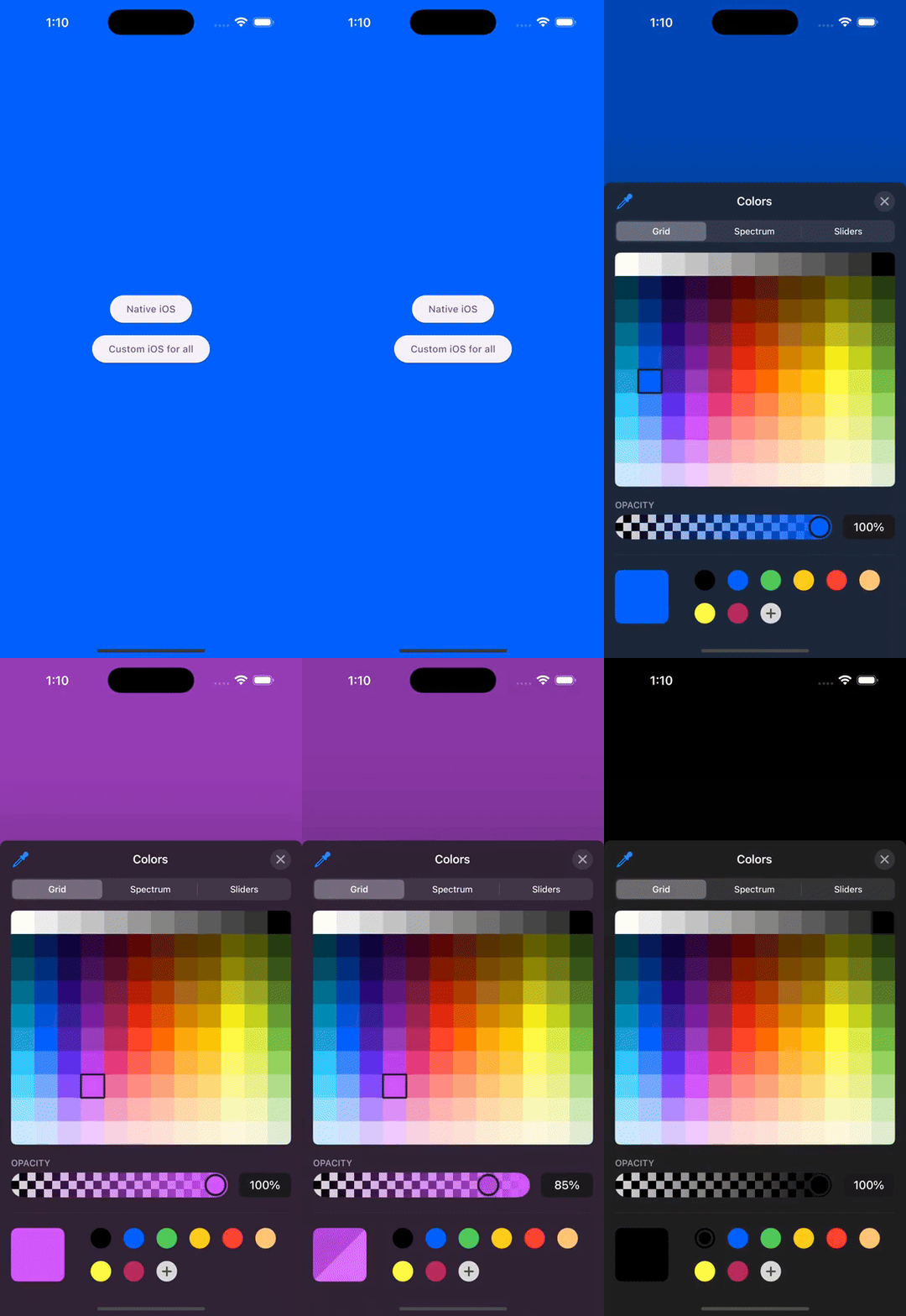
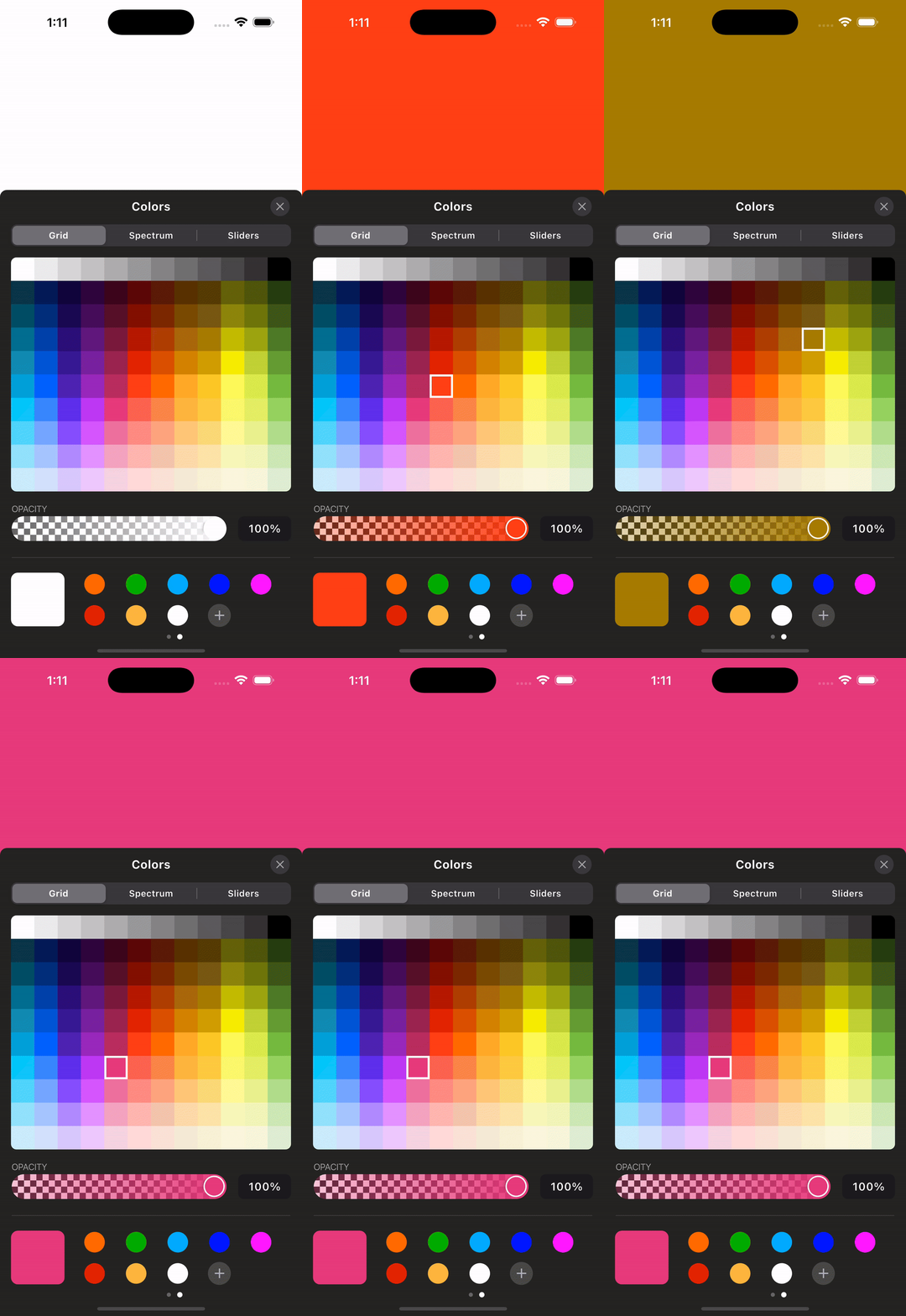
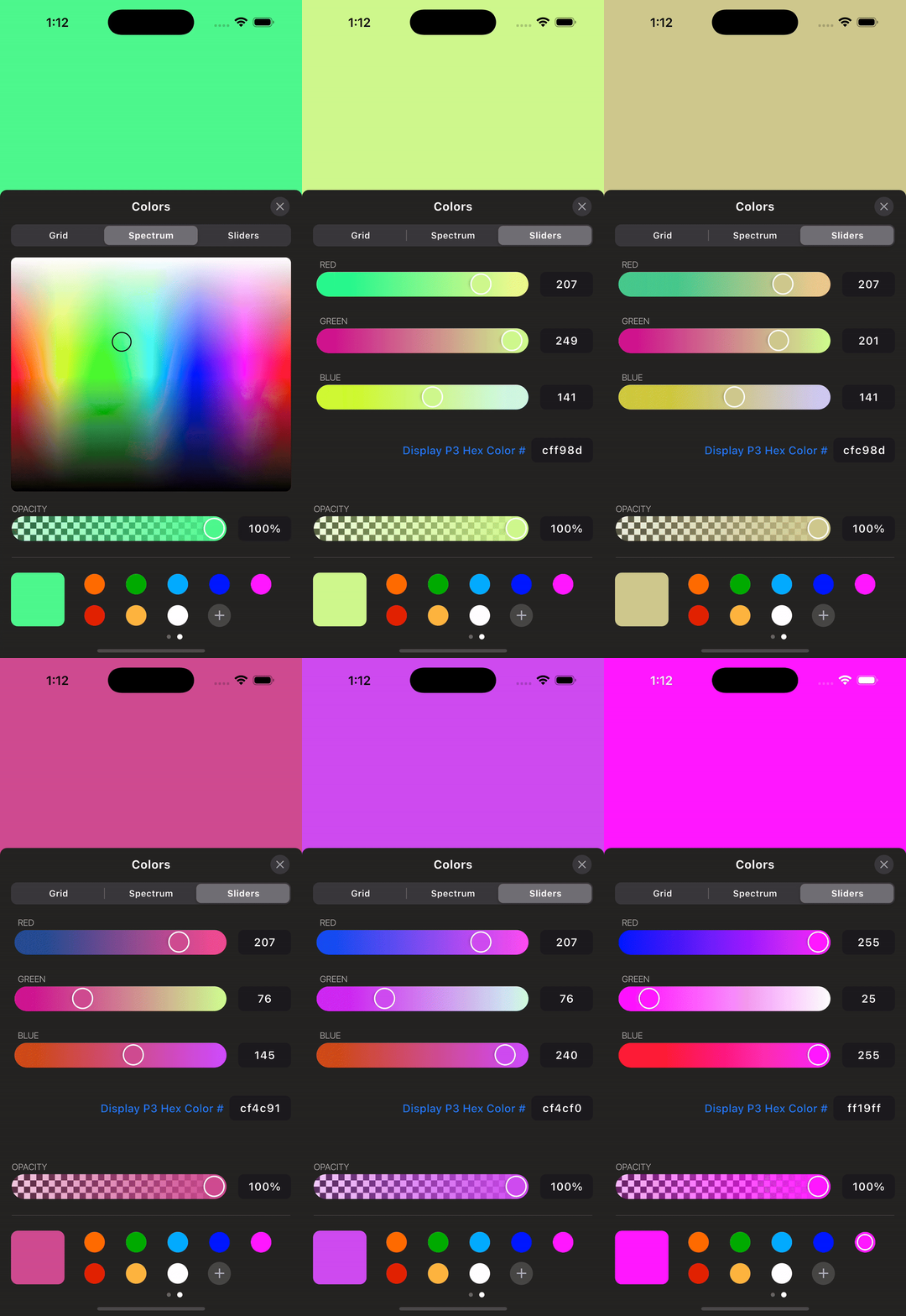
Add the package and create a controller. Dispose the controller from your
widget's dispose method because the native iOS picker streams color changes
through an event channel.
final iosColorPickerController = IOSColorPickerController();

/// Native iOS Color Picker
ElevatedButton(
  onPressed: () {
    iosColorPickerController.showNativeIosColorPicker(
      startingColor: backgroundColor,
      darkMode: true,
      onColorChanged: (color) {
        setState(() {
          backgroundColor = color;
        });
      },
    );
  },
  child: Text("Native iOS"),
),

/// Custom iOS Color Picker (for all platforms)
ElevatedButton(
  onPressed: () {
    iosColorPickerController.showIOSCustomColorPicker(
      startingColor: backgroundColor,
      onColorChanged: (color) {
        setState(() {
          backgroundColor = color;
        });
      },
      context: context,
    );
  },
  child: Text("Custom iOS for all"),
),
Dispose the controller:
final IOSColorPickerController iosColorPickerController =
    IOSColorPickerController();

@override
void dispose() {
  iosColorPickerController.dispose();
  super.dispose();
}
Run the app in the example/ folder to explore the plugin.
For more updates and inquiries, connect with me on LinkedIn:

의존성 목록 9 개
{"sdk":"flutter"}^2.5.5^2.0.1^2.1.1{"sdk":"flutter"}^1.1.1^2.1.8{"sdk":"flutter"}^6.0.0사용 목적에 따라 검색하고 개발 활동을 비교한 뒤 원본 저장소에서 요구 사항을 확인하세요.
“A repository is the most basic element of GitHub.”
GitHub Docs — About repositories ↗