
 v1.1.1
otp_timer_button
이 패키지는 지정된 시간 후에 활성화되는 OTP 타이머 버튼을 쉽게 구현하기 위한 것입니다.
39좋아요 79630일 다운로드150Pub 점수
AndroidiOSWebmacOSWindowsLinux
이것은 OTP 타이머 버튼을 쉽게 구현하기 위한 Flutter 패키지입니다.
아래는 영문 원문 스냅샷입니다. 최신 내용은 GitHub에서 확인하세요.
This is a Flutter package for easy implementation otp timer button.
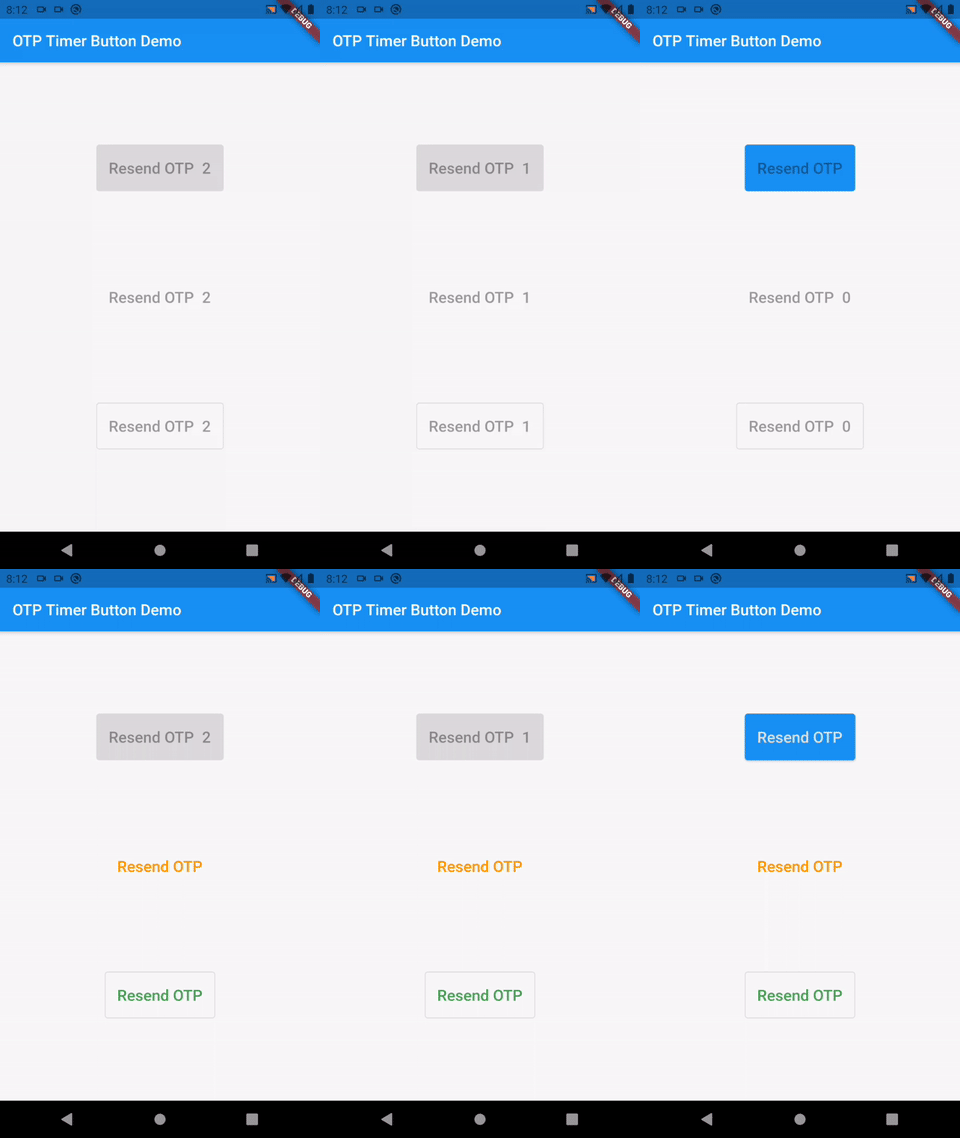
Add the following to your pubspec.yaml file:
dependencies:
    otp_timer_button: ^1.1.1
import 'package:otp_timer_button/otp_timer_button.dart';
OtpTimerButtonController controller = OtpTimerButtonController();

@override
Widget build(BuildContext context) {
    return Scaffold(
      appBar: AppBar(
        title: Text(widget.title),
      ),
      body: Center(
        child: OtpTimerButton(
          controller: controller,
          onPressed: () {},
          text: Text('Resend OTP'),
          duration: 60,
        ),
      ),
    );
}
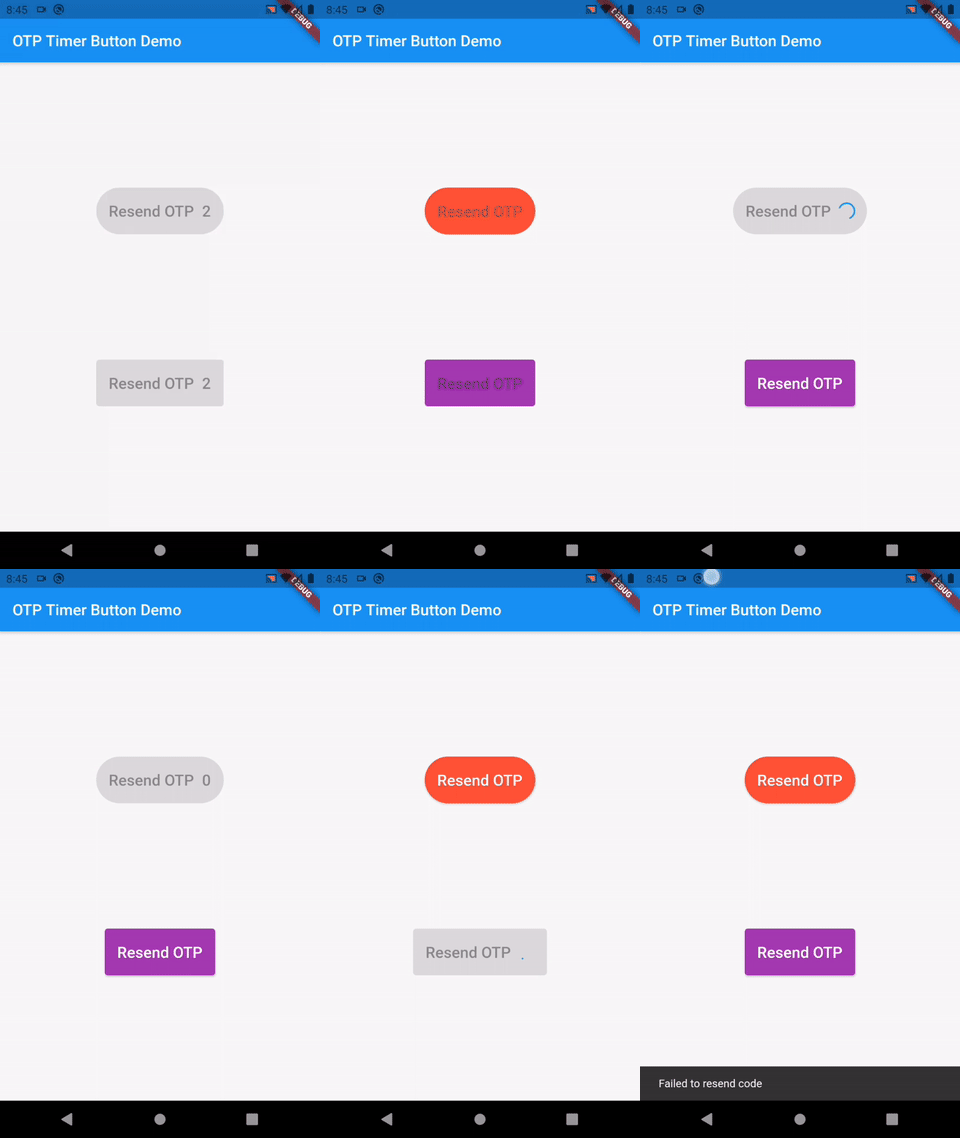
If you want to wait for the response to the OTP request, you can use the controller:
NOTE: if use controller, auto start timer is disabled on pressed button.
  OtpTimerButtonController controller = OtpTimerButtonController();

  _requestOtp() {
    controller.loading();
    Future.delayed(Duration(seconds: 2), () {
      controller.startTimer();
    });
  }

  @override
  Widget build(BuildContext context) {
    return Scaffold(
      appBar: AppBar(
        title: Text(widget.title),
      ),
      body: Center(
        child: OtpTimerButton(
          controller: controller,
          onPressed: () => _requestOtp(),
          text: Text('Resend OTP'),
          duration: 2,
        ),
      ),
    );
  }
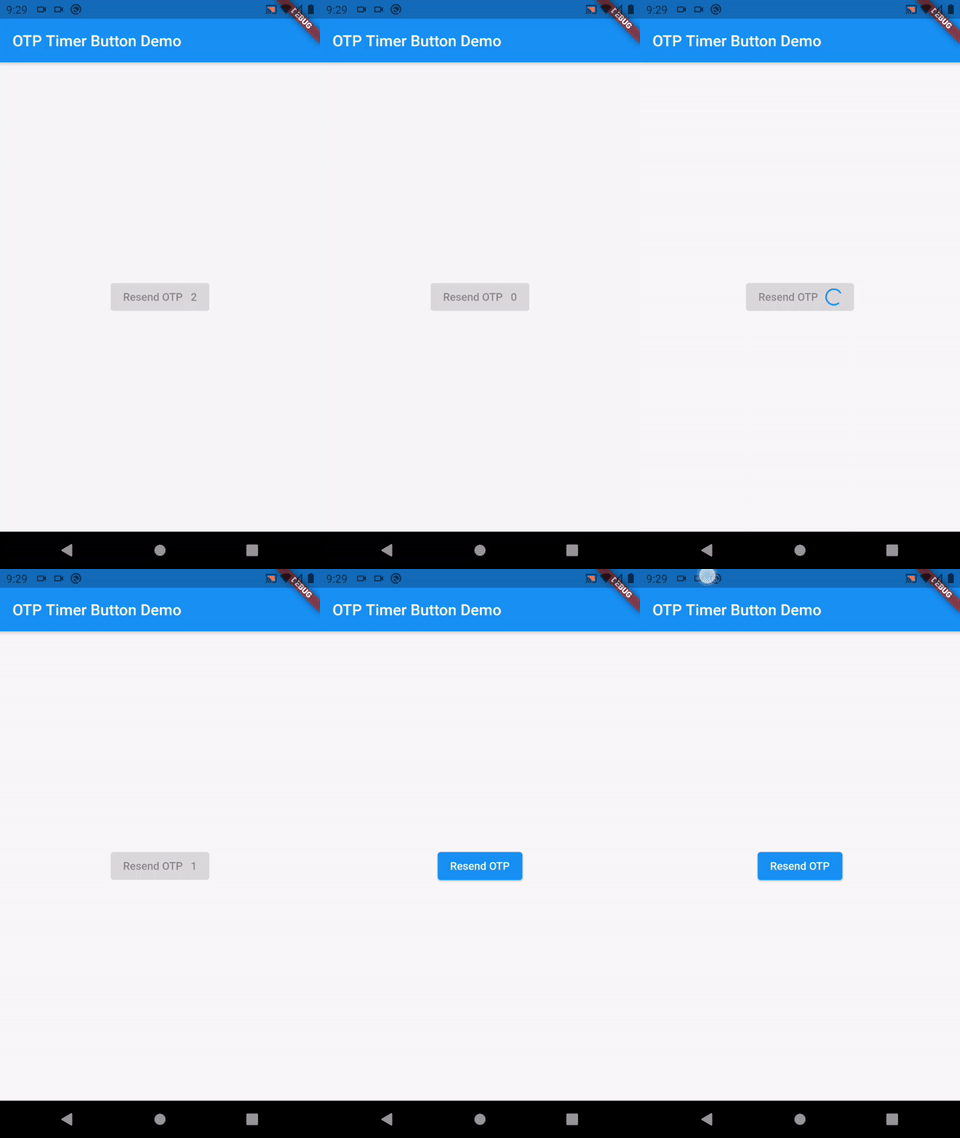
controller.startTimer();
controller.loading();
controller.enableButton();
OtpTimerButton(
  controller: controller,
  height: 60,
  text: Text(
    'Resend OTP',
  ),
  duration: 60,
  radius: 30,
  backgroundColor: Colors.blue,
  textColor: Colors.white,
  buttonType: ButtonType.text_button, // or ButtonType.outlined_button
  loadingIndicator: CircularProgressIndicator(
    strokeWidth: 2,
    color: Colors.red,
  ),
  loadingIndicatorColor: Colors.red,
  onPressed: () {},
),

의존성 목록 2 개
{"sdk":"flutter"}{"sdk":"flutter"}사용 목적에 따라 검색하고 개발 활동을 비교한 뒤 원본 저장소에서 요구 사항을 확인하세요.
“A repository is the most basic element of GitHub.”
GitHub Docs — About repositories ↗