
 v2.0.1
flutter_playout
이 플러그인은 URL에서 오디오/비디오 재생을 제공하며, 백그라운드 오디오 지원, 잠금 화면 컨트롤 및 iOS 및 Android용 플레이어 이벤트를 지원합니다.
234좋아요 12330일 다운로드140Pub 점수
AndroidiOS
Flutter에서 AV 플레이아웃

{"sdk":"flutter"}{"sdk":"flutter"}아래는 영문 원문 스냅샷입니다. 최신 내용은 GitHub에서 확인하세요.
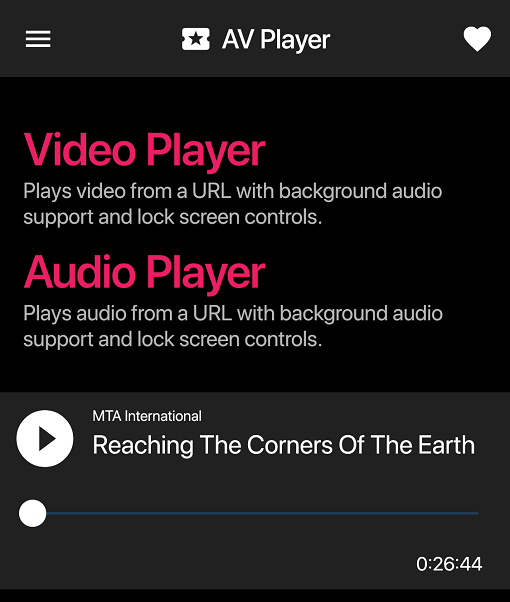
Audio & Video player in Flutter. This plugin provides audio/video playback with background audio support, text tracks and lock screen controls for both iOS & Android. It also provides player events such as onPlay, onPause, onTime etc. See example for more details.
Video supports HLS and Progressive Steaming for both iOS & Android with multi-audio support.
Audio supports playback from URL only.
See below for example of apps using flutter_playout.
Send a pull request to list your app here.
| screenshot1 | screenshot4 | screenshot3 |
| screenshot5 | screenshot6 |
Uses ExoPlayer with PlatformView for Video playback and MediaPlayer for audio playback.
When using this plugin, please make sure you have included a notification icon
for your project in drawable resource directory named ic_notification_icon.
This plugin will use this icon to show lock screen controls for playback.
Uses AVPlayer with PlatformView for video playback and AVPlayer with Flutter
MethodChannels for audio playback.
Please make sure you've enabled background audio capability for your project. Please also note that the player might not function properly on a simulator.
Opt-in to the embedded views preview by adding a boolean property to the app's
Info.plist file with the key io.flutter.embedded_views_preview and the value YES.
Please see example app on how to implement multi-audio for Android. On iOS multi-audio is provided natively by the AVPlayer.
To display subtitles, pass in an array of TextTrack sources to the Video widget. You
can select a track by providing preferredTextLanguage to the Video widget with
a language ISO code for example en or fr. This setup only applies to Android. For iOS
please embed text tracks in the HLS manifest.