

v1.0.4
international_phone_input
Flutter용 국제 전화번호 입력. 이 패키지는 libphonenumber 패키지를 사용하여 전화번호 입력 값을 검증합니다.
43좋아요 8430일 다운로드40Pub 점수
플랫폼 정보 없음
Flutter용 국제 전화번호 입력

아래는 영문 원문 스냅샷입니다. 최신 내용은 GitHub에서 확인하세요.
International Phone Number Input For Flutter
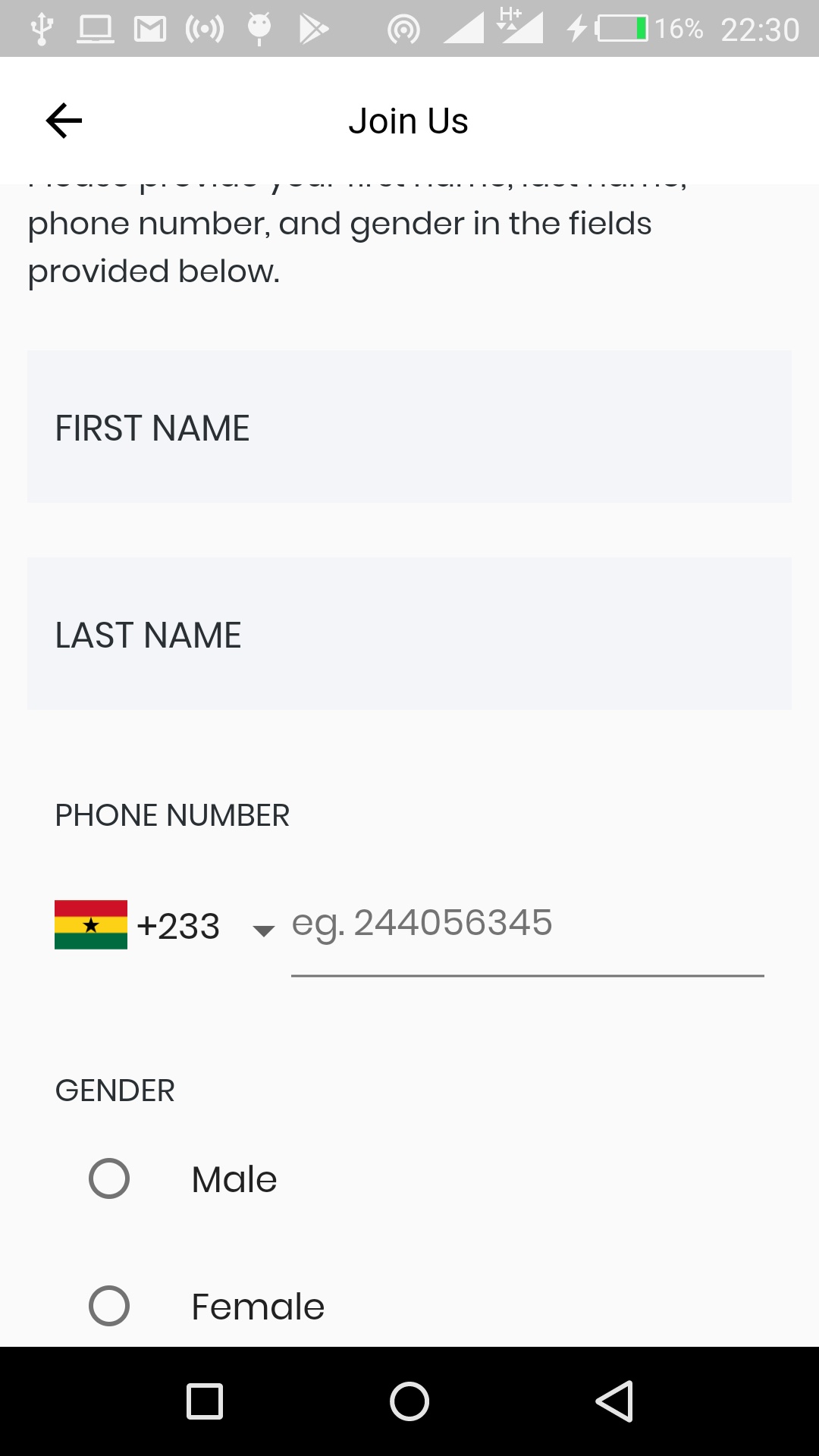
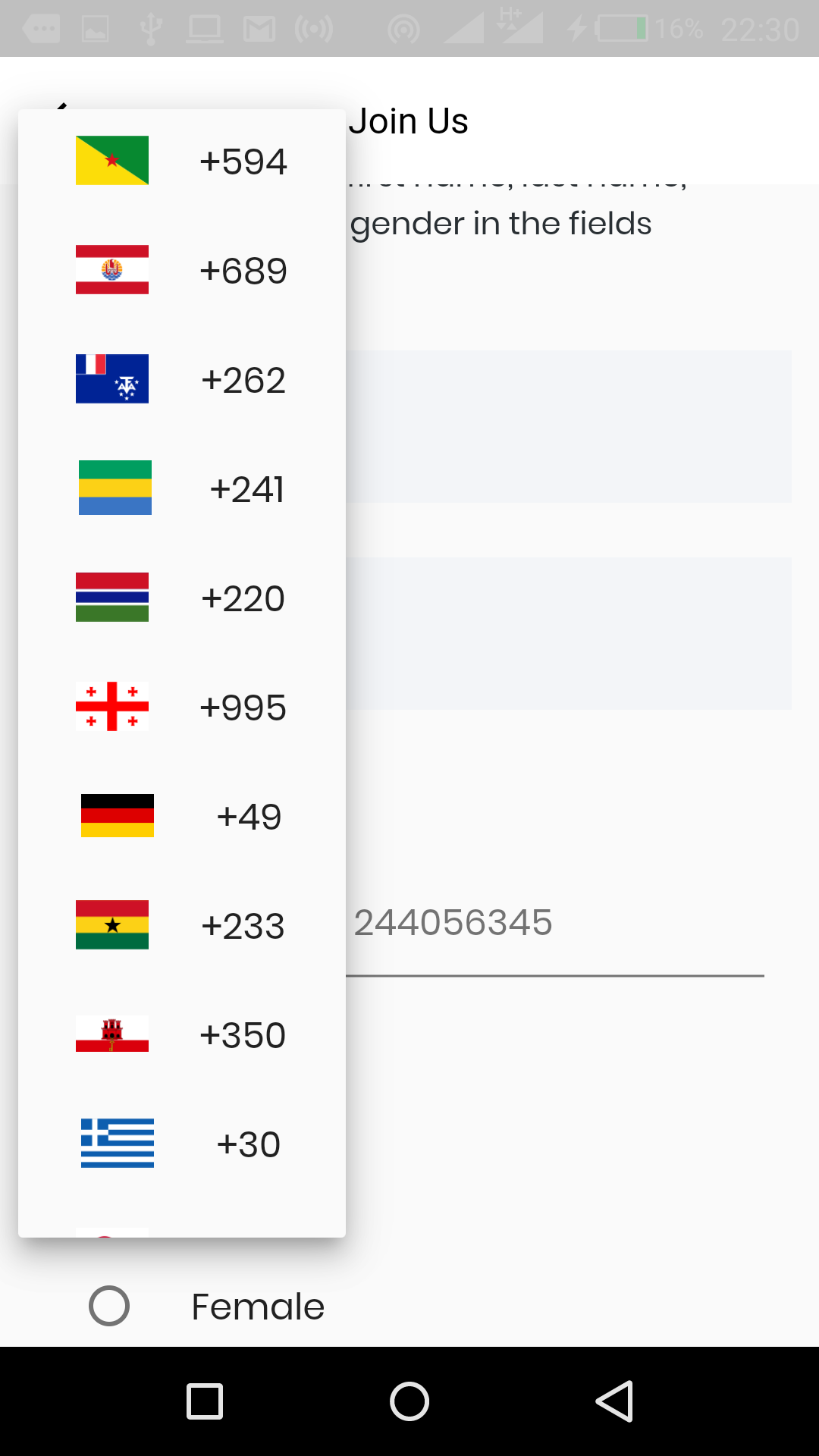
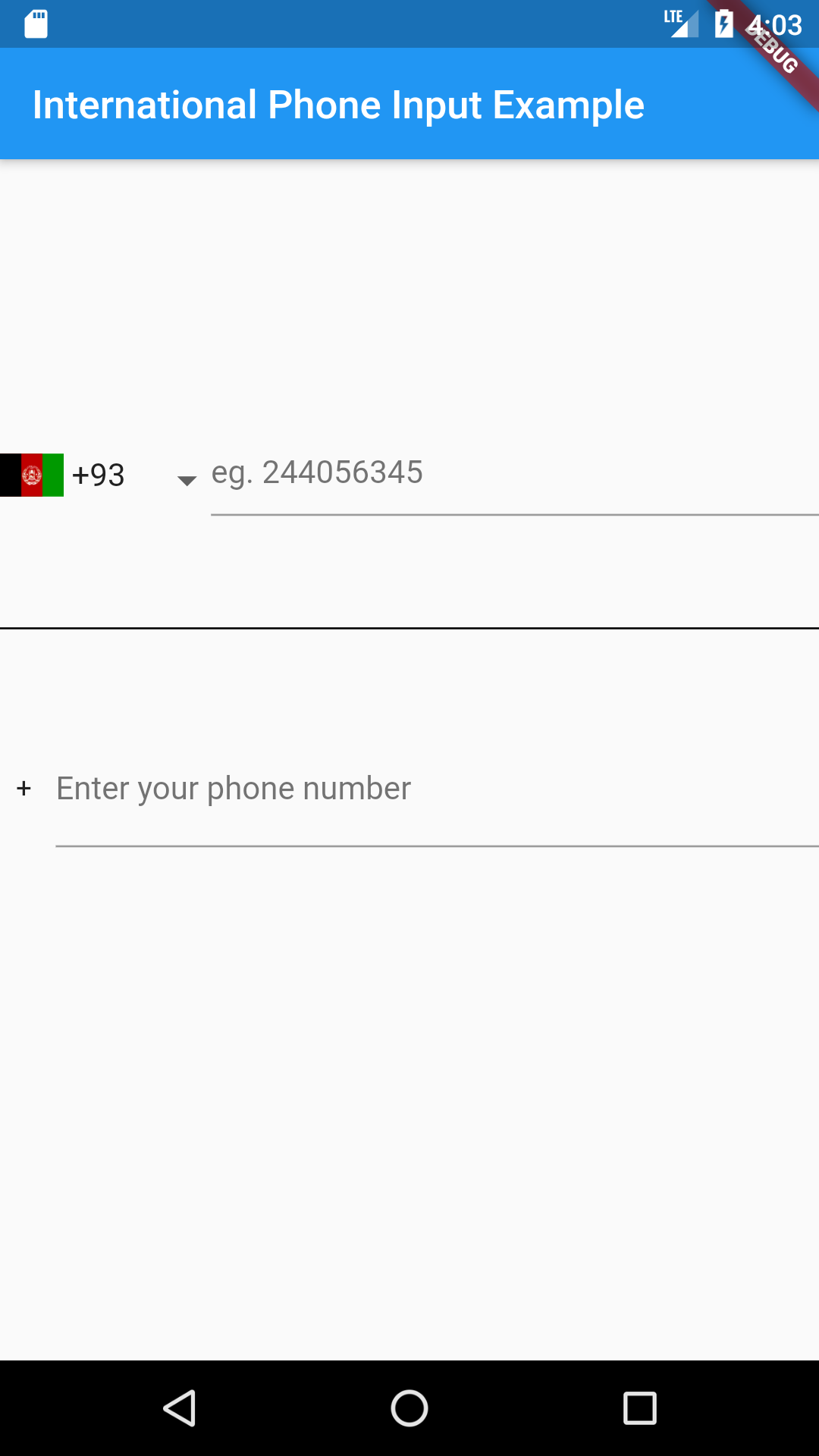
Just put the component in your application.
import 'package:international_phone_input/international_phone_input.dart';

String phoneNumber;
String phoneIsoCode;

void onPhoneNumberChange(String number, String internationalizedPhoneNumber, String isoCode) {
    setState(() {
       phoneNumber = number;
       phoneIsoCode = isoCode;
    });
}

// Default Widget with dropdown list
@override
 Widget build(BuildContext context) => Scaffold(
     body: Center(
       child: InternationalPhoneInput(
          onPhoneNumberChange: onPhoneNumberChange,
          initialPhoneNumber: phoneNumber,
          initialSelection: phoneIsoCode,
          enabledCountries: ['+233', '+1']
       ),
     ),
 );

// Widget with text input only

 onValidPhoneNumber(
      String number, String internationalizedPhoneNumber, String isoCode) {
    setState(() {
      confirmedNumber = internationalizedPhoneNumber;
    });
  }

@override
 Widget build(BuildContext context) => Scaffold(
     body: Center(
       child:  InternationalPhoneInputText(
         onValidPhoneNumber: onValidPhoneNumber,
        ),
     ),
 );

// Widget with decoration
// Using decoration overwrites other styles such as hintStyle, hintText, etc.

@override
 Widget build(BuildContext context) => Scaffold(
     body: Center(
       child: InternationalPhoneInput(
          decoration: InputDecoration.collapsed(hintText: '(416) 123-4567'),
          onPhoneNumberChange: onPhoneNumberChange,
          initialPhoneNumber: phoneNumber,
          initialSelection: phoneIsoCode,
          enabledCountries: ['+233', '+1'],
          showCountryCodes: false
       ),
     ),
 );
Here is a list of properties available to customize the widget:
| Name | Type | Description |
|---|---|---|
| initialPhoneNumber | String | used to set initial phone number |
| initialSelection | String | used to set initial country code |
| errorText | String | use this to set an error message |
| hintText | String | sets hint |
| labelText | String | sets label |
| errorStyle | TextStyle | style applied to error message |
| hintStyle | TextStyle | style applied to hint |
| labelStyle | TextStyle | style applied to label |
| errorMaxLines | int | the maximum number of lines user can type |
| enabledCountries | List | the list of enabled countries to display |
| decoration | InputDecoration | decoration applied to the TextField widget |
| showCountryCodes | bool | shows the country code (default true) |
| showCountryFlags | bool | shows. the country flags (default true) |
| dropdownIcon | Widget | use this to customize dropdown icon |
Contributions of any kind are more than welcome! Feel free to fork and improve international_phone_input in any way you want, make a pull request, or open an issue.
의존성 목록 4 개
{"sdk":"flutter"}^1.0.0^1.6.0{"sdk":"flutter"}사용 목적에 따라 검색하고 개발 활동을 비교한 뒤 원본 저장소에서 요구 사항을 확인하세요.
“A repository is the most basic element of GitHub.”
GitHub Docs — About repositories ↗