
ScanMyFood
Food Scan AI는 스마트 기능을 통해 영양 관리를 혁신합니다: 📸 식품 라벨이나 조리된 요리를 스캔하여 즉시 분석, 🤖 영양 성분에 대한 AI 기반 인사이트, 💬 스캔한 음식의 맥락을 바탕으로 한 실시간 AI 채팅, 🍽️ 개인 맞춤형 식이 조언, 및 📊 일일 섭취량 추적을 통해 영양소와 칼로리를 쉽게 모니터링

- 스타
- 40
- 포크
- 16
- 최근 푸시(UTC)
- 2026. 8. 13.
- 프로젝트 상태
- 활성
원본 README
아래는 영문 원문 스냅샷입니다. 최신 내용은 GitHub에서 확인하세요.

ScanMyFood
AI-Powered Nutrition Intelligence — Know what you eat, instantly.





📖 Overview
ScanMyFood is a comprehensive nutrition analysis platform designed to empower users with deep insights into their dietary habits. By combining high-fidelity mobile experience with state-of-the-art AI, we transform complex nutritional labels and meal images into actionable health data.
Built with Flutter and Spring Boot, leveraging Google Cloud's Vertex AI (Gemini 2.0 Flash), ScanMyFood provides real-time analysis, historical tracking, and personalized recommendations.
✨ Key Features
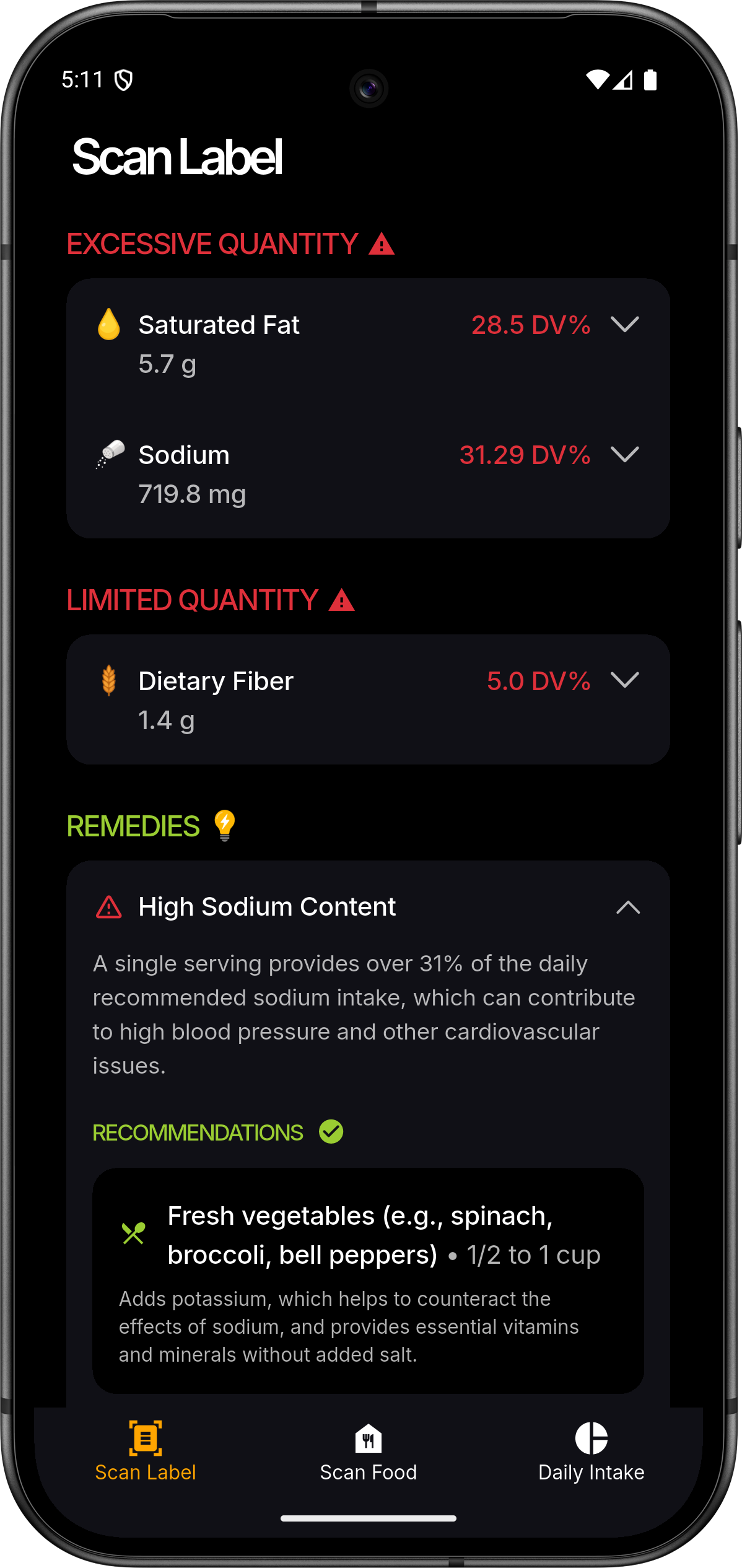
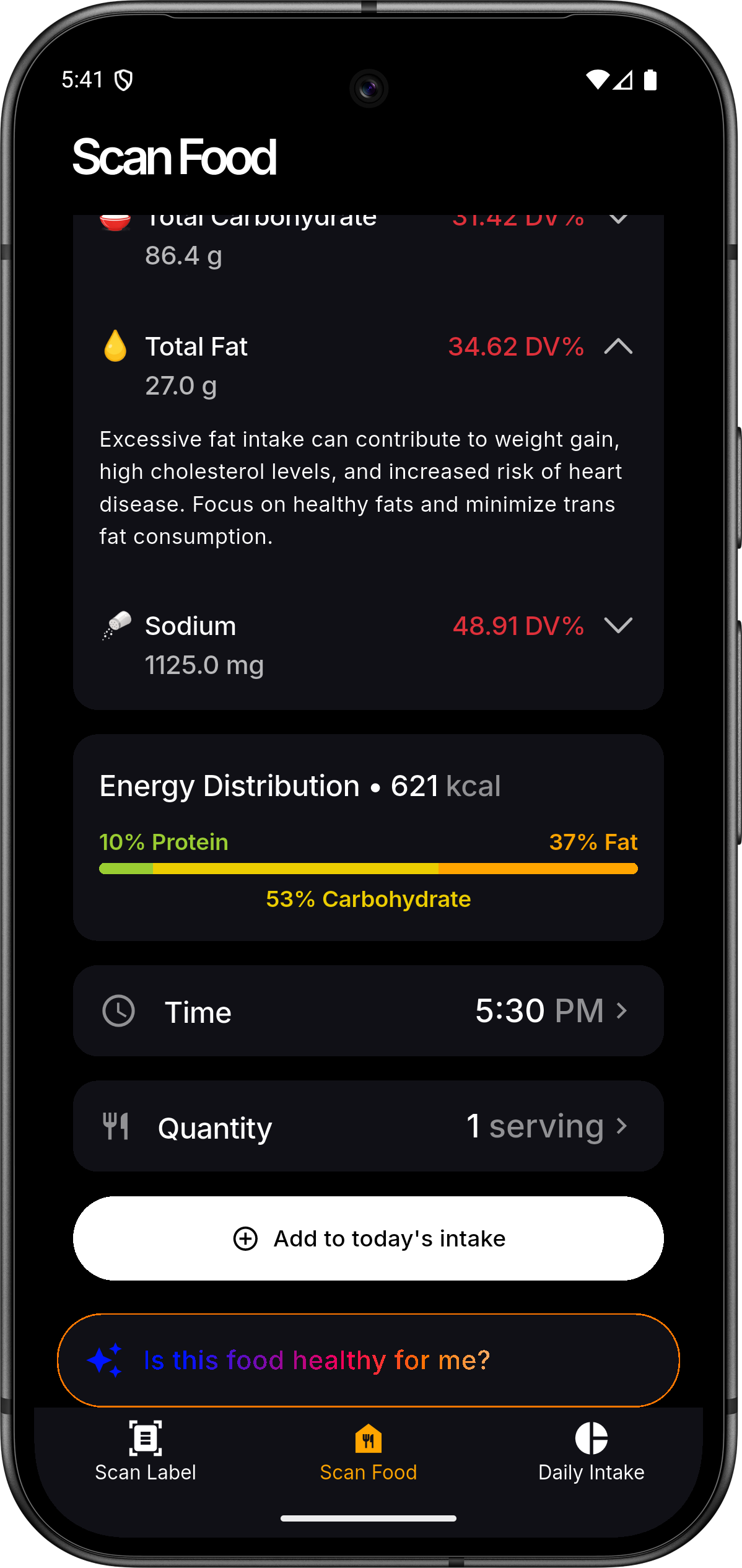
- 📸 Intelligent Scanning: Use your device's camera to capture product labels or entire meals.
- 🔍 AI Analysis: Powered by Gemini 2.0 Flash for accurate nutritional extraction and food identification.
- 📊 Personalized Dashboard: Track daily macro and micronutrient intake with beautiful visualizations.
- 📅 Nutrition History: Maintain a comprehensive log of your consumption patterns over time.
- 👤 Health Profiles: Tailor insights based on your specific health metrics and dietary preferences.
- 🔐 Secure Sync: Seamless Firebase authentication and cloud-synchronized data across devices.
- ⚡ Real-time Insights: Get instant feedback on whether a product fits your dietary goals.
📱 Screenshots
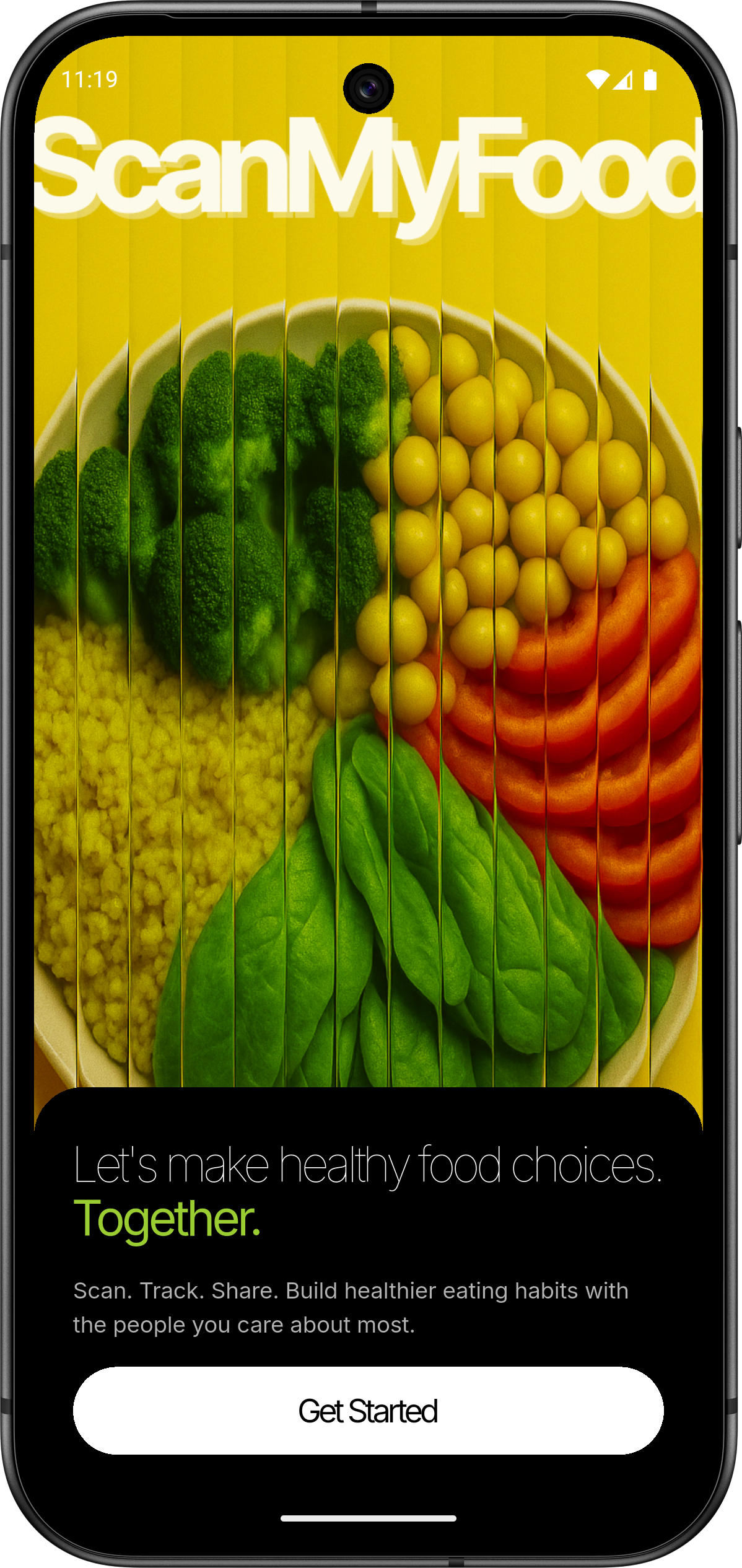 |
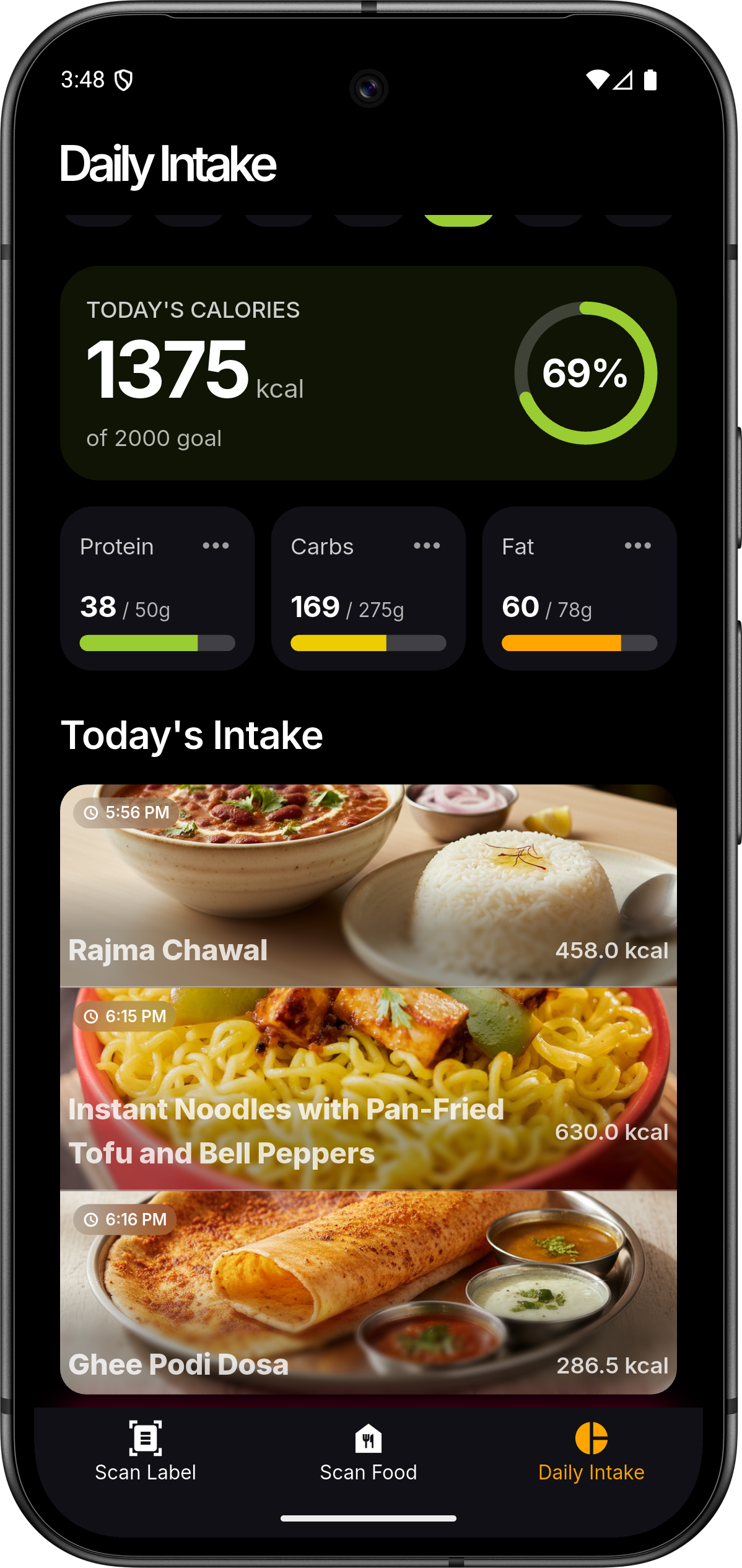 |
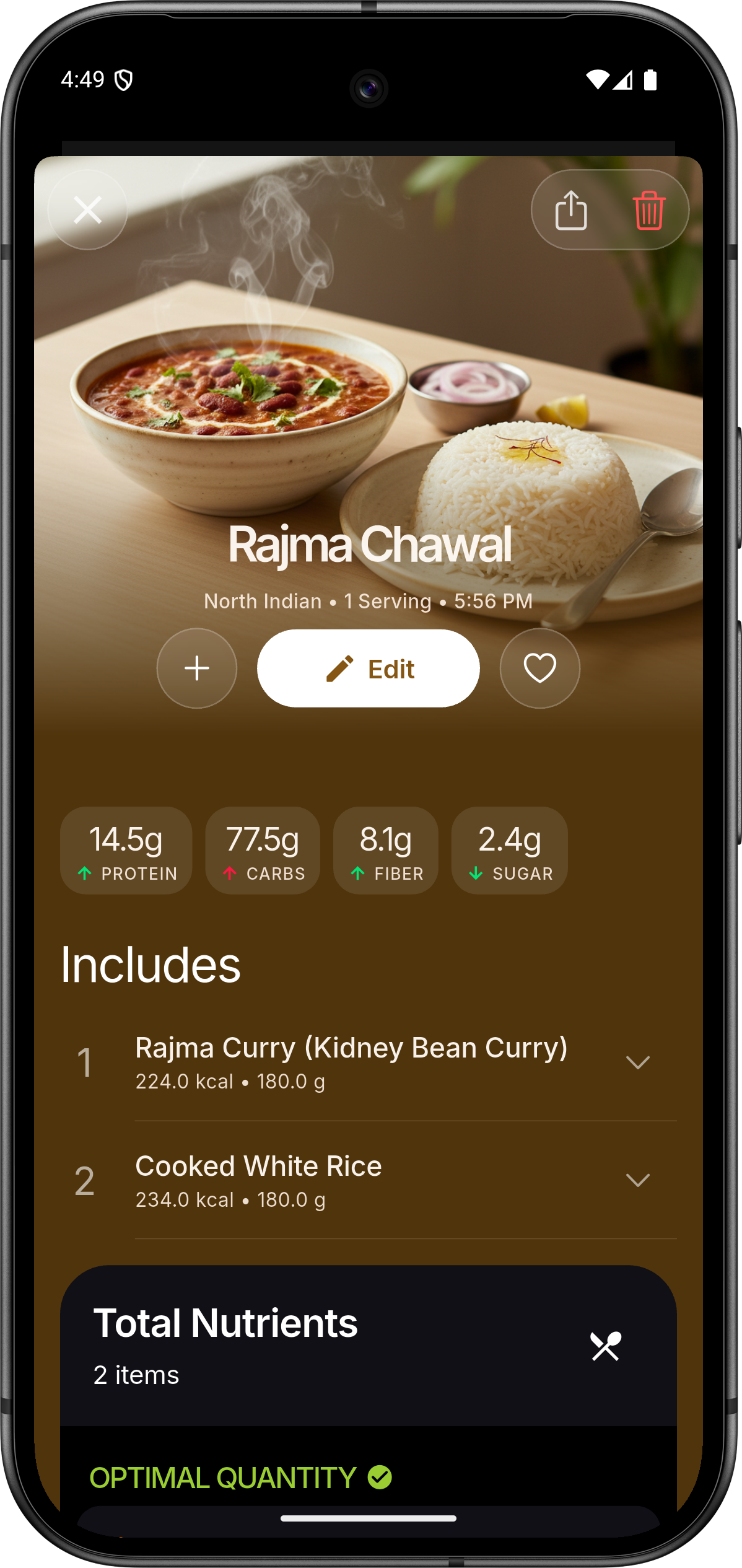 |
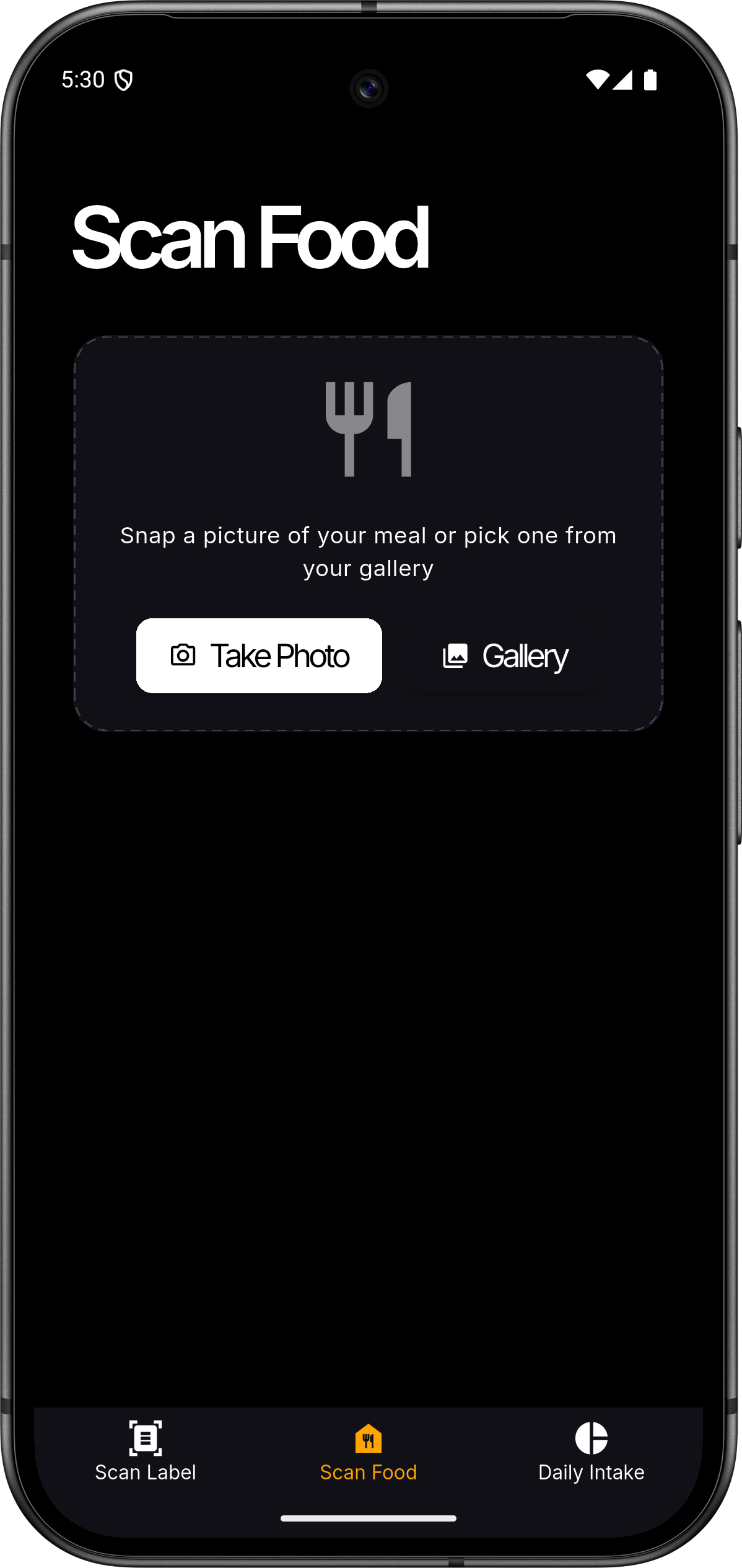 |
 |
 |
🏗️ Architecture
ScanMyFood follows a modern, decoupled architecture designed for scale and maintainability.
graph TD
    A[Flutter App] <--> B[Spring Boot API]
    A <--> C[Firebase Auth]
    B <--> D[(PostgreSQL)]
    B <--> E[Vertex AI Gemini]
    B <--> C
Project Map
├── flutter-app/       # Mobile Frontend (Flutter/Dart)
│   ├── lib/           # Core logic, ViewModels, and UI
│   └── assets/        # Branding, Icons, and Rive Animations
└── spring-backend/    # RESTful Backend (Spring Boot/Java)
    ├── src/main/java/ # Domain logic, Services, and Controllers
    └── resources/     # Configuration and Cloud Credentials
🛠️ Tech Stack
Frontend
- Framework: Flutter (MVVM Architecture)
- State Management: Provider
- Visuals: Rive (Animations), fl_chart (Data Viz)
- Authentication: Firebase Auth / Google Sign-In
Backend
- Framework: Spring Boot 3.5.0
- Database: PostgreSQL with Spring Data JPA & MyBatis
- AI Engine: Google Cloud Vertex AI (Gemini 2.0 Flash)
- Security: Firebase Admin SDK
🚀 Getting Started
Prerequisites
- Flutter SDK:
>=3.4.3 - JDK:
17+ - Database: PostgreSQL
14+ - Cloud: GCP Project with Vertex AI enabled & Firebase Project
1. Backend Setup
- Navigate to
spring-backend/. - Configure
application.propertieswith your PostgreSQL credentials. - Place your Google Cloud service account key as
firebase-service-account.jsoninsrc/main/resources/. - Run:
./mvnw spring-boot:run
2. Frontend Setup
- Navigate to
flutter-app/. - Add your
google-services.json(Android) orGoogleService-Info.plist(iOS). - Install dependencies:
flutter pub get - Run:
flutter run
🤝 Contributing
We welcome contributions! Please follow these steps:
- Fork the Project
- Create your Feature Branch (
git checkout -b feature/AmazingFeature) - Commit your Changes (
git commit -m 'Add some AmazingFeature') - Push to the Branch (
git push origin feature/AmazingFeature) - Open a Pull Request
📄 License
Distributed under the MIT License. See LICENSE for more information.
💖 Acknowledgments
- Google Vertex AI for the intelligence.
- Flutter and Spring Boot communities.
- Icons by Material Design and custom brand assets.
Made with ❤️ for a healthier world

Nikhilesh Meher ↗
분류
프로젝트에 맞는 저장소를 선택하려면?
사용 목적에 따라 검색하고 개발 활동을 비교한 뒤 원본 저장소에서 요구 사항을 확인하세요.
- 이름, 작성자 또는 설명으로 검색하고 기술 주제로 범위를 좁힙니다.
- 스타, 포크, 최근 푸시를 함께 비교하세요. 스타는 관심의 지표이며 품질을 보장하지 않습니다.
- 사용하기 전에 GitHub에서 README, 라이선스, Issues를 확인하세요.
출처 및 관리
“A repository is the most basic element of GitHub.”
GitHub Docs — About repositories ↗