
flutter-hexagon
orlikraf/flutter-hexagon open-source repository details.

- 스타
- 33
- 포크
- 19
- 최근 푸시(UTC)
- 2023. 5. 2.
- 프로젝트 상태
- 활성
원본 README
아래는 영문 원문 스냅샷입니다. 최신 내용은 GitHub에서 확인하세요.
Hexagon
A widget in a shape of hexagon. Inspired by fantastic hexagons analysis available on redblobgames.
Installation
Add this to your package's pubspec.yaml file:

dependencies:
  hexagon: ^0.2.0
Usage
import 'package:hexagon/hexagon.dart';

//...
Single widget
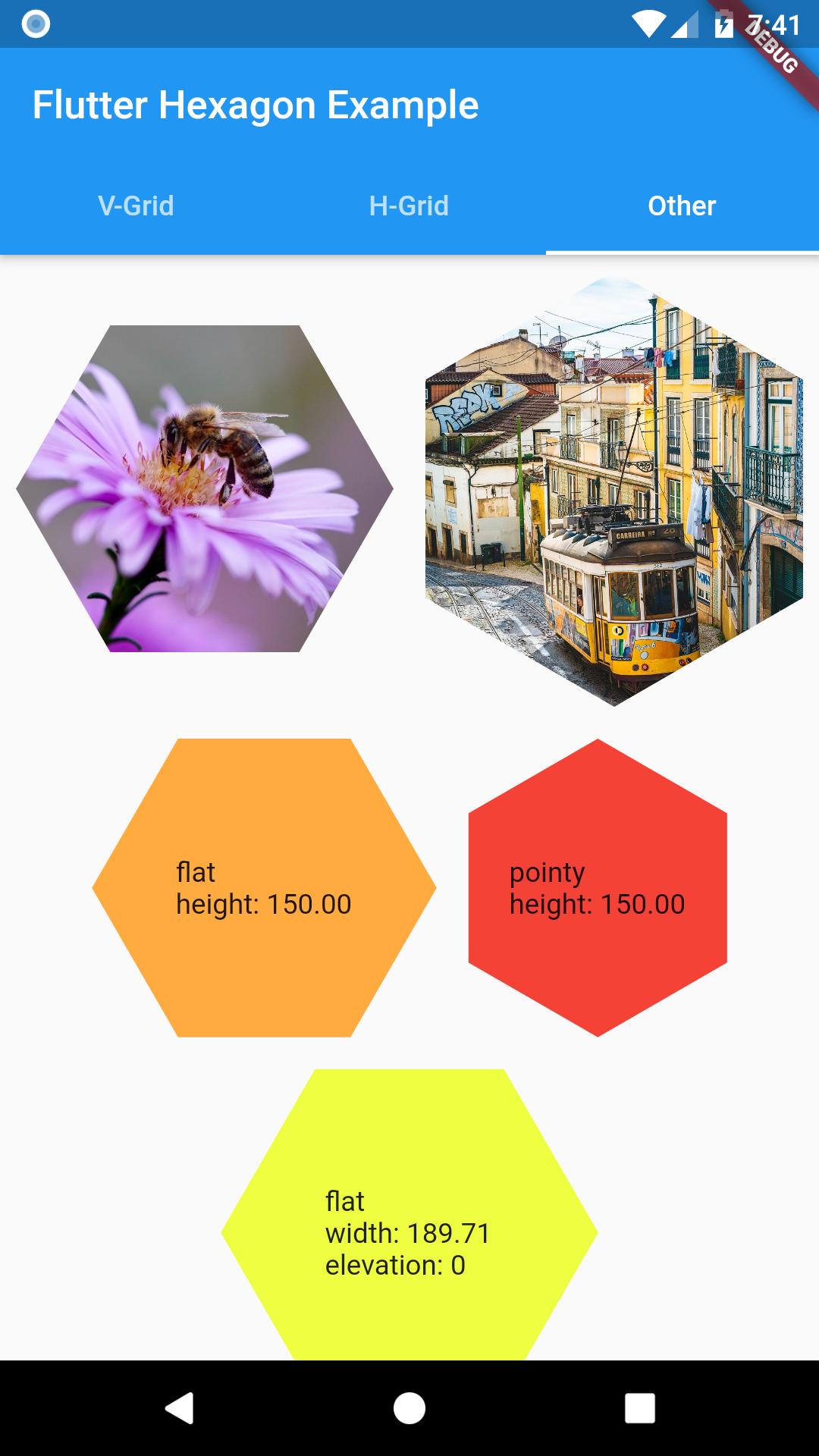
Width or height must be set when defining a HexagonWidget. The other dimension is calculated based on selected HexagonType. Use named constructors for flat or pointy for simple shaped hexagon. Elevation changes hexagon shadow size.
HexagonWidget.flat(
  width: w,
  color: Colors.limeAccent,
  padding: 4.0,
  child: Text('A flat tile'),
),
HexagonWidget.pointy(
  width: w,
  color: Colors.red,
  elevation: 8,
  child: Text('A pointy tile'),
),
Grids
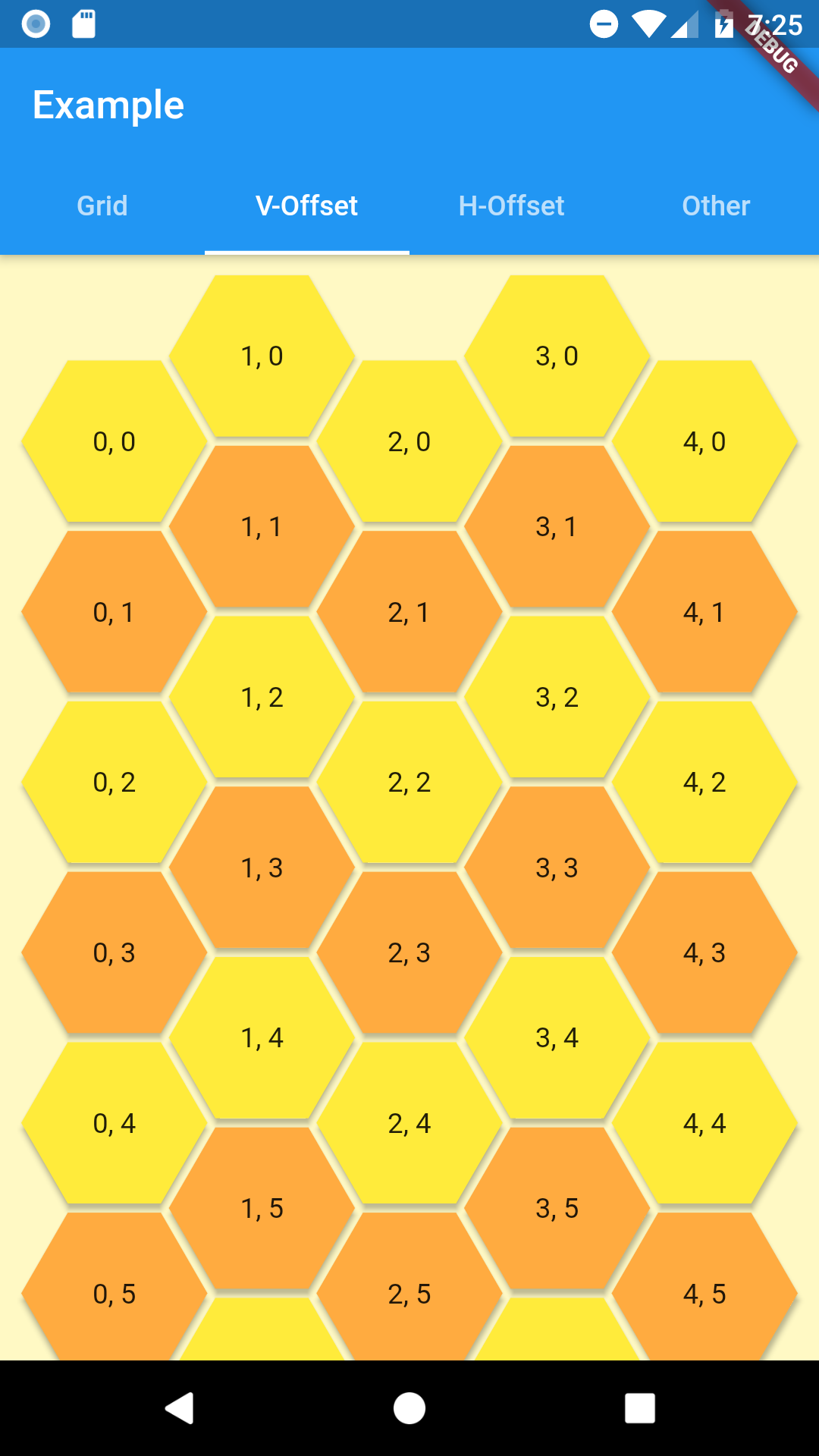
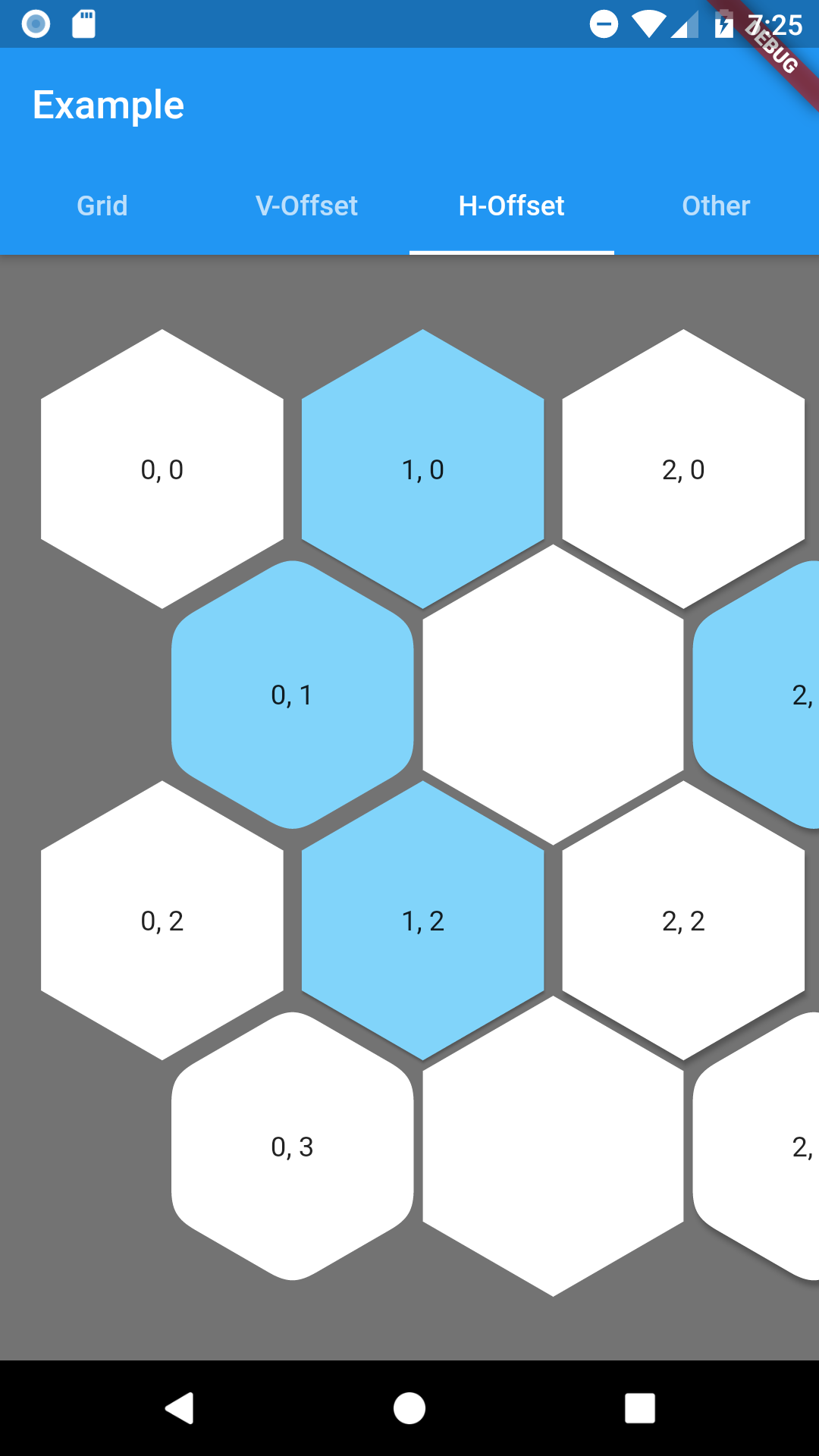
Offset Grid
Check Coordinates Offset on redblobgames
Simple coordinate system similar to regular table.
As hexagon columns or rows can begin with hex or an empty space this grid has 4 named constructors to represent all combinations with flat and pointy hexagons.
- oddPointy
- evenPointy
- oddFlat
- evenFlat
Every constructor requires columns and rows params.
At least one of grid constrains must be finite. The grid will fit given rows and columns in given space.
Column(
  crossAxisAlignment: CrossAxisAlignment.stretch,
  children: [
    HexagonOffsetGrid.oddPointy(
      columns: 5,
      rows: 10,
      buildTile: (col, row) => HexagonWidgetBuilder(
        color: row.isEven ? Colors.yellow : Colors.orangeAccent,
        elevation: 2,
      ),
      buildChild: (col, row) {
        return Text('$col, $row');
      },
    ),
  ],
),
To customize any HexagonWidget in grid use buildHexagon function and return a HexagonWidgetBuilder for tile of your choosing.
If you provide a buildChild function it will override any child provided in builder.
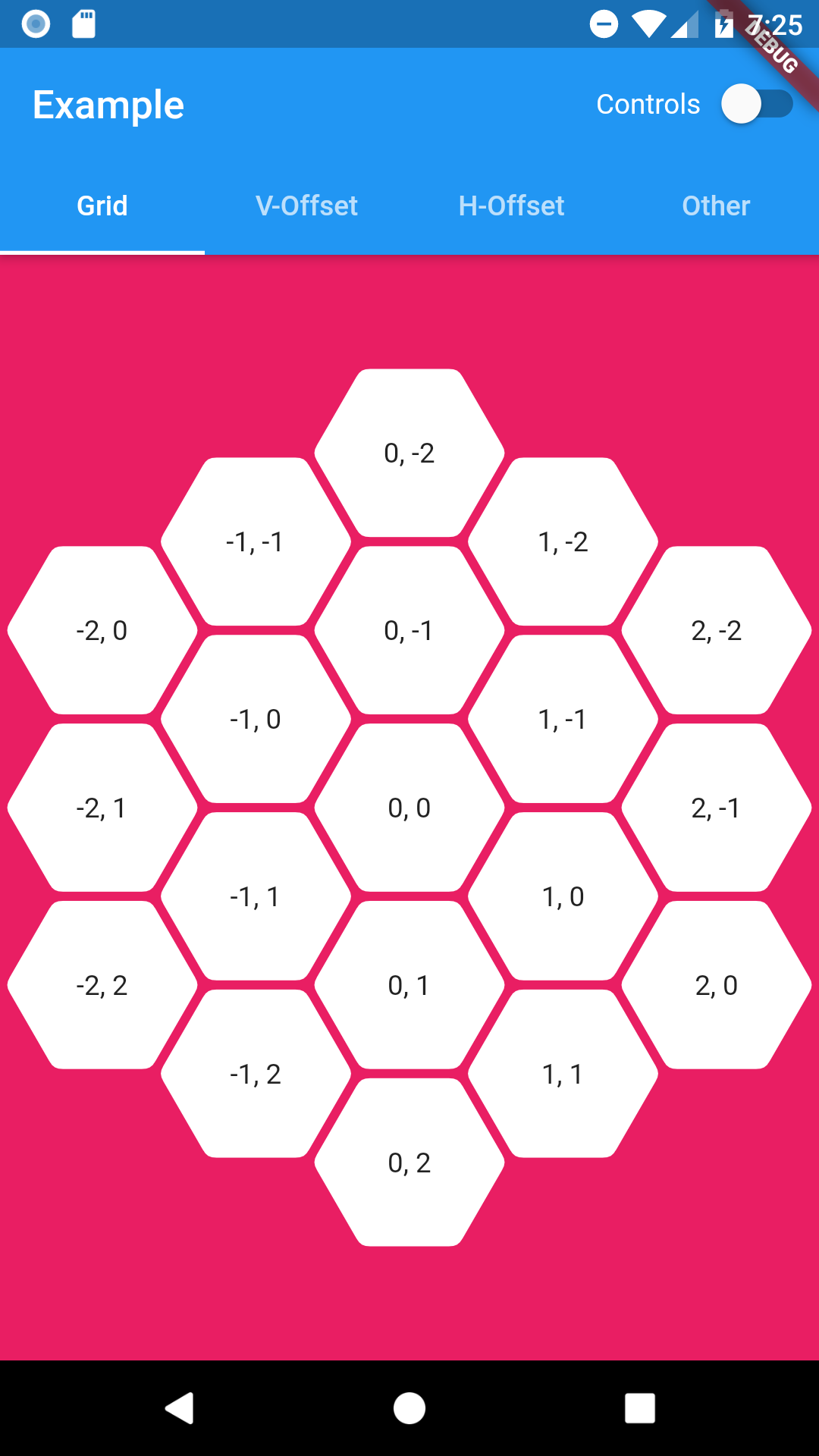
Hexagon Grid
As it is expected this grid is in a shape of hexagon. Since offset coordinates wouldn't be intuitive in this case HexagonGrid uses cube and axial coordinates systems. You can read about them here: Cube coordinates, Axial coordinates.
Coordinates class combines both of them as they are easily convertible between each other.
Coordinates tileQR = Coordinates.axial(q, r);

Coordinates tileXYZ = Coordinates.cube(x, y, z);
HexagonGrid requires to be constrained by its parent or else you have to provide at lest one size dimension (width or height). Currently this widget will fit itself to fill given space or best match to given size.
Everything related to customize hexagon tiles is similar as in offset grid above.
Below example of using HexagonGrid with InteractiveViewer.
InteractiveViewer(
  minScale: 0.2,
  maxScale: 4.0,
  constrained: false,
  child: HexagonGrid.pointy(
    color: Colors.pink,
    depth: depth,
    width: 1920,
    buildTile: (coordinates) => HexagonWidgetBuilder(
      padding: 2.0,
      cornerRadius: 8.0,
      child: Text('${coordinates.q}, ${coordinates.r}'),
    ),
  ),
)
Road map
Margins between tiles in HexagonOffsetGrid(Added padding since0.0.5)Hexagonal shaped grid (using cube/axial coordinates system)(since0.1.0)null-safety(since0.2.0)- Solve content spacing in hexagon widget
- Check performance - any ideas how?

orlikraf ↗
사용 중인 의존성
의존성 목록 2 개
- flutter
{"sdk":"flutter"} - flutter_test개발 의존성
{"sdk":"flutter"}
프로젝트에 맞는 저장소를 선택하려면?
사용 목적에 따라 검색하고 개발 활동을 비교한 뒤 원본 저장소에서 요구 사항을 확인하세요.
- 이름, 작성자 또는 설명으로 검색하고 기술 주제로 범위를 좁힙니다.
- 스타, 포크, 최근 푸시를 함께 비교하세요. 스타는 관심의 지표이며 품질을 보장하지 않습니다.
- 사용하기 전에 GitHub에서 README, 라이선스, Issues를 확인하세요.
출처 및 관리
“A repository is the most basic element of GitHub.”
GitHub Docs — About repositories ↗